
- Platform
- Features
 Franchise & Multi-Unit ManagementCentralize oversight and streamline growth across your entire multi location network
 Learning ManagementTrain, verify, and reward your workforce with mobile-first education
 Operations ExecutionStreamlined operations ensuring brand standards, accountability and efficiency
 Asset ManagementOptimize equipment uptime through proactive maintenance and smart tracking
 Digital Food SafetyAutomate compliance and monitor quality with real-time digital precision
 Health & Safety Management (EHS)Mitigate workplace risks and streamline digital incident reporting and investigations
- Platform Essentials
 Powerful ReportingAlign leadership with role-based dashboards and deeper analytics
 Operandio IntelligenceAutomate content, analyze trends, and provide instant answers
 IntegrationsUnify your enterprise tech stack with real-time data
 IoT PlatformDetect anomalies and automate workflows with intelligent sensors
 Mobile & Shared Tablet AppsSecurely empower frontline teams with fast, offline-capable access
- Footer


 Not sure what you need?
Book in a call with the team
- Features
- Solutions
- By Industry
 RestaurantsQSR, fast food and multi-unit restaurants
 Hotels & ResortsHotels, resorts and extended stay hotels
 ChildcareEarly education, childcare, daycare and preschool
 EntertainmentTheme parks, family entertainment centers and play centers
 Fitness Centers & LeisureFitness centers, golf clubs, gyms and sports facilities
 RetailBig-box retailers, franchise stores and supermarkets
- By Use Case
- Operational ExcellenceStreamlined operations ensuring brand standards, accountability and efficiency
- Learning & DevelopmentTrain, verify, and reward your workforce with mobile-first education
- Franchise & Multi-Unit ManagementCentralize oversight and streamline growth across your entire multi location network
- Food Safety ComplianceAutomate compliance and monitor quality with real-time digital precision
- Asset Management & MaintenanceOptimize equipment uptime through proactive maintenance and smart tracking
- Health & Safety Management (EHS)Mitigate workplace risks and streamline digital incident reporting and investigations
- By Industry
- Resources

- Platform
- Features
- Franchise & Multi-Unit ManagementCentralize oversight and streamline growth across your entire multi location network
- Learning ManagementTrain, verify, and reward your workforce with mobile-first education
- Operations ExecutionStreamlined operations ensuring brand standards, accountability and efficiency
- Asset ManagementOptimize equipment uptime through proactive maintenance and smart tracking
- Digital Food SafetyAutomate compliance and monitor quality with real-time digital precision
- Health & Safety Management (EHS)Mitigate workplace risks and streamline digital incident reporting and investigations
- Platform Essentials
- Powerful ReportingAlign leadership with role-based dashboards and deeper analytics
- Operandio IntelligenceAutomate content, analyze trends, and provide instant answers
- IntegrationsUnify your enterprise tech stack with real-time data
- IoT PlatformDetect anomalies and automate workflows with intelligent sensors
- Mobile & Shared Tablet AppsSecurely empower frontline teams with fast, offline-capable access
- Footer
- Not sure what you need?
Book in a call with the team
- Features
- Solutions
- By Industry
- RestaurantsQSR, fast food and multi-unit restaurants
- Hotels & ResortsHotels, resorts and extended stay hotels
- ChildcareEarly education, childcare, daycare and preschool
- EntertainmentTheme parks, family entertainment centers and play centers
- Fitness Centers & LeisureFitness centers, golf clubs, gyms and sports facilities
- RetailBig-box retailers, franchise stores and supermarkets
- By Use Case
- Operational ExcellenceStreamlined operations ensuring brand standards, accountability and efficiency
- Learning & DevelopmentTrain, verify, and reward your workforce with mobile-first education
- Franchise & Multi-Unit ManagementCentralize oversight and streamline growth across your entire multi location network
- Food Safety ComplianceAutomate compliance and monitor quality with real-time digital precision
- Asset Management & MaintenanceOptimize equipment uptime through proactive maintenance and smart tracking
- Health & Safety Management (EHS)Mitigate workplace risks and streamline digital incident reporting and investigations
- By Industry
- Resources
Best 8 Inspections Management Software Platforms (2026)
Key Takeaways
- Operandio: Best for multi-location and franchise operators that need inspections, corrective actions, training, communication, and reporting in one platform.
- SafetyCulture: Best for teams that want flexible templates, strong mobile inspections, and a huge template ecosystem for safety, quality, and operations workflows.
- Jolt: Best for restaurant brands that care most about food safety, temperature monitoring, labeling, and daily task compliance.
- Xenia and GoAudits: Xenia is a better fit for facilities-heavy teams that want inspections tied to work orders and maintenance. GoAudits is a strong choice for companies that want quick rollout, offline audits, and polished automatic reports.
This category matters more than ever. OSHA conducted 34,625 inspections, and the U.S. Bureau of Labor Statistics recorded 234,800 nonfatal workplace injury and illness cases in the accommodation and food services alone.
On the food safety side, CDC still estimates 48 million foodborne illnesses a year in the U.S.
If your business depends on site standards, clean records, and fast issue resolution, digital inspection workflows are no longer optional.
Best Inspections Management Software: A Quick Overview
| Software | Best For | Standout Feature | Price Starting Point |
| Operandio | Multi-location compliance and operational audits | Inspections tied to corrective actions, training, and reporting | Custom quote |
| SafetyCulture | Flexible inspection templates across industries | Massive template library and mobile reporting | From $24/user/month |
| Jolt | Restaurant food safety and daily task control | Temperature monitoring plus task accountability | Custom quote; Capterra lists from $89.99/month |
| Xenia | Facilities and frontline teams needing inspections plus work orders | Checklists, work orders, SOPs, and training hub | Custom quote |
| GoAudits | Fast setup and branded audit reports | Offline inspections with instant branded reports | From $10/user/month annually |
| Zenput | Large restaurant and retail chains | Structured rollout of recurring store tasks and audits | Custom quote,Capterra lists from $40/month |
| Ladle | Store audits and restaurant compliance programs | Mobile field audits and food safety tools across locations | From $20 per feature/month |
| Safefood 360° | Food production and supplier-quality environments | Deep GFSI, FSMA, BRCGS, and ISO-aligned controls | Contact vendor |
Pricing and ratings above come from vendor pricing pages and/or Capterra listings.
Operandio: Best for Multi-Location Compliance and Operational Audits for Frontline Staff
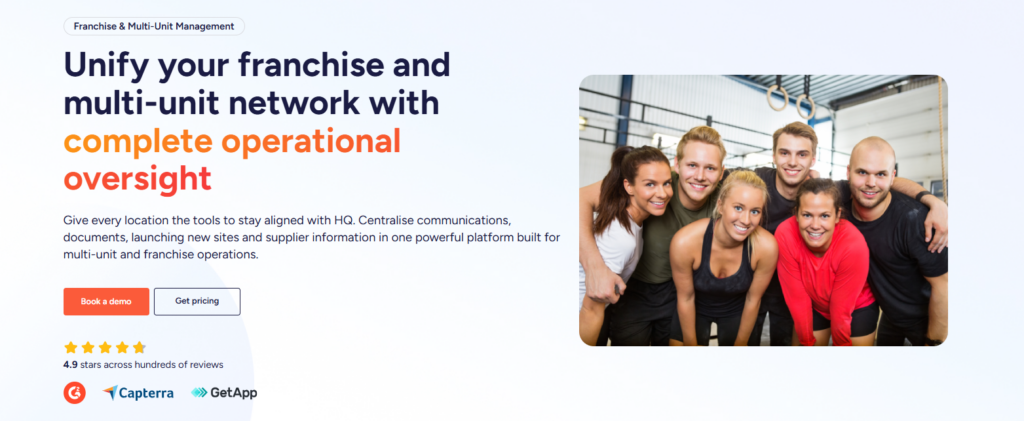
Operandio is the strongest fit in this list for multi-location operators that need inspections to drive real action across sites. It does not stop at digital forms. It connects inspections to corrective actions, task management, reporting, frontline communication, and mobile-first training, which makes it much more useful for franchise brands and frontline teams that need proof that standards were completed, verified, and followed.
Key Features
Operandio works best for franchise and multi-unit businesses. It gives operators one place to manage inspections, daily standards, frontline training, compliance, and visibility across locations.
Here’s what you can expect:
Standardized inspections and audits
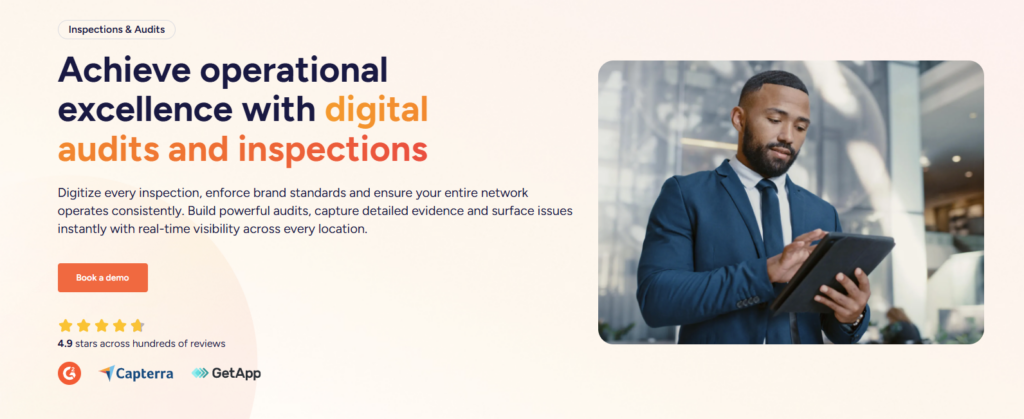
Operandio lets teams schedule recurring or ad hoc audits, apply templates across locations, link items to internal standards or compliance frameworks, and capture rich evidence like photos, notes, timestamps, and structured responses. It also supports offline completion with sync when users reconnect.
Making digital audits and inspections easy to manage.
Corrective actions with accountability

Failed inspections can automatically generate follow-up actions with owners, due dates, escalation rules, evidence, and a full audit trail. That closes one of the biggest gaps in inspection programs: knowing whether the issue actually got fixed.
Reporting plus frontline training

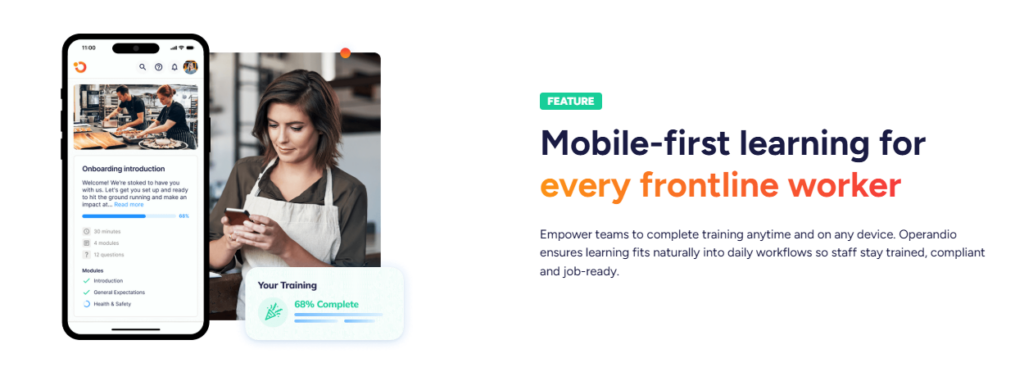
Operandio combines inspection reporting with mobile-first LMS capabilities, instant assignment, automated reminders, training analytics, and brand-wide visibility. For franchise and multi-site operators, that matters because standards usually break when audits, SOPs, and staff training live in separate tools.
Pricing
| Plan | Pricing |
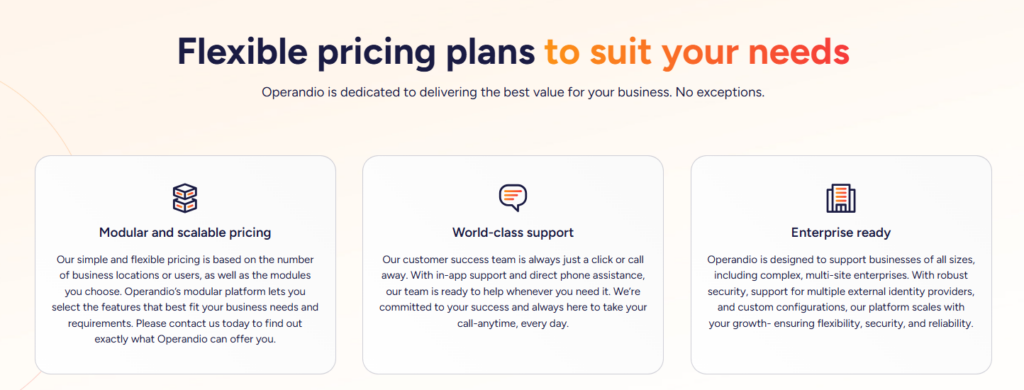
| Operandio | Custom pricing based on locations or users, plus selected modules |
Operandio uses modular pricing based on the number of business locations or users and the modules you choose. This flexible quote-based model can fit businesses ranging from smaller teams to complex multi-site enterprises.
Where Operandio Shines
- Multi-location visibility: You can benchmark audit scores, trends, completion rates, and recurring issues across every site, brand, or region in one place.
- Real follow-through: Inspections can hand off directly into corrective actions with ownership, deadlines, escalation, and proof of resolution.
- Better fit for frontline operators: Operandio supports mobile-first training, shared-device workflows, communication, food safety, and operational controls that matter in restaurant, hospitality, and franchise environments.
Where Operandio Falls Short
- Less suited to single-site teams with simple needs: If you only want a basic digital checklist app, Operandio may feel broader than you need because it is built as a wider operations platform.
Customer Reviews
Operandio scores 4.9/5 on Capterra (based on reviewed listings), where users are explicitly emphasizing multi-unit operations, training, audits/inspections, and compliance workflows as the best features.
Morgane M, HR Coordinator, Food Production: “Although we haven’t used Operandio for long, our experience has been very positive. The platform has already improved communication, task management, and training processes.”
Amanda P, Manager, Culinary Community, Facilities Services: “The Operandio system and team are the best around; no question has been unanswered. I would personally recommend them to anyone.”
Who Operandio Is Best For
- Franchise and multi-unit operators: Teams that need consistent standards across many locations, with proof.
- Restaurant and hospitality groups: Businesses that need inspections tied to food safety, training, and operational accountability.
- Frontline-heavy regulated environments: Operators that need one system for compliance checks, issue tracking, and staff enablement.
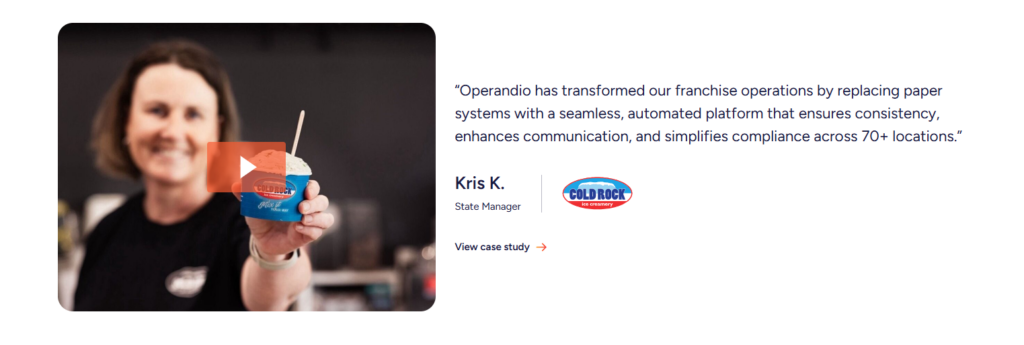
See how Cold Rock Ice Creamery improved their operations with Operandio.
Book a demo and let Operandio transform your business
SafetyCulture: Best for Flexible Inspection Templates
SafetyCulture is a good choice if your main priority is flexible inspections, fast mobile rollout, and a large template ecosystem. It is widely used across safety, quality, operations, and incident workflows.
Key Features
- Custom templates: Build templates from scratch, use logic fields, import existing forms, or start from the library.
- Large template ecosystem: SafetyCulture’s library includes tens of thousands of templates across inspections, audits, incident reporting, and operational checks.
- Actions and reporting: Users can create follow-up actions during inspections and export or share reports with stakeholders.
Pricing
| Plan | Pricing |
| Free | Free |
| Premium | From $24 per user/month, billed annually |
Capterra lists SafetyCulture’s Premium plan at $24 per user per month, billed annually, alongside a free version and free trial.
Where SafetyCulture Shines
- Fast adoption: Reviewers repeatedly call out ease of use and simple onboarding.
- Template depth: The template library is a real advantage for teams that do not want to build every workflow from scratch.
- Strong reporting foundation: Users often praise reporting, inspections, templates, and export options.
Where SafetyCulture Falls Short
- Reporting customization can feel restrictive: Some reviewers still need extra work in Excel after export.
- Some users mention bugs or app glitches: That may matter if your inspection program depends on high-volume daily use.
If these technical limitations are a concern for your operations, you can read our breakdown of the top SafetyCulture alternatives to find a more stable option.
Customer Reviews
Toby B, Quality Assurance and Compliance Manager, Food Production: “The constant product development they are doing to the platform and how they genuinely bring what they say they are going to do to life.”
Joshua H, Network Engineer, Information Technology and Services: “The main drawback, a cap of three mobile devices per user, means logging out (again and again) just to switch devices.”
Who SafetyCulture Is Best For
- Safety-led teams: Construction, manufacturing, and quality teams with many inspection types.
- Companies that want a flexible starting point: Especially if they value template volume over deeper franchise-specific workflows.
Jolt: Best for Restaurant Food Safety Inspections
Jolt is a strong category pick for restaurant operators that need daily food safety execution, temperature control, labels, and task accountability. It is built around the operational routines that restaurant teams actually run every day.
Key Features
- Temperature monitoring: Jolt Sensors track temperatures continuously and trigger alerts when readings move outside safe ranges.
- Digital food safety and tasks: Jolt automates task management, corrective actions, and overdue notifications for food safety workflows.
- Restaurant-focused oversight: Reviewers often mention accountability, shift management, task management, and temperature monitoring as core strengths.
Pricing
| Plan | Pricing |
| Jolt software | Custom quote |
| Jolt self-serve offer page | $116/month per location + $99 setup fee |
| Capterra listed starting price | $89.99/month |
Jolt’s official pricing page says pricing is customized by products and bundles, while a separate self-serve page shows $116 per month per location plus a $99 setup fee. Capterra lists a starting price of $89.99 per month.
Where Jolt Shines
- Restaurant fit: Strong coverage for food safety, startup lists, corrective actions, and temperature workflows.
- Accountability: Reviewers regularly mention real-time oversight and task visibility.
- Operational depth for daily routines: Good fit for brands running repetitive store-level tasks every day.
Where Jolt Falls Short
- Setup can take work: Reviewers mention a learning curve and setup complexity.
- Interface feels dated to some users: That matters if adoption depends on very fast frontline onboarding.
Customer Reviews
Khilah B. Owner, Cosmetics: “The checklists and organization systems is what I liked the most about Jolt. There are ways to hold your team accountable with this platform in a professional way.”
Jarl W. Procurement, Systems and Training Manager, Hospitality: “Platform is dated, with very few updates experienced during the time that I administered the service. Outdated UX.”
Who Jolt Is Best For
- Restaurant brands: Especially those centered on food safety logs and temperature monitoring.
- Operators replacing paper routines: Teams that want to digitize recurring location tasks fast.
Xenia: Best for Inspections Plus Work Orders
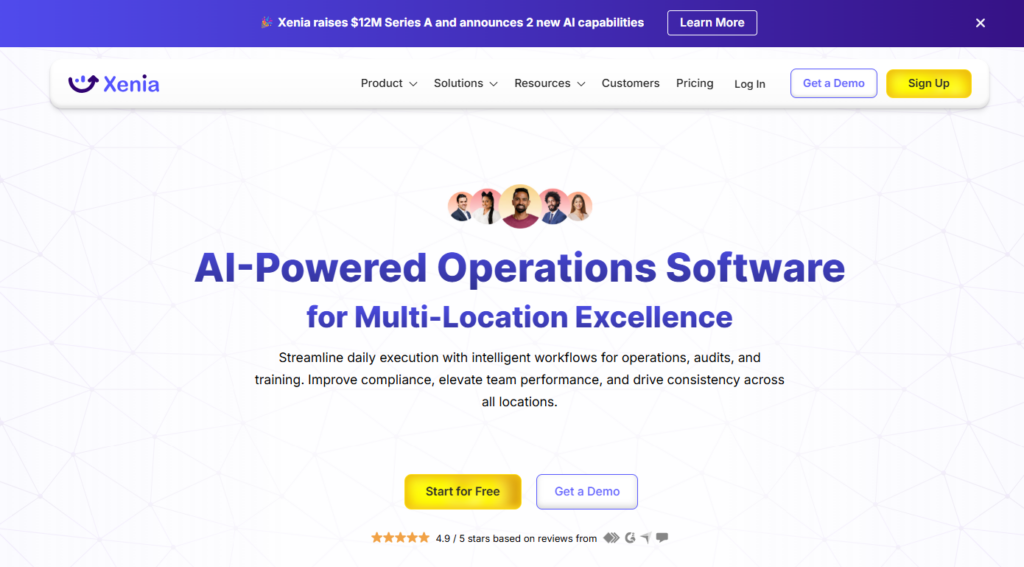
Xenia fits best when inspections are closely tied to facilities, asset maintenance, work orders, and site operations. It is broader than a simple audit app, but it leans more toward facilities and frontline operations than franchise-wide execution.
Key Features
- Digital checklists and audits: Core inspection workflows with mobile access and template support.
- Work orders and ticketing: Xenia connects operational inspections to facilities ticketing and work orders.
- Training and documentation hub: The Pro tier includes a training documentation hub, communications suite, and advanced dashboards.
Pricing
| Plan | Pricing |
| Basic | Custom pricing per location |
| Pro | Custom pricing per location |
| Enterprise | Custom pricing |
Xenia’s current pricing page says it offers both per-user and per-site pricing, with Basic and Pro priced per location and Enterprise sold through sales.
Where Xenia Shines
- Better for maintenance-heavy teams: Work orders, ticketing, sensors, and asset add-ons make it stronger than many audit-only tools for facilities operations.
- Strong usability: One Capterra reviewer called it the easiest inspection and audit software they had used.
- Flexible operations stack: It combines inspections, SOPs, work orders, communications, and training documentation.
Where Xenia Falls Short
- Less specialized for franchise operations: It is broader on facilities and maintenance than on multi-brand franchise control.
- Some learning curve: Reviewers mention terminology and setup taking time early on.
Customer Reviews
Sean P, Corporate Training Manager, Food & Beverages: “Easy, fast, efficient, and great support. If you don’t like something, say something and the Xenia team will make it right, even if that means building out something custom for your needs.”
Sam C, General Manager, Hospitality: The user interface can be a bit overwhelming for someone new to this type of software. Having a place to view all archived reports/tasks will make this software more usable for record keeping over a long period of time.
For a deeper dive, check out Best Xenia Alternatives.
Who Xenia Is Best For
- Facilities-led operations teams: Especially those that need inspections tied to maintenance.
- Frontline teams that want one operational workspace: Checklists, work orders, SOPs, and team communication in one system.
GoAudits: Best for Fast Rollout and Instant Reports
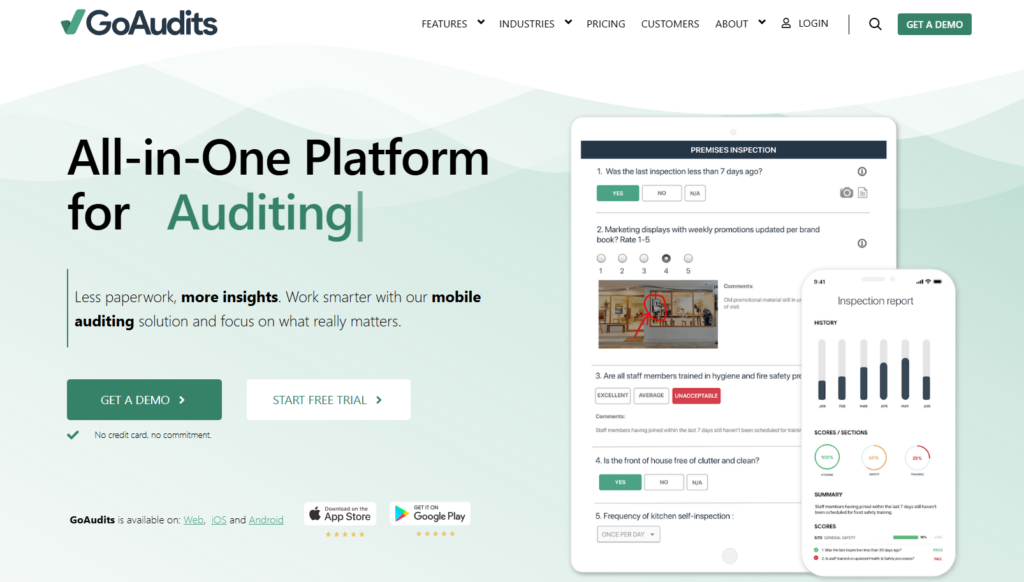
GoAudits is one of the cleaner options for teams that want quick implementation, strong offline performance, and professional-looking reports right after an inspection.
Key Features
- Offline audits with rich evidence: Photos, annotations, e-signatures, and offline inspection support are core strengths.
- Instant branded reports: Reports are generated automatically after inspections.
- Task and workflow follow-up: GoAudits supports action plans and workflow assignments to improve accountability.
Pricing
| Plan | Pricing |
| Free Trial | 14 days |
| Starter | $10/user/month annually |
| Enterprise | $30/user/month annually |
GoAudits publishes clear pricing and includes a free 14-day trial, which makes it easier to evaluate than quote-only tools.
Where GoAudits Shines
- Easy commercial rollout: Straightforward pricing, trial access, and fast setup help smaller teams move quickly.
- Strong field usability: Offline inspection support remains a common positive theme in reviews.
- Good reporting experience: Reviewers highlight integration and detailed reporting tools.
Where GoAudits Falls Short
- Template editing can be fiddly: Reviewers mention friction when rearranging questions or editing audits.
- Some users want more automation in summaries: Manual write-ups can still slow teams down.
Customer Reviews
Capterra rates GoAudits at 4.8/5 from 143 reviews. Positive reviews emphasize reporting, integrations, and reliable offline use. Negative feedback usually centers on template editing friction and the need for more streamlined summaries.
Who GoAudits Is Best For
- Retail and hospitality teams: Especially those that want clean reports and quick deployment.
- Operators who need a practical inspection tool first: Without buying a full operations platform.
Zenput: Best for Large Restaurant and Retail Chains
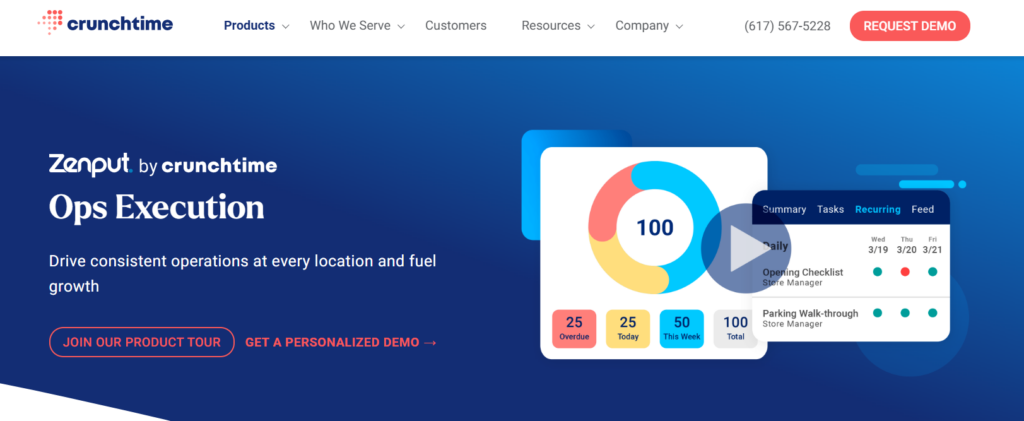
Zenput, now part of Crunchtime, remains a recognizable option for enterprise restaurant and retail operators that want structured store execution across a large network.
Capterra lists Zenput at 4.7/5 from 52 reviews, and the product is positioned around recurring tasks, audits, operating procedures, and visibility across locations.
Zenput is a solid choice for large chains, though it is narrower than Operandio if you want inspections tied into training, broader compliance, and a more unified frontline platform.
Ladle: Best for Store Audits and Food Safety Programs
Ladle is the broader suite, and ComplianceMate sits inside it as the food safety and compliance solution. This stack makes sense for restaurant, grocery, hospitality, and foodservice brands that want digital audits, and mobile access.
Capterra shows Ladle at 4.7/5 from 135 reviews, with mobile access and inspection management as heavily reviewed strengths.
Safefood 360°: Best for Food Manufacturing and Supplier Quality
Safefood 360°, also known as Ideagen Food & Beverage, is the most specialized option in this list for food manufacturers and supplier-quality teams. It focuses on compliance with GFSI, FSMA, BRCGS, and ISO 22000.
Capterra lists it at 4.2/5 from 51 reviews and shows pricing as quote-based. Reviews frequently mention strong support and a user-friendly system once teams are trained, though some users call parts of the platform clunky, buggy in custom reporting, or time-consuming to customize.
How to Choose the Best Inspection Management Software
1. Check Whether It Handles Follow-Through, Not Just Form Filling
A lot of tools can digitize a checklist. Fewer tools make it easy to assign an owner, set a due date, collect proof, and escalate unresolved issues. That is where inspection programs either create accountability or become digital paperwork. Operandio does this well because failed inspections can trigger structured corrective actions automatically.
2. Look for Multi-Location Reporting if You Manage More Than One Site
Single-location reporting is easy. The hard part is seeing patterns across regions, brands, formats, or teams. If you operate a franchise or multi-site business, you need dashboards that show trends, missed tasks, recurring failures, and location-level variance. Operandio and other multi-site tools like Zenput focus strongly on this problem.
3. Match the Tool to Your Operating Model
Facilities-led teams often need inspections tied to maintenance and work orders. Restaurant operators usually care more about food safety logs, labels, temp checks, daily routines, and staff compliance. Food manufacturers often need supplier, standards, and quality controls. Operandio stands out when you need inspections inside a broader multi-location operating system, while Xenia, Jolt, and Safefood 360° each lean into a narrower operating model.
4. Do Not Ignore Training and SOP Access
Inspections alone do not fix broken execution. Teams still need the right SOP, a clear explanation of the standard, and fast retraining when issues repeat. That is one reason Operandio is a stronger fit for franchise and frontline businesses than inspection-only apps: it brings inspections, training, and operational visibility together.
Start Streamlining Your Inspections Today With Operandio
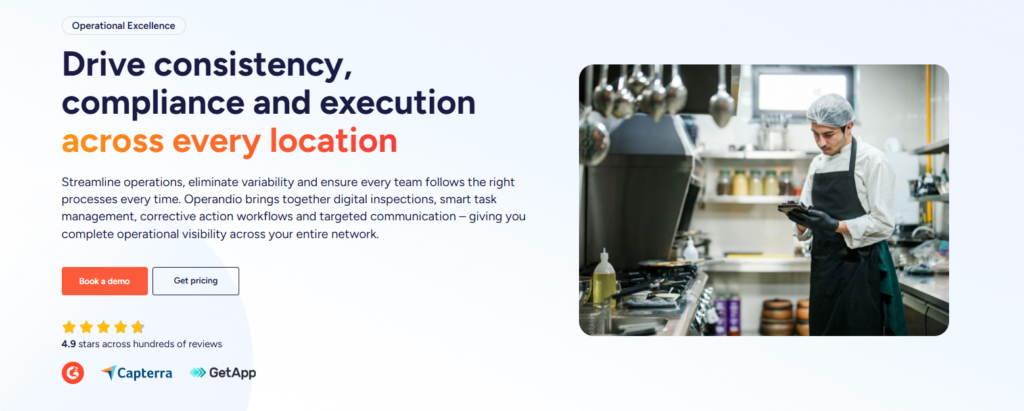
If you manage multiple locations and need inspections to connect with corrective actions, reporting, training, and consistent frontline execution, Operandio is the best fit in this list. It is built for the kind of operational control multi-location businesses need.
Book a demo to see how Operandio works for your locations.
👉Book a demo to see how Operandio works for your locations.
