
- Platform
- Features
 Franchise & Multi-Unit ManagementCentralize oversight and streamline growth across your entire multi location network
 Learning ManagementTrain, verify, and reward your workforce with mobile-first education
 Operations ExecutionStreamlined operations ensuring brand standards, accountability and efficiency
 Asset ManagementOptimize equipment uptime through proactive maintenance and smart tracking
 Digital Food SafetyAutomate compliance and monitor quality with real-time digital precision
 Health & Safety Management (EHS)Mitigate workplace risks and streamline digital incident reporting and investigations
- Platform Essentials
 Powerful ReportingAlign leadership with role-based dashboards and deeper analytics
 AI-Powered ToolsAutomate content, analyze trends, and provide instant answers
 IntegrationsUnify your enterprise tech stack with real-time data
 IoT PlatformDetect anomalies and automate workflows with intelligent sensors
 Mobile & Shared Tablet AppsSecurely empower frontline teams with fast, offline-capable access
- Footer


 Not sure what you need?
Book in a call with the team
- Features
- Solutions
- By Industry
 RestaurantsQSR, fast food and multi-unit restaurants
 Hotels & ResortsHotels, resorts and extended stay hotels
 ChildcareEarly education, childcare, daycare and preschool
 EntertainmentTheme parks, family entertainment centers and play centers
 Fitness Centers & LeisureFitness centers, golf clubs, gyms and sports facilities
 RetailBig-box retailers, franchise stores and supermarkets
- By Use Case
- Operational ExcellenceStreamlined operations ensuring brand standards, accountability and efficiency
- Learning & DevelopmentTrain, verify, and reward your workforce with mobile-first education
- Franchise & Multi-Unit ManagementCentralize oversight and streamline growth across your entire multi location network
- Food Safety ComplianceAutomate compliance and monitor quality with real-time digital precision
- Asset Management & MaintenanceOptimize equipment uptime through proactive maintenance and smart tracking
- Health & Safety Management (EHS)Mitigate workplace risks and streamline digital incident reporting and investigations
- By Industry
- Resources

- Platform
- Features
- Franchise & Multi-Unit ManagementCentralize oversight and streamline growth across your entire multi location network
- Learning ManagementTrain, verify, and reward your workforce with mobile-first education
- Operations ExecutionStreamlined operations ensuring brand standards, accountability and efficiency
- Asset ManagementOptimize equipment uptime through proactive maintenance and smart tracking
- Digital Food SafetyAutomate compliance and monitor quality with real-time digital precision
- Health & Safety Management (EHS)Mitigate workplace risks and streamline digital incident reporting and investigations
- Platform Essentials
- Powerful ReportingAlign leadership with role-based dashboards and deeper analytics
- AI-Powered ToolsAutomate content, analyze trends, and provide instant answers
- IntegrationsUnify your enterprise tech stack with real-time data
- IoT PlatformDetect anomalies and automate workflows with intelligent sensors
- Mobile & Shared Tablet AppsSecurely empower frontline teams with fast, offline-capable access
- Footer
- Not sure what you need?
Book in a call with the team
- Features
- Solutions
- By Industry
- RestaurantsQSR, fast food and multi-unit restaurants
- Hotels & ResortsHotels, resorts and extended stay hotels
- ChildcareEarly education, childcare, daycare and preschool
- EntertainmentTheme parks, family entertainment centers and play centers
- Fitness Centers & LeisureFitness centers, golf clubs, gyms and sports facilities
- RetailBig-box retailers, franchise stores and supermarkets
- By Use Case
- Operational ExcellenceStreamlined operations ensuring brand standards, accountability and efficiency
- Learning & DevelopmentTrain, verify, and reward your workforce with mobile-first education
- Franchise & Multi-Unit ManagementCentralize oversight and streamline growth across your entire multi location network
- Food Safety ComplianceAutomate compliance and monitor quality with real-time digital precision
- Asset Management & MaintenanceOptimize equipment uptime through proactive maintenance and smart tracking
- Health & Safety Management (EHS)Mitigate workplace risks and streamline digital incident reporting and investigations
- By Industry
- Resources
8 Best Xenia Alternatives: Best Tools Compared (2026)
Key Takeaways
- Best overall alternative for multi-location frontline operations: Operandio fits franchise and multi-unit teams that need tasks, audits, corrective actions, training, SOPs, and reporting in one system, with enterprise-grade integrations and AI tooling.
- Best if you want a lightweight ops + compliance tool that’s easy to roll out: Jolt works well for restaurants and service-heavy locations running checklists, accountability, and recurring routines.
- Best if you already use Crunchtime and want deep enterprise operations execution: Zenput makes sense for large multi-unit brands focused on rollout enforcement and field visibility, but pricing and setup often skew enterprise.
- Best if inspections and issue follow-up matter more than “full ops”: SafetyCulture stays strong for inspection-heavy workflows, templates, and corrective actions, especially in mixed-industry environments.
If Xenia feels limiting as you scale locations, audits, and follow-through, you have options. This guide breaks down the best Xenia.team alternatives in 2026, starting with the strongest all-in-one option for multi-unit frontline execution, then covering other tools by use case and tradeoffs.
Top Best Xenia Alternatives: At a Glance
| Tool | Best For | Standout Feature | Price Starting Point* |
| Operandio | Franchise + multi-unit frontline ops | Ops + LMS + SOPs + reporting + integrations in one platform | Custom (free 14-day trial) |
| Jolt | Restaurants running daily execution | Ops checklists + accountability | Vendor-quoted / varies |
| Zenput | Enterprise multi-unit execution | Rollouts + visibility at scale | Request pricing |
| SafetyCulture | Inspection-led programs | Fast template + inspection workflows | Free tier, paid from published pricing |
| MeazureUp (Ladle) | Field audits in restaurants/retail | Field inspections + photo evidence + reports | Request pricing |
| MaintainX | Maintenance-heavy ops | Work orders + preventative maintenance | Published tiers vary |
| UpKeep | CMMS-first teams | Asset + work order management | Published tiers vary |
| Limble | PM programs with assets | Preventative maintenance workflows | Published tiers vary |
*Pricing changes often. The info we used is sourced from vendor pages and major software directories where available.
Operandio: Best for Frontline Operations
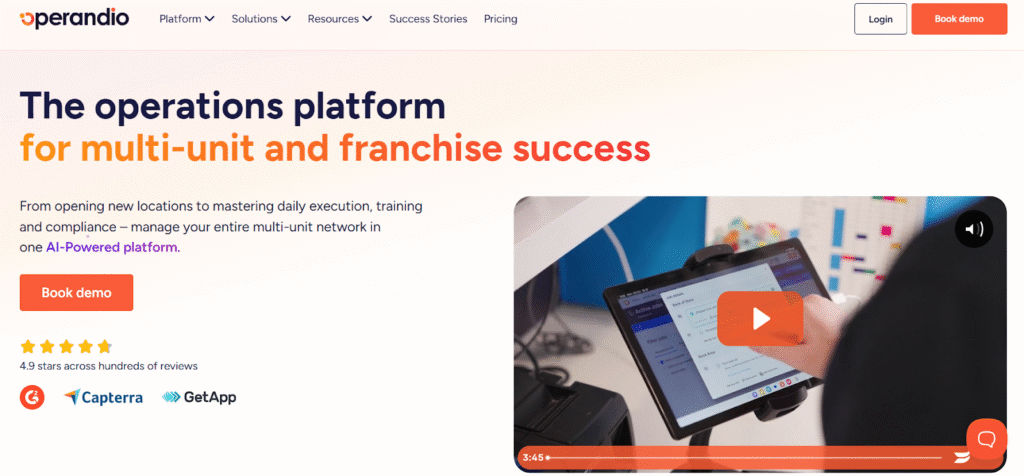
Operandio is a great fit for multi-location operators and franchise networks that need consistent standards across locations, with proof. It brings together audits and inspections, tasks and checklists, corrective actions, employee comms, SOP management, training/LMS, reporting, and integrations built for head office visibility.
Key Features
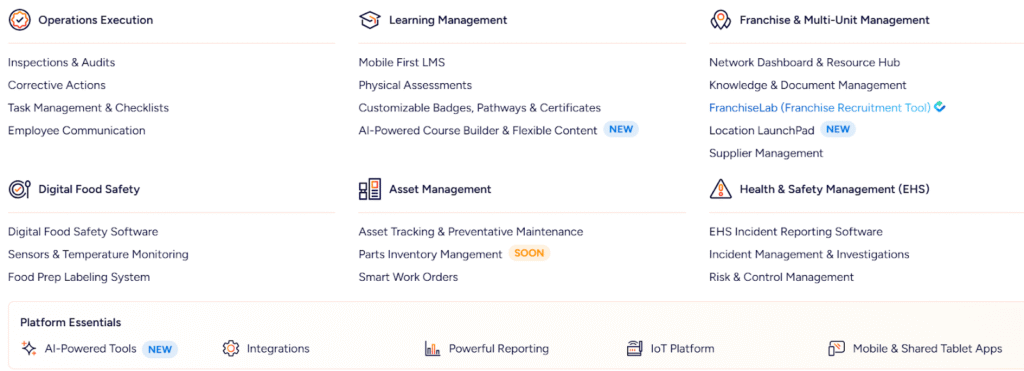
Operandio brings together audits and inspections, recurring checklists, task execution and follow-up, frontline communications, training, and reporting. That matters because standards don’t enforce themselves. Without a system that drives adoption and closes the loop, execution can vary across locations.
Audits and Inspections Built for Multi-Unit Standards
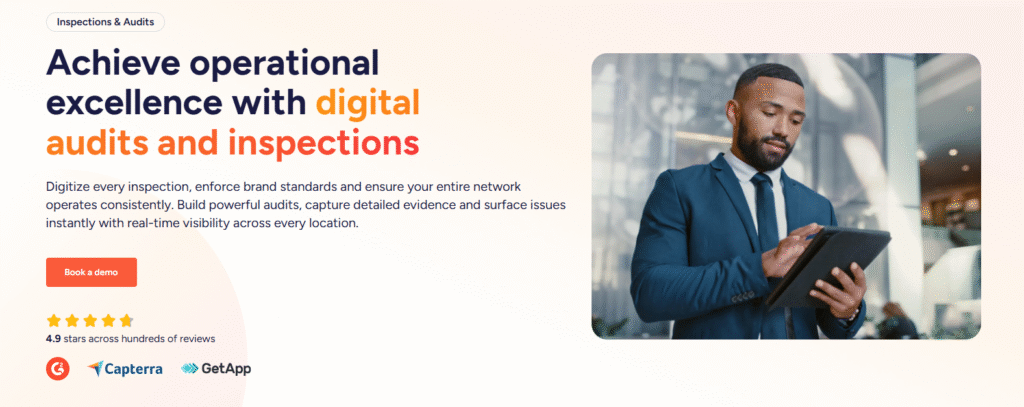
Operandio supports structured inspections and audits that teams can run consistently, with evidence capture and clear scoring.
It works well for:
- Brand standards audits
- Food safety checks
- Opening and closing inspections
- Facilities walk-throughs
- Compliance inspections that require proof
You can standardize how audits happen, which reduces interpretation and gives you consistent data across locations.
Operational Excellence
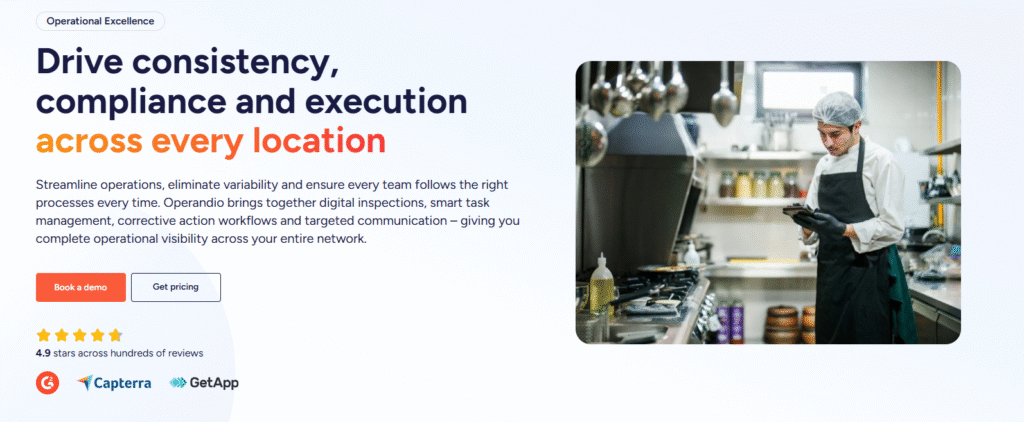
Run smoother operations, cut location-to-location drift, and make sure teams follow the right process every time. Operandio combines digital inspections, task execution and follow-up, corrective actions, and targeted frontline communication so you get real operational visibility across your entire network.
AI-Powered Tools
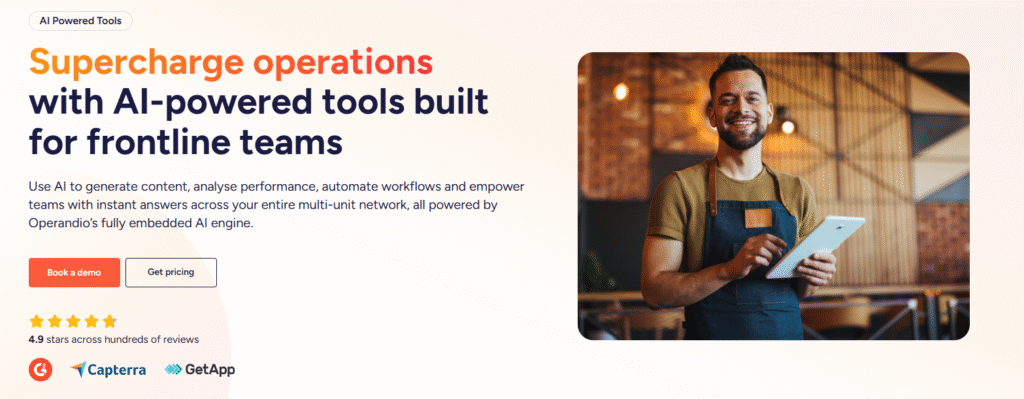
Operandio’s AI features help reduce admin time for ops and L&D teams, especially when you need to move fast across locations. In practice, this typically shows up as:
- Faster training creation: turning existing material into usable mobile training assets
- Faster knowledge access: helping teams find the right SOP without digging through folders
- Faster insight review: surfacing patterns from audits and task completion so managers can act sooner
AI matters most when you update standards often, and your team lacks time to build, format, and maintain content.
Integrations and Data Readiness
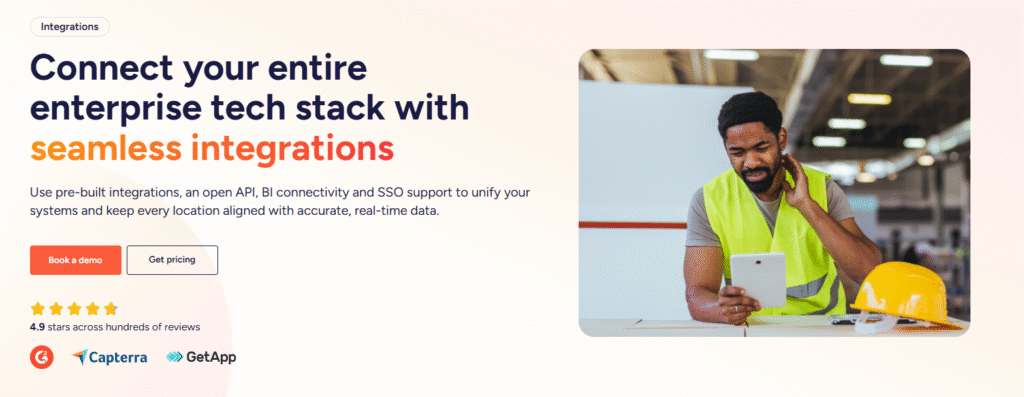
Multi-unit businesses rarely run one system. They run a stack. Operandio offers integrations, an API approach, and BI connectivity so leadership teams can pull operational execution data into their reporting environment.
This helps when your exec team lives in Power BI or Tableau and wants operational data next to sales, labor, and customer metrics.
Mobile and Shared-Device Execution
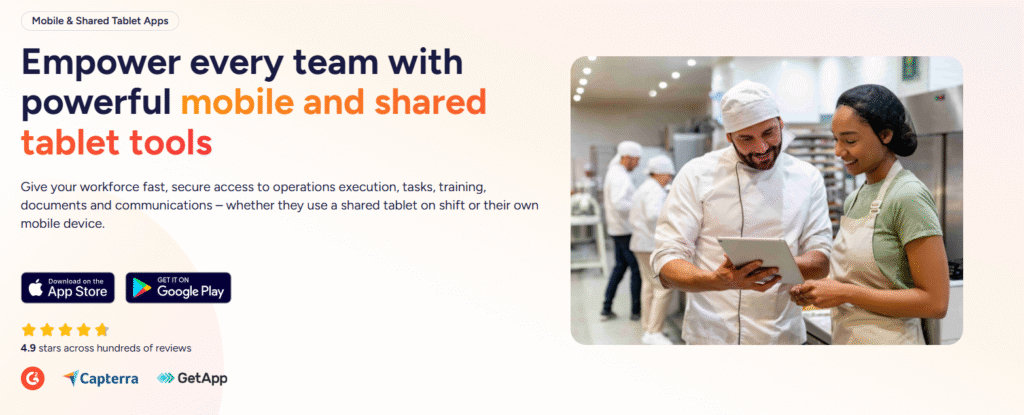
Frontline work happens on phones and shared tablets, not on laptops. Operandio supports mobile-first workflows and shared device setups so teams can execute tasks where work happens – on the floor, in prep, in receiving, in storage, and in back-of-house.
This reduces friction and increases completion rates.
Digital Food Safety and Operational Compliance
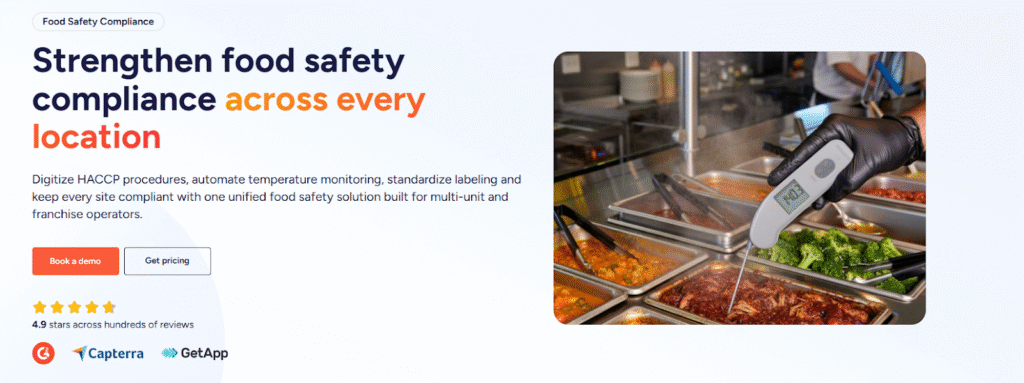
For hospitality and food-heavy operations, Operandio’s food safety layer can matter a lot. It is designed for teams that need structured proof around food safety routines and monitoring.
Depending on your setup, that can include:
- Temperature monitoring workflows with alerts
- Logging and corrective action when readings go out of range
- Labeling workflows that standardize date marking and reduce waste risk
If food safety sits on clipboards today, this becomes one of the fastest ROI areas.
If you have a franchise, here’s A Complete Guide on Improving Franchise Operations in 2026.
Pricing
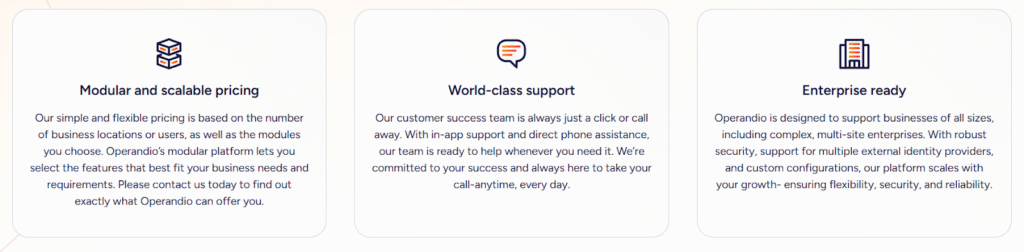
Operandio uses custom pricing based on the number of locations, users, and modules, which is common for multi-location operations platforms. If you’re comparing costs, ask vendors how pricing scales by location and how they handle shared devices and frontline seats.
| Plan | Best for | Notes |
| Custom quote | Multi-location teams | Pricing typically depends on locations, modules, and support requirements |
Where Operandio Shines
- Multi-location control: Clear visibility across locations with reporting that fits franchise and regional oversight.
- Training + execution connected: Training does not sit in a separate “LMS island.” It supports day-to-day standards and compliance.
- Enterprise readiness: Integrations, BI connectivity, and SSO help it slot into an existing stack.
Where Operandio Falls Short
- Not ideal if you only need a simple checklist app: If your needs stop at basic checklists and you don’t care about training, reporting, integrations, or governance, Operandio can feel like more platform than you need.
- Teams without a rollout problem: If you don’t need to manage executional standards across multiple locations, the multi-site controls might be an overkill.
Customer Reviews
Operandio scores 4.9/5 on Capterra (based on reviewed listings), where users are explicitly emphasizing multi-unit operations, training, audits/inspections, and compliance workflows as the best features.
Morgane M, HR Coordinator, Food Production: “Although we haven’t used Operandio for long, our experience has been very positive. The platform has already improved communication, task management, and training processes.”
Amanda P, Manager, Culinary Community, Facilities Services: “The Operandio system and team are the best around; no question has been unanswered. I would personally recommend them to anyone.”
Who Operandio Is Best For
- Operations, compliance, and L&D leaders in franchise and multi-unit businesses: You need to roll out standards across locations, track adoption, and pull proof fast without chasing managers.
👉 If you want one platform to run audits, assign tasks, close the loop on issues, train teams, and report outcomes across every location, request a demo and see how Operandio can transform your operations.
Jolt
Jolt targets restaurants and service-heavy operators who need recurring checklists, accountability, and consistent daily execution. It often works best when you want fast adoption for frontline routines without building a heavier governance layer first.
Key Features
- Digital checklists for shift execution: Run opening, closing, cleaning, and manager walk-through routines with accountability and reporting.
- Food safety tooling: Support temperature logs, monitoring, and HACCP-style workflows built for restaurant operations.
- Date-code labeling support: Includes food and date labeling as part of its food safety stack.
- Central info and training hub: Store training content and operational references in a single library for teams. .
Pricing
Jolt’s website points to custom pricing via sales conversations, while third-party listings often cite $89.99/month as a starting reference.
| Pricing | Notes |
| Contact vendor | Products can be à la carte or bundled |
| Reported $89.99/month | Third-party “starting price” reference |
Where Jolt Shines
- Speed to rollout: Teams often adopt it quickly for recurring routines.
- Good fit for daily accountability: Great when the core problem is missed steps during busy shifts.
Where Jolt Falls Short
- Can feel dated for modern multi-unit governance: Some reviewers cite interface and setup complexity on directories.
Customer Reviews
Khilah B. Owner, Cosmetics: “The checklists and organization systems is what I liked the most about Jolt. There are ways to hold your team accountable with this platform in a professional way.”
Jarl W. Procurement, Systems and Training Manager, Hospitality: “Platform is dated, with very few updates experienced during the time that I administered the service. Outdated UX.”
Who Jolt Is Best For
- Restaurants and service teams: You want straightforward execution and accountability without an enterprise stack.
Read more about Operandio vs. Jolt Comparison.
Zenput
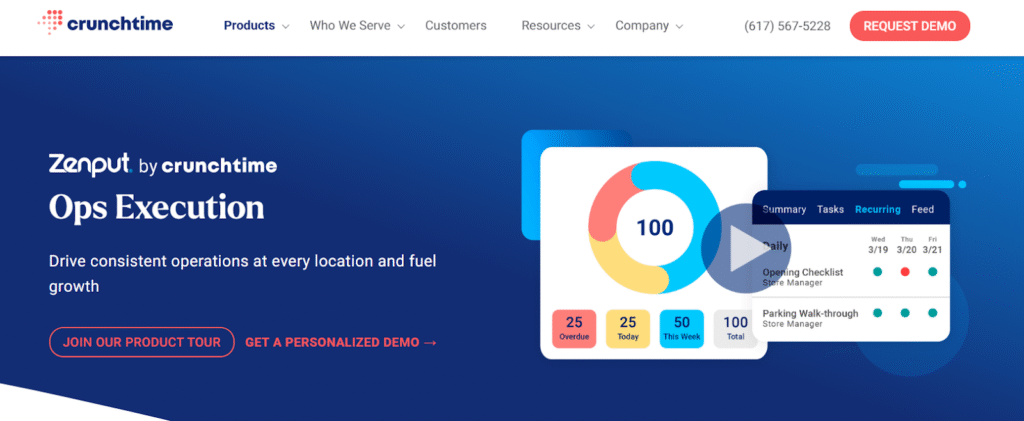
Zenput positions as an operations execution platform for multi-unit operators to roll out initiatives, enforce standards, and maintain visibility across locations. It often fits enterprise and large networks with strong field leadership layers.
Key Features
- Operations execution across locations: Communicate priorities, enforce standards, and track completion across every site.
- Tasks with automated follow-up: Assign tasks and use automated follow-ups to reduce missed steps and repeat failures.
- Audits and corrective actions: Run audits, monitor resolution, and maintain accountability at scale.
- Real-time visibility for field leaders: Give area managers and ops leaders dashboards for completion and performance trends by location.
Pricing
Third-party sources report a starting price around $40/month, but real pricing typically depends on locations and requirements.
| Pricing | Notes |
| Reported from $40/month | Expect custom pricing based on scale and modules |
Where Zenput Shines
- Enterprise execution programs: Strong fit when you run complex rollouts across many locations.
- Large-brand orientation: Directory profiles emphasize large operator usage.
Where Zenput Falls Short
- Harder to self-serve: Pricing and implementation tend to require more coordination.
Customer Reviews
Mpho M, Area Coach, Restaurants:“Zenput gives me real-time events and operational standards in my restaurants at any given time. It can also be adjusted to be in line with operational needs.”
Jacob G, District Manager, Restaurants: “Some of the reporting and the way the reporting is emailed is not as easily viewable/printable as we would like it to be. Could use some updating to the formats/features to make them more easily used.”
Who Zenput Is Best For
- Large multi-unit brands: You already run structured field ops programs and want execution enforcement.
Learn more in the Operandio vs. Zenput Comparison.
SafetyCulture
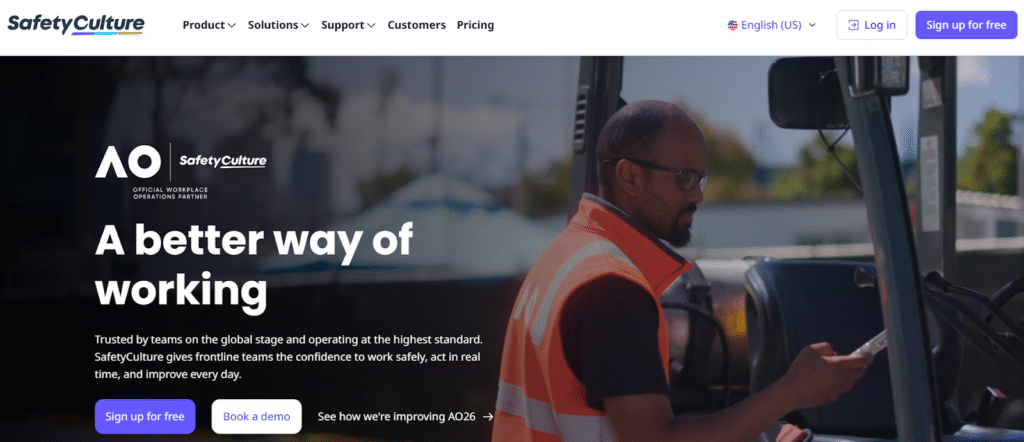
SafetyCulture (iAuditor) works well for inspection-led programs where teams need fast templates, evidence capture, and issue follow-up workflows. It tends to fit mixed-industry compliance teams and operators with heavy inspection volume.
Key Features
- Inspections and templates: Create templates, run inspections on mobile, and generate reports quickly from the field.
- Issues and corrective actions: Capture issues outside inspections and push follow-up through actions so problems move toward resolution.
- Frontline communication: Use in-app communications (Heads Up) to broadcast critical updates and safety alerts.
- Training and analytics: Deliver training in the platform and use analytics to spot trends and recurring risk areas.
Pricing
SafetyCulture lists a free plan, and Premium pricing is reported at $24/user/month billed annually.
| Plan | Starting point | Notes |
| Free | $0 | For small teams getting started |
| Premium (annual) | $24/user/month | Reported Premium pricing |
| Enterprise | Custom | For large organizations |
Where SafetyCulture Shines
- Inspection-first workflows: Strong when the primary job is audits and compliance checks.
- Template velocity: Fast setup for inspection programs.
Where SafetyCulture Falls Short
- Not a full multi-unit execution + training platform by default: Teams often add separate systems for training, SOP control, and broader ops governance if those needs grow.
Customer Reviews
Toby B, Quality Assurance and Compliance Manager, Food Production: “The constant product development they are doing to the platform and how they genuinely bring what they say they are going to do to life.”
Joshua H, Network Engineer, Information Technology and Services: “The main drawback, a cap of three mobile devices per user, means logging out (again and again) just to switch devices.”
Who SafetyCulture Is Best For
- Compliance-heavy teams: Inspections and corrective actions drive your program more than “run the shift.”
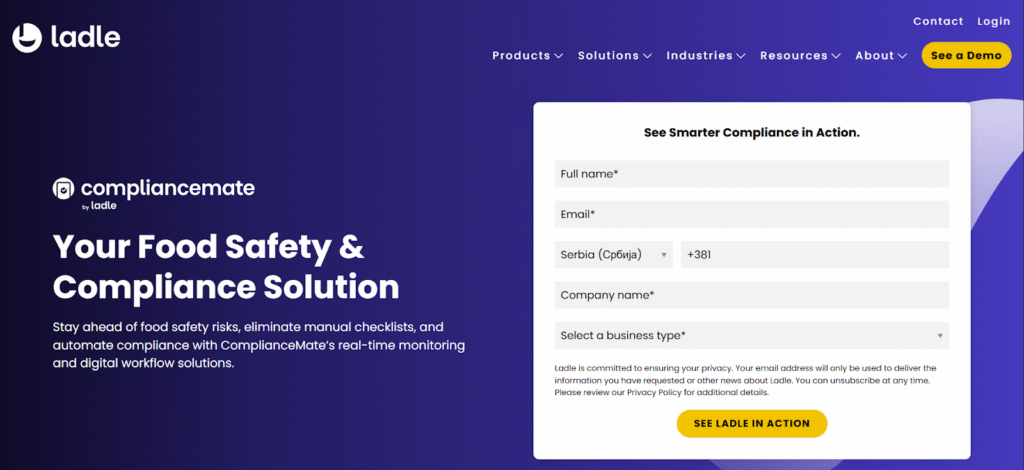
Ladle is a suite of tools built for multi-location foodservice, restaurant, grocery, and convenience operators. It combines products like MeazureUp, ComplianceMate, and Storewise to support site assessments, audits and inspections, food safety monitoring, and operational consistency across locations.
Key Features
- Site assessments and field audits: Digitize store walks, brand audits, and operational inspections with mobile execution, evidence capture, and scoring.
- Corrective actions and follow-up: Assign action plans from findings so issues move from “noted” to “closed,” with tracking over time.
- Food safety and compliance coverage: Support compliance programs with tools designed around multi-unit operational oversight and risk reduction, including temperature monitoring solutions.
- Multi-unit visibility: Built to help operators evaluate performance across locations and spot patterns by site or region.
Pricing
| Pricing | Notes |
| Basic plan $20.00 per feature, per month(reported) | Third-party pricing reference |
| Custom quote likely | Most teams confirm the exact cost with sales |
Where Ladle Shines
- Audit and assessment programs: Strong fit when your core workflow involves structured site visits, operational inspections, and follow-through across many locations.
- Food safety oversight at scale: Useful when you need ongoing monitoring and compliance support across distributed environments.
Where Ladle Falls Short
- Not a full frontline ops plus LMS platform by default: Ladle covers audits, compliance, and visibility extremely well, but teams that want a single system that tightly connects day-to-day tasks, comms, SOP governance, and training paths may still prefer an all-in-one execution platform.
Customer Reviews
Sofia L, Data and Business Analyst: “It is a good experience, and also really fast help from their team to answer my questions.”
Company Compliance Officer: “It does not automatically log out after submitting, so team members can use each other’s email if they do not log out.”
Who Ladle Is Best For
- Regional managers, QA leaders, and ops teams in multi-location foodservice and retail: Your main job involves consistent site assessments, documented compliance, and clean follow-through across every location.
MaintainX
MaintainX appears frequently as an alternative on software review platforms, usually when the buying motion centers on maintenance, work orders, and asset-heavy workflows.
Key Features
- Work orders and scheduling: Create, assign, and track work orders across sites with mobile execution.
- Preventive maintenance: Automate PM workflows so teams stop relying on manual reminders and spreadsheets.
- Checklists and inspections: Run inspections with scheduling and records that support compliance and due diligence.
- Reporting and insights: Use reporting to understand downtime drivers and improve maintenance decisions.
Pricing
| Pricing | Notes |
| From $20/user/month to $65/user/month | MaintainX pricing |
| Custom quote likely (Enterprise) | Contact sales for enterprise pricing |
Where MaintainX Shines
- Maintenance-first operations: Strong for facilities and equipment programs.
Where MaintainX Falls Short
- Not purpose-built for multi-unit training + SOP governance: You may need separate systems for training and brand standard rollout.
Who MaintainX Is Best For
- Teams with heavy work order volume: Maintenance throughput and PM adherence matter most.
UpKeep
UpKeep tends to land on shortlist comparisons when a team wants a CMMS-first product and needs structure around assets and maintenance routines.
Key Features
- Mobile work orders: Create and complete work orders from any device with photos, checklists, and real-time updates.
- Asset tracking and preventive maintenance: Track assets and schedule preventive work to reduce reactive firefighting.
- Dashboards and execution visibility: View work by asset, location, or calendar and monitor bottlenecks through reporting.
- AI assist and insights: Positions AI support to automate routine admin and surface insights for maintenance teams.
Pricing
| Pricing | Notes |
| From $20 to $55 /user/month | UpKeep pricing |
| Custom quote likely (higher tiers) | Most teams confirm the exact cost with sales |
Where UpKeep Shines
- Asset and maintenance management: Good fit for facilities-driven programs.
Where UpKeep Falls Short
- Less focused on franchise operations execution: You may still need an ops execution layer for audits, comms, and training.
Who UpKeep Is Best For
- Maintenance-led teams: Your operational pain comes from downtime and PM misses.
Limble
Limble commonly appears as a CMMS alternative in “Xenia alternatives” lists on review sites, typically for teams building maintenance rigor and PM programs.
Key Features
- Work orders and preventive maintenance: Streamline work orders and planned maintenance across sites with mobile execution.
- Asset management and parts inventory: Support asset context plus parts tracking for maintenance reliability.
- Dashboards and reporting: Automate maintenance dashboards to track performance and identify repeat issues.
- Integrations and sensor connectivity: Supports integrations and IoT/sensor connections for predictive-style workflows.
Pricing
| Pricing | Notes |
| Not publicly listed | Calculate your pricing |
| For enterprise prices custom quote | Most teams confirm the exact cost with sales |
Where Limble Shines
- PM discipline: Strong for structured maintenance programs.
Where Limble Falls Short
- Not an all-in-one multi-unit ops system: Training, SOP control, comms, and brand audits typically live elsewhere.
Who Limble Is Best For
- Ops teams standardising maintenance: PM compliance is the KPI that matters most.
Reasons to Consider an Alternative to Xenia
Xenia positions itself as an AI-powered frontline operations platform spanning tasks, audits, and SOP/checklist tooling, with public plan info across directories, partial details on its own site, and limited transparency on xenia app cost.
You need training and execution tied together
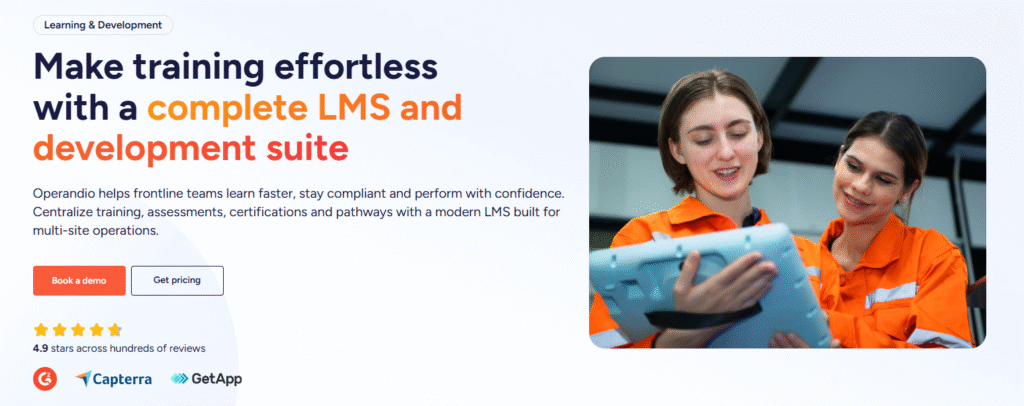
If you roll out new standards often, you need training completion and job readiness connected to the work happening on shift. Operandio’s LMS and AI course builder sit inside the same system used for operational execution, which reduces “trained but not practiced” gaps across locations.
You want BI-ready reporting for leadership visibility
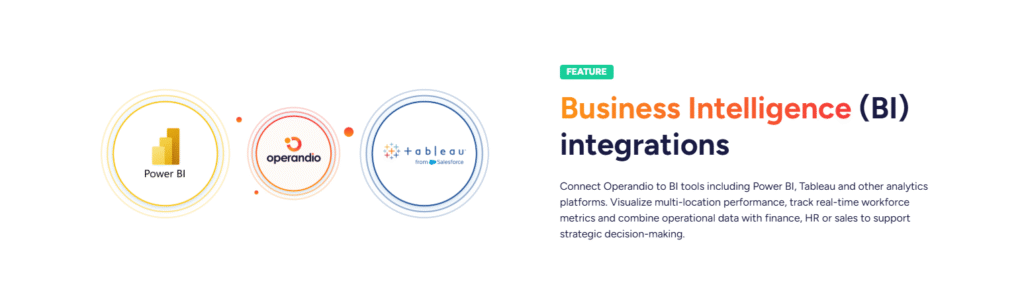
Multi-unit leadership teams often need to blend ops execution data with finance, HR, and sales data. Operandio supports BI connectivity and integrations designed for this style of oversight, which helps avoid manual reporting packs and spreadsheet consolidation.
You need a platform that fits franchise and multi-unit governance
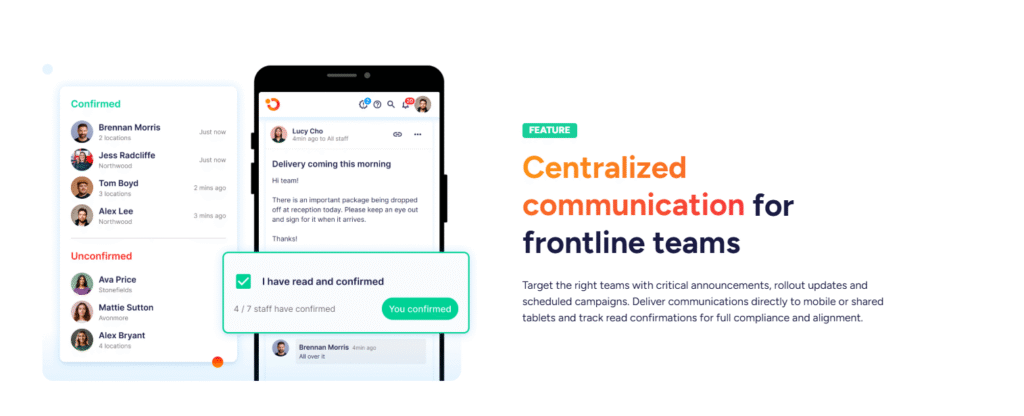
As complexity rises, tasks and audits are not your only problem. You need franchise management, version control for SOPs, consistent adoption, proof, and escalation paths. Operandio positions directly around multi-location management with a broader execution layer that includes knowledge/document management and reporting.
You want modern platform tooling
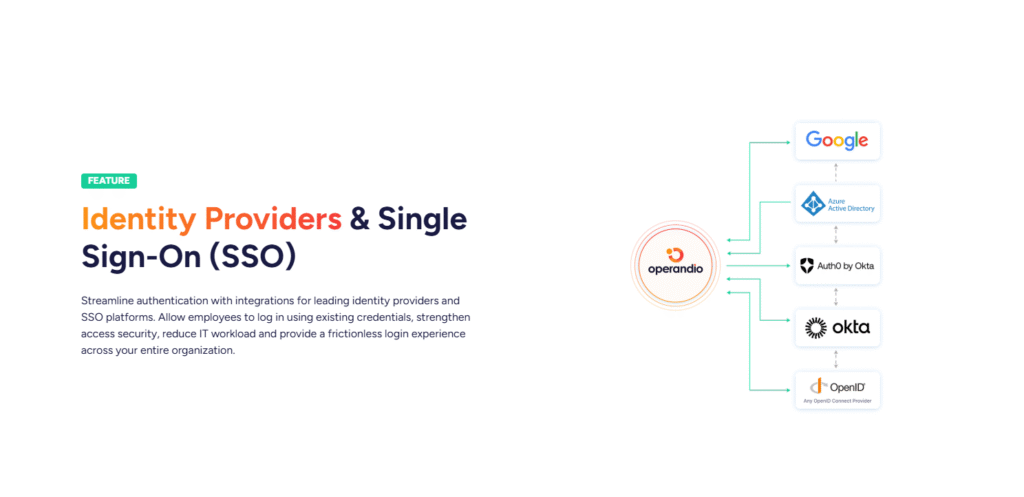
If your stack already includes identity and data tooling, SSO and integration options matter. Operandio highlights SSO and an open integration approach for multi-unit operators who want the platform to fit into existing systems.
Take the Next Step With Operandio
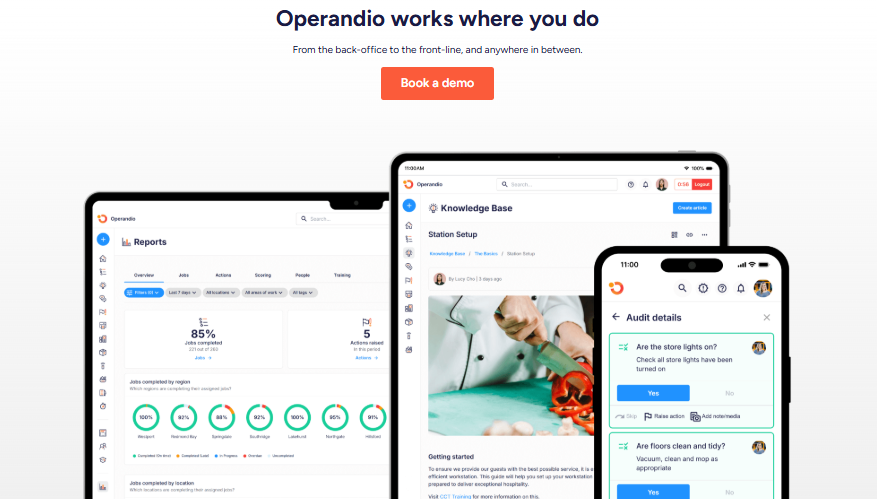
If you run a multi-location or franchise operation, you don’t need another checklist app. You need a system that keeps standards consistent across every location, closes the loop on issues, and gives the head office proof without chasing people.
That’s why Operandio is the strongest starting point in this list. It connects audits and inspections, recurring checklists, corrective actions, training, SOPs, and reporting in one platform, so execution doesn’t drift as you scale.
👉Book a demo to see how Operandio works for your locations, and get set up with a guided 14-day trial.
