
- Platform
- Features
 Operations ExecutionStreamlined operations ensuring brand standards, accountability and efficiency
 Learning ManagementTrain, verify, and reward your workforce with mobile-first education
 Franchise & Multi-Unit ManagementCentralize oversight and streamline growth across your entire multi location network
 Digital Food SafetyAutomate compliance and monitor quality with real-time digital precision
 Asset ManagementOptimize equipment uptime through proactive maintenance and smart tracking
 Health & Safety Management (EHS)Mitigate workplace risks and streamline digital incident reporting and investigations
- Platform Essentials
 AI-Powered ToolsAutomate content, analyze trends, and provide instant answers
 IntegrationsUnify your enterprise tech stack with real-time data
 Powerful ReportingAlign leadership with role-based dashboards and deeper analytics
 IoT PlatformDetect anomalies and automate workflows with intelligent sensors
 Mobile & Shared Tablet AppsSecurely empower frontline teams with fast, offline-capable access
- Footer


 Not sure what you need?
Book in a call with the team
- Features
- Solutions
- By Industry
 RestaurantsQSR, fast food and multi-unit restaurants
 Hotels & ResortsHotels, resorts and extended stay hotels
 ChildcareEarly education, childcare, daycare and preschool
 EntertainmentTheme parks, family entertainment centers and play centers
 Fitness Centers & LeisureFitness centers, golf clubs, gyms and sports facilities
 RetailBig-box retailers, franchise stores and supermarkets
- By Use Case
- Operational ExcellenceStreamlined operations ensuring brand standards, accountability and efficiency
- Learning & DevelopmentTrain, verify, and reward your workforce with mobile-first education
- Franchise & Multi-Unit ManagementCentralize oversight and streamline growth across your entire multi location network
- Food Safety ComplianceAutomate compliance and monitor quality with real-time digital precision
- Asset Management & MaintenanceOptimize equipment uptime through proactive maintenance and smart tracking
- Health & Safety Management (EHS)Mitigate workplace risks and streamline digital incident reporting and investigations
- By Industry
- Resources

- Platform
- Features
- Operations ExecutionStreamlined operations ensuring brand standards, accountability and efficiency
- Learning ManagementTrain, verify, and reward your workforce with mobile-first education
- Franchise & Multi-Unit ManagementCentralize oversight and streamline growth across your entire multi location network
- Digital Food SafetyAutomate compliance and monitor quality with real-time digital precision
- Asset ManagementOptimize equipment uptime through proactive maintenance and smart tracking
- Health & Safety Management (EHS)Mitigate workplace risks and streamline digital incident reporting and investigations
- Platform Essentials
- AI-Powered ToolsAutomate content, analyze trends, and provide instant answers
- IntegrationsUnify your enterprise tech stack with real-time data
- Powerful ReportingAlign leadership with role-based dashboards and deeper analytics
- IoT PlatformDetect anomalies and automate workflows with intelligent sensors
- Mobile & Shared Tablet AppsSecurely empower frontline teams with fast, offline-capable access
- Footer
- Not sure what you need?
Book in a call with the team
- Features
- Solutions
- By Industry
- RestaurantsQSR, fast food and multi-unit restaurants
- Hotels & ResortsHotels, resorts and extended stay hotels
- ChildcareEarly education, childcare, daycare and preschool
- EntertainmentTheme parks, family entertainment centers and play centers
- Fitness Centers & LeisureFitness centers, golf clubs, gyms and sports facilities
- RetailBig-box retailers, franchise stores and supermarkets
- By Use Case
- Operational ExcellenceStreamlined operations ensuring brand standards, accountability and efficiency
- Learning & DevelopmentTrain, verify, and reward your workforce with mobile-first education
- Franchise & Multi-Unit ManagementCentralize oversight and streamline growth across your entire multi location network
- Food Safety ComplianceAutomate compliance and monitor quality with real-time digital precision
- Asset Management & MaintenanceOptimize equipment uptime through proactive maintenance and smart tracking
- Health & Safety Management (EHS)Mitigate workplace risks and streamline digital incident reporting and investigations
- By Industry
- Resources
Best 8 Digital Operations Platforms Compared (2026)
Key Takeaways
- Operandio: Best for multi-location and franchise businesses that need one platform for frontline training, audits, tasks, communication, compliance evidence, and reporting across every site.
- SafetyCulture and GoAudits: Best for teams that want to digitize inspections fast, improve corrective actions, and get better reporting without rolling out a broader franchise operations system.
- Jolt and Zenput by Crunchtime: Best for restaurant operators that need strong daily execution, food safety workflows, and better store-level accountability.
- FranConnect: Best for more specialized needs: FranConnect for franchise growth, oversight, and asset-heavy maintenance operations.
The IFA expects franchise output to hit $921.4 billion in 2026 across 845,000 units, while the National Restaurant Association projects U.S. restaurant sales will reach $1.55 trillion and says operators are still looking for more tech that improves efficiency.
What Is a Digital Operations Platform?
A digital operations platform is a business operations platform that helps teams run day-to-day work in a structured, trackable way.
In practice, that usually means
- Digital checklists
- Tasks
- Audits
- Training
- SOP access
- Issue reporting
- Communications
- Reporting dashboards in one place
The difference from older operations tools is that a digital operations platform does not stop at storing information. It helps locations act on that information, confirm completion, and give the head office visibility across the network.
Forty-one percent of restaurants say they plan to invest in AI technology to improve forecasting, efficiency, and customer experience, and employers broadly keep increasing training activity as work changes.
Pro Tip: If your current stack can tell you where a document lives but cannot tell you whether a team member followed it on shift, you likely do not need another document tool. You need a real digital operations platform.
8 Best Digital Operations Platforms: A Quick Overview
| Platform | Best For | Standout Feature | Price Starting Point |
| Operandio | Multi-location and franchise frontline operations | Training, audits, comms, knowledge, reporting, and compliance in one platform | Custom quote |
| SafetyCulture | Inspection-heavy teams across industries | Fast mobile inspections with issue tracking and training | Free plan; paid from $24/user/month annually |
| Jolt | Restaurant teams needing checklists, labels, and sensors | Restaurant-focused daily ops and food safety workflows | Custom quote |
| Zenput by Crunchtime | Large restaurant brands | Store execution and task rollout tied into restaurant ops | From $40/month |
| Xenia | Facilities and frontline task management | Checklists, work orders, and team communication | From $99/month |
| FranConnect | Franchise growth plus operations oversight | Franchise development, onboarding, royalties, and operations | Custom quote |
| GoAudits | Fast audit rollouts | Simple audit templates, instant reports, corrective actions | From $10/user/month |
| MeazureUp | Restaurant and retail field audits | Brand consistency audits with real-time dashboards | Custom quote |
Public pricing and review data above reflect currently visible vendor pages and Capterra or vendor-listed review sources as of March 26, 2026.
Operandio: Best for Frontline and Multi-Location Operations Management
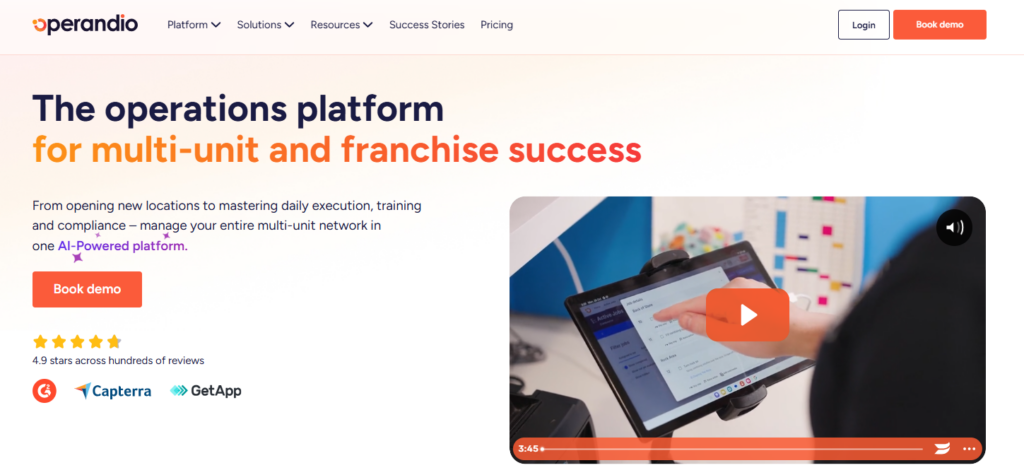
Operandio is the strongest fit here for businesses that need more than audits alone. It is built for frontline and multi-location operations, with training, knowledge, tasks, audits, communications, food safety solution, and reporting connected in one system.
Key Features
Operandio brings together audits and inspections, recurring checklists, task execution and follow-up, frontline communications, training, and reporting.
Here’s what you can expect:
Mobile-first frontline training
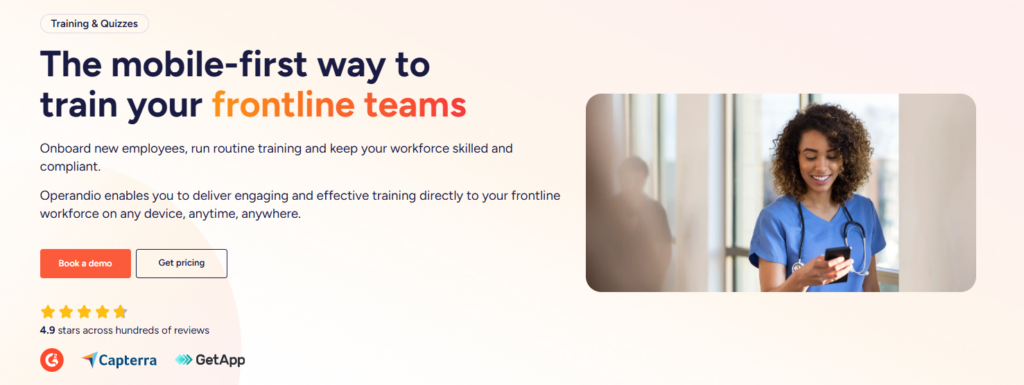
Operandio’s LMS is built for real frontline conditions. Teams can complete onboarding, routine training, quizzes, and assessments on their own phones or shared store tablets, instead of leaving the floor to sit at a desktop.
Knowledge base tied to real work
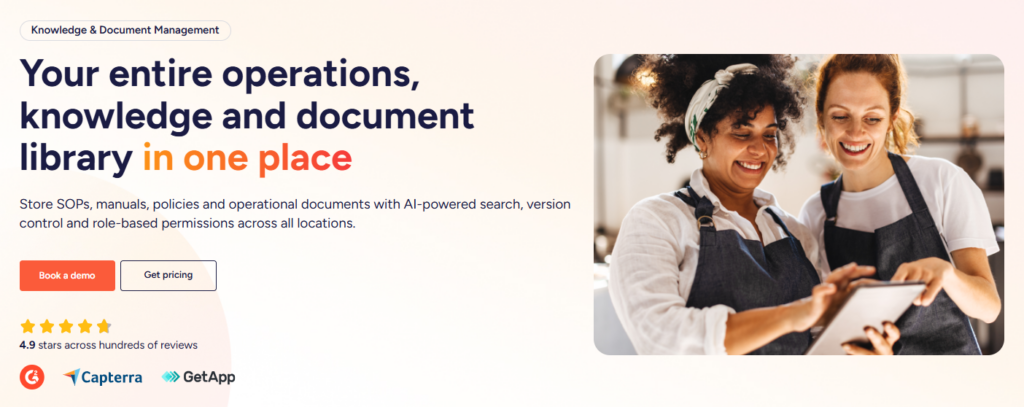
Operandio’s knowledge base stores SOPs, policies, recipe cards, manuals, and reference files inside the platform, with permissions by role or location. Staff can access that content on desktop, mobile, or kiosk devices, and teams can even link articles directly into lists and audits.
Network-wide reporting and visibility
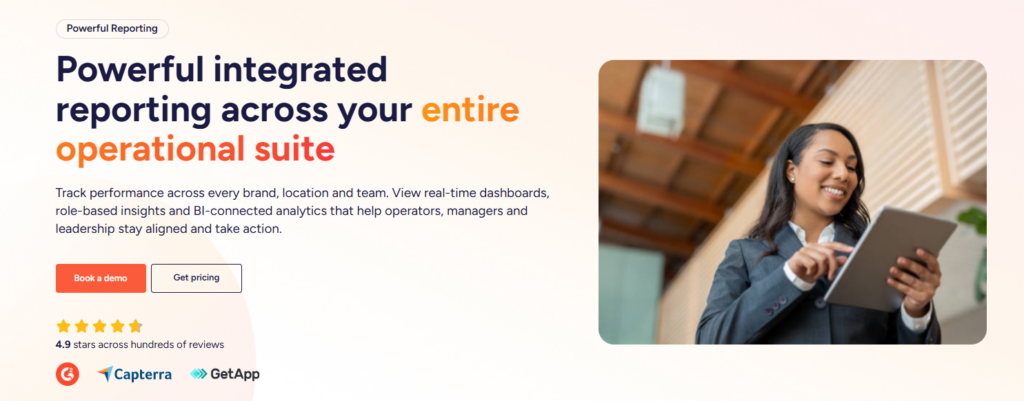
Operandio gives operators dashboards across brands, concepts, regions, and locations. Leadership can compare training, safety, checklist completion, incidents, assets, and compliance across the network, while managers only see the views that match their role. It also supports exports and BI connections for deeper reporting.
Pricing
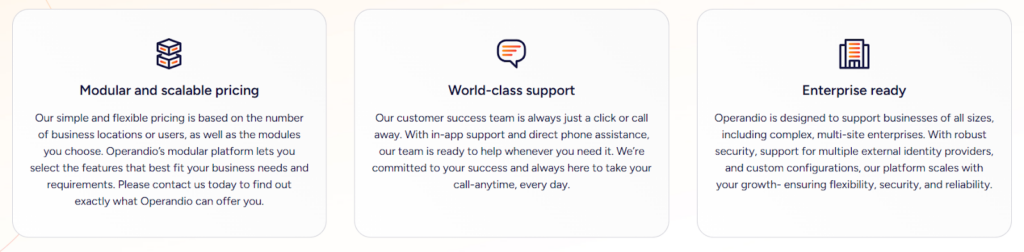
Operandio uses custom pricing based on the number of locations, users, and modules, which is common for multi-location operations platforms.
| Plan | Best for | Notes |
| Custom quote | Multi-location teams | Pricing typically depends on locations, modules, and support requirements |
Where Operandio Shines
- Best fit for multi-unit complexity: It combines training, SOP access, audits, tasks, communication, and reporting in one place, which reduces tool sprawl and improves follow-through.
- Built for frontline use: Mobile and shared-tablet support matter when staff do not sit at desks and still need fast access to training, tasks, and documents.
- Stronger head-office visibility: Cross-location dashboards and role-based reporting make it easier to spot weak sites, overdue work, and adoption gaps.
Where Operandio Falls Short
- Probably too much for simple single-site needs: If you only want a basic checklist app for one location, Operandio may be more platform than you need.
- Not designed as a document-only system: If your priority is a simple policy library with sign-offs, you can find simpler platforms.
Customer Reviews
Operandio scores 4.9/5 on Capterra (based on reviewed listings), where users are explicitly emphasizing multi-unit operations, training, audits/inspections, and compliance workflows as the best features.
Morgane M, HR Coordinator, Food Production: “Although we haven’t used Operandio for long, our experience has been very positive. The platform has already improved communication, task management, and training processes.”
Amanda P, Manager, Culinary Community, Facilities Services: “The Operandio system and team are the best around; no question has been unanswered. I would personally recommend them to anyone.”
Who Operandio Is Best For
- Best for: Operations, compliance, franchise, and training leaders in multi-location businesses that need one platform to standardize work, prove completion, and see performance across every site.
If your business spans multiple sites and you want a single system for frontline standards, training, audits, and reporting, Operandio is the best platform to consider.
👉Book a demo to see how Operandio can transform your business.
SafetyCulture: Best for Inspection-Heavy Teams
SafetyCulture is a strong option for businesses that want to digitize inspections, audits, issue reporting, and field workflows quickly.
Key Features
- Mobile inspections and checklists: Makes it easy to replace paper forms and standardize field reporting.
- Issue tracking and corrective actions: Helps managers assign problems, monitor progress, and close the loop faster.
- Training tools: Adds lightweight training support for teams that want inspections and learning in one system.
- Analytics and reporting: Gives managers a clearer view of trends, recurring issues, and team performance.
- Broad flexibility across industries: Works for teams in hospitality, facilities, retail, construction, manufacturing, and more.
Pricing
| Pricing | Notes |
| Free plan available | Good starting point for teams testing the platform |
| Paid plans from $24/user/month annually | Public pricing makes early comparison easier |
Where It Shines
- Strong mobile usability: Works well for field teams and managers who need fast reporting on the go.
- Flexible across industries: Useful for businesses that need an inspection-first platform without industry-specific lock-in.
- Strong for audit-heavy workflows: Best when inspections, issue resolution, and reporting are the main priority.
Where It Falls Short
- Less tailored to franchise operations: Not as centered on multi-location training, SOP rollout, and operational consistency as Operandio.
- Reporting limits for some users: Some buyers want deeper customization and more flexible reporting outputs.
Customer Reviews
Toby B, Quality Assurance and Compliance Manager, Food Production: “The constant product development they are doing to the platform and how they genuinely bring what they say they are going to do to life.”
Joshua H, Network Engineer, Information Technology and Services: “The main drawback, a cap of three mobile devices per user, means logging out (again and again) just to switch devices.”
Who Is It Best For
Businesses that mainly want to digitize inspections, improve issue follow-up, and get better field visibility without buying a broader multi-location operations platform.
Jolt: Best for Restaurants That Need Checklists, Labels, and Sensors
Jolt is a restaurant-focused platform built around daily execution, food safety, accountability, and store-level consistency. It is a strong fit for restaurant operations.
Key Features
- Digital checklists and forms: Helps teams standardize opening, closing, cleaning, and food safety routines.
- Task and accountability workflows: Helps managers see what got done, what got missed, and where teams need follow-up.
- Restaurant-specific design: Built with restaurant operations in mind rather than broad cross-industry workflows.
Pricing
| Pricing | Notes |
| Custom quote | Pricing is typically based on the products or modules selected |
| Bundle or a la carte structure likely | Most teams confirm the final cost with sales |
Where It Shines
- Strong restaurant fit: Best for operators who want software designed around foodservice routines.
- Useful food safety workflows: Labels, checklists, and temperature controls make it practical for daily store use.
- Practical for day-to-day execution: Focuses on work that actually happens in the store, not just reporting after the fact.
Where It Falls Short
- Narrower than a full multi-location platform: Less attractive if you want broader training, document governance, and enterprise-wide reporting in one system.
- Best mainly for restaurant environments: Less flexible for non-food businesses compared with broader digital operations tools.
Customer Reviews
Khilah B. Owner, Cosmetics: “The checklists and organization systems is what I liked the most about Jolt. There are ways to hold your team accountable with this platform in a professional way.”
Jarl W. Procurement, Systems and Training Manager, Hospitality: “Platform is dated, with very few updates experienced during the time that I administered the service. Outdated UX.”
Who Is It Best For
Restaurant operators that want stronger daily execution, food safety control, and store accountability without needing a broader franchise-wide operating platform.
Zenput by Crunchtime: Best for Large Restaurant Brands
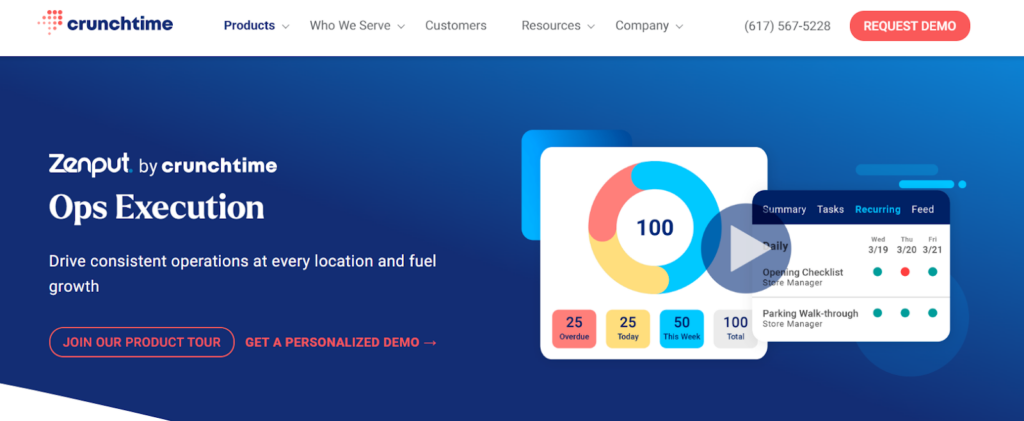
Zenput by Crunchtime is built for restaurant brands that need tighter control over store execution across many locations. It works well for chains that want to standardize tasks, audits, food safety routines, and rollout processes across a distributed restaurant network.
Key Features
- Store execution management: Helps operators assign, track, and verify location-level tasks.
- Operational audits and checks: Supports line checks, food safety routines, and store inspections.
- Multi-location visibility: Gives leadership a view into execution across regions and locations.
- Restaurant ecosystem fit: Works well for brands that already think in restaurant operations terms and want a restaurant-specific toolset.
Pricing
| Pricing | Notes |
| From $40/month | Public third-party starting point |
| Custom quote likely for larger brands | Enterprise restaurant groups usually confirm actual pricing with sales |
Where It Shines
- Strong for large restaurant chains: Works best when store execution needs to stay consistent across many locations.
- Good operational visibility: Helps regional and head office teams track completion and compliance at store level.
- Restaurant-specific workflows: Better fit for restaurant brands than general-purpose task software.
Where It Falls Short
- Not as broad as an all-in-one franchise platform: Teams that want tighter links between training, documents, communication, and daily operations may want something broader.
- Reporting presentation can be a weak point: Some users want easier exports or more polished reporting views.
Customer Reviews
Mpho M, Area Coach, Restaurants:“Zenput gives me real-time events and operational standards in my restaurants at any given time. It can also be adjusted to be in line with operational needs.”
Jacob G, District Manager, Restaurants: “Some of the reporting and the way the reporting is emailed is not as easily viewable/printable as we would like it to be. Could use some updating to the formats/features to make them more easily used.”
Who Is It Best For
Large restaurant brands that want better control over store execution, operational compliance, and rollout consistency across multiple sites.
Xenia: Best for Facilities and Frontline Task Management
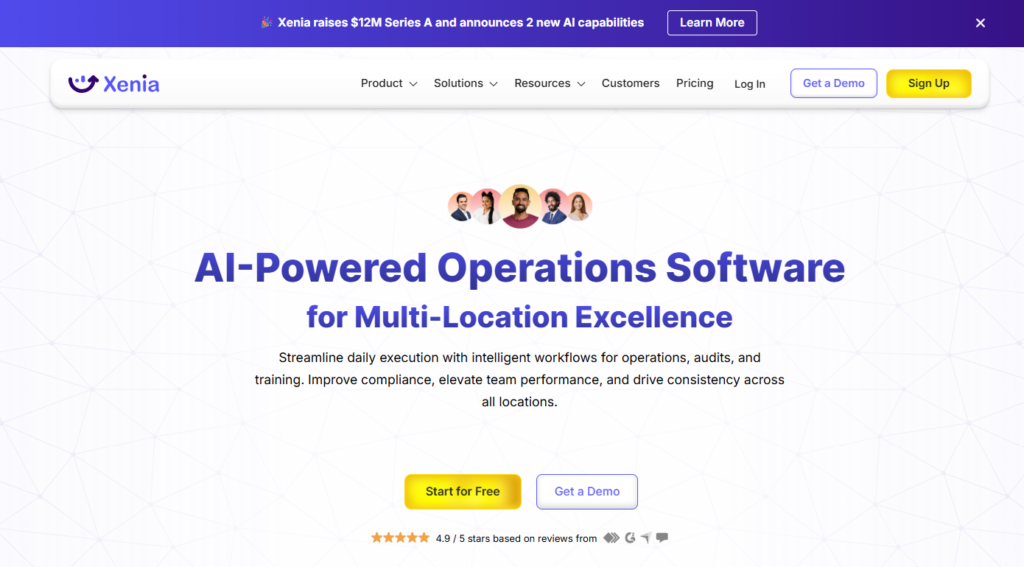
Xenia is a good fit for teams that want checklists, inspections, work orders, scheduling, and team communication in one relatively accessible package.
It is especially appealing for facilities, maintenance, and general frontline coordination use cases.
Capterra lists it at 4.9/5 based on 23 reviews and from $99 per month, while Xenia’s official pricing page says it supports both per-user and per-site pricing with Starter, Pro, and Enterprise options.
👉For a deeper dive, check out Best Xenia Alternatives.
FranConnect: Best for Franchise Management Beyond Daily Site Operations
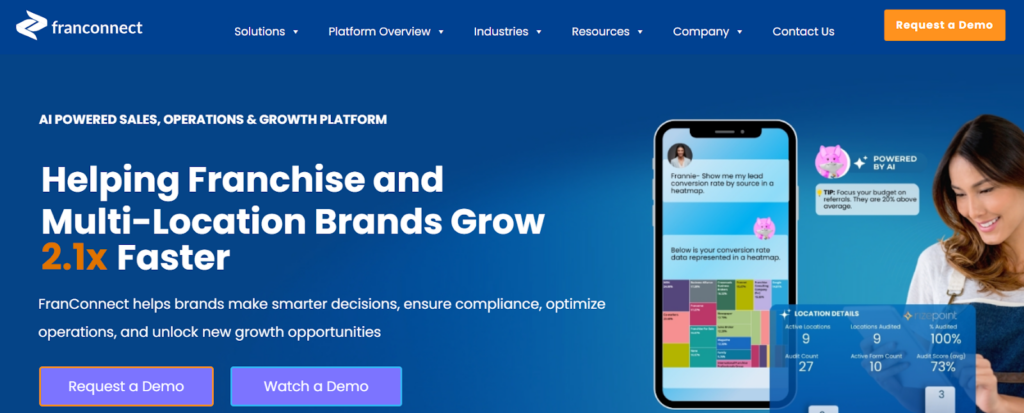
FranConnect is a better fit when you need franchise management breadth that extends beyond daily frontline work.
Its platform covers franchise sales, opening, training, operations, analytics, and royalty management.
Capterra lists it at 4.3/5 across 201 reviews, and the product is sold on custom pricing.
It is strong when your problem includes franchise development and agreement complexity, not only day-to-day site execution.
GoAudits: Best for Fast Audit Rollouts and Corrective Actions
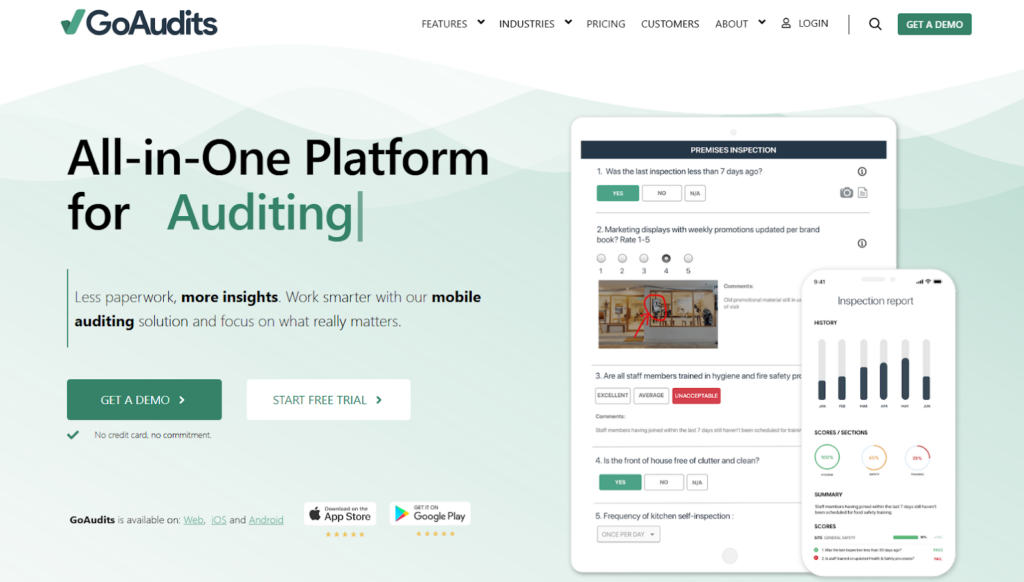
GoAudits is one of the cleanest options for inspection-led teams that want customizable audits, instant reports, action plans, and a low-friction rollout.
Public pricing starts at $10 per user per month on annual billing, plus a 14-day free trial.
Capterra data shows a 4.8/5 rating based on 143 reviews.
It is a strong choice when your main goal is to improve inspections quickly without replacing your broader operating stack.
MeazureUp: Best for Restaurant and Retail Field Audits
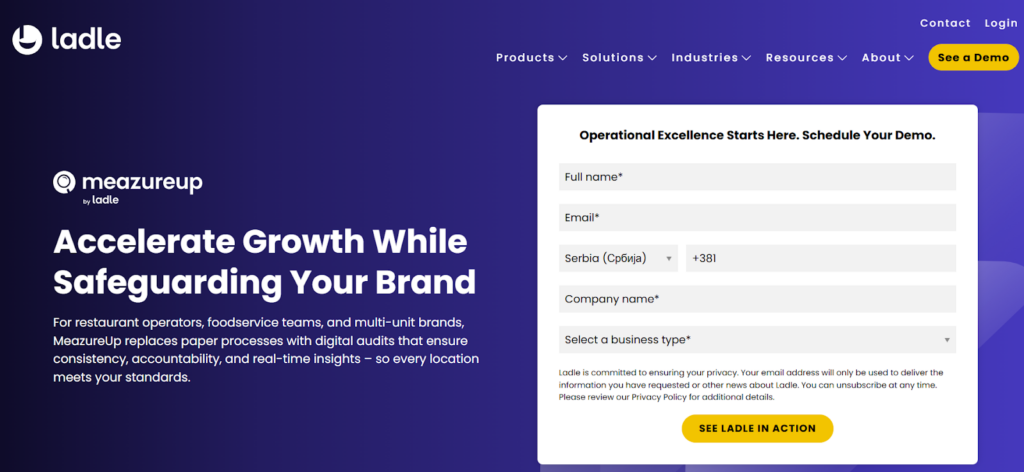
MeazureUp, now part of the Ladle suite, is built around site audits, brand consistency, daily checks, and real-time visibility across multi-location foodservice and retail operations.
It is especially relevant for operators that want stronger field audit discipline without buying a full platform built around training, communications, and knowledge management.
Capterra listings put Ladle at 4.7/5, and public pricing is quote-based.
How to Choose the Best Digital Operations Platform
1. Decide Whether You Need an Audit App or a Full Platform
Some tools are excellent audit products. Others are broader systems for running the day across many locations. If your real problem is that training, SOPs, audits, tasks, communications, and reporting live in separate places, you need something broader like Operandio.
2. Check How It Handles Frontline Training and SOP Delivery
A lot of platforms can store documents. Fewer can actually get training and procedures in front of frontline staff in the flow of work. For franchise and multi-unit businesses, that gap matters. Operandio stands out because it combines mobile training with a knowledge base that can be accessed on phones, desktops, and kiosks, with permissions by role and location.
3. Make Sure Reporting Works Across Locations, Roles, and Brands
Store-level data is not enough if head office still has to build a picture manually. You want dashboards that compare locations, surface recurring gaps, and show adoption clearly by role, region, and concept. Operandio does this especially well.
4. Look Hard at Mobile and Shared-Device Usability
Frontline teams do not work like desk teams. That sounds obvious, but a lot of software still assumes every user has time, space, and a dedicated computer. Operandio’s shared tablet and mobile-first setup is a real advantage for shift-based businesses.
5. Match the Tool to Your Operating Model
A restaurant franchise, a hotel group, a gym chain, and an industrial maintenance team do not need the same system. Choose the platform that matches the work you actually need to control. Operandio is strongest for multi-location frontline standards and training.
Scale Digital Operations With Operandio
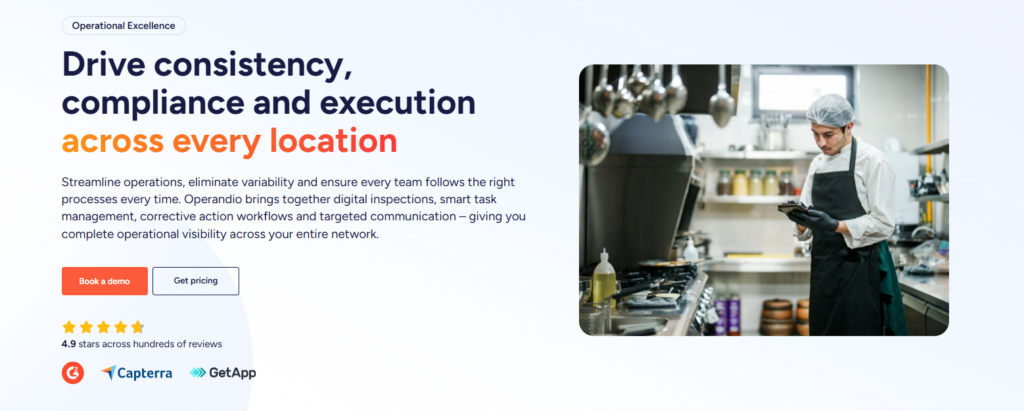
If you run a multi-location business and your standards still depend on paper, memory, WhatsApp messages, or a patchwork of single-purpose tools, Operandio is the best place to start.
👉Book a demo to see how Operandio works for your locations.
