- Platform
- Features
 Operations ExecutionStreamlined operations ensuring brand standards, accountability and efficiency
 Learning ManagementTrain, verify, and reward your workforce with mobile-first education
 Franchise & Multi-Unit ManagementCentralize oversight and streamline growth across your entire multi location network
 Digital Food SafetyAutomate compliance and monitor quality with real-time digital precision
 Asset ManagementOptimize equipment uptime through proactive maintenance and smart tracking
 Health & Safety Management (EHS)Mitigate workplace risks and streamline digital incident reporting and investigations
- Platform Essentials
 AI-Powered ToolsAutomate content, analyze trends, and provide instant answers
 IntegrationsUnify your enterprise tech stack with real-time data
 Powerful ReportingAlign leadership with role-based dashboards and deeper analytics
 IoT PlatformDetect anomalies and automate workflows with intelligent sensors
 Mobile & Shared Tablet AppsSecurely empower frontline teams with fast, offline-capable access
- Footer


 Not sure what you need?
Book in a call with the team
- Features
- Solutions
- By Industry
 RestaurantsQSR, fast food and multi-unit restaurants
 Hotels & ResortsHotels, resorts and extended stay hotels
 ChildcareEarly education, childcare, daycare and preschool
 EntertainmentTheme parks, family entertainment centers and play centers
 Fitness Centers & LeisureFitness centers, golf clubs, gyms and sports facilities
 RetailBig-box retailers, franchise stores and supermarkets
- By Use Case
- Operational ExcellenceStreamlined operations ensuring brand standards, accountability and efficiency
- Learning & DevelopmentTrain, verify, and reward your workforce with mobile-first education
- Franchise & Multi-Unit ManagementCentralize oversight and streamline growth across your entire multi location network
- Food Safety ComplianceAutomate compliance and monitor quality with real-time digital precision
- Asset Management & MaintenanceOptimize equipment uptime through proactive maintenance and smart tracking
- Health & Safety Management (EHS)Mitigate workplace risks and streamline digital incident reporting and investigations
- By Industry
- Resources

- Platform
- Features
- Operations ExecutionStreamlined operations ensuring brand standards, accountability and efficiency
- Learning ManagementTrain, verify, and reward your workforce with mobile-first education
- Franchise & Multi-Unit ManagementCentralize oversight and streamline growth across your entire multi location network
- Digital Food SafetyAutomate compliance and monitor quality with real-time digital precision
- Asset ManagementOptimize equipment uptime through proactive maintenance and smart tracking
- Health & Safety Management (EHS)Mitigate workplace risks and streamline digital incident reporting and investigations
- Platform Essentials
- AI-Powered ToolsAutomate content, analyze trends, and provide instant answers
- IntegrationsUnify your enterprise tech stack with real-time data
- Powerful ReportingAlign leadership with role-based dashboards and deeper analytics
- IoT PlatformDetect anomalies and automate workflows with intelligent sensors
- Mobile & Shared Tablet AppsSecurely empower frontline teams with fast, offline-capable access
- Footer
- Not sure what you need?
Book in a call with the team
- Features
- Solutions
- By Industry
- RestaurantsQSR, fast food and multi-unit restaurants
- Hotels & ResortsHotels, resorts and extended stay hotels
- ChildcareEarly education, childcare, daycare and preschool
- EntertainmentTheme parks, family entertainment centers and play centers
- Fitness Centers & LeisureFitness centers, golf clubs, gyms and sports facilities
- RetailBig-box retailers, franchise stores and supermarkets
- By Use Case
- Operational ExcellenceStreamlined operations ensuring brand standards, accountability and efficiency
- Learning & DevelopmentTrain, verify, and reward your workforce with mobile-first education
- Franchise & Multi-Unit ManagementCentralize oversight and streamline growth across your entire multi location network
- Food Safety ComplianceAutomate compliance and monitor quality with real-time digital precision
- Asset Management & MaintenanceOptimize equipment uptime through proactive maintenance and smart tracking
- Health & Safety Management (EHS)Mitigate workplace risks and streamline digital incident reporting and investigations
- By Industry
- Resources
8 Best Opus Training Alternatives in 2026 (Compared)
Key Takeaways
- Operandio stands out when you need training plus day-to-day operational accountability and audit-ready reporting in one system.
- If you only need a standalone frontline LMS, Wisetail, Schoox, and Axonify sit closer to a pure training replacement.
- If you want a simple, budget-friendly training option for deskless teams, Connecteam is a good choice.
Opus is built for frontline training, especially in restaurants. It helps teams onboard faster, deliver short lessons, and track completion. That’s often enough early on.
The problem shows up as you grow. More locations mean more managers, more turnover, and more variation in how people work. At that point, training completion stops being the goal. You need to know whether the training turned into consistent standards on shift, across every location.
This guide focuses only on real Opus Training alternatives: tools that include training delivery, assignments, and tracking.
Top Best Opus Training Alternatives: At a Glance
| Tool | Best For | Training Strength | What Makes It Different |
| Operandio | Franchises and multi-unit operators that need training plus operational control | Strong | Training sits inside a broader multi-location system: SOPs, checklists, audits, corrective actions, and reporting |
| Wisetail | Restaurant and hospitality teams running structured frontline training | Strong | Purpose-built restaurant LMS with role-based learning paths and completion tracking |
| Schoox | Franchise training governance and standardized rollout | Strong | Strong control over assignments, tracking by location/role, scalable programs |
| Axonify | Frontline reinforcement and microlearning | Strong | Daily microlearning built for retention and consistency on shift |
| FranConnect (World Manager) | Enterprise franchise systems | Strong | Franchise-oriented platform with training + frontline comms and multi-location oversight |
| Jolt | Restaurants that want training inside daily ops workflows | Medium | Training tied closely to operational routines and accountability workflows |
| Connecteam | Budget-friendly deskless training that’s fast to roll out | Medium | Simple mobile courses, assignments, quizzes, and completion tracking |
| Trainual | SOP-based onboarding and process training | Medium | Turns documented processes into training paths, strong for internal playbooks |
What To Look For in an Opus Training Alternative
Choose based on how your business actually runs, not on a feature list.
- Training delivery: Courses, lessons, videos, quizzes, and assignments.
- Tracking and reporting: Completion by location, role, or region, plus exports for audits or leadership.
- Skills verification: Assessments, sign-offs, and proof that someone can do the job.
- Multi-location control: Different rollouts for different brands, regions, locations, and roles.
- Frontline practicality: Mobile-first, shared device support, simple UX, low friction to finish training.
- Connection to standards: SOPs, operational checklists, audits, corrective actions, and follow-up.
Operandio: Best for Franchise Operations, Training, and Compliance
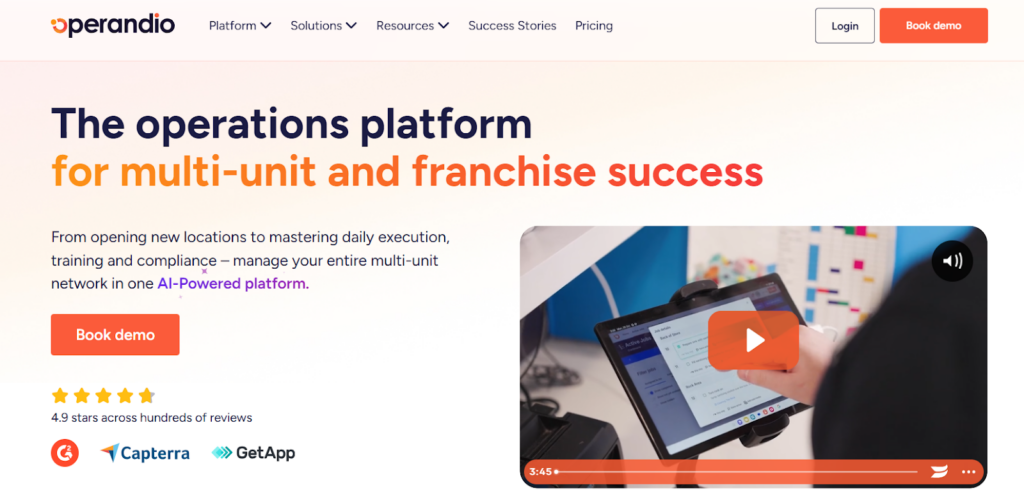
Operandio isn’t a standalone training tool. It’s a franchise and multi-location operations platform that includes training as one part of a larger system.
This matters because most growing brands don’t fail on training content. They fail on consistency. One location follows the standard, another improvises, and the head office only finds out after a customer complaint, a failed inspection, or a bad audit.
Operandio helps you prevent that. You can roll out standards, train teams on them, and then track whether those standards get followed in daily work across every location. Instead of juggling a training tool, a checklist tool, an audit tool, and a reporting spreadsheet, you run it in one place.
Why Operandio Is an Opus Alternative
Opus focuses on training delivery and completion. Operandio covers training too, but it also covers what happens after training – daily routines, inspections, follow-up actions, and visibility by location.
Here’s what to expect:
Training and LMS
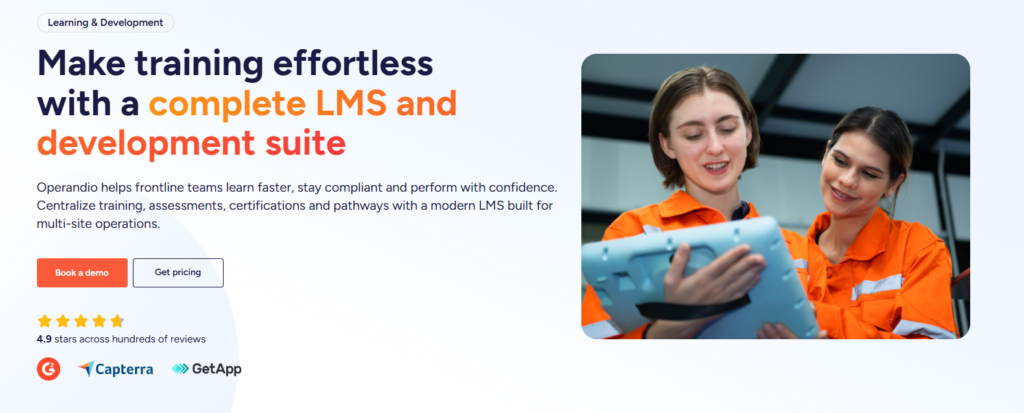
Operandio gives you a built-in LMS designed for multi-location teams, with tracking that stays clear by role and location.
- Centralized Learning Hub: Keep courses, videos, policies, and reference content in one place so every location trains from the same source of truth. You avoid location-made versions of onboarding that drift over time.
- Role-Based Training Assignments: Assign training based on job role, location, or region. This matters when each site has different staffing setups, and when you need managers trained differently from frontline staff.
- Quizzes and Knowledge Checks: Use quizzes to confirm understanding, not just completion. It helps catch gaps early, especially for food handling, safety rules, kitchen compliance and critical procedures.
- Skills Verification and Job Readiness: Track hands-on sign-offs for roles that require real-world competency. This helps when a manager needs to verify someone can do the work, not just watch training.
- Training Reporting by Location: See completion and progress by location, region, role, or individual so you can spot lagging sites quickly and follow up with the right manager.
SOP and Standards Management
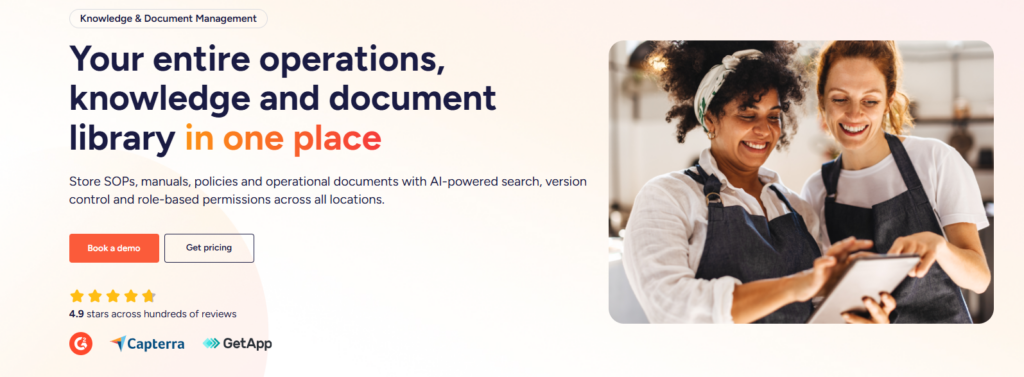
Training falls apart when your standards are scattered across 12 places. Operandio helps you keep standards centralized and easy to find.
- SOP and Document Library: Store operational documents (including your restaurant training manual) in one controlled library so teams always access the current version. That reduces confusion and limits the risk of outdated policies.
- Version Control and Updates: When a procedure changes, you update it once and roll it out across the network. Teams stop training on old processes because someone forgot to update a PDF.
- Searchable Knowledge Base: Frontline teams can search and find the right procedure fast, which reduces mistakes during busy shifts.
Daily Execution and Task Management
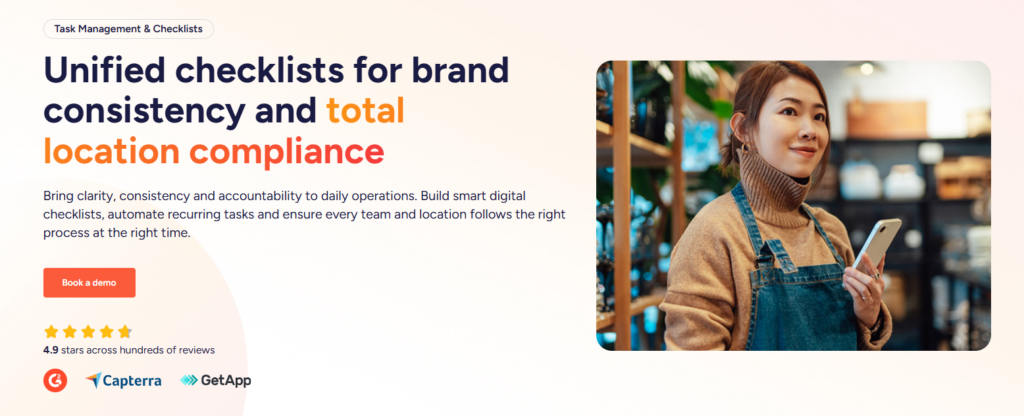
This is where Operandio separates itself from training-only tools. It helps you turn training into repeatable behavior and makes your task management seamless.
- Digital Checklists for Shift Routines: Run opening, closing, cleaning, and safety routines with consistent steps. Managers can see whether tasks got done, not just “assigned.”
- Task Assignment and Accountability: Assign tasks with owners and due dates so follow-through doesn’t depend on memory or “who was on shift.”
- Automated Reminders: Reduce missed tasks with reminders that keep teams on track without constant manager chasing.
Audits, Inspections, and Compliance Proof
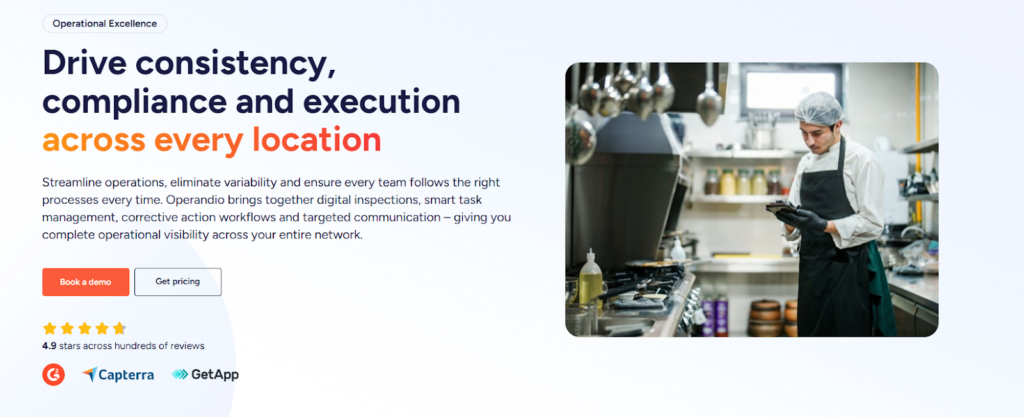
If your standards matter, you need a way to verify them. Operandio gives you tools to inspect, capture evidence, and prove compliance.
- Audits and Inspections With Evidence Capture: Digitize inspections and capture photos or notes when something fails. This creates a consistent way to assess locations and spot patterns.
- Corrective Actions and Follow-Up Tracking: When an audit fails, create a corrective action, assign an owner, set a due date, and track closure. Issues don’t disappear after someone “flags it.”
- Compliance Reporting: Pull reporting by location, region, or brand for leadership reviews, franchise audits, or compliance needs. You stop chasing spreadsheets and status updates.
Multi-Location Oversight and Reporting
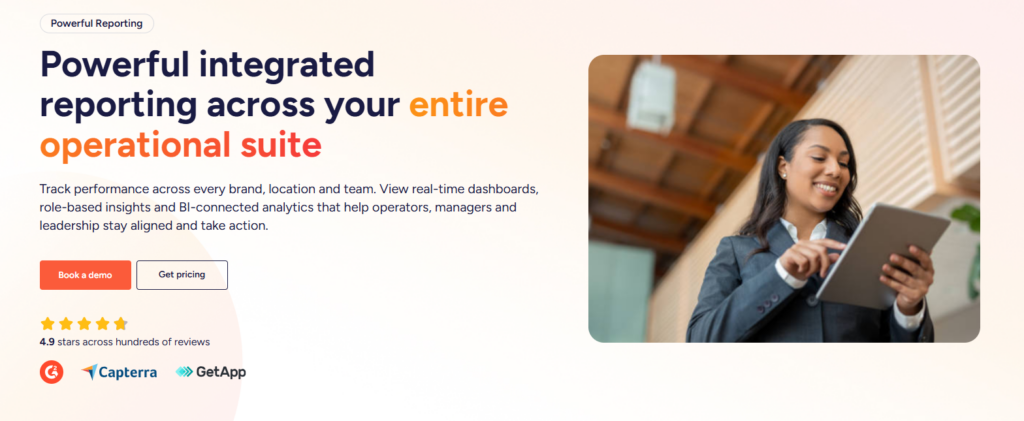
Operandio gives head office visibility without requiring constant check-ins with powerful reporting.
- Dashboards by Location and Region: See performance across locations and drill into problem areas quickly.
- Exportable Reporting Packs: Create restaurant analytics and reporting outputs for leadership reviews, franchise performance meetings, or compliance documentation without manual compilation.
- Role-Based Access: Give the right views to the right people: location managers, area managers, head office, and auditors.
Where Operandio Shines
- Multi-location consistency: You can roll out the same onboarding and training standards across every location from one learning hub.
- Mobile-first delivery: Frontline staff can complete training and quizzes on any device, which helps adoption when people don’t sit at desks.
- Faster course creation: You can build training with an AI course builder, mix formats, and upload SCORM when you already have structured e-learning content.
- Real visibility for managers: You can track completion, certification status, and skill gaps across locations, with reporting that drills down by region, store, or individual.
- Job-readiness proof: You can verify practical skills with physical assessments and reinforce progression with badges, pathways, and certificates.
Where Operandio Falls Short
Operandio won’t be the “best” answer for every team.
- If you run a single-location office team and want a simple playbook, you may prefer something lighter like Wisetail or Schoox.
- If you only need a budget option, Connecteam might fit better.
Customer Reviews
Operandio scores 4.9/5 on Capterra (based on reviewed listings), where users are explicitly emphasizing multi-unit operations, training, audits/inspections, and compliance workflows as the best features.
Morgane M, HR Coordinator, Food Production: “Although we haven’t used Operandio for long, our experience has been very positive. The platform has already improved communication, task management, and training processes.”
Amanda P, Manager, Culinary Community, Facilities Services: “The Operandio system and team are the best around; no question has been unanswered. I would personally recommend them to anyone.”
Who Operandio is best for
Operandio is best for operations and compliance leaders in franchise and multi-unit businesses who need one platform to see what’s happening across locations in real time.
- Franchise networks and multi-unit operators: You need one system to roll out standards across every site, then see who’s adopting them.
- Hospitality and food-led operations: You need training and compliance to hold up under rush conditions, not fall apart when it gets busy.
- Regulated, operationally heavy environments: You need clear standards and consistent follow-through.
- Ops leaders stuck chasing follow-ups: You need real visibility by location.
- Teams with high turnover and constant onboarding: You need new hires to ramp fast, and managers to know who’s ready.
- Brands that need audit-ready evidence: You need proof in one place so reviews and inspections don’t turn into a scramble.
Wisetail: Best for Restaurant Frontline LMS Programs
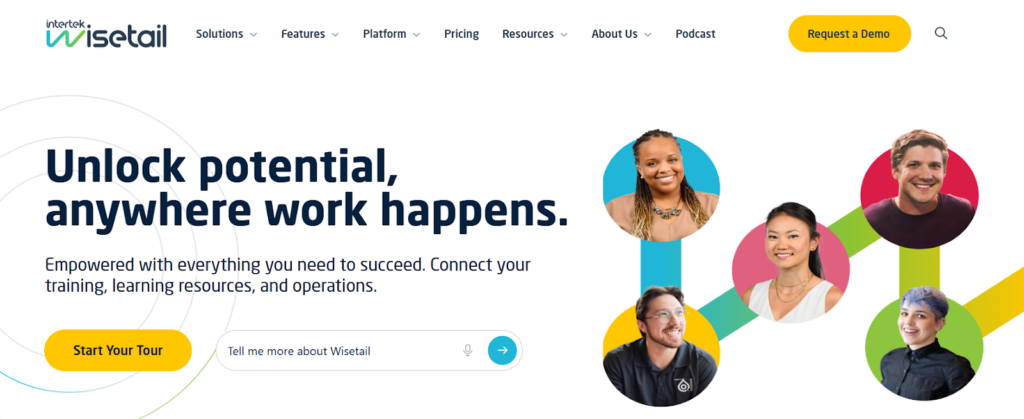
Wisetail targets frontline training for restaurant and hospitality teams. It works well when you want a dedicated training system that supports structured learning paths.
Key Features
- Role-based learning paths: Build structured training tracks by job role (FOH, BOH, manager), and assign automatically when someone joins a role.
- Mobile learning for deskless teams: Deliver training in short sessions that work during shifts, not just at a desktop.
- Central course library: Store training content in one place so locations stop improvising onboarding.
- Assessments and quizzes: Validate understanding, not just participation.
- Progress and completion tracking: Monitor learning at the individual and location level, with reporting that helps spot gaps fast.
- Multi-location administration: Manage training rollouts across many sites with permission control and oversight.
Pros
- Strong fit for restaurant and hospitality frontline training programs.
- Role-based learning paths make onboarding more consistent across locations.
- Mobile-first delivery works well for non-desk staff and shift schedules.
- Clean completion tracking helps spot gaps by role and location.
- Works well when you already have separate systems for daily ops and audits.
Cons
- Less helpful if your main issue is operational follow-through after training.
- You may need extra tooling for audits, checklists, corrective actions, and compliance proof.
- Implementation and content structure matter: you’ll need an internal owner to keep training current.
Customer Reviews
Dan R, Recruiting and Training Manager: “Very easy to use on both the admin and the user side. It’s also very easy to troubleshoot and make quick updates on the fly when necessary.”
Grace B, Corporate Training Manager: “The constant IT glitches and the reporting. I wish the reporting were better and easier to use. Seems very limited. The app is also quite bad.”
Best For
Restaurant and hospitality brands that want a dedicated frontline LMS with structured learning paths and clear tracking, especially across multiple locations.
Schoox: Best for Franchise Training Governance
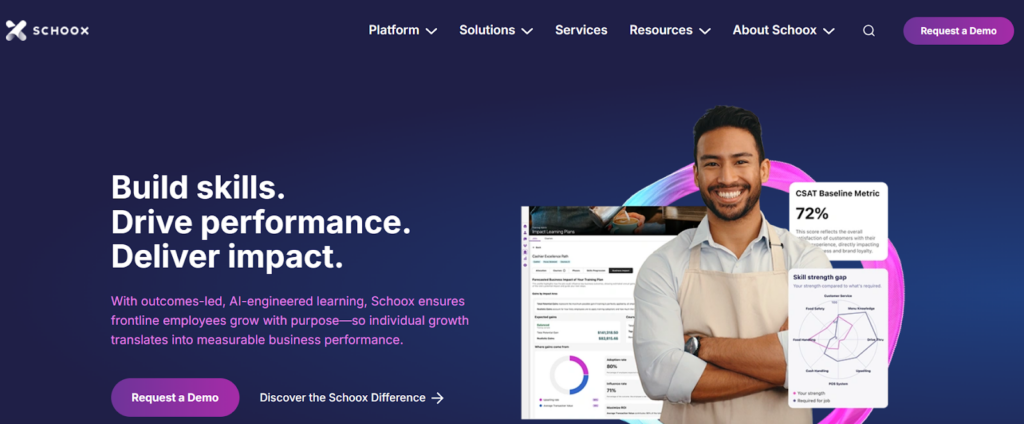
Schoox can work well for franchises that want centralized training control with flexibility at the location level. It often fits brands that want to standardize training while still accommodating local realities.
Schoox fits teams that want structured training delivery and clear reporting across a distributed organization.
Key Features
- Course creation and delivery: Build training modules, assign to roles, and deliver on mobile so frontline teams can complete training quickly.
- Learning paths and certification-style flows: Create structured progression and track who completed required steps.
- Testing and assessments: Quizzes and tests to measure knowledge, plus visibility into who struggles with what.
- Centralized training governance: Keep location training consistent with control over what gets assigned and when.
- Reporting by location and role: Track completion and performance across the network and isolate low-compliance sites.
- Content management: Organize content so training stays navigable as the library grows.
Pros
- Strong training governance for multi-location and franchise environments.
- Good assignment control by role and location.
- Solid tracking and reporting across distributed teams.
- Supports assessments, which helps validate learning beyond completion.
- Scales well when you need centralized oversight and consistency.
Cons
- Training sits outside daily operational workflows unless you integrate other tools.
- Can feel heavier than needed for smaller teams that only want simple onboarding.
- Reporting value depends on how cleanly you structure roles and learning paths.
Customer Reviews
Charles W, VP of People Excellence, Food & Beverages: “I have been using Schoox for about 18 months. It was a nearly brand-new system when I first started with the Company. It has proven to be an excellent resource, easily adapted and leveraged for a variety of learning solutions, and occasionally even helpful outside of a traditional LMS use case.”
Morgan R, Analyst, Education Management: “Well, it is very VERY basic, there are some common features that other LMS tools have that this one does not. For example, sunsetting courses after new versions had been released.”
Best For
Franchise and multi-location teams that want a training-first platform with strong oversight, structured programs, and reporting by role and location.
Axonify: Best for Reinforcement and Daily Microlearning
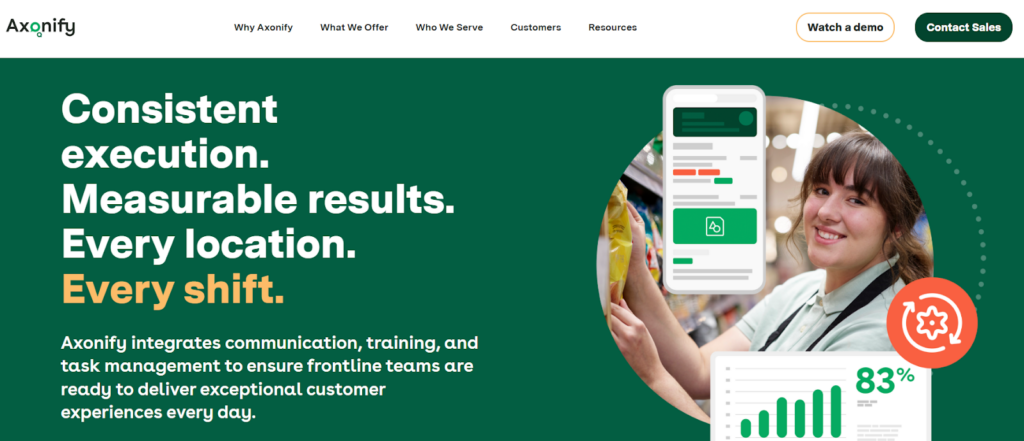
Axonify focuses on reinforcement, so training becomes part of the work rhythm. It can work well when knowledge fades quickly, turnover stays high, and you need consistency without long courses.
Axonify focuses on reinforcement, which makes it strong when turnover is high and knowledge slips quickly.
Key Features
- Microlearning built for shifts: Deliver short training that teams actually finish, especially during busy schedules.
- Adaptive training logic: Learners get more reinforcement on what they miss, which helps improve retention over time.
- Knowledge checks and quizzes: Frequent short checks to confirm understanding and identify gaps.
- Targeted training by role: Assign different training to different job functions so people don’t sit through irrelevant content.
- Performance visibility: Reporting that shows participation and improvement trends over time.
- Frontline-first UX: Built for non-desk workers, with fast training completion and minimal friction.
Pros
- Excellent for reinforcement and retention, not just onboarding.
- Microlearning fits real shift schedules and short attention windows.
- Adaptive training focuses on what people miss, which improves outcomes over time.
- Strong fit for high-turnover environments where knowledge fades fast.
- Helps maintain standards through continuous learning instead of one-time courses.
Cons
- Not designed to replace broader ops tooling if you need audits, checklists, and corrective action tracking in the same system.
- Best results require consistent content cadence, which means ongoing ownership.
- May not be the best fit if you want long-form, structured courses as your main training format.
Customer Reviews
Daniel P, Marketing Manager: “I like that it allows people to review safety items in a fun and creative way. Giving points and positive feedback to frequent users.”
Dreama K, Hospitality: “Limited applicability for highly specialized or complex training needs. May require initial effort to customize content for unique business goals.”
Best For
Frontline-heavy teams that want daily reinforcement and measurable training retention, especially in restaurants, retail, and operational environments with high turnover.
FranConnect (World Manager): Best for Enterprise Franchise Systems
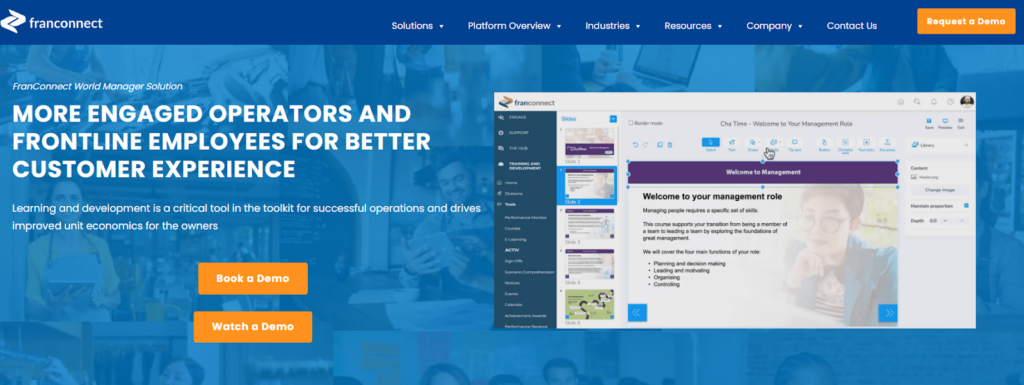
World Manager fits franchise networks that need structured training across many locations, with head office control and location-level visibility. It’s a solid option when you want training to support brand standards at scale, especially when franchise ownership and permissions add complexity.
World Manager is a franchise-focused frontline platform that includes training as part of a broader system.
Key Features
- Training content delivery: Courses, lessons, and modules designed for frontline completion.
- Multi-unit rollouts: Push training across franchise locations with structure and oversight from head office.
- Tracking and reporting: See completion and status by location and role for franchise visibility.
- Frontline communication: Support communications tied to training and initiatives, so locations don’t miss important updates.
- Brand consistency support: Structured training distribution helps reduce “every location does it differently.”
- Franchise operations fit: Built with franchisor/franchisee structure in mind, which matters when permissions and compliance differ by group.
Pros
- Strong fit for franchise systems that need location-level visibility and control.
- Built with franchisor-franchisee structures in mind, which helps with permissions and oversight.
- Training supports network-wide rollouts and standardized learning.
- Combines training with frontline comms, which helps initiatives land faster.
- Works well for larger networks that need governance and consistency.
Cons
- Can be overkill for single-site or small multi-site operators.
- Setup and rollout typically require more planning than lightweight training tools.
- If you only want training, a dedicated LMS might feel simpler.
Customer Reviews
Ryan W, Operations Manager: “Their support is good, but with so many levers to check and a significant knowledge base to maintain, the solutions rarely come the same day.”
Social Media Manager, Marketing and Advertising: “This software has never once worked well. Constantly timing out, buggy, and laggy to boot. It’s not user-friendly and needs a serious overhaul of how it’s managed.”
Best For
Franchise networks that need enterprise-grade training rollout, visibility by location, and franchisor-level control.
Jolt: Best for Training Inside Restaurant Operations
Jolt fits teams that want training inside a restaurant ops system. It works best when your managers already run daily checklists and accountability workflows and you want training to connect to that rhythm.
Key Features
Jolt works best when you want training inside a restaurant ops suite, not as a standalone LMS.
- Training content hub: Store and deliver training content to staff as part of a broader operations environment.
- Quizzes and checks: Validate learning with simple assessments so managers can see who actually understood procedures.
- Training tied to day-to-day routines: Connect training to checklists and shift workflows so learning becomes repeatable behavior.
- Task and checklist reinforcement: Great for building consistency after onboarding by requiring daily execution of the standards trained.
- Manager visibility: Easier to spot gaps when a location misses training and also misses checklist compliance.
- Frontline usability: Designed for restaurant teams and shift-based work.
Pros
- Strong practical fit for restaurants where managers run the business through daily routines.
- Training connects naturally to accountability workflows and shift standards.
- Helps reinforce training through checklists and follow-through, not just course completion.
- Easier adoption for teams that already use Jolt for ops tasks and logs.
- Good for managers who need quick visibility into completion and compliance.
Cons
- Less of a dedicated LMS compared with training-first platforms.
- Training governance and advanced learning paths may feel limited depending on needs.
- Best value shows up when you use it as part of ops workflows, not training in isolation.
Customer Reviews
Khilah B. Owner, Cosmetics: “The checklists and organization systems is what I liked the most about Jolt. There are ways to hold your team accountable with this platform in a professional way.”
Jarl W, Procurement, Systems and Training Manager, Hospitality: “Platform is dated, with very few updates experienced during the time that I administered the service. Outdated UX.”
Best For
Restaurants that want training inside daily operational workflows, especially teams that prioritize manager accountability and routine-based execution.
Connecteam: Best Budget-Friendly Training for Deskless Teams
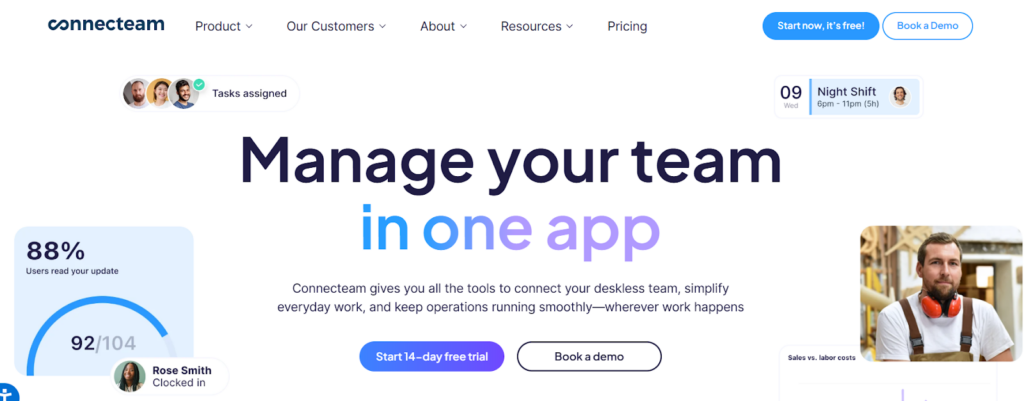
Connecteam fits teams that want simple mobile training with tracking, without enterprise complexity. It’s often a good choice when you need a low-friction way to standardize onboarding across multiple locations.
Key Features
Connecteam is a general deskless workforce platform with a solid training module at an accessible price.
- Mobile courses: Create courses with videos, files, and lessons that staff can complete from their phones.
- Training assignments: Assign training to individuals or groups and track completion.
- Quizzes: Add basic testing to check understanding.
- Progress tracking: See who completed what, and follow up with people who haven’t finished.
- Simple admin: Quick to set up for smaller teams or as a fast training layer across many locations.
- All-in-one add-ons: Scheduling, comms, and other functions exist, but training remains the primary use case.
Pros
- Affordable entry point for mobile training for deskless teams.
- Simple course building and assignment workflows.
- Quizzes and completion tracking cover the basics well.
- Fast rollout – good when you need training live quickly across locations.
- Works well for smaller teams that want a straightforward training layer.
Cons
- Lighter on advanced governance, certification logic, and deep reporting compared with enterprise LMS tools.
- You may outgrow it if you need complex role/location training structures.
- Not purpose-built for restaurant training in the way niche restaurant LMS tools are.
Best For
Small to mid-sized multi-location teams that want simple training delivery and tracking at a predictable price.
Trainual: Best for SOP-Based Onboarding and Process Training
Trainual fits teams that want onboarding and training built around documented processes. It works well when your training should look like: “Here’s how we do things here,” then a structured path to learn it.
Key Features
Trainual works best for process training and onboarding that’s built around SOPs and internal playbooks.
- SOP-to-training structure: Turn your internal processes into structured onboarding content, which fits teams that run on documented playbooks.
- Training paths and assignments: Assign onboarding tracks by role, track completion, and standardize training across teams.
- Knowledge checks: Add quizzes or tests to confirm understanding.
- Searchable knowledge base: Helps teams find “how we do things here” without asking the same questions repeatedly.
- Version updates: Update SOP content and keep training aligned as processes change.
- Reporting: Track training completion across employees and roles.
Pros
- Great for documenting and standardizing internal processes.
- Strong onboarding structure for growing teams.
- Helps reduce tribal knowledge problems.
Cons
- Less purpose-built for restaurant frontline microlearning compared with training tools designed specifically for shift teams.
- You may need separate tools for daily operational accountability.
Best For
Operators and support teams that need consistent process training and onboarding, especially when documentation matters.
How To Choose the Right Opus Alternative
Teams usually replace Opus because the business changes. Once you add more locations, more managers, and more turnover, the real problem stops being content. The problem becomes control:
- You can’t tell which locations actually adopted the training versus which ones clicked through it.
- Managers don’t have an easy way to reinforce training on shift, so habits slide back to “how we’ve always done it.”
- Leadership asks for proof like – who completed training, who is overdue, which locations lag, and what changed after training went live.
- Training sits in one tool, daily routines live somewhere else, and you end up chasing people across systems.
That’s the moment you need an alternative: not because you want a different training library, but because you need training to show up in the way the business runs.
A Quick Decision Filter
If you can answer “yes” to any of these, you’ve outgrown a training-only setup:
- Do you need to roll out standards across multiple locations and know they actually landed?
- Do you need location-by-location reporting that holds up in audits, franchise reviews, or leadership meetings?
- Do you need managers to reinforce training through daily routines, not just reminders in an LMS?
- Do you need a single place to connect training, SOPs, checklists, inspections, and follow-up?
If yes, pick based on what you need to control most.
If You Want One Platform to Run Your Entire Franchise Operation
As you scale, a standalone LMS can still deliver training, but it won’t solve the bigger problem – keeping standards consistent and proving it across every location.
Operandio fits this category because it works as a single platform for multi-location operations, with training built in.
With Operandio, you can:
- Roll out training by role and location, track completion, and validate learning with quizzes and assessments. Training stays connected to the standards teams follow on the floor.
- Keep procedures, policies, and reference content centralized, searchable, and up to date. When standards change, you update once and every location sees the latest version.
- Run opening and closing routines, cleaning schedules, line checks, and recurring tasks with digital checklists and accountability. This is where training turns into behavior.
- Digitize audits, capture evidence, and see compliance by location. You can spot recurring issues across the network instead of treating every failure as an isolated incident.
- Turn failures into tracked follow-up tasks with owners and due dates. You stop losing problems in group chats and notebooks.
- Push updates to locations and require acknowledgement so you can prove teams received and understood the change.
- Compare performance across locations, regions, or brands. Pull leadership-ready reporting without rebuilding spreadsheets each week.
If You Want a Dedicated Frontline LMS
Pick Wisetail, Schoox, or Axonify if you mainly need a training platform: courses, learning paths, reinforcement, quizzes, and clean completion reporting.
These tools work well when:
- You already have operational systems in place for checklists and audits.
- Your main goal is improving onboarding quality and retention through better training delivery.
- You don’t need training to connect to inspections and corrective actions inside the same platform.
If You Want Training Inside a Restaurant Ops Tool
Pick Jolt when managers live in daily checklists and you want training to sit close to routines and accountability.
This is a good fit when:
- You want training to feel like part of shift execution.
- You value speed and practicality over deep training governance.
- Your team needs a system that supports daily follow-through, not just course completion.
If You Want Simple Training at a Lower Cost
Pick Connecteam when you need a fast rollout and straightforward training delivery for deskless teams.
This works best when:
- You need a basic training layer for onboarding and compliance refreshers.
- You don’t need complex location governance or advanced verification.
- You want predictable pricing and a simple admin experience.
If Training Equals SOPs and Playbooks
Pick Trainual when your training runs through documented processes and role-based onboarding playbooks.
Trainual fits when:
- Your biggest need is turning tribal knowledge into structured onboarding.
- You want a clean SOP library plus training paths and testing.
- You don’t need inspections, corrective actions, or shift routines baked into the same tool.
Why Operandio Becomes the Better Choice as You Scale
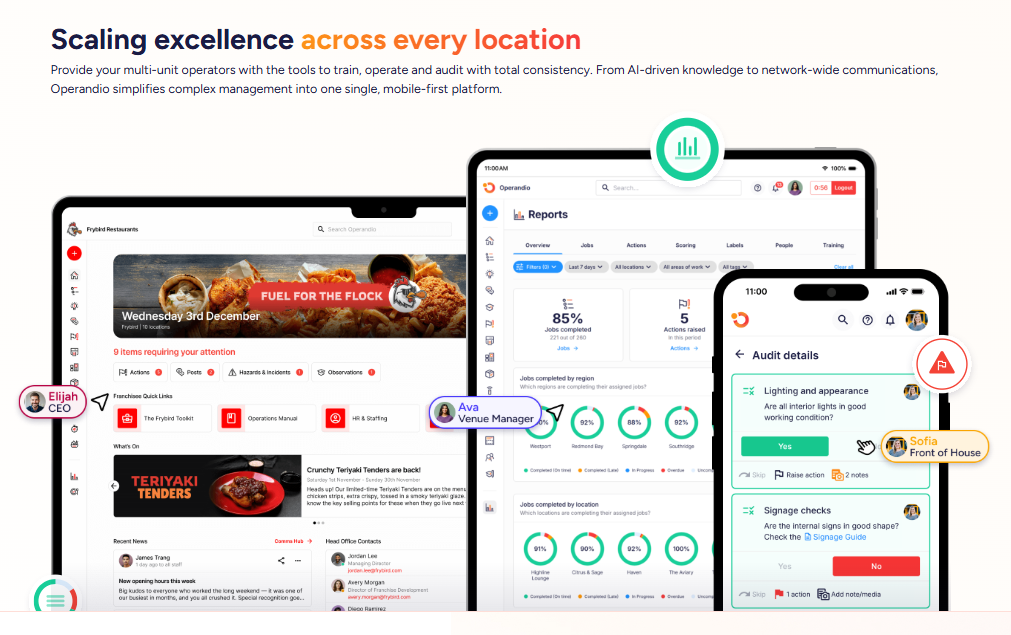
Opus and most LMS tools solve one piece of the puzzle – getting training delivered and completed. That works until you hit the real multi-location problems like inconsistent standards, weak follow-through, and no reliable proof by location.
Operandio solves that by putting training inside the operating system for your locations. You still get learning, assignments, and tracking, but you also get the pieces that make training actually show up on the floor.
If you run a franchise or multi-location operation and your real problem is consistency and proof, Operandio is the stronger choice because it connects training to standards, routines, inspections, follow-up, and reporting by location.
👉Book an Operandio demo to see it in action!
FAQs
What Is Opus Training Used For?
Opus focuses on training for restaurant and frontline teams, typically onboarding, role training, and progress tracking across locations.
What’s the Biggest Reason Teams Switch From Opus?
Most teams switch when they need more control by location, better reporting, skills verification, or stronger links between training and daily standards.
Which Alternative Is Best for Franchises?
Operandio and FranConnect (World Manager) usually fit best because they support multi-location governance, training rollout control, and reporting by location.
Which Alternative Works Best for Restaurant Managers?
Jolt fits managers who want training tied to daily routines. Operandio fits managers and ops leaders who need training plus audits, checklists, and corrective follow-up.