
- Platform
- Features
 Franchise & Multi-Unit ManagementCentralize oversight and streamline growth across your entire multi location network
 Learning ManagementTrain, verify, and reward your workforce with mobile-first education
 Operations ExecutionStreamlined operations ensuring brand standards, accountability and efficiency
 Asset ManagementOptimize equipment uptime through proactive maintenance and smart tracking
 Digital Food SafetyAutomate compliance and monitor quality with real-time digital precision
 Health & Safety Management (EHS)Mitigate workplace risks and streamline digital incident reporting and investigations
- Platform Essentials
 Powerful ReportingAlign leadership with role-based dashboards and deeper analytics
 Operandio IntelligenceAutomate content, analyze trends, and provide instant answers
 IntegrationsUnify your enterprise tech stack with real-time data
 IoT PlatformDetect anomalies and automate workflows with intelligent sensors
 Mobile & Shared Tablet AppsSecurely empower frontline teams with fast, offline-capable access
- Footer


 Not sure what you need?
Book in a call with the team
- Features
- Solutions
- By Industry
 RestaurantsQSR, fast food and multi-unit restaurants
 Hotels & ResortsHotels, resorts and extended stay hotels
 ChildcareEarly education, childcare, daycare and preschool
 EntertainmentTheme parks, family entertainment centers and play centers
 Fitness Centers & LeisureFitness centers, golf clubs, gyms and sports facilities
 RetailBig-box retailers, franchise stores and supermarkets
- By Use Case
- Operational ExcellenceStreamlined operations ensuring brand standards, accountability and efficiency
- Learning & DevelopmentTrain, verify, and reward your workforce with mobile-first education
- Franchise & Multi-Unit ManagementCentralize oversight and streamline growth across your entire multi location network
- Food Safety ComplianceAutomate compliance and monitor quality with real-time digital precision
- Asset Management & MaintenanceOptimize equipment uptime through proactive maintenance and smart tracking
- Health & Safety Management (EHS)Mitigate workplace risks and streamline digital incident reporting and investigations
- By Industry
- Resources
- Platform
- Features
- Franchise & Multi-Unit ManagementCentralize oversight and streamline growth across your entire multi location network
- Learning ManagementTrain, verify, and reward your workforce with mobile-first education
- Operations ExecutionStreamlined operations ensuring brand standards, accountability and efficiency
- Asset ManagementOptimize equipment uptime through proactive maintenance and smart tracking
- Digital Food SafetyAutomate compliance and monitor quality with real-time digital precision
- Health & Safety Management (EHS)Mitigate workplace risks and streamline digital incident reporting and investigations
- Platform Essentials
- Powerful ReportingAlign leadership with role-based dashboards and deeper analytics
- Operandio IntelligenceAutomate content, analyze trends, and provide instant answers
- IntegrationsUnify your enterprise tech stack with real-time data
- IoT PlatformDetect anomalies and automate workflows with intelligent sensors
- Mobile & Shared Tablet AppsSecurely empower frontline teams with fast, offline-capable access
- Footer
- Not sure what you need?
Book in a call with the team
- Features
- Solutions
- By Industry
- RestaurantsQSR, fast food and multi-unit restaurants
- Hotels & ResortsHotels, resorts and extended stay hotels
- ChildcareEarly education, childcare, daycare and preschool
- EntertainmentTheme parks, family entertainment centers and play centers
- Fitness Centers & LeisureFitness centers, golf clubs, gyms and sports facilities
- RetailBig-box retailers, franchise stores and supermarkets
- By Use Case
- Operational ExcellenceStreamlined operations ensuring brand standards, accountability and efficiency
- Learning & DevelopmentTrain, verify, and reward your workforce with mobile-first education
- Franchise & Multi-Unit ManagementCentralize oversight and streamline growth across your entire multi location network
- Food Safety ComplianceAutomate compliance and monitor quality with real-time digital precision
- Asset Management & MaintenanceOptimize equipment uptime through proactive maintenance and smart tracking
- Health & Safety Management (EHS)Mitigate workplace risks and streamline digital incident reporting and investigations
- By Industry
- Resources
12 Best Restaurant Apps for Owners to Improve Ops (2026)
Key Takeaways
- Operandio is the best fit for franchise and multi-unit restaurant groups that need to manage standards, tasks, inspections, training, communication, and operational visibility across locations.
- Square suits independent restaurants seeking accessible POS and payment tools, while 7shifts covers scheduling and MarginEdge supports invoice automation and food-cost control.
- OpenTable is the strongest broad reservation and diner-discovery app, while Owner.com supports direct ordering, loyalty, and restaurant marketing.
- The right restaurant tech stack combines complementary apps. Avoid buying several tools that solve the same problem or create more manual data transfers.
The best restaurant apps help owners control costs, coordinate staff, serve guests, and understand performance without adding more manual work.
However, no single app covers every specialist requirement equally well.
And so, this guide compares 12 apps for restaurant owners across operations, POS, scheduling, inventory, reservations, direct ordering, delivery, accounting, and event sales. You’ll also learn how to combine them into a complete, practical restaurant technology stack.
Why Every Restaurant Owner Should Invest In Their Restaurant Tech Stack
A restaurant tech stack is the group of apps and connected systems used to run the business. It can include POS software, scheduling, inventory, reservations, ordering, accounting, and daily operations management.
The right stack helps you:
- Reduce repeated data entry and administrative work
- Give managers and employees clearer information
- Track food, labor, and operating costs sooner
- Respond faster to guests and operational problems
- Maintain more consistent processes across locations
- Make decisions using current information rather than scattered reports
On the flip side, the wrong stack creates a different set of problems. Two apps may more or less perform the same job, systems may fail to share data, and employees may need several logins to complete a simple workflow. Owners then pay for more software while managers continue transferring information manually, which is counterproductive.
So, start by defining the main capability each app must own. Choose one primary system for transactions, one for each specialist function, and an operational layer that connects standards with daily execution.
Our guide to restaurant management explains the wider responsibilities your technology must support. You can also then review where restaurant automation systems reduce repetitive work and improve follow-up.
12 Best Restaurant Apps For Owners: A Quick Overview
These top restaurant apps serve different parts of the business. The best combination depends on your restaurant size, service model, sales channels, and operational complexity.
| Name | Best For | Standout Features | Price Starting Point |
|---|---|---|---|
| Operandio | Multi-unit operations and frontline execution | Tasks, inspections, training, communication, and network-wide oversight | Custom |
| Square For Restaurants | Accessible POS and payments | Restaurant POS, integrated payments, online ordering, and hardware | Free |
| 7shifts | Scheduling and labor management | Employee scheduling, availability, labor forecasting, and time tracking | Free |
| MarginEdge | Invoice automation and food-cost control | Invoice processing, daily food costs, inventory, and bill pay | $350/location/month |
| OpenTable | Reservations and diner discovery | Booking marketplace, table management, waitlists, and guest profiles | $149/month plus applicable cover fees |
| Owner.com | Direct ordering and restaurant marketing | Restaurant website, online ordering, branded app, loyalty, email, and SMS | $249/month plus 5% per order |
| Toast | Restaurant-specific POS ecosystem | POS, kitchen displays, ordering, payments, and restaurant integrations | From $0/month |
| MarketMan | Inventory and procurement | Live inventory, purchase orders, supplier management, and recipe costing | $199/month |
| Tock | Prepaid reservations and experiences | Reservations, deposits, ticketed events, takeout, and guest data | $269/month plus prepayment fees |
| DoorDash Drive On-Demand | White-label delivery fulfillment | Delivery through your own website, app, POS, or ordering platform | $6.99-$10.99/delivery |
| QuickBooks Online | General accounting | Bookkeeping, bills, expenses, reporting, cash flow, and accountant access | $38/month before promotions |
| Tripleseat | Private events and catering sales | Event inquiries, proposals, contracts, payments, and event coordination | Pricing available on request |
Operandio: Best Operations Management App For Multi-Unit Restaurants
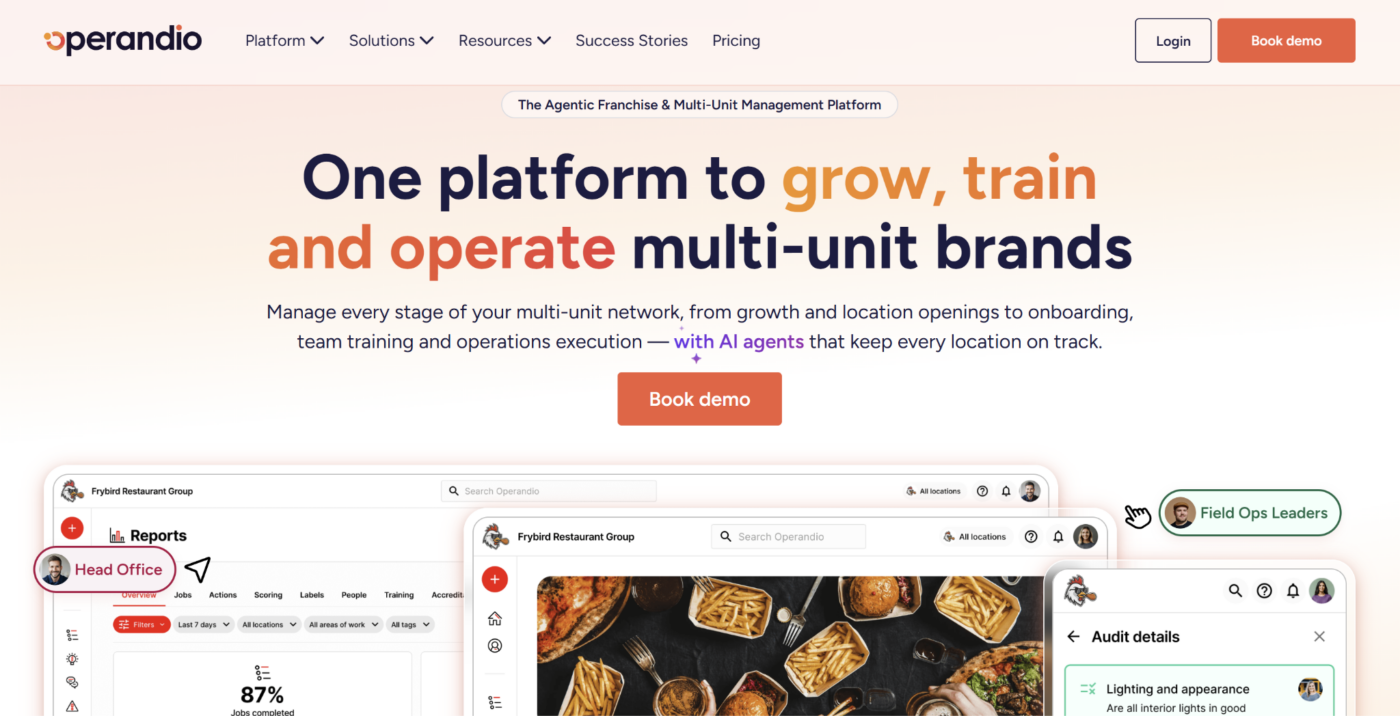
Operandio is an AI-powered operations platform for franchise and multi-unit restaurant businesses. It gives owners and head office one place to manage frontline tasks, inspections, employee learning, communication, and network-wide performance.
Its franchise and multi-unit management capabilities help restaurant groups distribute standards centrally while giving each location the instructions and tools required during daily work.
Key Features
Operandio combines mobile execution with centralized oversight. Restaurant teams can complete work where it happens, while owners and operations leaders monitor progress, identify exceptions, and follow up across locations.
Mobile And Shared-Tablet Access
Operandio’s Mobile & Shared Tablet Apps give frontline employees access to tasks, checklists, training, inspections, announcements, and operational documents during a shift.
Employees can use their own phones or sign in to a shared location device with a PIN. Role- and location-based access ensures they see the work and information relevant to their responsibilities.
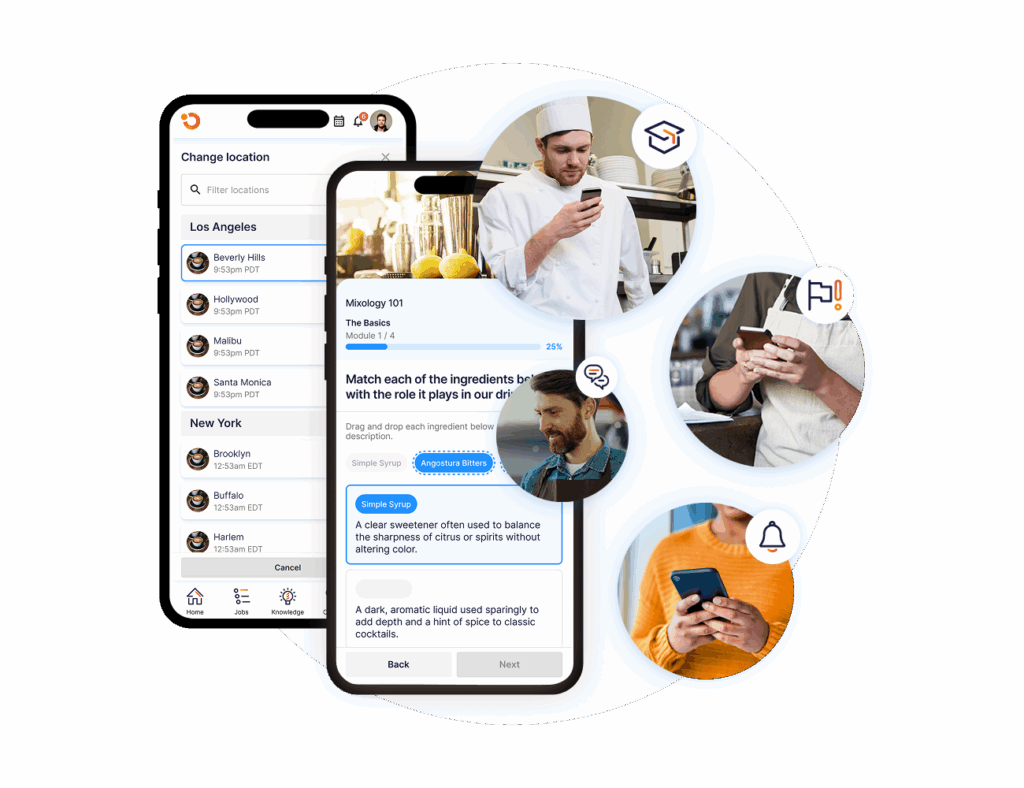
Managers receive mobile alerts and real-time updates without waiting to return to a back-office computer. Owners and regional leaders can also review location activity while away from the restaurant.
This supports mobile apps for restaurants as practical work tools rather than scaled-down reporting dashboards.
Tasks, Inspections, And Corrective Action
Operandio connects scheduled work with evidence, issue detection, and follow-up.
Its Inspections & Audits capability lets restaurant groups create standardized forms for opening, closing, food safety, cleaning, brand standards, and location reviews. Employees can submit scores, notes, photos, and timestamps through the app.
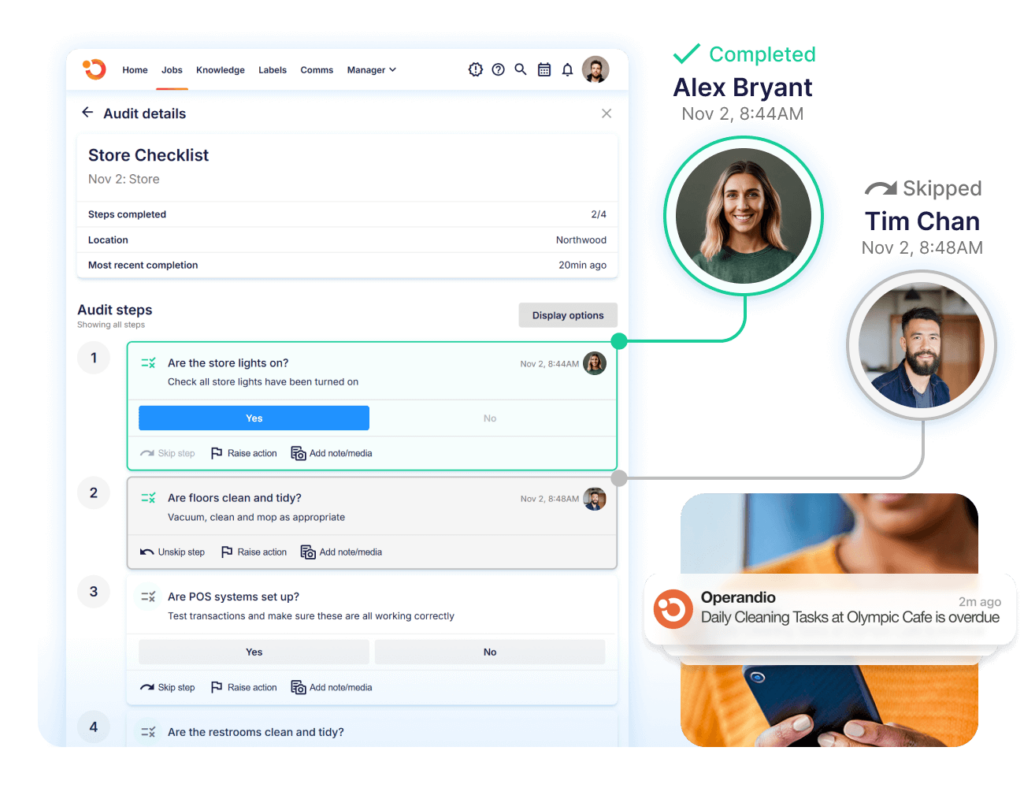
The platform’s Task Management capability assigns recurring or one-off work by location, team, or employee. Tasks can also be generated after a failed inspection, missed process, incident, hazard, equipment issue, or sensor alert.
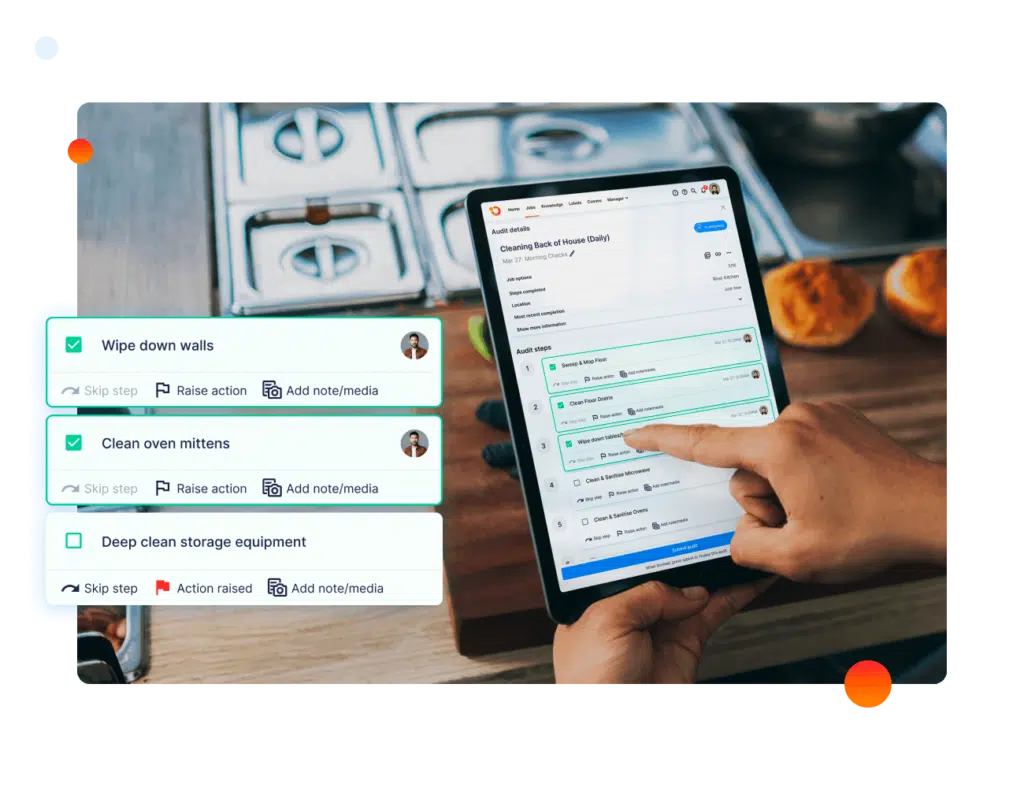
Owners can see who is responsible, when the action is due, and whether the required evidence was provided. This prevents identified problems from remaining buried inside completed forms or manager messages.
Mobile-First Learning And Skill Verification
Operandio’s LMS Learning Hub gives restaurant employees access to courses, videos, documents, quizzes, and reference materials through phones or shared tablets.
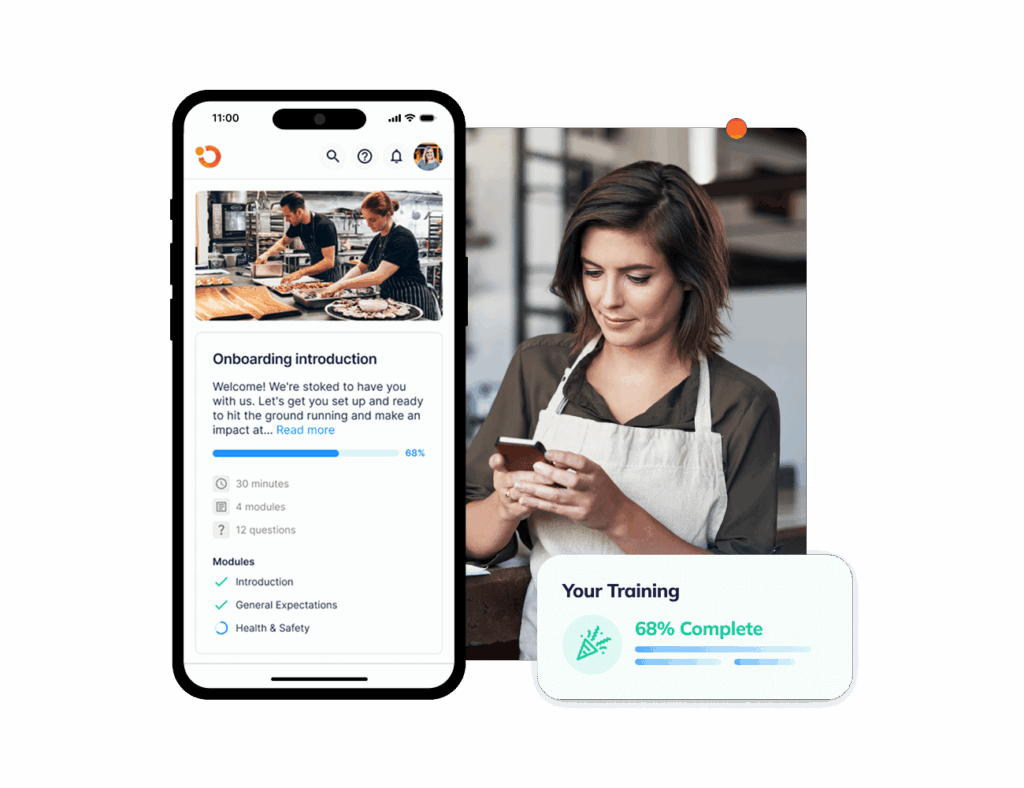
Head office can assign learning by role and location, monitor overdue courses, and track expiring certifications. Different pathways can be created for managers, servers, kitchen employees, and other frontline roles.
Digital completion can then be supported by physical assessments. Managers observe employees performing practical tasks and record whether they demonstrated the required skill.
This connects onboarding and refresher learning with job readiness instead of treating course completion as the final result.
Targeted Employee Communication
Operandio’s Employee Communication helps owners and operations teams send updates to the employees who need them.
Messages can be targeted by role, restaurant, team, region, or brand. Head office can schedule campaigns, issue reminders, require acknowledgments, and track who has read each announcement.
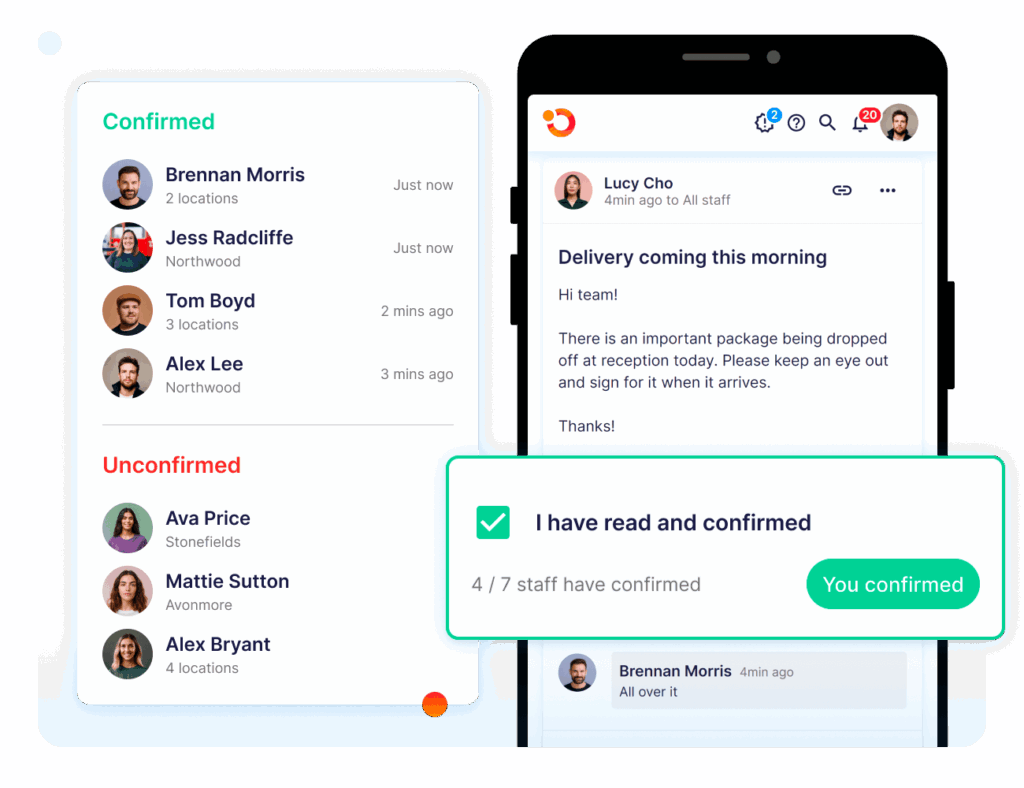
A communication can also direct employees to the related procedure, training module, or task. For example, a menu or allergen update can reach the affected teams and link them to the approved instructions.
This creates a clearer operating record than relying on informal group chats or expecting every location manager to relay the same message independently.
AI-Powered Multi-Location Oversight
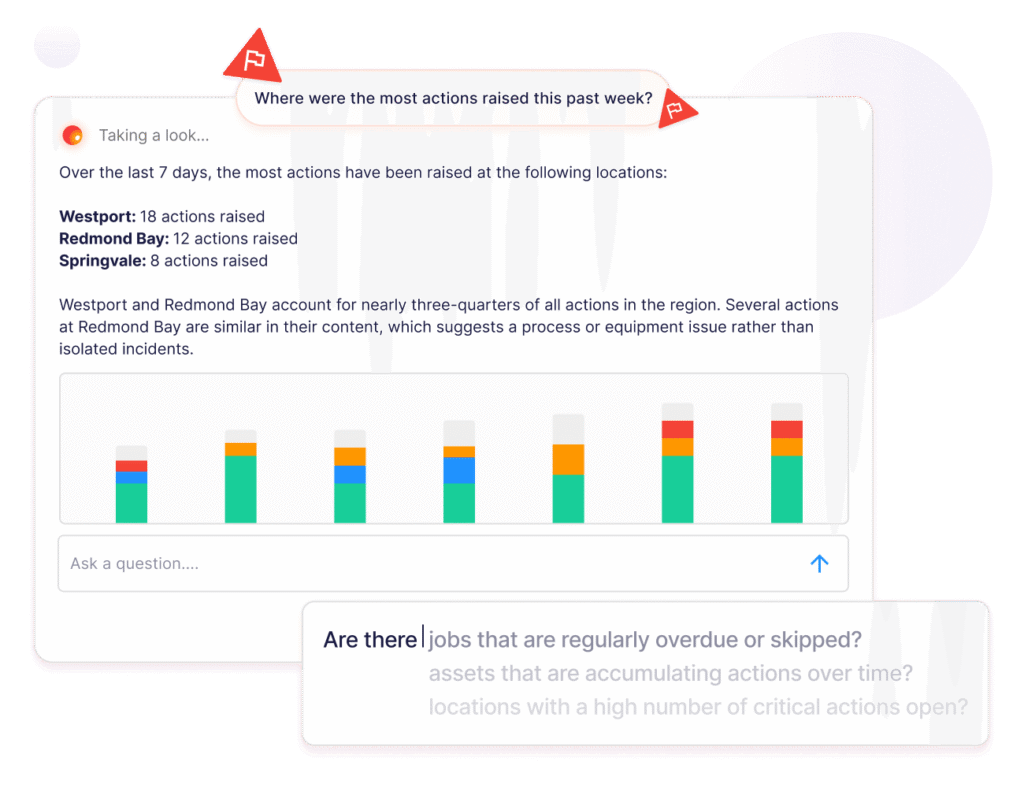
Operandio’s AI-powered tools help owners interpret the information generated through tasks, inspections, learning, communication, and compliance workflows.
AI-assisted analysis also helps surface patterns and potential risks across the network. Owners still decide how to respond, but they receive a clearer view of where standards are slipping and where the same issue keeps returning.
Pricing
| Plan | Pricing |
|---|---|
| All Plans | Custom |
Where Operandio Shines
- Connects head office standards to daily execution: Owners can distribute approved processes and see whether locations completed the required work.
- Supports employees and leadership in one platform: Frontline teams receive mobile access to tasks, learning, and information, while leaders gain network-wide oversight.
- Reduces operational tool fragmentation: Restaurant groups can manage connected workflows such as inspections, corrective action, communication, training, and reporting without maintaining a separate app for each one.
Where Operandio Falls Short
- More than what an independent restaurant may require: A single location seeking only POS, reservations, or employee scheduling will receive more immediate value from a focused app.
- Requires an organized rollout: Locations, roles, permissions, templates, learning paths, and escalation rules need to be configured around the restaurant group’s operating model.
Customer Reviews
Flagship Restaurant Group implemented Operandio across more than 50 locations, replacing a difficult legacy platform and fragmented processes. The group reports better task consistency, food-safety records, onboarding, reporting, and leadership visibility.
“Transitioning from one platform to another is difficult, but the Operandio team made it easy and helped the entire way,” says Brandon V., Director of Purchasing.
Tex’s Chicken & Burgers used Operandio to standardize procedures and manager training across 52 locations. The restaurant group reports full visibility into store-level compliance and a 40% reduction in manager onboarding time.
“Once Operandio came in, it was the solution to all our problems. We can push standards to any store, any time,” says Najib Ullah, Chief Operating Officer and Managing Partner.
Who Operandio Is Best For
- Franchise and multi-unit restaurant owners: Operators who need one operating layer for standards, execution, training, and visibility across locations.
- Head office and regional operations teams: Leaders who need to monitor completion, compare restaurant performance, and follow up on exceptions without chasing individual managers.
- Restaurant groups replacing disconnected tools: Businesses currently managing operational work through paper forms, spreadsheets, group chats, shared drives, and separate point solutions.
Explore Operandio’s restaurant management software to see how these capabilities work together across restaurant locations.
#2 Square For Restaurants: Best For Independent Restaurant POS And Payments
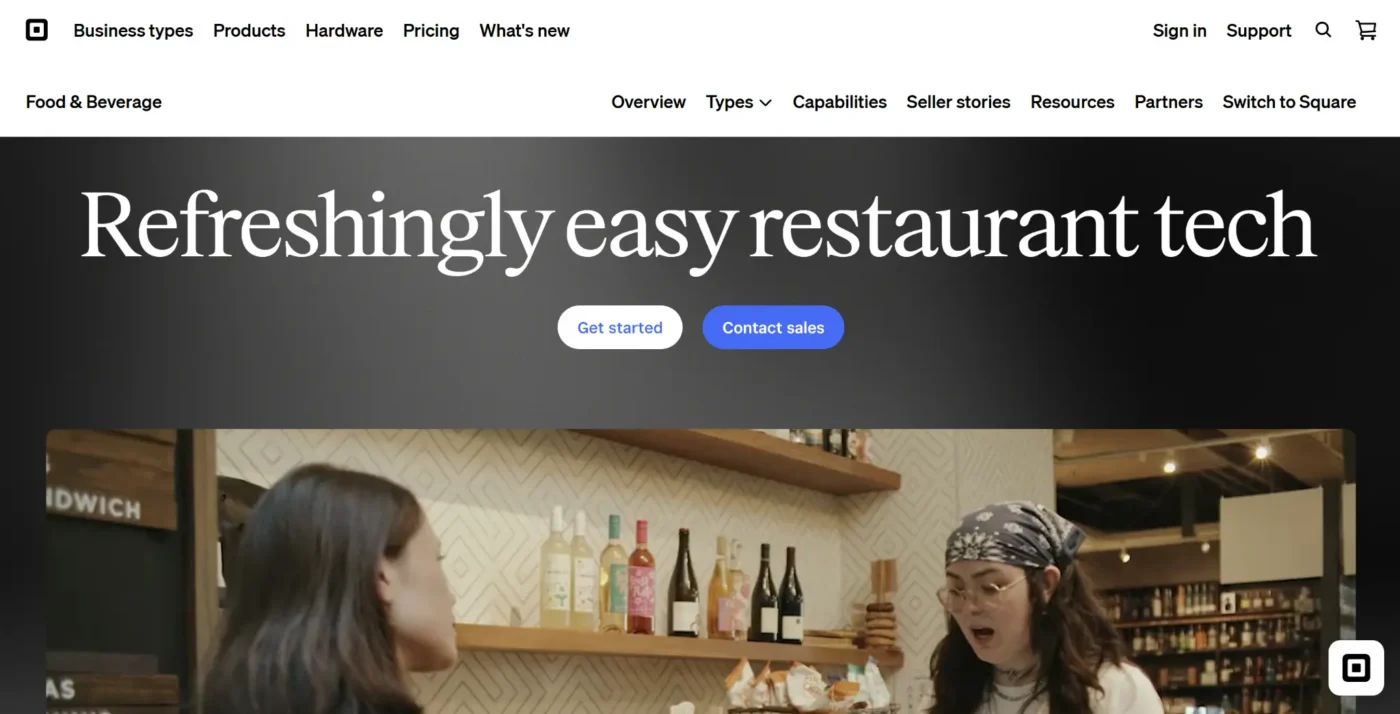
Square for Restaurants is a flexible POS and payment platform for independent restaurants, cafés, bars, and smaller groups. Its free entry plan makes it accessible to owners building their first restaurant tech stack.
Key Features
Restaurant POS And Tableside Ordering
Square supports menus, modifiers, coursing, floor plans, open checks, tableside ordering, takeout, and delivery workflows. Servers can send orders directly to the kitchen from a handheld device.
Integrated Payments And Hardware
Square combines POS software with registers, handheld terminals, card readers, and payment processing. Owners can manage in-person and online transactions within the same account.
Kitchen Display And Online Ordering
Paid plans support Square KDS, while Square Online lets restaurants accept pickup and delivery orders through their own website. Kiosk and third-party delivery integrations are also available.
Pricing
| Plan | Pricing |
|---|---|
| Free | $0/location/month |
| Plus | $49/location/month |
| Premium | $149/location/month |
Where Square For Restaurants Shines
- Accessible for smaller operators: The free plan gives new and independent restaurants a lower-cost route into digital POS and payments.
- Connected product ecosystem: Owners can add hardware, online ordering, payroll, loyalty, marketing, and other Square products as requirements grow.
Where Square For Restaurants Falls Short
- Transaction and add-on costs accumulate: Payment processing, hardware, KDS screens, kiosks, and additional services increase the total cost beyond the subscription.
- Complex restaurants may outgrow the entry tiers: Advanced reporting, multi-location controls, and full-service workflows require paid plans or additional integrations.
Customer Reviews
“One of the main concerns is transaction fees. While Square is convenient, its per-transaction pricing can become expensive over time, particularly for businesses with high volumes or larger ticket sizes,” Jean R.
“The major downside of Square is its lack of adequate customer support. I often have to wait hours on the phone, only to be told there is a glitch or issue that nobody knows how to fix yet,” Director C.
Who Square For Restaurants Is Best For
- Independent and smaller restaurants: Owners seeking an approachable POS with integrated payment processing and a free starting plan.
- Operators already using Square: Businesses that want restaurant tools within the same payments, banking, payroll, or marketing ecosystem.
#3 7shifts: Best For Restaurant Scheduling And Labor Management
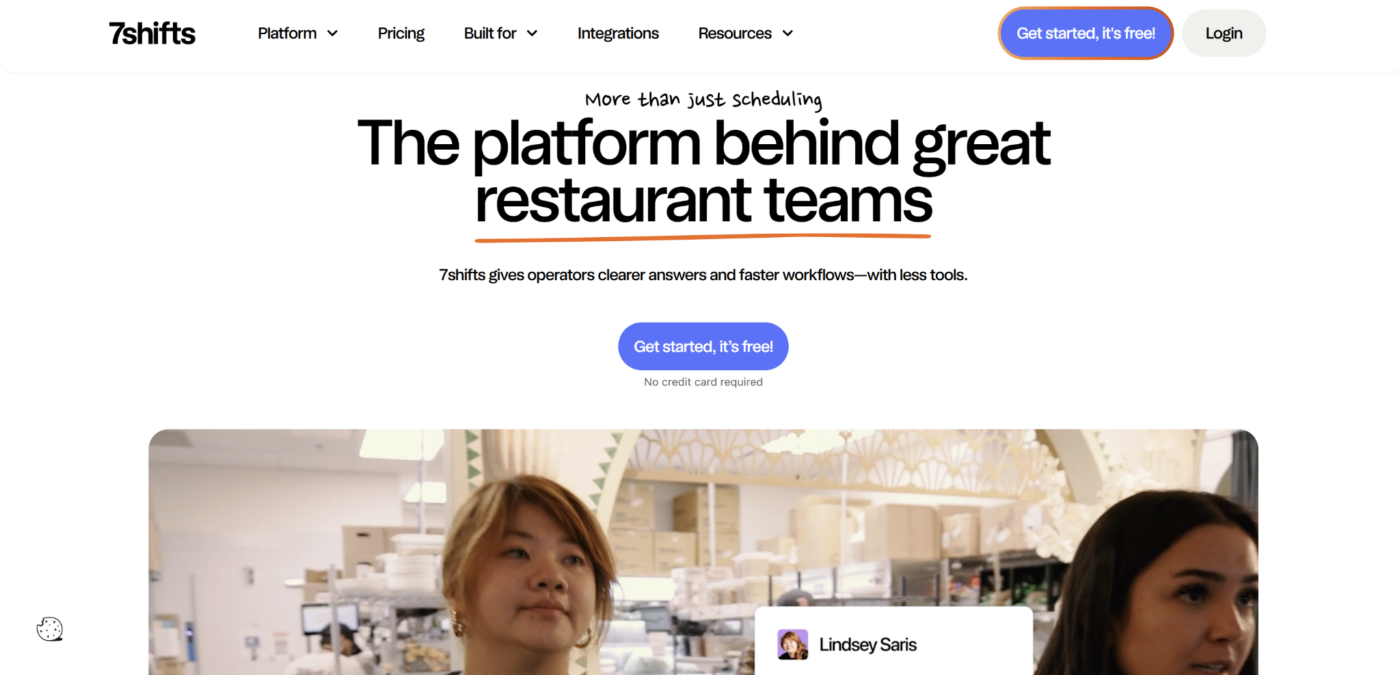
7shifts is a restaurant workforce platform focused on scheduling, availability, time tracking, labor planning, tips, payroll connections, and employee communication.
It works alongside a restaurant’s POS and operations software rather than replacing either one.
Key Features
Scheduling And Availability
Managers can build schedules around employee availability, time-off requests, role requirements, and shift coverage. Employees use the mobile app to view schedules and submit swaps.
Labor Forecasting And Compliance
Paid plans connect sales forecasts with scheduled labor. Managers can compare labor targets, overtime risk, and staffing requirements before publishing the schedule.
Time Clocking, Tips, And Payroll
7shifts supports time punches, break controls, tip calculations, payroll exports, and payroll integrations. Higher plans add deeper workforce and compliance capabilities.
Pricing
| Plan | Pricing |
|---|---|
| Comp | Free |
| Essentials | $39.99/location/month, billed annually |
| Pro | $79.99/location/month, billed annually |
| Premium | $134.99/location/month, billed annually |
Where 7shifts Shines
- Built around restaurant labor: Scheduling, availability, shift swaps, labor forecasts, tips, and time tracking reflect restaurant-specific staffing patterns.
- Useful employee mobile app: Staff can manage availability and schedule changes without relying on printed schedules or long message threads.
Where 7shifts Falls Short
- Important capabilities sit on higher tiers: Advanced forecasting, payroll, tip management, and wider workforce tools increase the per-location cost.
- Integrations are not always frictionless: Some users report delayed notifications or the need to resync POS and time-clock information.
Customer Reviews
“Very user friendly for the staff, intuitive, easy to keep all of an employee’s documents in one place.” Rebecca B.
“I wish we could choose specific employees to contribute or not contribute to the tip pool policies instead of choosing by department or job role.” Ashley E.
Who 7shifts Is Best For
- Restaurants with hourly teams: Operators managing availability, frequent schedule changes, labor targets, time punches, and tip distribution.
- Owners replacing manual schedules: Businesses moving away from spreadsheets, printed rosters, and informal shift-swap messages.
#4 MarginEdge: Best For Invoice Automation And Food-Cost Control
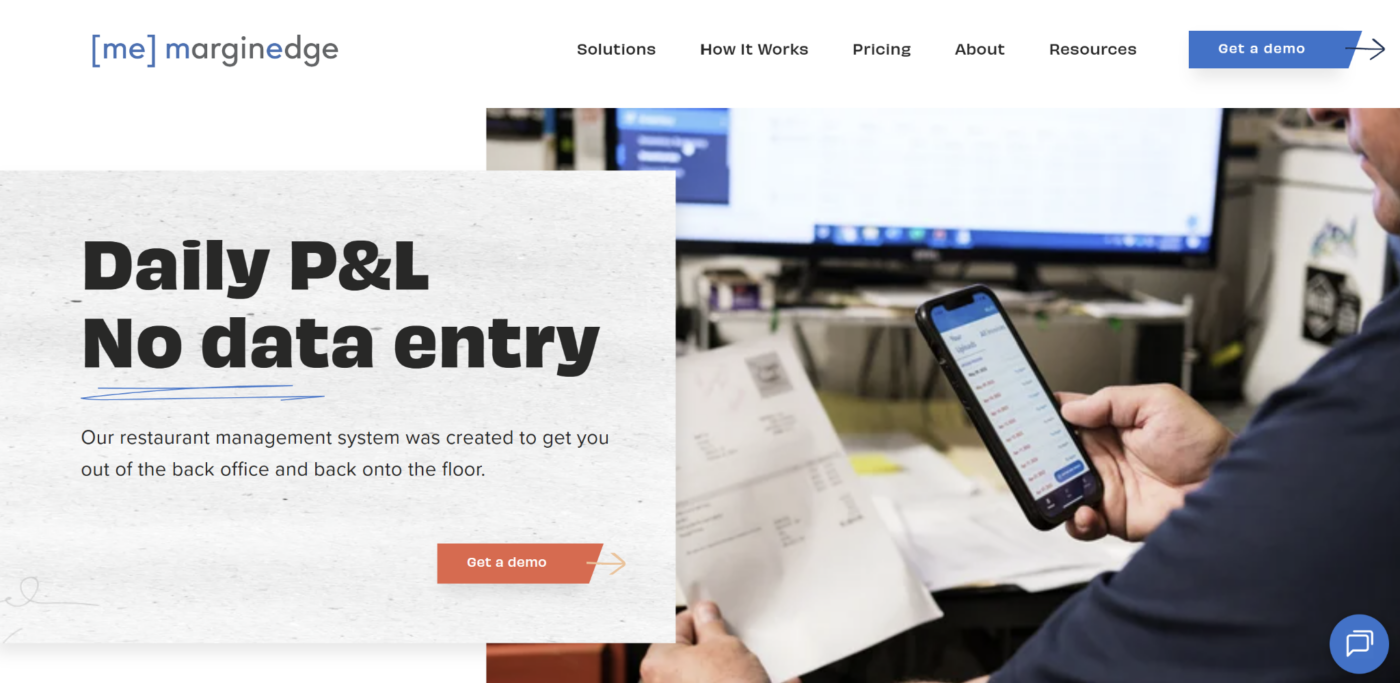
MarginEdge is a restaurant back-office platform that converts invoice and POS data into current food-cost, purchasing, inventory, recipe, and financial information.
It is strongest for owners who need earlier visibility into changing ingredient costs and vendor spending.
Key Features
Invoice Processing And Vendor Reconciliation
Restaurants upload invoices through the mobile app, email, or integrations. MarginEdge extracts line-item information and connects it with vendors, accounting records, and bill-pay workflows.
Daily Food-Cost And Profitability Visibility
The system combines sales and invoice data to show food and labor costs before the accounting period closes. Owners can identify changing prices, budget variance, and margin pressure sooner.
Inventory, Recipes, And Bill Pay
MarginEdge supports inventory counts, recipe costing, product prices, purchasing information, transfers, and bill payments. Its Freepour option adds more precise beverage inventory measurement.
Pricing
| Plan | Pricing |
|---|---|
| MarginEdge | $350/location/month |
| MarginEdge + Freepour | $500/location/month |
Where MarginEdge Shines
- Reduces invoice administration: The platform converts vendor paperwork into structured information without requiring managers to enter each line manually.
- Provides restaurant-specific cost visibility: Owners can connect ingredient prices, recipes, sales, inventory, and bills to understand food-cost movement.
Where MarginEdge Falls Short
- High starting cost for a small operation: A single independent restaurant with limited invoice volume may struggle to justify the monthly per-location fee.
- Requires careful onboarding: Product naming, recipe structure, accounting connections, and costing terminology create a learning curve during setup.
Customer Reviews
“I love how MarginEdge gives us daily visibility into our budgets and finances, making it easy to spot problems before they get out of hand.” Kimberly L.
“The mobile application lacks a lot so it requires you to log into the web site for most of the functionality. A few of the features are complex and take a little time to get used to.” Ryan H.
Who MarginEdge Is Best For
- Restaurants processing many vendor invoices: Owners seeking to reduce manual entry and connect purchasing data with accounting.
- Operators focused on food margins: Businesses that need regular visibility into recipe costs, price changes, inventory, and budget performance.
#5 OpenTable: Best For Reservations And Diner Discovery
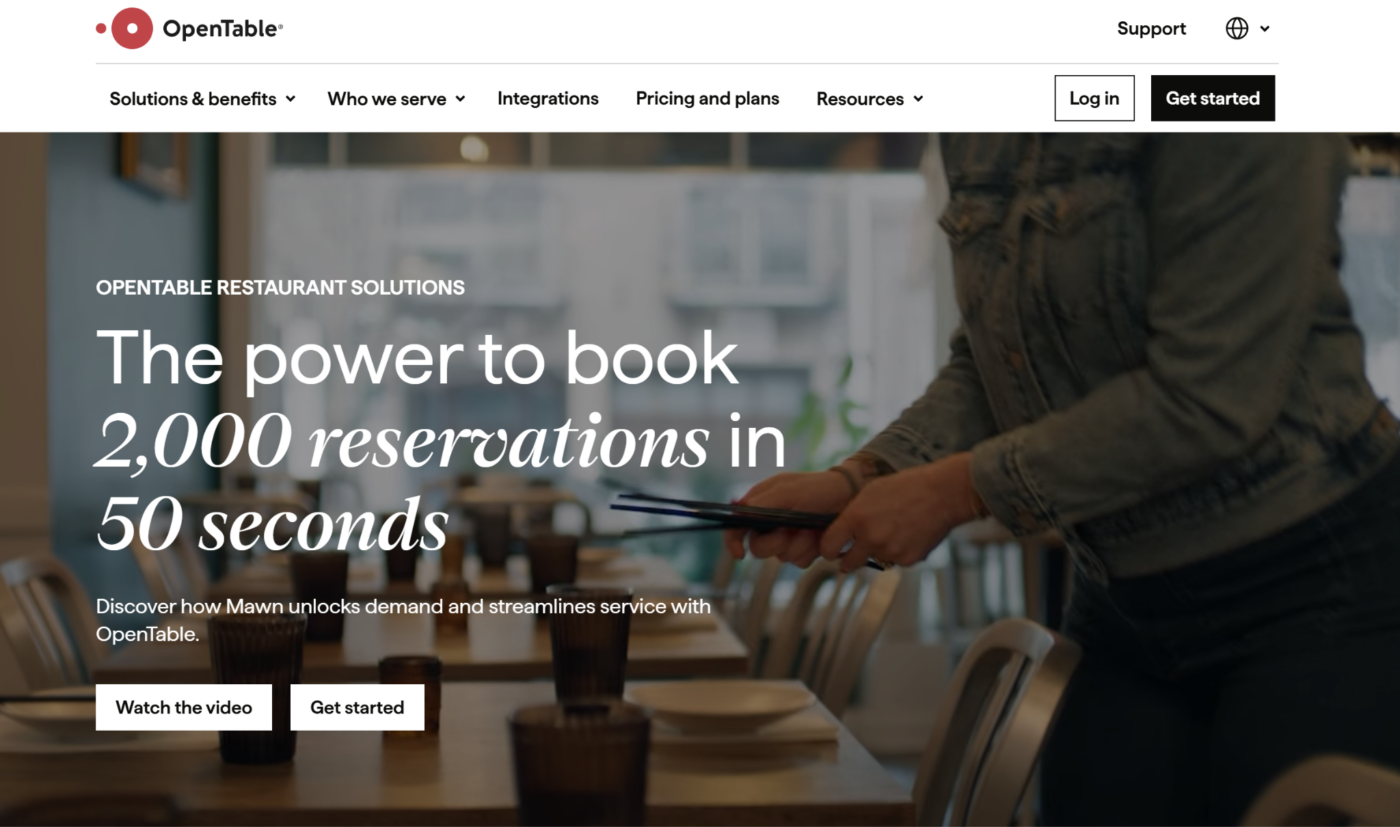
OpenTable combines a large consumer booking marketplace with restaurant reservation, waitlist, table-management, guest-profile, and marketing tools.
It is a good choice for restaurants that rely on reservations and want exposure to diners actively searching for places to eat.
Key Features
Reservation Marketplace And Booking Widget
Restaurants receive bookings through OpenTable’s website, app, affiliate network, and booking widgets. The platform also supports deposits, credit card holds, experiences, and ticketing.
Table, Waitlist, And Seating Management
Core and Pro plans add customizable floor plans, online and in-house waitlists, table assignment, mobile floor management, and POS integrations.
Guest Profiles And Relationship Marketing
OpenTable stores guest history, preferences, tags, notes, and visit information. Higher plans add deeper profiles, automated campaigns, surveys, and marketing controls.
Pricing
| Plan | Pricing |
|---|---|
| Basic | $149/month, plus $1.50 per network cover after 30 days |
| Core | $299/month, plus $1 per network cover |
| Pro | $499/month, plus $1 per network cover |
Where OpenTable Shines
- Large diner-discovery network: Restaurants gain visibility among guests already searching for reservations.
- Strong front-of-house tools: Table management, waitlists, booking rules, guest profiles, and messaging support busy reservation-led service.
Where OpenTable Falls Short
- Subscription and cover fees add up: The total cost rises with plan level and the number of seated diners acquired through OpenTable’s network.
- More than every restaurant requires: Walk-in-heavy concepts or restaurants generating most reservations directly may need a simpler booking system.
Customer Reviews
“The app is easy to use, customer service is always great, and it helps us get our name out to potential new diners as well as providing added convenience for returning guests.” Simon B.
“I do not enjoy the menu building feature. I believe that is the least user friendly feature in the whole system. Also, I would like to see more integrations meant for hotels that run restaurants in their facilities.” Tina R.
Who OpenTable Is Best For
- Reservation-led restaurants: Full-service concepts that need reliable booking, table, waitlist, and guest-management tools.
- Restaurants seeking diner discovery: Businesses willing to pay marketplace fees in exchange for wider booking visibility.
#6 Owner.com: Best For Direct Ordering And Restaurant Marketing
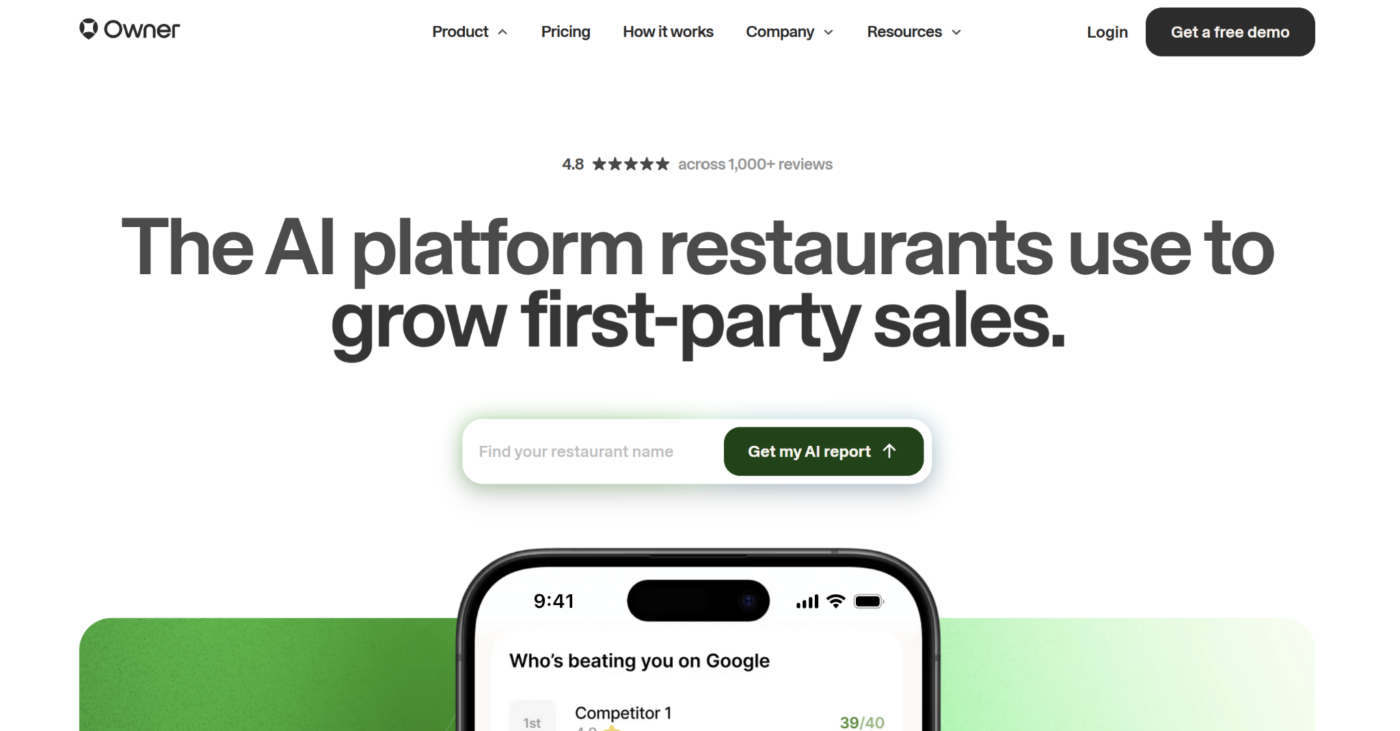
Owner.com helps independent restaurants build a direct digital sales channel through a restaurant website, online ordering, branded mobile app, loyalty tools, and automated marketing.
Its focus is bringing repeat orders through channels the restaurant controls rather than operating the restaurant’s daily internal workflows.
Key Features
Restaurant Website And Online Discovery
Owner.com builds and manages a restaurant website designed around menu visibility, local search, online ordering, and conversion. Its service also includes SEO support.
Direct Ordering And Branded Mobile App
Restaurants can accept pickup and delivery orders through their own website and branded app. Loyalty rewards and customer accounts encourage guests to return to the direct channel.
Email, SMS, Loyalty, And Customer Data
Owner.com combines customer profiles with email, text, push-notification, and loyalty tools. Owners can track direct-order performance and run campaigns from the same platform.
Pricing
| Plan | Pricing |
|---|---|
| Flexible | $249/month plus a 5% restaurant fee per order |
| Flat Rate | $499/month with no additional restaurant fees |
Where Owner.com Shines
- Creates a restaurant-owned sales channel: Websites, direct ordering, branded apps, loyalty, and marketing work together around repeat business.
- Reduces dependence on marketplace discovery: Restaurants keep a direct relationship with customers who order through their branded channels.
Where Owner.com Falls Short
- Pricing requires sufficient direct-order volume: The subscription or per-order fee may be difficult to justify for restaurants with limited online sales.
- Customization and automation have limits: Some reviewers want more website design flexibility, integration options, or behavior-based marketing controls.
Customer Reviews
“Owner.com is easy to use and has helped increase sales. I like the automated marketing features and the ability to interact directly with customers.” Mariana B.
“More visibility into what the AI is doing on the marketing side—specifically which SEO/ad decisions it’s making and why—would help me explain the value to owners with more confidence.” Pavlo S.
Who Owner.com Is Best For
- Independent restaurants building direct sales: Owners who want a branded website, online ordering, loyalty program, and customer marketing in one platform.
- Restaurants with repeat online demand: Businesses generating enough pickup and delivery volume to justify the monthly subscription or flat-rate plan.
#7 Toast: Best For A Restaurant-Specific POS Ecosystem
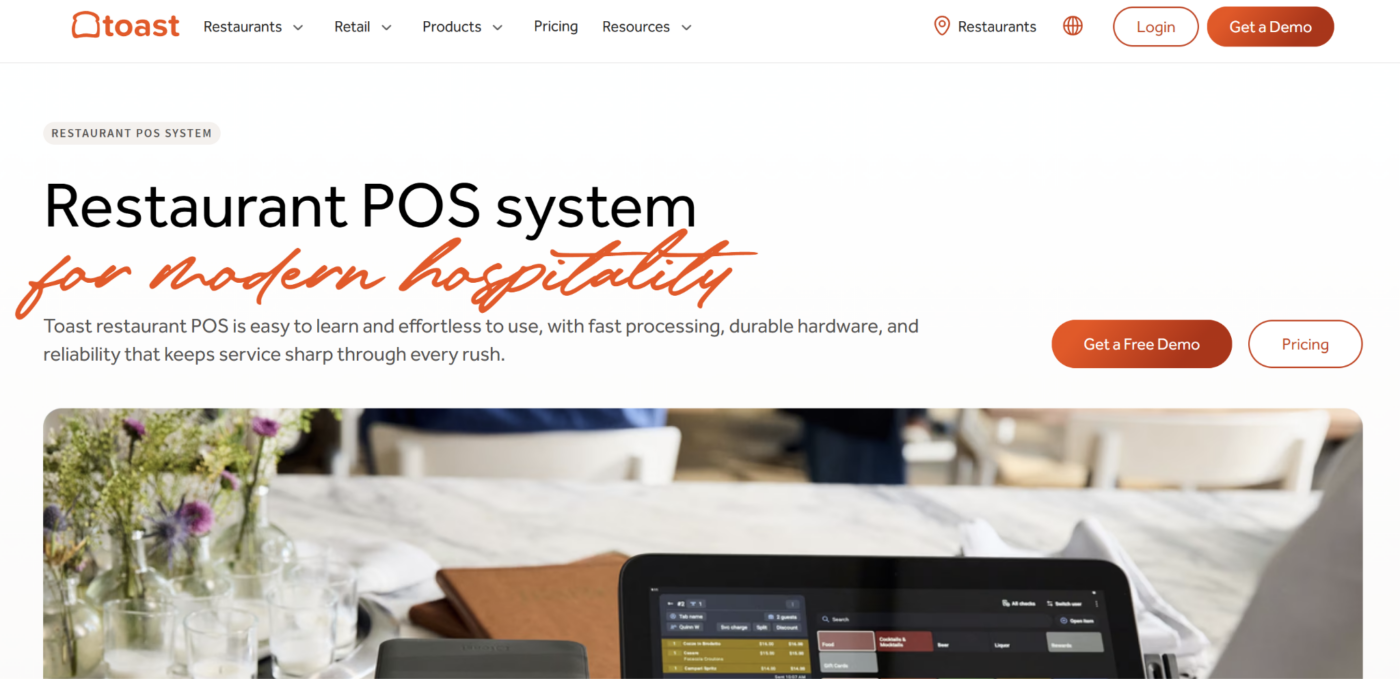
Toast combines restaurant POS hardware with payments, online ordering, kitchen displays, menu management, reporting, loyalty, and a broad integration marketplace.
Its entry package starts at $0 per month for qualifying new, single-location customers. Hardware, implementation, payment processing, and additional products affect the total cost.
Toast suits restaurants that want a purpose-built POS ecosystem and expect to add more capabilities as they grow. However, owners should review contract terms, processing costs, compatible hardware, and paid add-ons before comparing it with a simpler POS option such as Square.
#8 MarketMan: Best For Inventory And Procurement
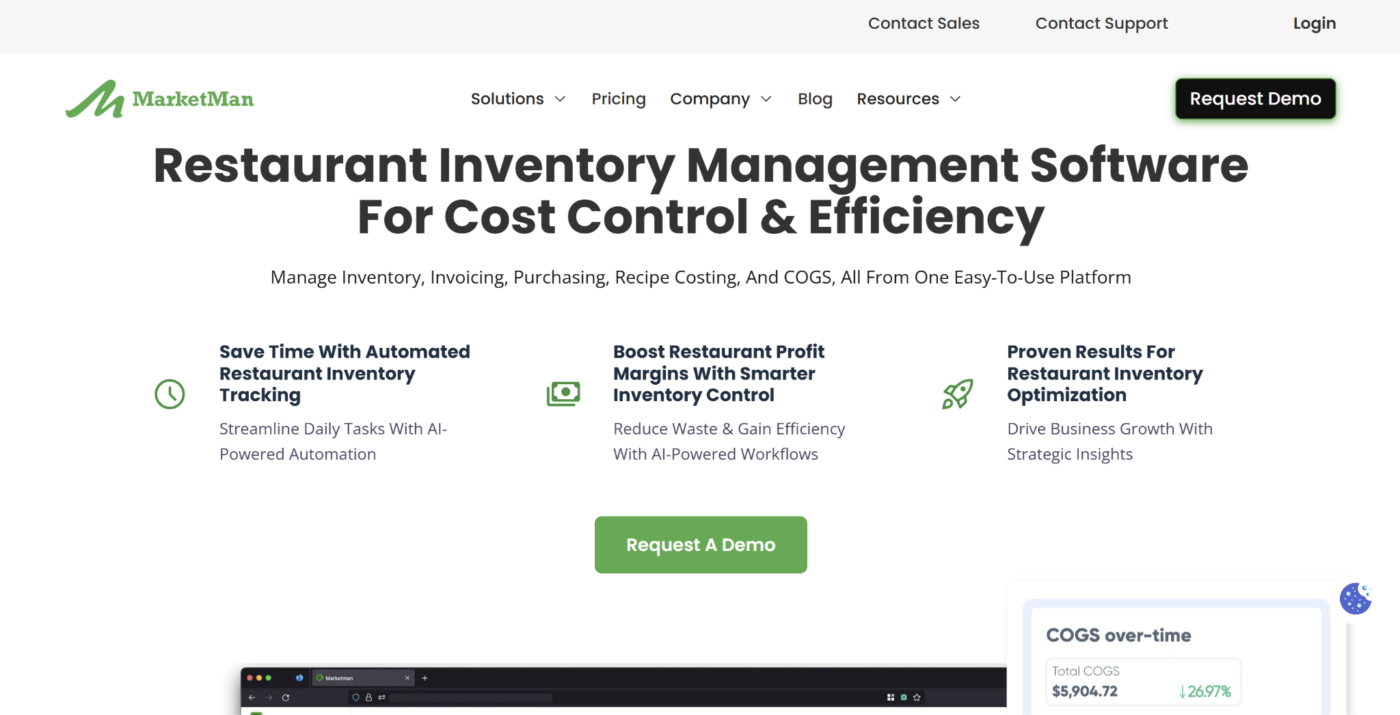
MarketMan focuses on restaurant inventory, purchasing, receiving, supplier management, recipe costing, and ingredient-price control.
Its mobile and web apps give managers live stock information, purchase-order tools, price alerts, and suggested ordering based on current inventory and demand. POS and accounting integrations connect purchasing activity with sales and financial systems.
The Starter plan begins at $199 per month. MarketMan is a better fit when inventory and procurement are the central problem, while MarginEdge is better suited to restaurants prioritizing invoice processing and daily food-cost visibility.
#9 Tock: Best For Prepaid Reservations And Experiences
Tock supports reservations, table management, deposits, prepaid bookings, ticketed events, takeout, and guest information.
It works especially well for tasting menus, chef-led concepts, wineries, special events, and restaurants that need guests to commit financially before arrival. Prepayments can protect revenue when capacity is limited or cancellations are costly.
Tock Essential starts at $269 per month with a 3% fee on prepayments. Restaurants focused mainly on broad diner discovery may prefer OpenTable, while Tock is stronger for curated, deposit-led, or prepaid experiences.
#10 DoorDash Drive On-Demand: Best For White-Label Delivery Fulfillment
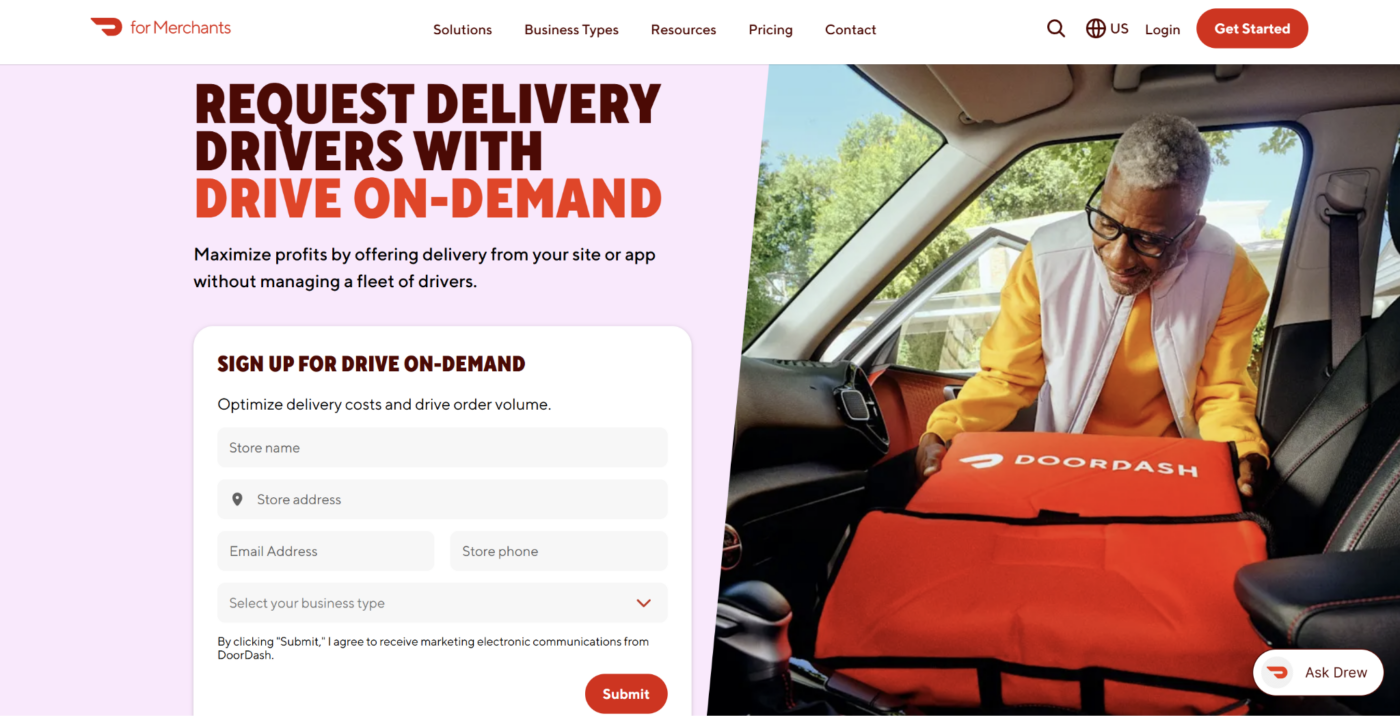
DoorDash Drive On-Demand lets restaurants use Dashers to deliver orders placed through their own website, app, POS, or online-ordering provider.
The restaurant retains its direct ordering channel while DoorDash handles delivery logistics and provides customers with tracking and estimated arrival information. Restaurants can request drivers manually or dispatch deliveries through a supported integration.
US pricing ranges from $6.99 to $10.99 per delivery, with no signup or subscription fee. It suits restaurants that already accept direct orders but do not want to recruit and manage an in-house delivery fleet.
#11 QuickBooks Online: Best For General Accounting
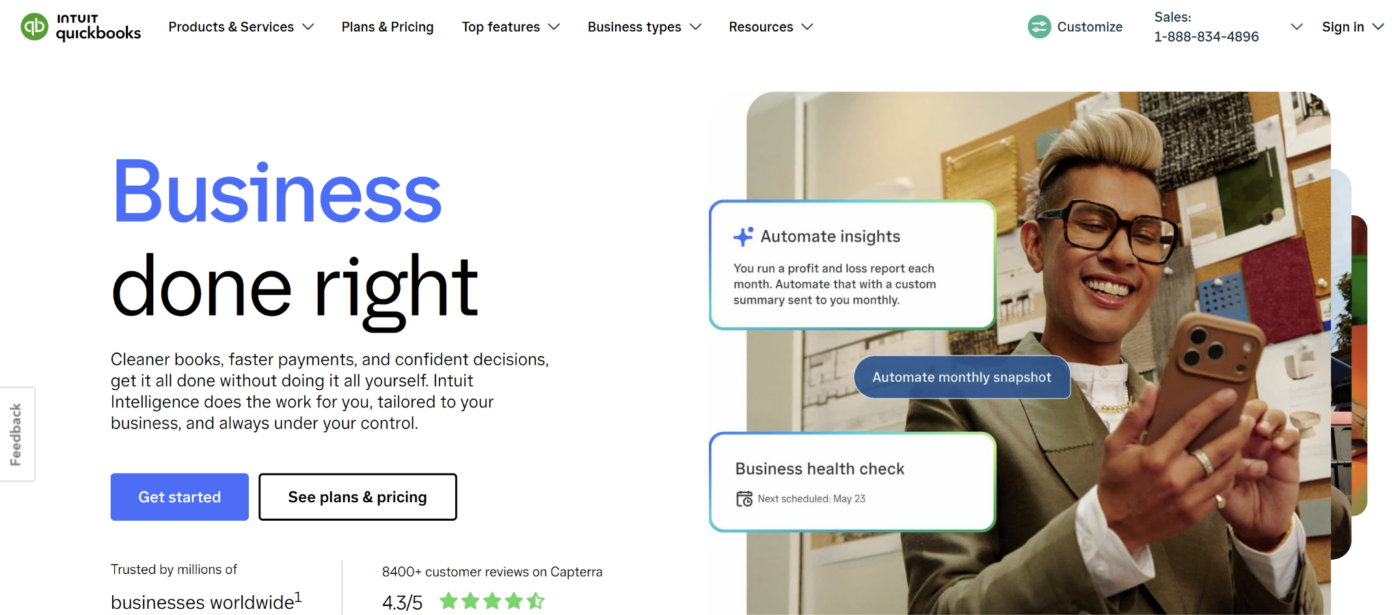
QuickBooks Online provides bookkeeping, bank feeds, expense tracking, bills, invoicing, financial reports, cash-flow visibility, and accountant access.
It is useful as the financial-administration layer of a restaurant tech stack, particularly for independent restaurants and smaller groups. Data can flow in from the POS, payroll system, bank accounts, and supported restaurant tools.
Simple Start costs $38 per month before introductory discounts. Restaurants needing deeper recipe costing, restaurant-specific inventory, or invoice automation should pair it with a specialist platform rather than expecting QuickBooks to provide detailed operational food-cost control.
#12 Tripleseat: Best For Private Events And Catering Sales
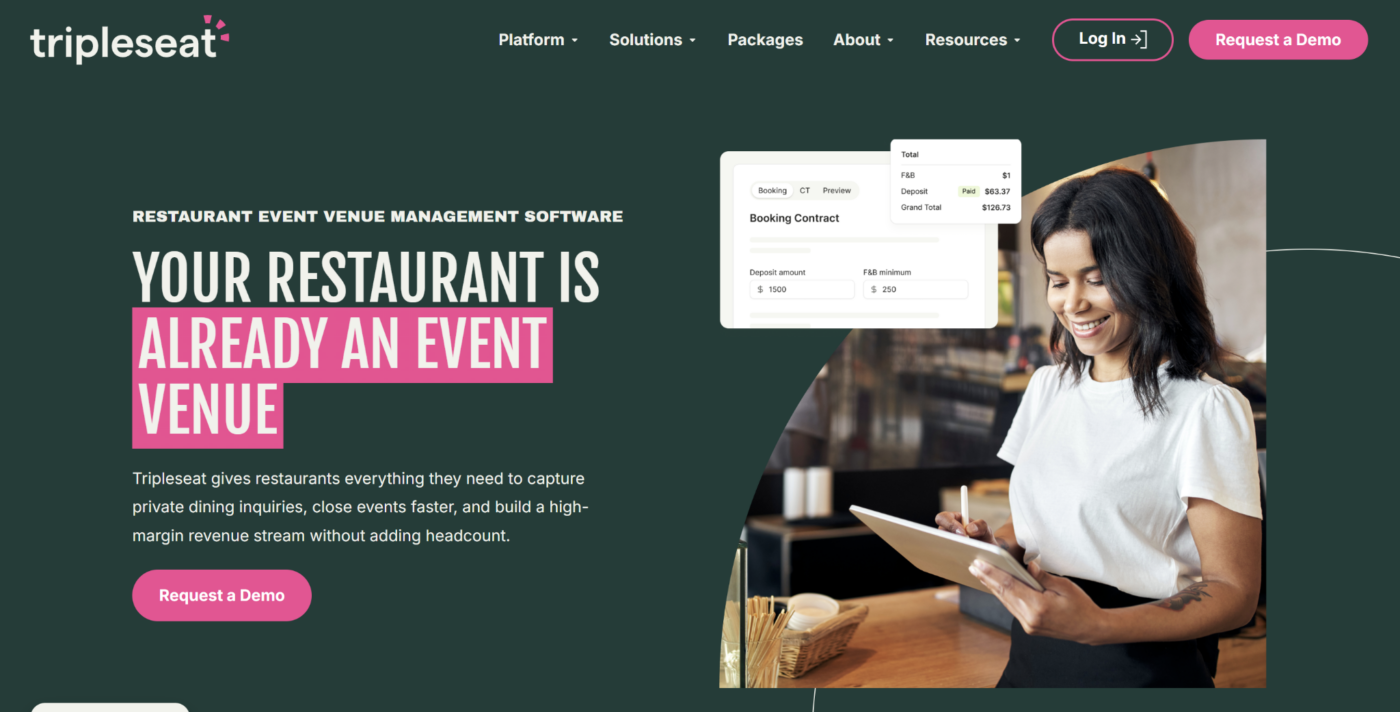
Tripleseat is hospitality event-management software for restaurants, hotels, caterers, and venues.
It helps teams capture inquiries, respond to leads, create proposals and contracts, collect payments, coordinate event details, and report on private-event revenue. This replaces scattered emails, spreadsheets, and documents with one event-sales workflow.
Tripleseat is most useful for restaurants generating meaningful revenue from private dining, catering, group bookings, buyouts, or venue events. Pricing is available on request, so owners should compare the expected event volume and administrative savings with the cost of implementation.
How To Choose The Right Restaurant Tech Stack As An Owner
Build your stack around the main systems your restaurant needs to run. Give each app a clear responsibility, then confirm that information can move between them without repeated manual entry.
Start With Operations Execution
Recommended app: Operandio
Franchise and multi-unit owners need an operating layer that connects head office standards with the work completed inside each restaurant.
This layer should cover recurring tasks, inspections, corrective action, employee communication, learning, evidence, and cross-location reporting. It gives location teams clear instructions while showing owners whether the required work happened.
Operandio’s operations execution capabilities bring these workflows together without trying to replace specialist POS, accounting, reservation, or delivery systems.
Choose One Primary POS And Payments Platform
Recommended app: Square for independent restaurants or Toast for restaurant-specific complexity
Your POS should own menus, order entry, payments, transaction records, and the flow of tickets into the kitchen.
Square offers an accessible starting point for smaller restaurants and operators already using its payments ecosystem. Toast provides a broader restaurant-specific product range and hardware environment for businesses expecting more complexity.
Avoid running overlapping POS platforms. Confirm processing rates, hardware requirements, offline procedures, integrations, and the total cost of add-ons before deciding.
Add Restaurant-Specific Workforce Management
Recommended app: 7shifts
Restaurants with hourly employees need a dedicated system for availability, schedules, shift changes, labor forecasts, time punches, tips, and payroll connections.
7shifts owns this layer without replacing the training, standards, or operational workflows managed elsewhere in the stack.
For multi-unit groups, connect scheduling with a wider learning and development process so staffing decisions and role readiness are based on more than employee availability.
Control Food Costs And Purchasing
Recommended app: MarginEdge or MarketMan
Choose MarginEdge when invoice processing, vendor reconciliation, bill pay, and daily food-cost visibility are the priority.
Choose MarketMan when inventory control, purchasing, receiving, supplier management, and procurement workflows need greater depth.
Using both may create unnecessary overlap. Map which system will own products, recipes, vendor records, counts, and purchase orders before implementation.
Food-cost software should also support the processes behind food-safety compliance, such as approved suppliers, storage controls, labeling, and traceable records.
Manage Reservations And Guest Relationships
Recommended app: OpenTable or Tock
OpenTable suits restaurants that want a large diner-discovery marketplace alongside reservations, table management, waitlists, and guest profiles.
Tock is the stronger choice for deposits, prepaid dining, ticketed experiences, special events, and concepts where no-shows create a larger financial risk.
Choose one primary booking system. Splitting availability across several reservation apps increases the risk of inconsistent guest records, table conflicts, and extra administrative work.
Build A Direct Ordering And Marketing Channel
Recommended app: Owner.com
Your direct-sales layer should give guests a restaurant-controlled place to view the menu, order, join loyalty programs, and receive relevant marketing.
Owner.com combines a website, direct ordering, branded mobile app, loyalty, email, SMS, push notifications, and customer information.
This layer works alongside the POS and delivery provider. Confirm how orders, menus, customer profiles, loyalty rewards, and sales information move between the systems before rollout.
Add Delivery Fulfillment When You Need Drivers
Recommended app: DoorDash Drive On-Demand
Restaurants accepting orders through their own website, branded app, or POS still need a reliable way to complete deliveries.
DoorDash Drive On-Demand provides access to Dashers without requiring the restaurant to employ a delivery fleet or depend on marketplace orders.
Use it as a fulfillment layer rather than another ordering channel. Compare delivery fees, service areas, dispatch integrations, customer tracking, issue handling, and responsibility for refunds or failed deliveries.
Connect Accounting And Financial Administration
Recommended app: QuickBooks Online
The accounting layer should receive reliable sales, bank, expense, payroll, vendor, and payment information from the rest of the stack.
QuickBooks Online suits many independent restaurants and smaller groups, particularly when an external accountant already uses the platform.
Define which system owns each financial record. For example, the POS may record sales, MarginEdge may process invoices, and QuickBooks may hold the general ledger. Clear ownership reduces duplicate transactions and reconciliation work.
Add Equipment And Safety Management As You Scale
Recommended app: Operandio
Multi-unit owners also need visibility into equipment condition, maintenance activity, incidents, hazards, and corrective action.
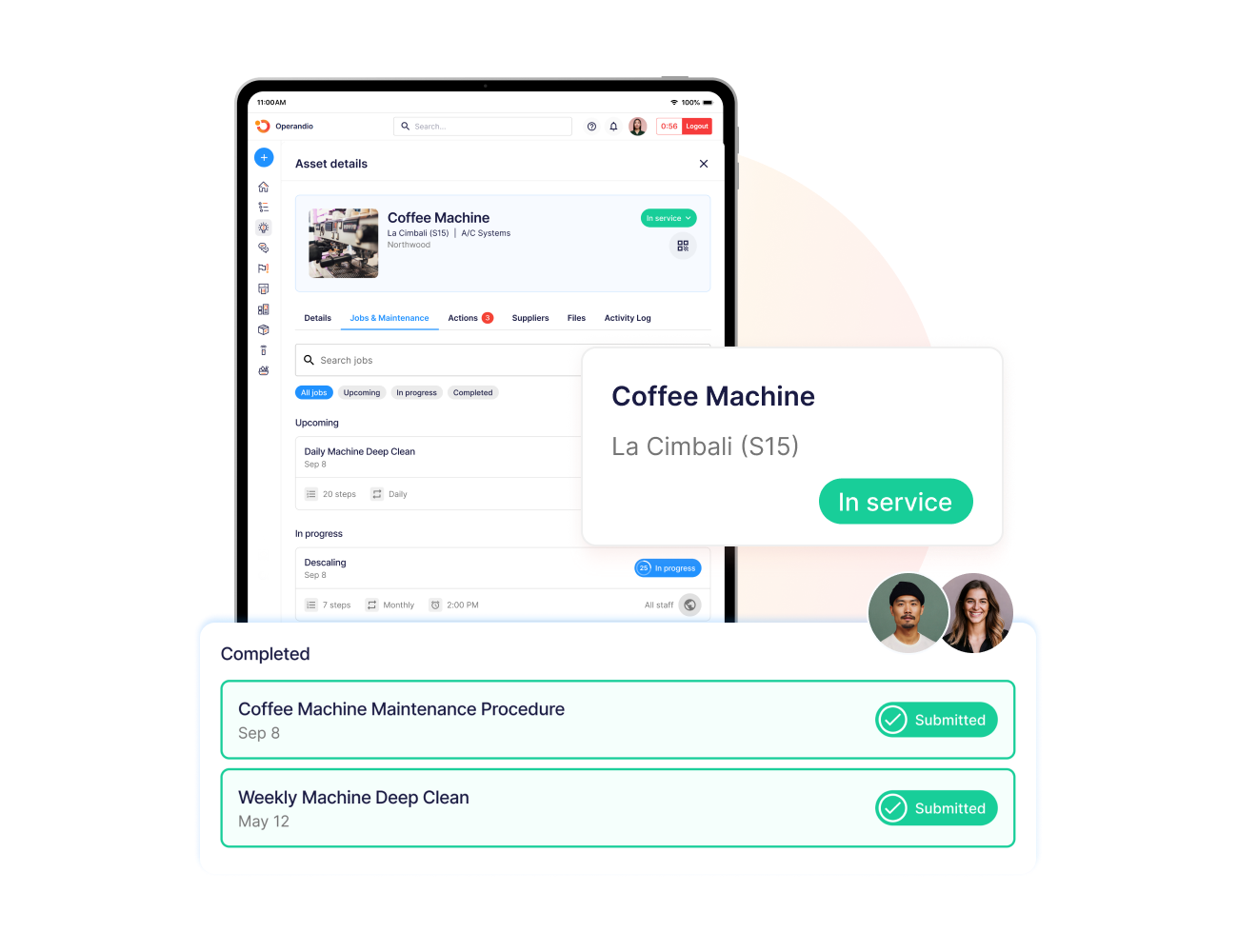
Operandio’s asset management capabilities connect equipment records with inspections, service history, documents, and assigned work.
Its health and safety management tools help teams record hazards and incidents, investigate root causes, track progress on corrective actions, and monitor incident trends and hazard hotspots with safety analytics.
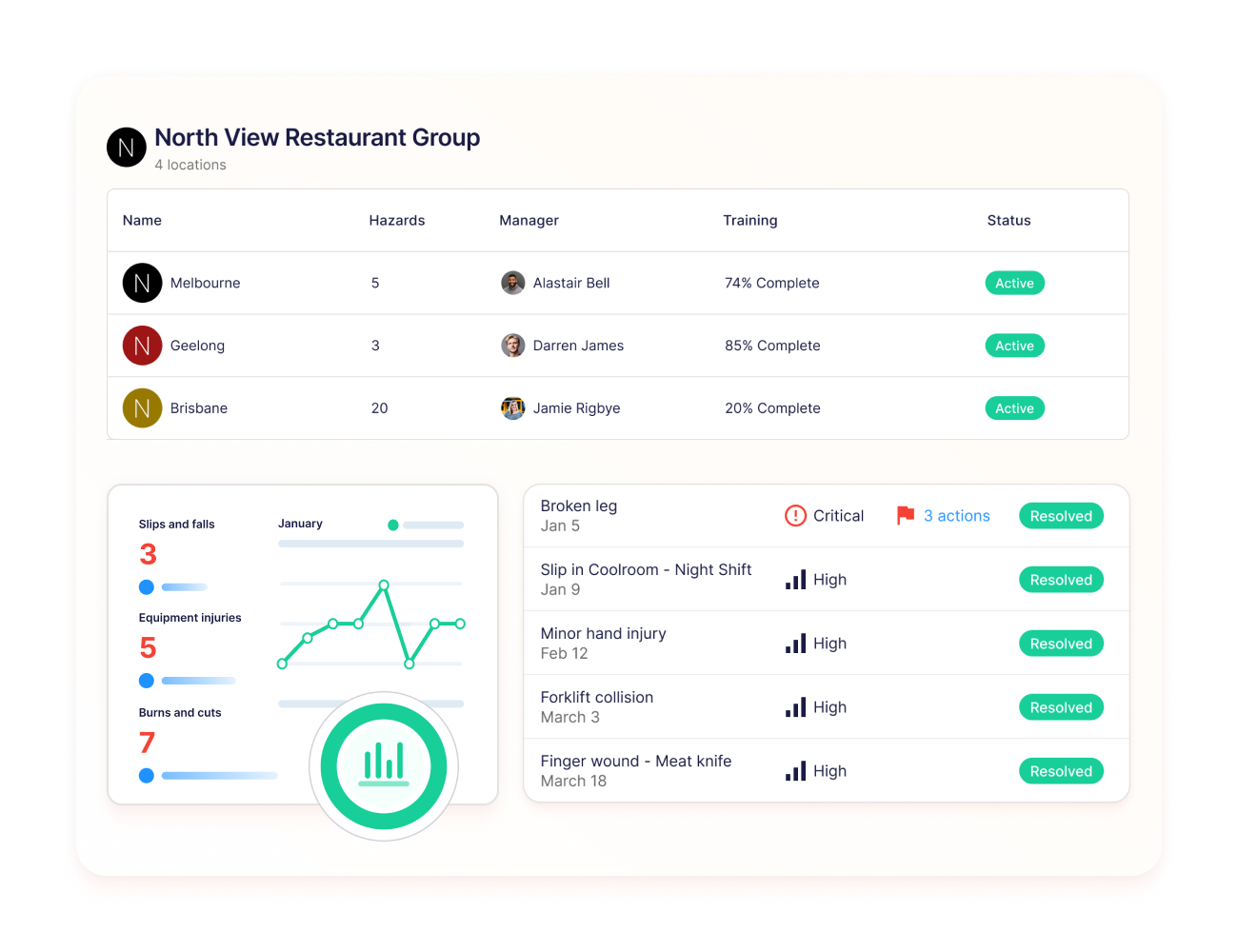
These capabilities become increasingly useful as restaurant groups add locations, equipment, employees, and operational risk.
Add Private-Event Management Where Relevant
Recommended app: Tripleseat
Private dining, catering, buyouts, and venue events create workflows that a standard reservation app may not handle in enough depth.
Tripleseat gives event teams a system for leads, proposals, contracts, payments, banquet details, and event coordination.
Add this layer only when private events contribute enough revenue or administrative volume to justify specialist software. Smaller restaurants with occasional group bookings may be able to manage them inside their primary reservation platform.
Manage And Monitor Your Franchise From Anywhere With Operandio
Together, the best apps for restaurant owners create a comprehensive restaurant tech stack that gives each app a clear role. Your POS manages transactions, scheduling software coordinates labor, specialist tools handle inventory or bookings, and Operandio connects standards with daily execution across locations.
Owners and head office teams use Operandio to monitor tasks, inspections, training, communication, safety, and operational performance while location teams complete work through mobile and shared devices.
Request a demo to see how Operandio helps franchise and multi-unit restaurant businesses manage operations from anywhere.
FAQs
Can I Manage My Restaurant From My Phone?
Yes. Many restaurant apps provide mobile access for schedules, sales, tasks, inventory, communication, reports, and location-level performance.
Do I Need Separate Apps Or An All-In-One Platform?
Usually, you need a core platform plus specialist apps for functions such as POS, accounting, scheduling, reservations, or delivery.
What’s The Best App For A Small Or Independent Restaurant?
It depends. Square suits accessible POS needs, while 7shifts, MarginEdge, OpenTable, or Owner.com address specific operational priorities.
How Many Apps Should A Restaurant Use?
Use the fewest apps that fully cover your needs. Each platform should own a distinct function and exchange data with the others.