- Platform
- Features
 Franchise & Multi-Unit ManagementCentralize oversight and streamline growth across your entire multi location network
 Learning ManagementTrain, verify, and reward your workforce with mobile-first education
 Operations ExecutionStreamlined operations ensuring brand standards, accountability and efficiency
 Asset ManagementOptimize equipment uptime through proactive maintenance and smart tracking
 Digital Food SafetyAutomate compliance and monitor quality with real-time digital precision
 Health & Safety Management (EHS)Mitigate workplace risks and streamline digital incident reporting and investigations
- Platform Essentials
 Powerful ReportingAlign leadership with role-based dashboards and deeper analytics
 Operandio IntelligenceAutomate content, analyze trends, and provide instant answers
 IntegrationsUnify your enterprise tech stack with real-time data
 IoT PlatformDetect anomalies and automate workflows with intelligent sensors
 Mobile & Shared Tablet AppsSecurely empower frontline teams with fast, offline-capable access
- Footer


 Not sure what you need?
Book in a call with the team
- Features
- Solutions
- By Industry
 RestaurantsQSR, fast food and multi-unit restaurants
 Hotels & ResortsHotels, resorts and extended stay hotels
 ChildcareEarly education, childcare, daycare and preschool
 EntertainmentTheme parks, family entertainment centers and play centers
 Fitness Centers & LeisureFitness centers, golf clubs, gyms and sports facilities
 RetailBig-box retailers, franchise stores and supermarkets
- By Use Case
- Operational ExcellenceStreamlined operations ensuring brand standards, accountability and efficiency
- Learning & DevelopmentTrain, verify, and reward your workforce with mobile-first education
- Franchise & Multi-Unit ManagementCentralize oversight and streamline growth across your entire multi location network
- Food Safety ComplianceAutomate compliance and monitor quality with real-time digital precision
- Asset Management & MaintenanceOptimize equipment uptime through proactive maintenance and smart tracking
- Health & Safety Management (EHS)Mitigate workplace risks and streamline digital incident reporting and investigations
- By Industry
- Resources

- Platform
- Features
- Franchise & Multi-Unit ManagementCentralize oversight and streamline growth across your entire multi location network
- Learning ManagementTrain, verify, and reward your workforce with mobile-first education
- Operations ExecutionStreamlined operations ensuring brand standards, accountability and efficiency
- Asset ManagementOptimize equipment uptime through proactive maintenance and smart tracking
- Digital Food SafetyAutomate compliance and monitor quality with real-time digital precision
- Health & Safety Management (EHS)Mitigate workplace risks and streamline digital incident reporting and investigations
- Platform Essentials
- Powerful ReportingAlign leadership with role-based dashboards and deeper analytics
- Operandio IntelligenceAutomate content, analyze trends, and provide instant answers
- IntegrationsUnify your enterprise tech stack with real-time data
- IoT PlatformDetect anomalies and automate workflows with intelligent sensors
- Mobile & Shared Tablet AppsSecurely empower frontline teams with fast, offline-capable access
- Footer
- Not sure what you need?
Book in a call with the team
- Features
- Solutions
- By Industry
- RestaurantsQSR, fast food and multi-unit restaurants
- Hotels & ResortsHotels, resorts and extended stay hotels
- ChildcareEarly education, childcare, daycare and preschool
- EntertainmentTheme parks, family entertainment centers and play centers
- Fitness Centers & LeisureFitness centers, golf clubs, gyms and sports facilities
- RetailBig-box retailers, franchise stores and supermarkets
- By Use Case
- Operational ExcellenceStreamlined operations ensuring brand standards, accountability and efficiency
- Learning & DevelopmentTrain, verify, and reward your workforce with mobile-first education
- Franchise & Multi-Unit ManagementCentralize oversight and streamline growth across your entire multi location network
- Food Safety ComplianceAutomate compliance and monitor quality with real-time digital precision
- Asset Management & MaintenanceOptimize equipment uptime through proactive maintenance and smart tracking
- Health & Safety Management (EHS)Mitigate workplace risks and streamline digital incident reporting and investigations
- By Industry
- Resources
Best 6 Competency Management System Software in 2026
Key Takeaways
- Operandio: Best for frontline, multi-location businesses that need training tied to real work: It stands out when you need one platform for learning, assessments, SOPs, compliance, audits, tasks, and location-level visibility instead of a standalone HR skills tool.
- AG5: Best for manufacturers and operations teams replacing Excel skills matrices: It is strong on real-time skills tracking, compliance dashboards, workforce readiness, and audit support.
- TalentGuard: Best for enterprise HR teams focused on career pathing and governed skills data: It fits companies that care about succession, internal mobility, certification tracking, and defensible workforce decisions.
- Skills Base: Best for budget-conscious teams that want a clear skills platform fast: It offers transparent entry pricing, strong usability, skills assessments, and AI skills intelligence add-ons.
Competency gaps are getting harder to manage with spreadsheets, scattered LMS data, and manager memory. A good competency management system gives you one place to define skills, assess people, spot gaps, and prove readiness.
The best option depends on whether you need pure skills intelligence, enterprise talent planning, or a practical frontline system that ties training to compliance and day-to-day execution.
What Is a Competency Management System?
A competency management system is software that helps you define the skills, behaviors, qualifications, and certifications required for a role, then track whether people actually meet them.
The better platforms do more than store profiles. They connect role requirements, assessments, training, certifications, reporting, and workforce planning in one system.
The World Economic Forum says 39% of workers’ core skills are expected to change by 2030, SHRM reports 37% of workers say their jobs do not closely match their skills and experience, and U.S. training spend hit $102.8 billion.
For franchise and multi-location operators, you need to know whether staff can perform on the floor, and whether head office can prove compliance when it matters.
Best Competency Management System Software: A Quick Overview
| Software | Best for | Standout feature | Price starting point |
| Operandio | Frontline training and compliance in multi-location businesses | LMS tied to assessments, audits, tasks, and operational visibility | Custom quote |
| AG5 | Manufacturing and operations teams | Live skills matrices with compliance dashboards | Contact vendor |
| TalentGuard | Enterprise talent and readiness planning | Governance-first skills, career pathing, succession | Contact vendor |
| Skills Base | Affordable skills management | Transparent per-user pricing and strong skills assessments | Free; paid from $2.25/user/month |
| Kahuna | Frontline workforce skills validation | Competency assessments in the flow of work | Contact vendor |
| iTacit | Frontline communication plus training | Training, messaging, forms, and compliance in one employee app | Contact vendor |
*Ratings and pricing above come from vendor sites and review platforms, current as of March 2026.
Operandio: Best for Frontline Competency Management in Multi-Location Businesses
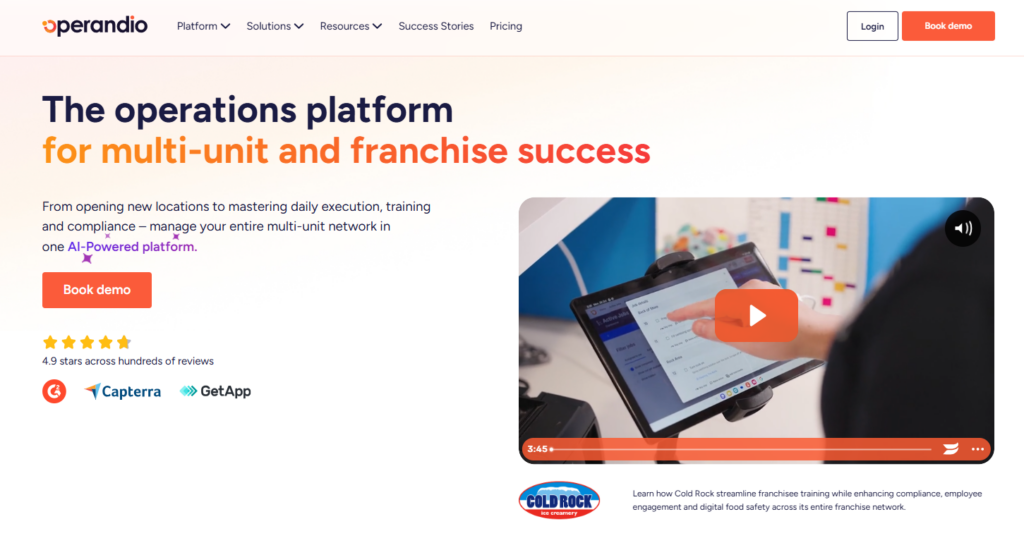
Operandio is more than a competency management tool in the narrow HR sense. It is a broader platform built for multi-location and franchise businesses that need to train staff, verify skills in the real world, keep standards consistent across locations, and give head office clear visibility into what is happening on the ground.
The platform combines learning management, workplace assessments, SOPs, document control, audits, and reporting into a single system. That makes it a perfect fit for restaurants, hospitality groups, healthcare providers, and other frontline-heavy businesses.
Key Features
Operandio offers franchise and multi-unit oversight, a network dashboard, a central resource hub, knowledge and document management, and guided location onboarding.
Mobile-First LMS Built for Frontline Teams
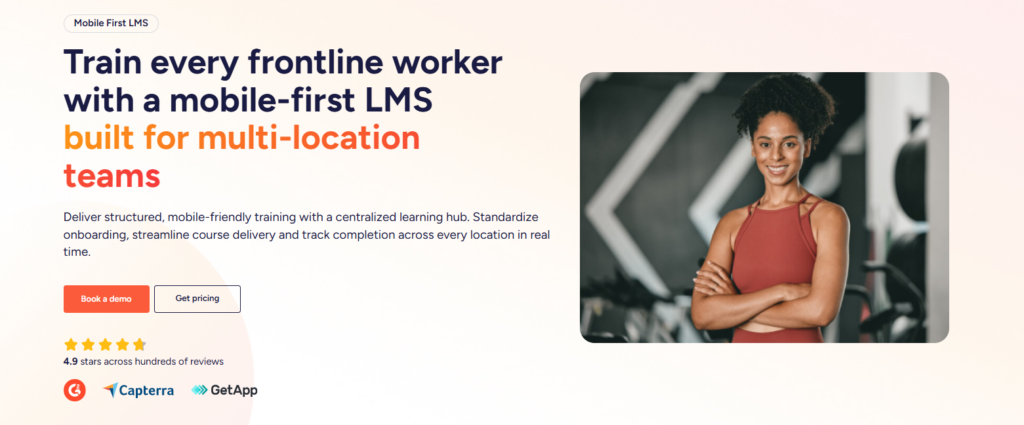
Operandio’s learning management system is designed for busy frontline teams, not just office employees sitting at desks. Training content is accessible on any device, which matters in environments where staff work across shifts, use shared tablets, and need quick access to content during the day.
Managers can track progress in real time, while staff can complete courses, refresh skills, and stay up to date without needing a traditional desktop learning setup.
Physical Assessments and On-the-Job Skill Verification
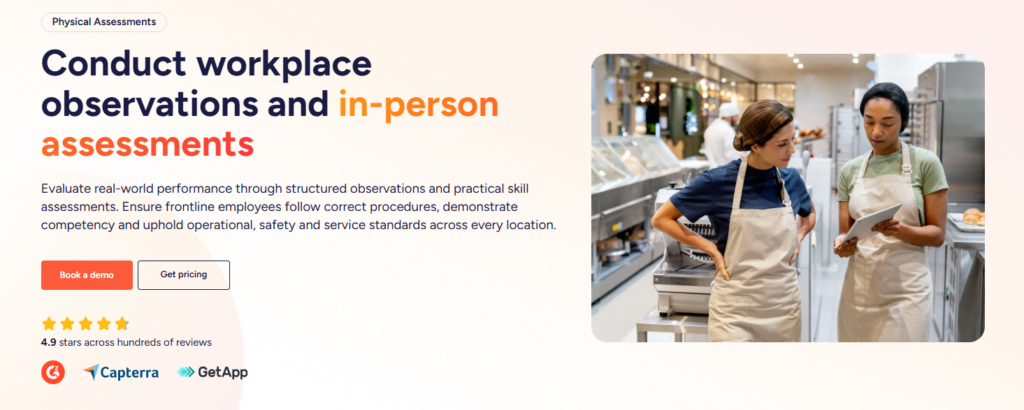
The platform supports physical assessments and workplace observations, so managers can verify whether staff can actually perform required tasks in real conditions.
Assessment tasks can be tied to job roles or courses, and managers can mark them complete only after a hands-on demonstration and sign-off.
AI-Powered Course Builder and Flexible Content Creation
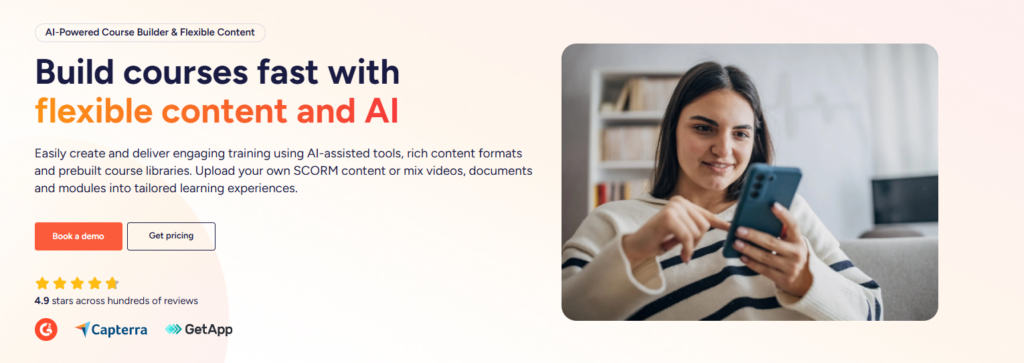
Teams can create training content quickly with AI, upload their own materials, or import SCORM packages. Courses can include videos, documents, images, and quizzes, which gives operators flexibility in how they build and deliver training.
Operandio’s AI-assisted content creation helps teams move faster and keep materials current without turning every training update into a big project.
Franchise and Multi-Unit Oversight
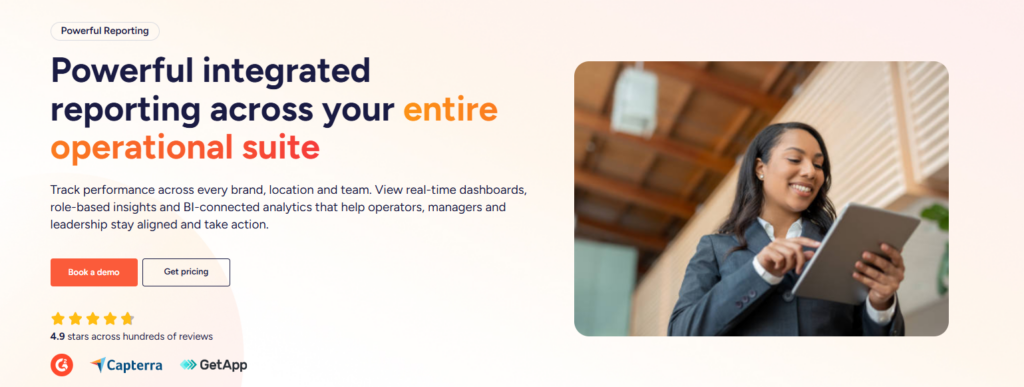
Operandio is built for centralized oversight across a distributed operation. Utilizing a unified franchise intelligence system enables its franchise and multi-unit tools to provide a network dashboard, resource hub, knowledge and document management, location onboarding support, and supplier information management.
In practice, that means the head office can push out standards, documents, and updates from a single source rather than relying on scattered communication and local workarounds.
Knowledge and Document Management
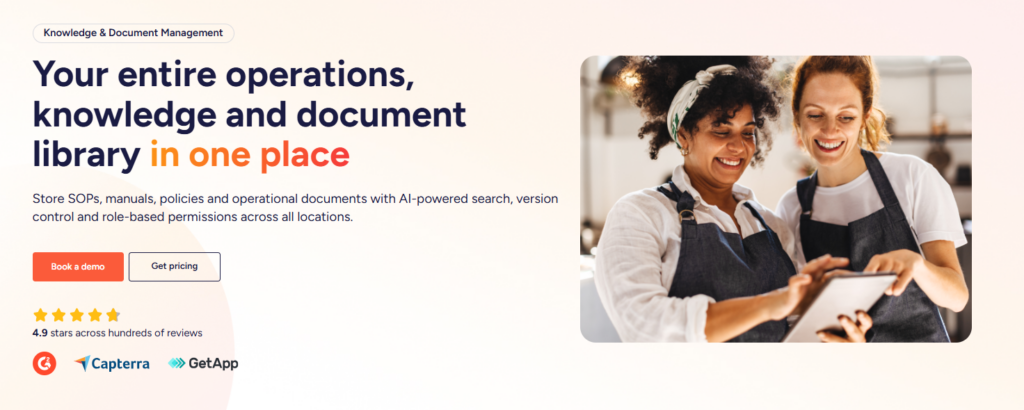
Operandio includes knowledge and document management with a searchable library, version control, permissions, and governance.
A strong competency system should not only assess people. It should also support the standard they are being assessed against. Operandio does that by keeping policies, playbooks, training materials, and brand standards in one governed system rather than spreading them across shared drives and message threads.
Pricing
| Pricing | Notes |
| Custom quote | Pricing is modular and flexible |
| Based on locations or users | You pay based on business size and selected modules |
Where Operandio Shines
- Frontline fit: It is built for teams that work across locations, shifts, and shared devices, not just desk-based employees.
- Training tied to proof: Courses, observations, compliance tracking, audits, and corrective actions can live in the same system.
- Multi-location visibility: HQ and regional leaders get real-time oversight across sites instead of chasing updates manually.
Where Operandio Falls Short
- More than some buyers need: If you only want a simple HR skills library for office staff, Operandio will feel broader than necessary.
- Teams without a rollout problem: If you don’t need to manage executional standards across multiple locations, the multi-site controls won’t be needed.
Customer Reviews
Capterra shows Operandio at 4.9/5, and recent review text highlights communication, task management, training, and business-friendly pricing. Operandio’s own customer proof also leans heavily on consistency across locations, reduced compliance friction, and stronger audit workflows.
Who Operandio Is Best For
- Best for: Franchise and multi-unit operators that need one platform for training, compliance, SOPs, tasks, and operational oversight.
- Best for: Hospitality, restaurants, retail, healthcare, childcare, and other frontline environments where managers need proof, not just completion records.
👉Book an Operandio demo if you want competency tracking tied to real frontline execution, not isolated HR data.
AG5: Best for Skills Matrices and Compliance Visibility
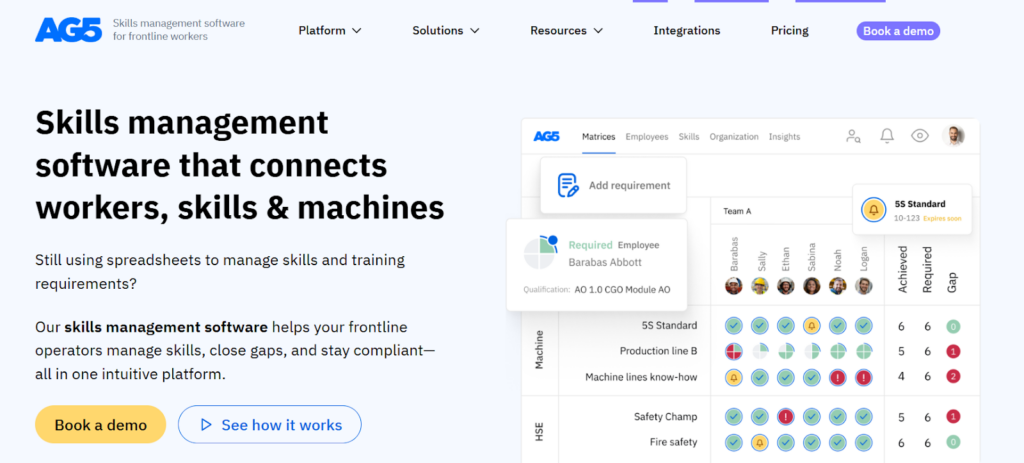
AG5 is a strong option for manufacturers and operational teams that have outgrown spreadsheets. Its pitch is simple and clear: replace Excel with a live skills system that shows who is qualified, where the gaps are, and what is expiring soon.
Key Features
- Real-time skills matrices: Clear visibility into who can do what.
- Compliance dashboards: Good for audit readiness and expiring certifications.
- HR/LMS integrations: Useful if you already have a broader stack.
Pricing
| Pricing | Notes |
| Contact vendor | AG5 uses quote-based pricing |
| No free trial listed on Capterra | Demo-led buying process |
Where AG5 Shines
- Best for: Live skills visibility in production and operations environments.
- Best for: Compliance-heavy teams replacing manual matrices.
- Best for: Buyers that want strong audit support without a bloated HR suite.
Where AG5 Falls Short
- Falls short for: Teams that want built-in daily task execution, comms, and audit workflows like Operandio.
- Falls short for: Buyers who want public, simple pricing.
Customer Reviews
Alina N, Organizational development manager: “The most important thing about AG5 is that it has made the process of workforce planning very organized. I rely on it on a regular basis to determine who requires training, who can mentor and who is equipped to take up new responsibilities.”
Aneesh V, Product/ UX Designer: “Every once in awhile the page will freeze when I try to export information. That is really frustrating as I would like to see a faster way to search for a person’s name.”
Who AG5 Is Best For
- Best for: Manufacturing, operations, and technical environments that need skills matrices and compliance dashboards.
TalentGuard: Best for Enterprise Career Pathing and Governance
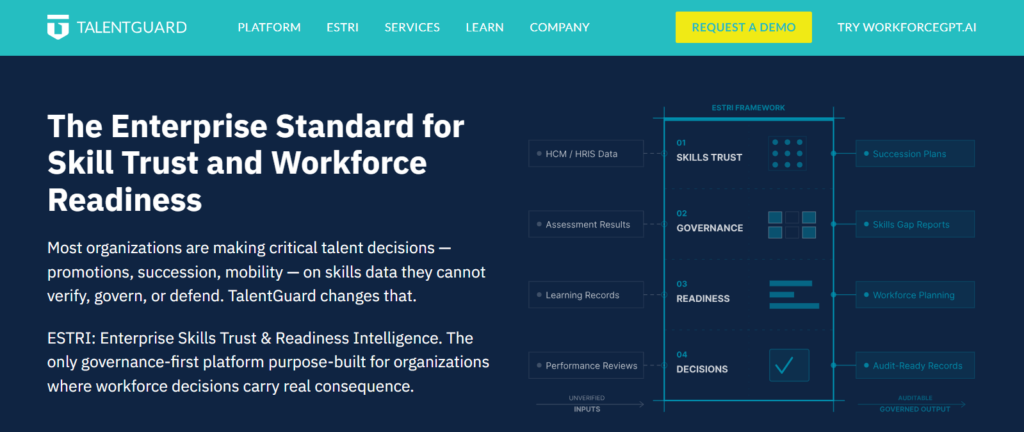
TalentGuard sits closer to enterprise talent strategy than frontline operations. It focuses on governed skills data, career pathing, succession, certification tracking, and readiness intelligence. That makes it a good fit for large organizations making high-stakes talent decisions.
Key Features
- Career pathing and succession: Strong fit for internal mobility.
- Certification tracking: Useful for regulated environments.
- Governance-first skills data: Designed for defensible workforce decisions.
Pricing
| Pricing | Notes |
| Contact vendor | Enterprise sales-led pricing |
Where TalentGuard Shines
- Best for: Enterprise HR and talent teams.
- Best for: Succession, mobility, and role architecture.
- Best for: Organizations that need stronger governance around skills data.
Where TalentGuard Falls Short
- Falls short for: Operational frontline execution across locations.
- Falls short for: Smaller teams that want quick setup and simpler buying.
Customer Reviews
Alan R, Organisation Learning & Development Manager: “TalentGuard enabled us to eradicate any subjectivity from our Career Development Model. It also helped us to make career progression within our company completely transparent.”
Ben Joseph A, Project Manager: “The UI/UX still needs improvement. I did hear from our HR that the cost is quite a bit. There are quite a few integration issues as well.”
Who TalentGuard Is Best For
- Best for: Large enterprises building structured career and succession programs.
Skills Base: Best Low-Cost Skills Management Platform
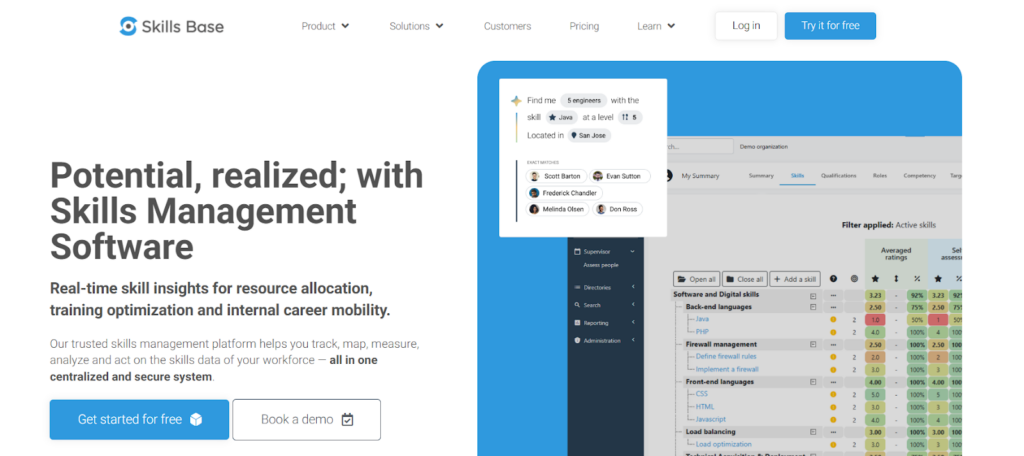
Skills Base is one of the easiest tools here to understand and budget for. It focuses on tracking, mapping, measuring, assessing, and analyzing skills in one central platform, with a free plan and transparent paid tiers.
Key Features
- Transparent pricing: Rare in this category.
- Skills assessments and matrix reports: Good for teams moving away from spreadsheets.
- AI skills intelligence add-on: Lens adds more advanced insight and prioritization.
Pricing
| Pricing | Notes |
| Free | Up to 250 skills |
| Teams: $2.25/user/month | Paid annually |
| Enterprise: $4/user/month | Paid annually |
| Ultimate: On request | Custom |
| Lens AI add-on: $2/user/month | Paid annually |
Where Skills Base Shines
- Best for: Budget-conscious teams that still want structure.
- Best for: Fast adoption and clear usability.
- Best for: Buyers that want transparent pricing.
Where Skills Base Falls Short
- Falls short for: Teams that need built-in frontline workflows, audits, and operational compliance.
- Falls short for: Buyers that want a more polished interface everywhere, based on review sentiment.
Customer Reviews
MIRIAM, Mid-Market: “The user interface of Skills Base is intuitive and user-friendly. Navigating through the platform is a smooth experience, and the layout facilitates quick access to the information we need. This simplicity has played a crucial role in the widespread adoption of the tool within our team.”
Jason R, Solutions Engineering Manager: “I would like to see more visual reporting, perhaps using Power BI, and also I would like to be able to remove specific skill assessment data.”
Who Skills Base Is Best For
- Best for: Small to midsize teams that want a practical skills management platform without enterprise complexity.
Other Competency Management Tools Worth Considering
Here are a few more tools worth mentioning.
Kahuna
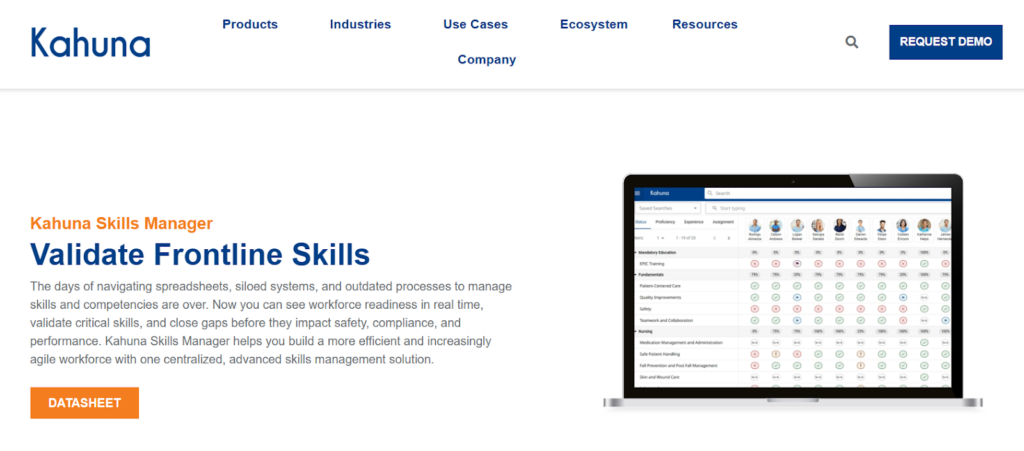
Kahuna focuses on frontline skills and competency validation. It is built to help organizations assess workforce capability where work actually happens, with flexible assessment forms, quizzes, checklists, and talent-finder functionality.
It is a strong fit for industrial, field, and safety-critical settings where validation matters more than content authoring depth.
G2 review summaries praise its support, flexibility, and ease of use, though some users say admin workflows can be confusing.
Pricing is quote-based.
iTacit
iTacit blends training, communication, forms, checklists, and employee experience tools into one frontline-focused platform. It stands out when your challenge is not just training content but also getting messages, sign-offs, and updates in front of distributed staff.
Capterra lists it at 4.6/5 with especially strong customer service scores.
This is a good option if you want an employee app experience, though it is still less operations-heavy than Operandio.
How to Choose the Best Competency Management System Software
1. Check Whether It Proves Real Competency or Just Tracks Content
A lot of software can tell you who watched a course. That is not the same as proving someone can perform the job. If your teams work on the frontline, look for live assessments, observations, manager sign-off, and location-level reporting.
For a closer look at platforms built around this, our guide to training management tools covers options with strong frontline execution features.
Operandio does this well because it connects training to in-person validation and real operational oversight.
2. Decide Whether You Need a Skills Tool or an Operating System
Some buyers need a pure skills management platform. Others need a system that also handles SOPs, checklists, audits, communications, and corrective actions. If you run a franchise or multi-unit business, the second category usually matters more because standards break during execution, not in theory.
3. Look at Speed to Rollout and Pricing Clarity
Skills mismatches are already expensive. SHRM’s research shows that underutilized skills are linked to lower fulfillment and higher job-seeking behavior, while Gallup says fewer than half of U.S. employees participated in education or training for their current job. A system that is hard to roll out or impossible to budget slows improvement down.
Streamline Compliance and Training With Operandio
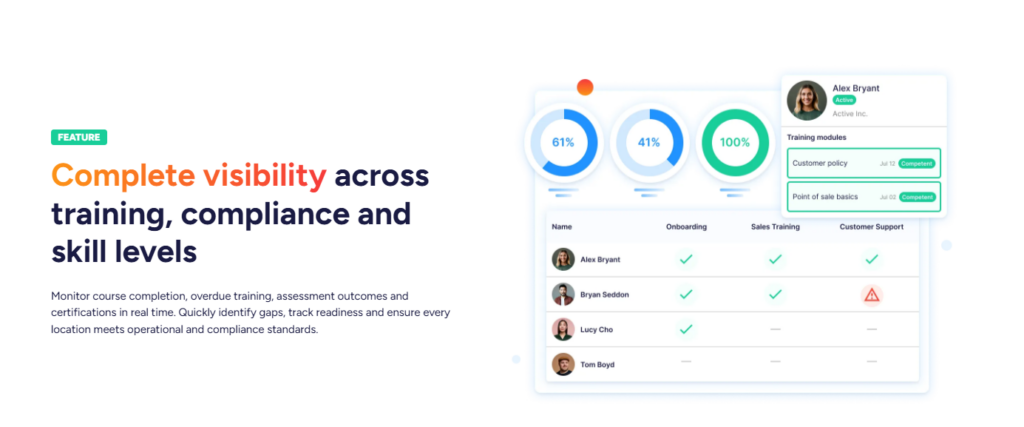
If you run a multi-location, franchise, or frontline-heavy business and need training tied to real-world execution, Operandio is the best fit in this roundup. It gives you one place to train staff, verify readiness, manage compliance, and keep every location aligned. That is a much stronger answer to competency management than a spreadsheet, a quiz score, or a disconnected LMS.
👉Book a demo with Operandio to see how it works for your business.