
- Platform
- Features
 Franchise & Multi-Unit ManagementCentralize oversight and streamline growth across your entire multi location network
 Learning ManagementTrain, verify, and reward your workforce with mobile-first education
 Operations ExecutionStreamlined operations ensuring brand standards, accountability and efficiency
 Asset ManagementOptimize equipment uptime through proactive maintenance and smart tracking
 Digital Food SafetyAutomate compliance and monitor quality with real-time digital precision
 Health & Safety Management (EHS)Mitigate workplace risks and streamline digital incident reporting and investigations
- Platform Essentials
 Powerful ReportingAlign leadership with role-based dashboards and deeper analytics
 Operandio IntelligenceAutomate content, analyze trends, and provide instant answers
 IntegrationsUnify your enterprise tech stack with real-time data
 IoT PlatformDetect anomalies and automate workflows with intelligent sensors
 Mobile & Shared Tablet AppsSecurely empower frontline teams with fast, offline-capable access
- Footer


 Not sure what you need?
Book in a call with the team
- Features
- Solutions
- By Industry
 RestaurantsQSR, fast food and multi-unit restaurants
 Hotels & ResortsHotels, resorts and extended stay hotels
 ChildcareEarly education, childcare, daycare and preschool
 EntertainmentTheme parks, family entertainment centers and play centers
 Fitness Centers & LeisureFitness centers, golf clubs, gyms and sports facilities
 RetailBig-box retailers, franchise stores and supermarkets
- By Use Case
- Operational ExcellenceStreamlined operations ensuring brand standards, accountability and efficiency
- Learning & DevelopmentTrain, verify, and reward your workforce with mobile-first education
- Franchise & Multi-Unit ManagementCentralize oversight and streamline growth across your entire multi location network
- Food Safety ComplianceAutomate compliance and monitor quality with real-time digital precision
- Asset Management & MaintenanceOptimize equipment uptime through proactive maintenance and smart tracking
- Health & Safety Management (EHS)Mitigate workplace risks and streamline digital incident reporting and investigations
- By Industry
- Resources

- Platform
- Features
- Franchise & Multi-Unit ManagementCentralize oversight and streamline growth across your entire multi location network
- Learning ManagementTrain, verify, and reward your workforce with mobile-first education
- Operations ExecutionStreamlined operations ensuring brand standards, accountability and efficiency
- Asset ManagementOptimize equipment uptime through proactive maintenance and smart tracking
- Digital Food SafetyAutomate compliance and monitor quality with real-time digital precision
- Health & Safety Management (EHS)Mitigate workplace risks and streamline digital incident reporting and investigations
- Platform Essentials
- Powerful ReportingAlign leadership with role-based dashboards and deeper analytics
- Operandio IntelligenceAutomate content, analyze trends, and provide instant answers
- IntegrationsUnify your enterprise tech stack with real-time data
- IoT PlatformDetect anomalies and automate workflows with intelligent sensors
- Mobile & Shared Tablet AppsSecurely empower frontline teams with fast, offline-capable access
- Footer
- Not sure what you need?
Book in a call with the team
- Features
- Solutions
- By Industry
- RestaurantsQSR, fast food and multi-unit restaurants
- Hotels & ResortsHotels, resorts and extended stay hotels
- ChildcareEarly education, childcare, daycare and preschool
- EntertainmentTheme parks, family entertainment centers and play centers
- Fitness Centers & LeisureFitness centers, golf clubs, gyms and sports facilities
- RetailBig-box retailers, franchise stores and supermarkets
- By Use Case
- Operational ExcellenceStreamlined operations ensuring brand standards, accountability and efficiency
- Learning & DevelopmentTrain, verify, and reward your workforce with mobile-first education
- Franchise & Multi-Unit ManagementCentralize oversight and streamline growth across your entire multi location network
- Food Safety ComplianceAutomate compliance and monitor quality with real-time digital precision
- Asset Management & MaintenanceOptimize equipment uptime through proactive maintenance and smart tracking
- Health & Safety Management (EHS)Mitigate workplace risks and streamline digital incident reporting and investigations
- By Industry
- Resources
Top 8 Enterprise Knowledge Portals: By Use Case In 2026
Key Takeaways
- Choose Operandio if you need an enterprise knowledge portal built for frontline execution: best for QSR, hospitality, retail, healthcare, and franchise operators that need operational consistency across multiple locations
- Use Confluence, Document360, and SharePoint for structured documentation, IT runbooks, and governed internal wikis: best for engineering, IT, and compliance teams that need formal authoring workflows, version control, and deep enterprise integrations
- Use Guru and Bloomfire if you need AI-powered knowledge delivery inside daily work tools: best for sales, support, and insights teams that need verified answers surfaced inside Slack, Salesforce, and browser workflows
- Use Zendesk Guide and Notion for support ticket deflection and flexible collaboration: best for customer support teams and cross-functional organizations managing shared internal knowledge
Enterprise knowledge portals centralize SOPs, policies, training, and operational documentation, but many organizations still struggle with inconsistent execution across teams and locations.
You need a solution that connects directly to onboarding, audits, frontline workflows, and compliance tracking, instead of a static documentation hub. Here are 9 options to consider in 2026.
Enterprise Knowledge Portals: Quick Comparison
| Platform | Best For | Standout Feature |
| Operandio | Multi-location operators in QSR, hospitality, retail, and franchise | Operational knowledge tied directly to execution workflows |
| Confluence | Engineering and IT teams in Atlassian environments | Native Jira integration linking documentation to live tickets and incidents |
| Document360 | Technical writing and compliance teams | Custom workflow builder with draft-to-publish approval stages and version control |
| SharePoint | Large enterprises on Microsoft 365 | Knowledge integrated natively with Teams, Outlook, and enterprise compliance infrastructure |
| Guru | Sales, support, and customer success teams | Verified knowledge cards surfaced inside Slack, Salesforce, and browser sessions |
| Bloomfire | Research, insights, and cross-departmental teams | AI-powered search across documents, video, posts, and attachments |
| Zendesk Guide | Customer-facing support organizations on Zendesk | Article suggestions and ticket deflection analytics inside support workflows |
| Notion | Cross-functional teams prioritizing flexibility | Relational databases and pages combined in one collaborative workspace |
1. Operandio: Best for Frontline Operational Consistency
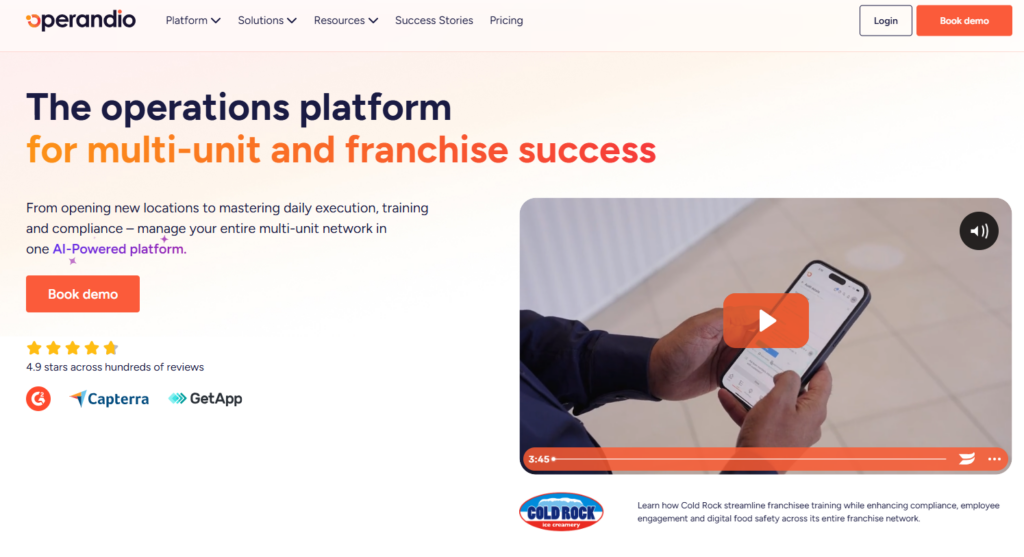
Operandio is built for businesses that need operational knowledge connected directly to frontline execution. It combines SOP management, training, audits, corrective actions, and operational workflows in one mobile-first platform for multi-location teams.
Operandio Key Features
Operandio’s strongest features connect knowledge directly to training, compliance, and daily execution.
Centralized Knowledge and SOP Management
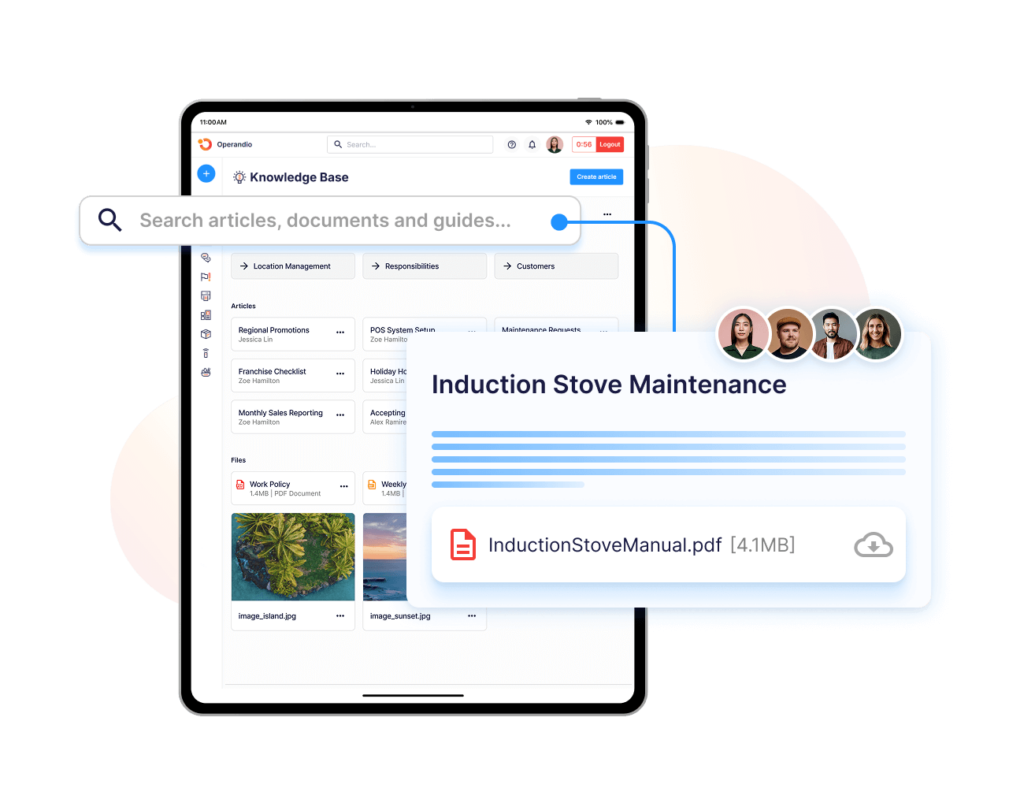
Store SOPs, policies, manuals, and operational documents with Knowledge & Document Management.
Teams can organize the documents by department, role, or location while maintaining version control and standardized updates across the business. Operandio also allows publishing documents with read-confirmation requirements, so managers know which staff accessed updated procedures and when.
“Once Operandio came in, it was the solution to all our problems. We can push standards to any store, any time.” Najib Ullah, Chief Operating Officer & Managing Partner, Tex’s Chicken & Burgers.
AI-Powered Course Builder and Training Workflows
Operandio’s AI Course Builder converts uploaded SOPs and documents into structured training courses. Upload a PDF or paste in a procedure, and the AI generates a course with modules and assessments.
Courses connect to onboarding workflows via Location LaunchPad, so new locations trigger training automatically on setup. You can track completion at the individual and location level across the full network.
Here are 5 AI LMS to also consider in 2026.
Audits, Inspections, and Corrective Actions
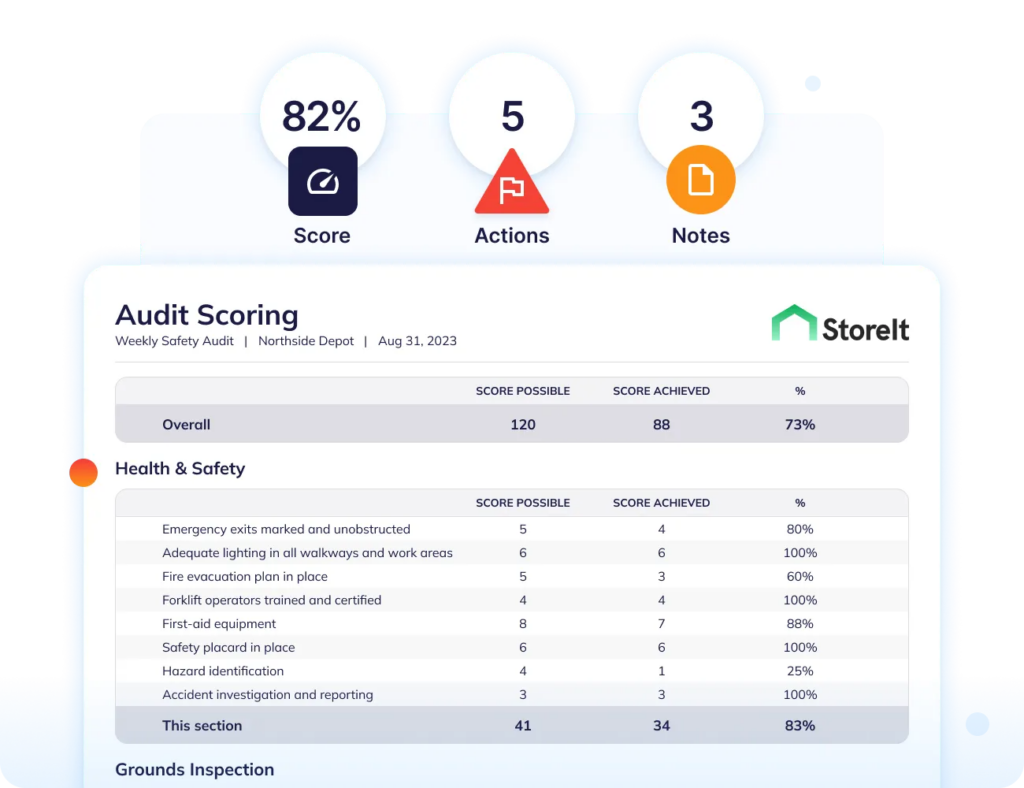
Where most employee knowledge base platforms stop at document storage, Operandio continues into operational execution.
Digital audits reference the same SOPs stored in the knowledge library. A failed check assigns a corrective action directly inside the platform, with a deadline, owner, and escalation path.
Hospitality and retail operators use this workflow to close the gap between a written standard and verified frontline execution, with proof of completion time-stamped and stored for compliance records.
“For any business looking for an all-in-one platform that handles compliance, safety, reporting, and team communication, Operandio is the way to go.” BOUNCE Inc.
Operandio Pricing
| Plan | Cost |
| All tiers | Custom |
Where Operandio Shines
- Purpose-built for frontline teams: you get shared tablet support and offline accessfor deskless workers
- Mobile LMS embedded in workflows: training, quizzes, physical skill assessments, and individual accountability on shared devices
- AI that acts on operational data: goes beyond course generation to cover trend identification, anomaly detection across audit results, and modular AI configuration by role
- Centralized multi-location visibility: Regional managers can monitor audit scores, training completion, corrective actions, and operational performance across every location from one dashboard
Where Operandio Falls Short
- Less suited for highly technical documentation: Operandio is built for operational workflows and frontline execution rather than developer documentation or engineering knowledge management
- More structured than flexible: Teams that mainly need open-ended collaboration or lightweight internal notes may find Operandio too process-driven for their workflows
Operandio Customer reviews
“Operandio has transformed our franchise operations by replacing paper systems with a platform that ensures consistency, enhances communication, and simplifies compliance across 70+ locations,” shares Kris K., State Manager, Cold Rock, which has 70+ franchise locations.
The Operations Team at Flagship Restaurant Group says:
“Transitioning from one platform to another is difficult, but the Operandio team made it easy and helped the entire way. We like the ease of use, adaptability of the software.”
Who Operandio Is Best For
- Multi-location QSR and restaurant groups managing recurring food safety procedures, shift checklists, and staff training across sites
- Franchise networks that need one platform for brand standards documentation, franchisee onboarding, and compliance tracking
- Hospitality and entertainment operators needing SOPs and compliance workflows across large venue networks
- Retail and healthcare businesses that require frontline teams to access, confirm, and apply documented procedures consistently
Ready to connect your knowledge library to frontline execution? Contact Us now to talk about how Operandio works for multi-location teams.
2. Confluence: Best for Engineering and IT Documentation in Atlassian Environments
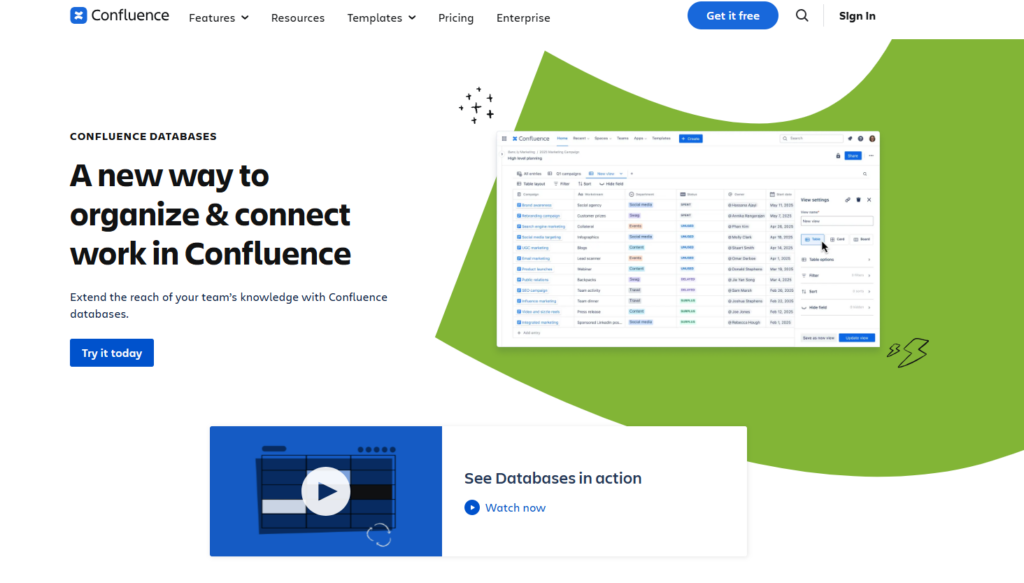
If your team runs on Jira, Confluence is the natural documentation layer for pages that link natively to tickets, incidents, and sprints.
Key Features
- Spaces and Nested Pages: Organize documentation by team, department, or project using structured page hierarchies. Teams can edit pages together in real time, leave comments, mention teammates, and restore older versions when needed
- Native Jira Integration: Connect documentation directly to Jira tickets, incidents, and sprint boards. Teams can also create or track Jira work inside Confluence without switching between tools
- Templates and Content Structure: Includes templates for onboarding, incident reports, retrospectives, and product documentation, plus permissions controls for managing sensitive internal knowledge
Pricing
| Plan | Price |
| Free | Up to 10 users |
| Standard | $5.42/user/month |
| Premium | $10.44/user/month |
| Enterprise | On request |
Where Confluence Shines
- Faster onboarding: Teams can centralize onboarding guides, internal processes, and technical documentation in one searchable workspace, which helps new employees ramp up faster
- Large integration marketplace: Teams can extend Confluence with apps for diagramming, analytics, formatting, and workflow automation without moving to another platform
Where Confluence Falls Short
- Performance degrades at scale: Large spaces with many embedded elements cause slow page loads and delayed search indexing
- Limited value for non-Atlassian teams: The Jira integration is the platform’s core differentiator. Teams that don’t use Jira lose most of what makes Confluence worth its complexity over simpler documentation tools
Customer Reviews
“I like that Confluence is very practical and easy to use. It’s very clear and organized, offering folders and subfolders, which helps in keeping everything organized. I appreciate the variety it provides with different types of text, organization styles, titles, and typographies. The addition of emojis makes the information dynamic and engaging. I find it straightforward as every button is direct and intuitive, making finding information easy. Additionally, Confluence provides videos online, which aids in understanding and using it easily,” says Juliana T.
“Performance can dip when a space gets really large, or pages have heavy attachments — loading older pages with lots of embedded content is sometimes slow,” shares Vishal K.
Who Confluence Is Best For
- Engineering, DevOps, and IT teams using Jira that need technical documentation, incident tracking, and project knowledge connected inside one workflow
3. Document360: Best for Governed Technical Documentation and Help Centers
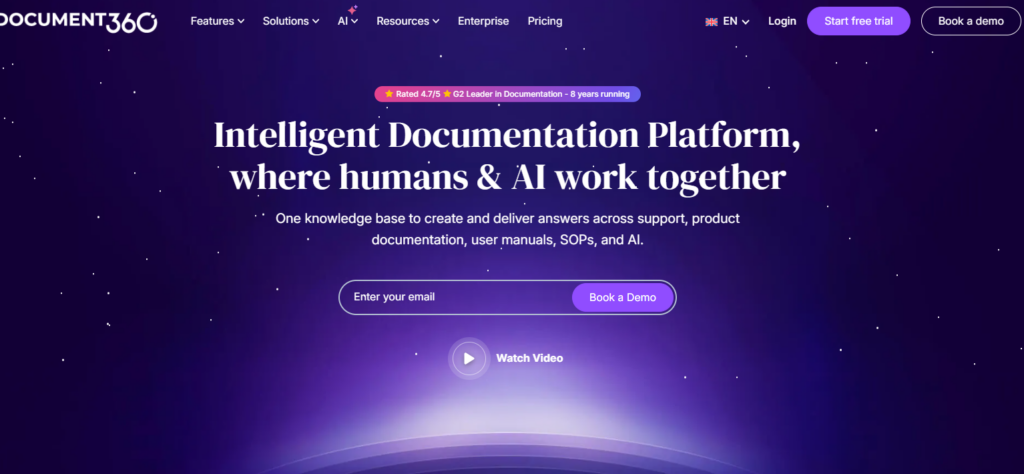
Document360 is built for teams where documentation accuracy is non-negotiable before publishing.
Its authoring environment enforces structured workflows, which makes it the right fit for technical writers, support documentation managers, and compliance teams who need formal review and approval cycles rather than open collaborative editing.
Key Features
- Structured Knowledge Organization: Organize content into nested categories with permission-based access for internal teams and external customers. Document360 also flags duplicate content to reduce knowledge fragmentation
- Custom Approval Workflows: Teams can create draft-to-publish workflows with approval stages, publishing controls, and full edit history tracking for regulated or compliance-heavy environments
- AI-Powered Search and Content Tools: Document360 includes AI-assisted drafting, FAQ generation, direct-answer search, SEO controls, and multilingual translation for global knowledge bases
Pricing
| Plan | Cost |
| All tiers | Custom |
Where Document360 Shines
- Strong content governance: Approval workflows and version tracking help teams control what gets published and who approved it
- Built for documentation teams: The platform is designed specifically for technical documentation, SOPs, help centers, and structured internal knowledge bases
- Supports internal and external knowledge bases: Teams can manage employee documentation and customer-facing help content from one platform
Where Document360 Falls Short
- No public pricing: Teams must contact sales for pricing, which makes budgeting and vendor comparison slower
- Limited operational workflows: Document360 focuses on storing and publishing documentation rather than operational execution, compliance management, or task tracking
Customer Reviews
“The interface is clean and user-friendly, making it simple for both technical and non-technical teams to collaborate. Its powerful search, category management, version control, and analytics features help maintain documentation efficiently while improving the overall user experience for customers and internal teams,” says Sumukh P.
“Some aspects around content management could improve. As documentation libraries grow, maintaining categories, links, and reused content can require more manual effort, especially when restructuring information. Better visibility into where reused or linked content appears across the knowledge base would also help teams understand downstream impacts before making changes.” Fahad B.
Who Document360 Is Best For
- Technical documentation teams: Strong fit for API documentation, SOPs, user manuals, and structured internal knowledge bases
- Customer support organizations: Useful for businesses building searchable external help centers to reduce support tickets
- Compliance-heavy organizations: Good option for teams that need approval workflows, version history, and controlled publishing processes
4. SharePoint: Best for Knowledge Management Inside Microsoft 365
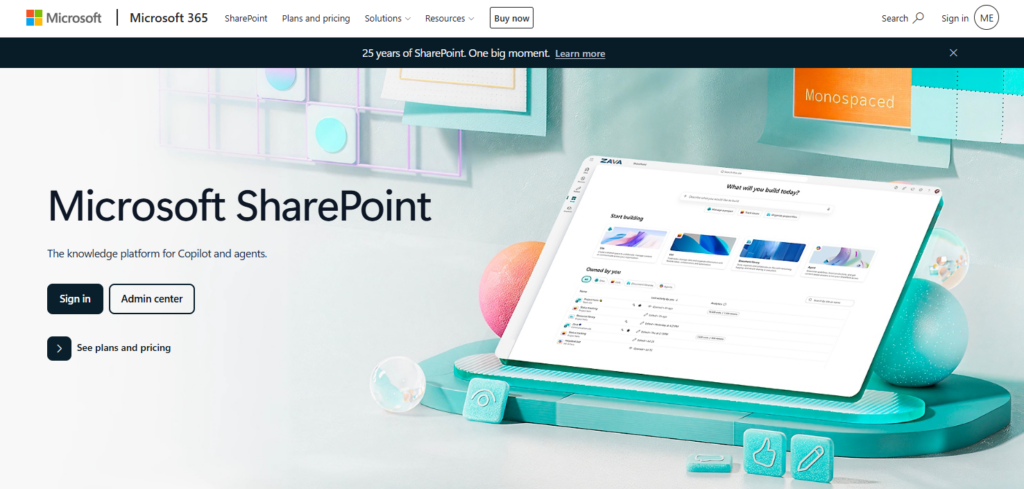
For organizations already using Microsoft 365, SharePoint extends knowledge management across Teams, Outlook, OneDrive, and Office apps without introducing another platform.
Key Features
- Microsoft 365 Native Integration: SharePoint connects directly with Teams, Outlook, Word, Excel, and PowerPoint
- Enterprise-Grade Compliance and Security: Includes retention policies, audit logs, role-based permissions, eDiscovery, and Microsoft Entra identity management support for regulated environments
- Viva Topics for AI-Powered Knowledge Discovery: AI identifies topics across SharePoint and surfaces knowledge cards inside Teams and Office apps
Pricing
| Plan | Pricing |
| SharePoint Plan 1 | $5/user/month (annual billing) |
| Microsoft 365 Business Standard | $12.50/user/month with Teams or $9.29/user/month without Teams |
| Microsoft 365 Business Premium | $22/user/month with Teams or $18.79/user/month without Teams |
Where SharePoint Shines
- Handles large enterprise document environments well: SharePoint supports massive internal document libraries with granular permissions, structured metadata, retention controls, and centralized file management
- Strong intranet and internal communication capabilities: Organizations can build internal portals, company news hubs, policy centers, and department sites alongside broader knowledge management workflows
Where SharePoint Falls Short
- Governance complexity is high from day one: SharePoint’s flexibility means nothing is structured by default. Without dedicated admin resources and a planned information architecture, implementations accumulate disorganized content rapidly
- Less focused on structured knowledge workflows: Teams needing advanced knowledge verification, operational workflows, or dedicated documentation processes may need additional tooling
Customer Reviews
“What I like most about Microsoft SharePoint is that it offers a centralized, well-organized platform for managing documents and information across teams. It keeps important files—such as reports, configurations, and SOPs—in one place with solid version control, which helps avoid confusion about the latest version and reduces duplicate documents.” Sayan P.
“It’s hard to manage permissions, and customization is a bit difficult. Maintenance is required as well. In some cases, files can’t be updated at the same time; when I modify them, it takes a short while to refresh.” Achu S.
Who SharePoint Is Best For
- Microsoft 365 enterprises: Best for organizations that want knowledge management inside their existing Microsoft ecosystem
5. Guru: Best for Verified Answers Delivered Inside Daily Work Tools
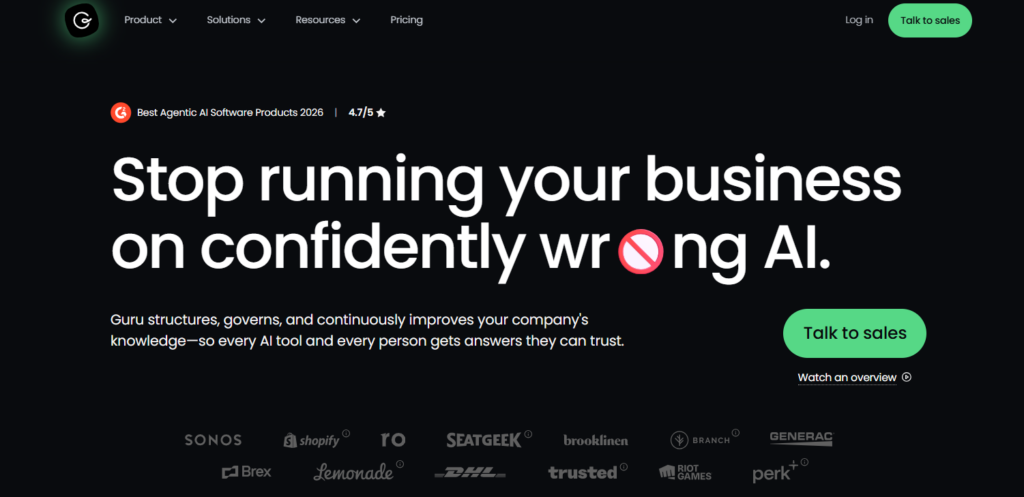
Guru delivers knowledge inside the tools employees already use instead of requiring teams to search through separate portals.
Sales, support, and enablement teams can access verified answers directly inside Slack, Salesforce, Zendesk, and browser workflows.
Key Features
- Knowledge Cards with Verification Workflows: Guru organizes information into reusable knowledge cards with assigned owners and review schedules. Expired or outdated cards are flagged automatically to help teams maintain accurate information
- AI-Powered Search Across Connected Tools: Guru pulls answers from connected sources like Slack, Google Drive, Salesforce, and Gong. Employees can ask natural language questions and receive direct answers with linked sources
- Browser Extension and Workflow Integrations: Guru surfaces knowledge directly inside tools like Slack, Salesforce, HubSpot, Microsoft Teams, and Zendesk through browser and native integrations
Pricing
| Plan | Cost |
| All tiers | Custom |
Where Guru Shines
- Strong knowledge adoption: Guru delivers answers inside existing workflows, which reduces the friction that often prevents employees from using traditional knowledge portals
- Built-in content verification: Assigned owners and review cadences help teams maintain more accurate internal knowledge over time
- Reduces repetitive internal questions: Employees can quickly find verified answers without constantly relying on managers or subject matter experts
Where Guru Falls Short
- Search quality depends on phrasing: Broader or loosely worded searches may miss relevant cards if terminology is inconsistent across teams
- Less suited for complex SOP documentation: Guru works best for short-form operational knowledge rather than long procedural documentation with detailed workflows
Customer Reviews
“I really appreciate Guru’s agility and ease of use. Creating and editing cards is simple and intuitive, which makes documenting processes and sharing knowledge across teams much faster. The interface is clean and straightforward, and collaboration is seamless.” Iasmin L.
“One thing that can be improved is in regards to search results within Guru. If they can be more precise when there are similar documents and repeated topics.” Berry M.
Who Guru Is Best For
- Sales, support, and enablement teams that need verified answers surfaced directly inside Slack, Salesforce, Zendesk, and browser workflows
6. Bloomfire: Best for Enterprise-Wide Search Across Mixed Content Formats
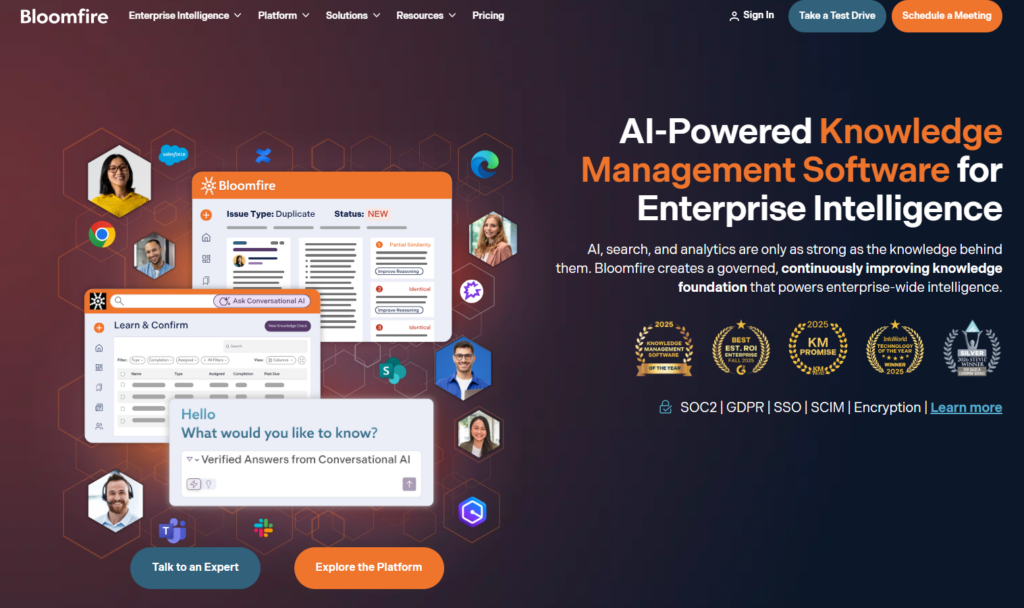
Bloomfire is an AI-powered knowledge platform for large organizations where knowledge exists across documents, video recordings, slide decks, and informal posts simultaneously.
Its deep-index search engine transcribes and indexes every content type, making recorded calls and presentations as searchable as written articles. Built-in Q&A captures informal expertise from subject matter experts, and analytics surface failed searches as actionable content gaps.
7. Zendesk Guide: Best for Support-Driven Self-Service and Ticket Deflection
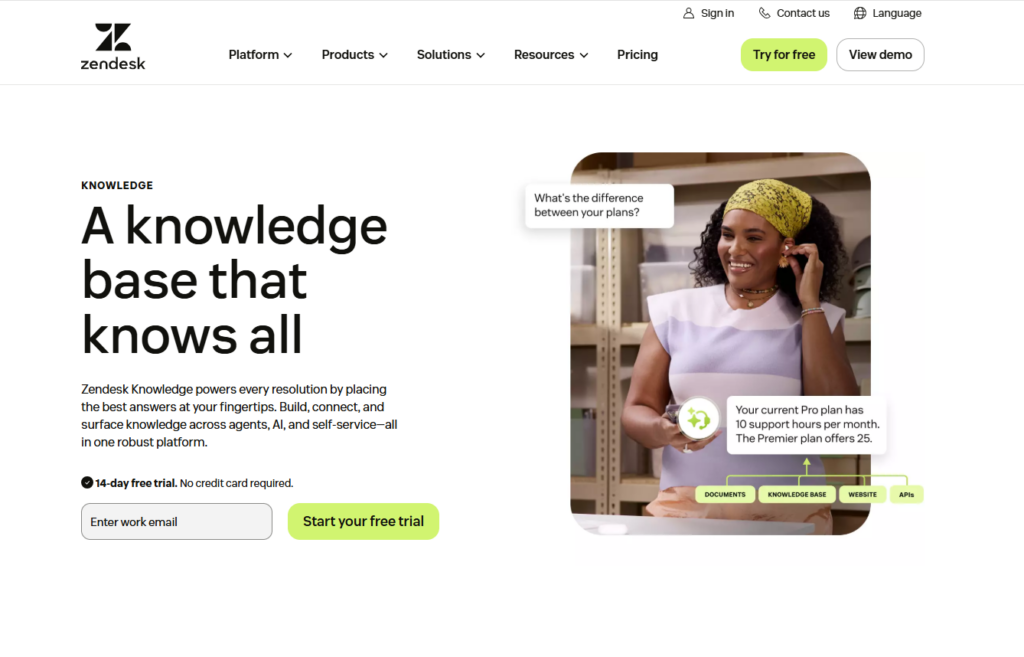
Zendesk Knowledge centralizes help center content, community resources, and connected knowledge sources like Confluence and Google Drive inside one searchable platform.
You also get AI tools that help teams generate articles, translate content, surface answers during support interactions, and improve self-service across customer and employee support workflows.
8. Notion: Best for Flexible Internal Knowledge and Cross-Functional Collaboration
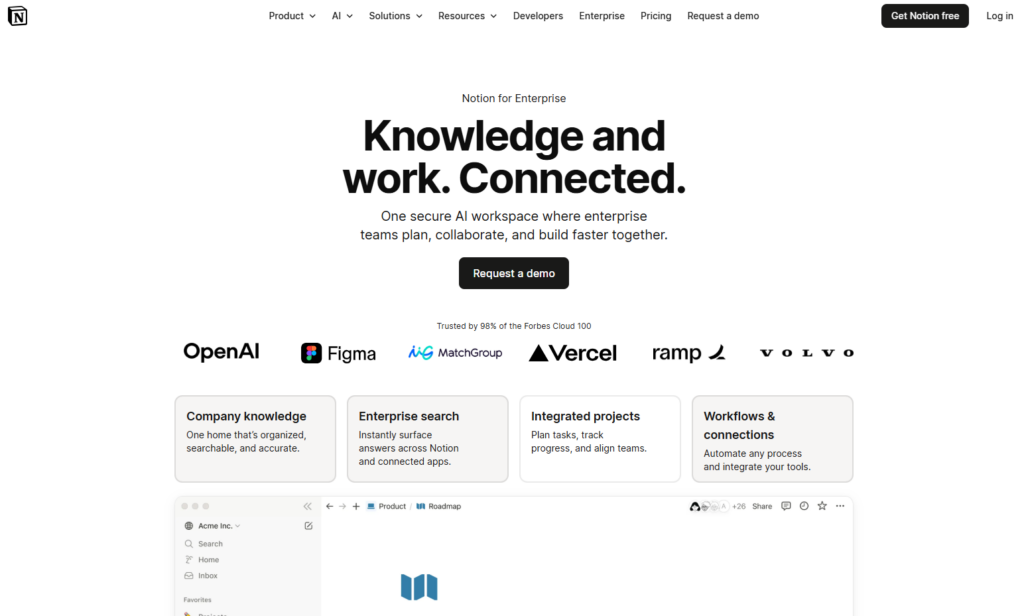
Notion combines documentation, databases, project tracking, and internal wikis inside one collaborative workspace.
Teams can build knowledge hubs, SOP libraries, onboarding pages, and internal documentation with highly customizable layouts.
It’s a strong fit for startups and cross-functional teams managing both projects and knowledge together.
9. Slab: Best for Clean Internal Wikis Without Atlassian Dependency
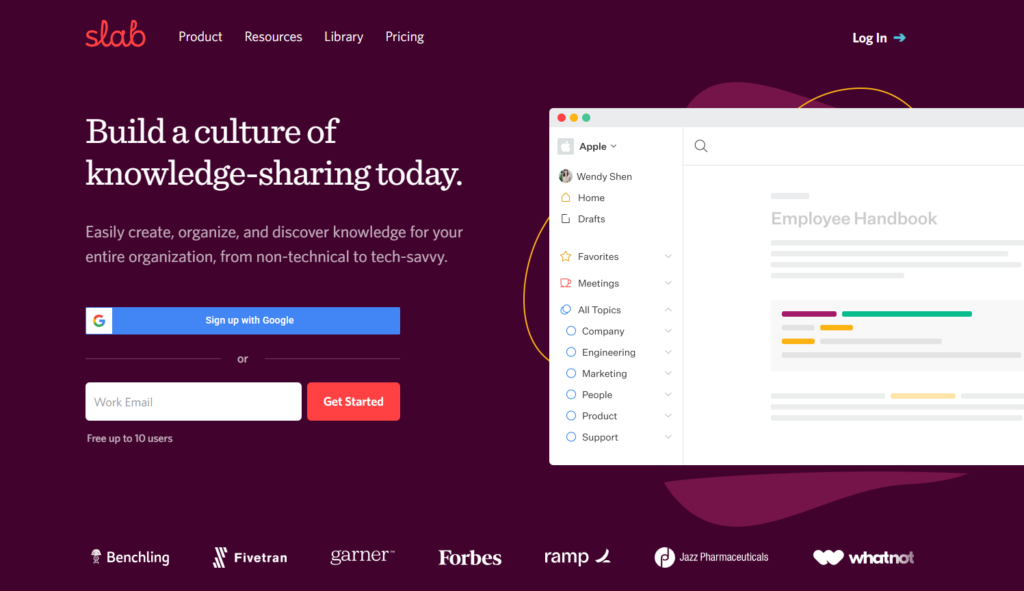
Slab focuses on clean, easy-to-manage internal documentation for growing teams.
Its editor, verification workflows, and Slack integration help companies centralize onboarding guides, internal processes, and team knowledge without the complexity of larger enterprise knowledge management platforms.
How to Choose an Enterprise Knowledge Portal
According to Cake.Com, 47% of professionals spend between one and five hours daily searching for information across different tools. When choosing between the best knowledge base platforms, ask these questions:
Does Knowledge Connect to Execution or Just Storage?
Most knowledge base software stores documents, but what happens when a frontline team member needs to act on one? In a standard portal, the workflow ends when the document is read.
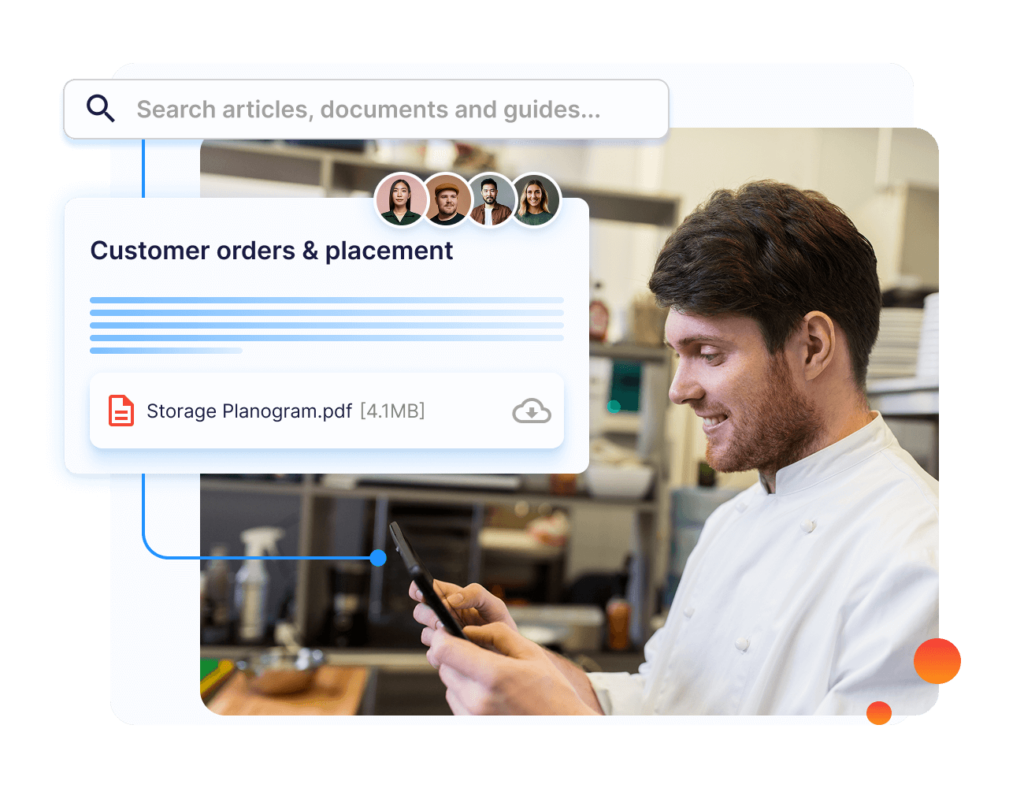
In an operationally connected platform like Operandio, reading the SOP triggers the checklist, and completing the checklist generates the audit record. A failed check creates a corrective action with an assigned owner.
Does the Platform Fit Your Team’s Work Environment?
Desk-based knowledge workers access knowledge on a laptop during a focused task. Frontline workers access it on a shared tablet between service interactions, often with limited time and inconsistent connectivity.
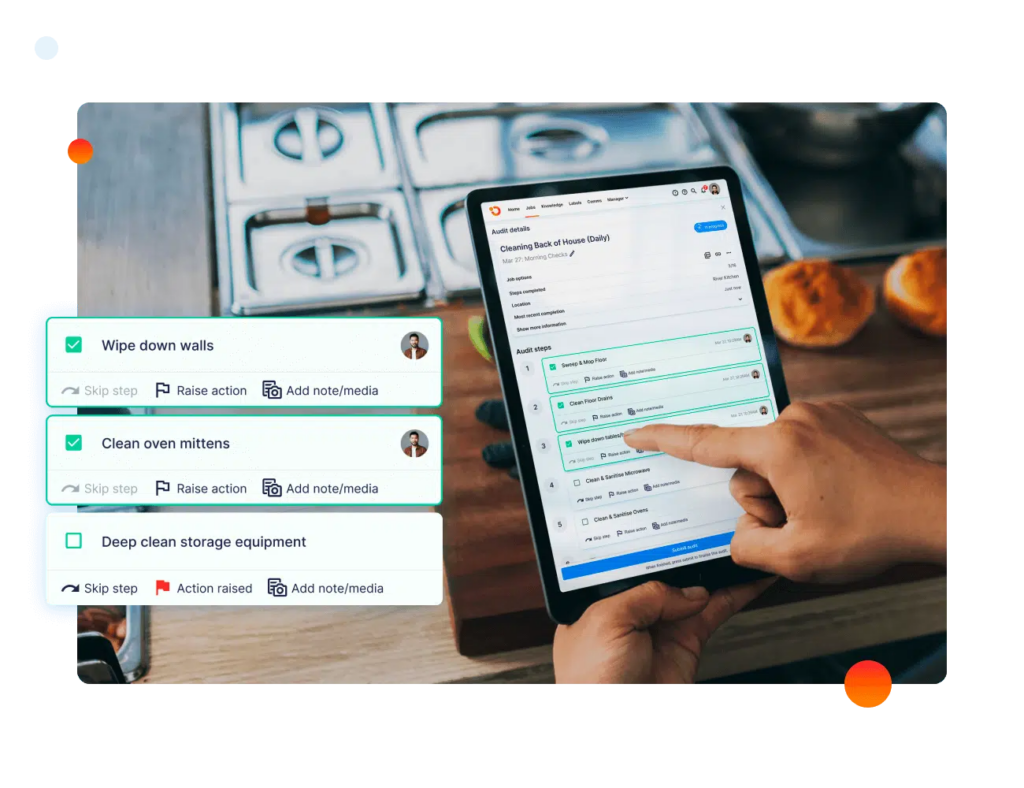
Operandio’s mobile and shared tablet apps are built for frontline environments, including offline access and shared device support for teams in gyms and convenience stores.
Can You Verify That Knowledge Is Being Applied?
Page-view analytics tell you what was opened, not whether a procedure was understood or applied.
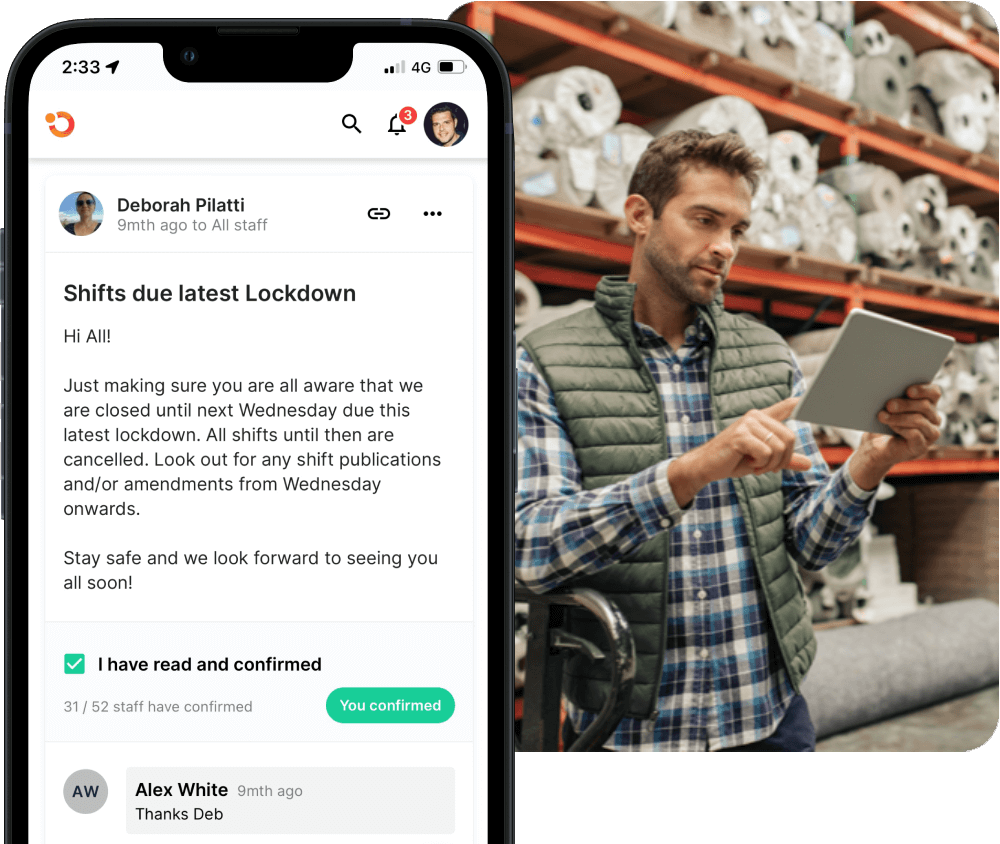
Operandio connects knowledge access to task completion, audit outcomes, and training assessment results. That gives enterprise workforce management teams proof of execution rather than inferred engagement.
Just started using Operandio? Here’s a Franchise Operations Manual to get you going.
House Your Entire Knowledge Library in One Place With Operandio
If your teams operate across franchise locations, hotel properties, or retail sites, a document repository alone will not close the gap between what’s written and what happens on the floor.
Read how to keep your staff accountable after accessing information, and book a demo to start managing your knowledge portal today.
FAQs
What is an enterprise knowledge portal?
An enterprise knowledge portal is a centralized platform for creating, organizing, and distributing approved information across a large organization. It allows employees to find procedures and policies through role-based permissions, governance workflows, search functionality, and integrations with daily work tools.
What is the difference between a knowledge base and a knowledge management system?
A knowledge base is the content repository: articles, SOPs, guides, and policies. A knowledge management system includes the governance structures and workflows that govern how content is created, maintained, distributed, and applied. An enterprise knowledge base software combines both.
Which knowledge portal is best for frontline teams?
Operandio serves frontline teams across multiple locations.
How does a corporate knowledge base reduce inconsistent execution across locations?
When procedures and SOPs connect to task management and audit workflows, managers can verify that frontline teams accessed, understood, and applied updated procedures.
Without that connection, accurate documentation alone cannot prevent inconsistent procedure adherence across locations.