





Key Takeaways
- Operandio is best for multi-location teams that need communication connected to SOPs, training, tasks, and operational follow-up rather than another standalone messaging app.
- Zello suits frontline teams that rely on real-time push-to-talk voice communication, while Staffbase is stronger for large enterprises managing company-wide internal communications.
- Beekeeper provides a mobile-first employee hub for deskless and shift-based workers, while Connecteam offers a more accessible communication and workforce-management stack for smaller businesses.
- WorkJam, Workvivo, Microsoft Teams, YOOBIC, and ChangeEngine cover more specialized needs such as workforce coordination, engagement, Microsoft 365 collaboration, frontline learning, and multichannel campaigns.
Frontline employees need more than a mere messaging tool. They need all the relevant information that helps them get through their day, delivered through ways they can actually access during their shift.
A 2025 HFS research of 605 deskless workers found that 53% of them lacked reliable tools to communicate with peers and managers. And while many tools exist, they are typically clunky or optimized for in-office settings rather than the frontline roles’ fast-paced and mobile environments. A single easy-to-use app or preferred channel for tasks, schedules, and updates is what these workers believe would improve communication and collaboration for them.
Now, the best frontline worker communication platforms solve different problems, from real-time voice coordination to targeted company updates and operational communication. Below, we compare 10 platforms by use case, standout capabilities, suitability, and price.
10 Best Frontline Worker Communication Platforms: A Quick Overview
| Name | Best For | Standout Feature | Price Starting Point |
|---|---|---|---|
| Operandio | Multi-location operational communication | Targeted updates connected to SOPs, tasks, training, and acknowledgments | Custom |
| Zello | Real-time push-to-talk coordination | Instant voice communication across phones, computers, and rugged devices | $6.80/user/month, billed annually |
| Staffbase | Enterprise internal communication | Branded employee apps and multichannel publishing for large workforces | Pricing available on request |
| Beekeeper | Mobile communication for deskless teams | Frontline employee hub for targeted updates, knowledge, and workflows | Pricing available on request |
| Connecteam | Small frontline businesses | Team communication combined with scheduling and workforce tools | Free for eligible small teams; paid Communications plans from $29/month annually |
| WorkJam | Retail and grocery workforce coordination | Frontline communication integrated with workforce-management tools | $799/month for up to 500 users, billed annually |
| Workvivo | Employee engagement and culture | Social employee experience, recognition, campaigns, and listening | Pricing available on request |
| Microsoft Teams Frontline | Organizations using Microsoft 365 | Teams communication inside the wider Microsoft frontline ecosystem | $3/user/month, billed annually |
| YOOBIC | Training-led frontline communication | Communication combined with microlearning and frontline task execution | Pricing available on request |
| ChangeEngine | Multichannel frontline campaigns | Employee communication across SMS, email, Teams, Slack, SharePoint, and print | Pricing available on request |
1. Operandio: Best Frontline Worker Communication Platform for Multi-Location Teams
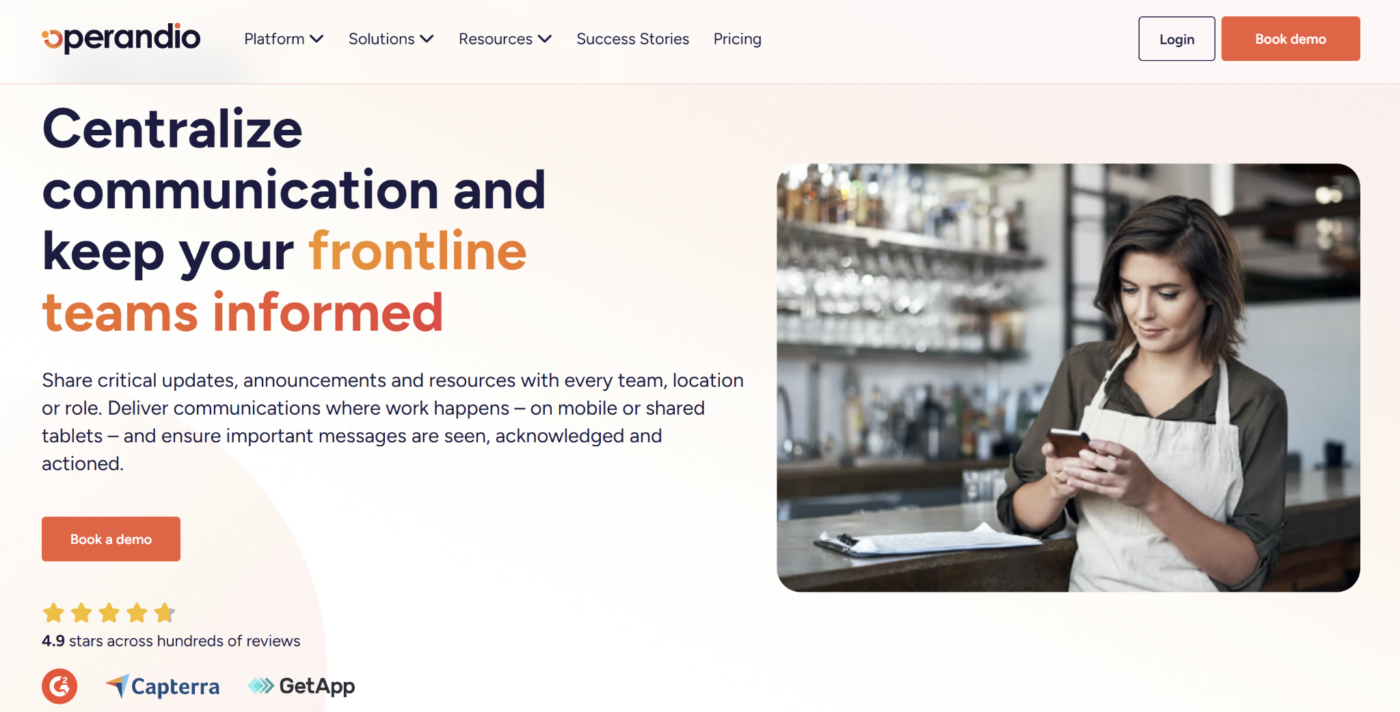
Operandio is an AI-powered operations platform for franchise and multi-unit businesses. Its communication tools are designed for frontline teams that may not use desks or company email every day.
Rather than separating announcements from operational work, Operandio connects communication with the SOPs, training, tasks, and follow-up employees need to act on the message. Its franchise and multi-unit management capabilities also give head office control over which locations, roles, and teams receive each update.
Key Features
Operandio treats communication as part of daily execution. Teams can send targeted updates, make current knowledge easy to find, and connect important messages directly to the work employees need to complete.
Targeted Announcements, Campaigns, and Acknowledgments
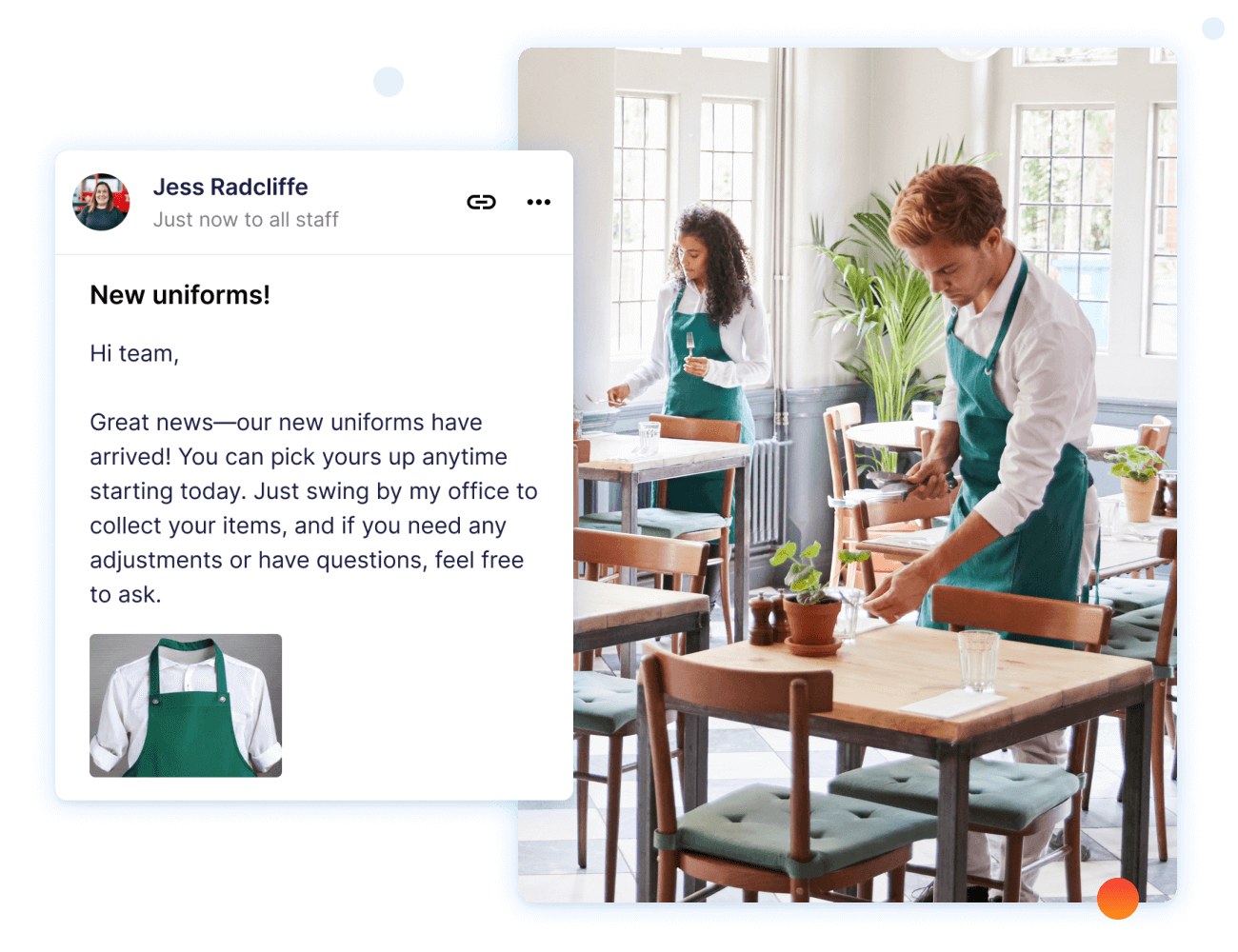
Operandio’s Employee Communication tools let head office send updates to specific locations, regions, brands, teams, or employee roles instead of broadcasting every message to the entire workforce.
Communications can include text, images, PDFs, videos, and links to operational resources. Teams can send one-off announcements or schedule multi-step campaigns for changes that need reinforcement over several days or weeks, such as menu launches, safety updates, new policies, or seasonal operating procedures.
Automated reminders help follow up with employees who have not responded, while read receipts and required acknowledgments show whether important information actually reached the intended audience.
This is useful for multi-location businesses where sending the message is only the first step. Head office also needs to know whether affected employees received, read, and acknowledged the update.
Searchable SOPs and Knowledge at the Point of Work
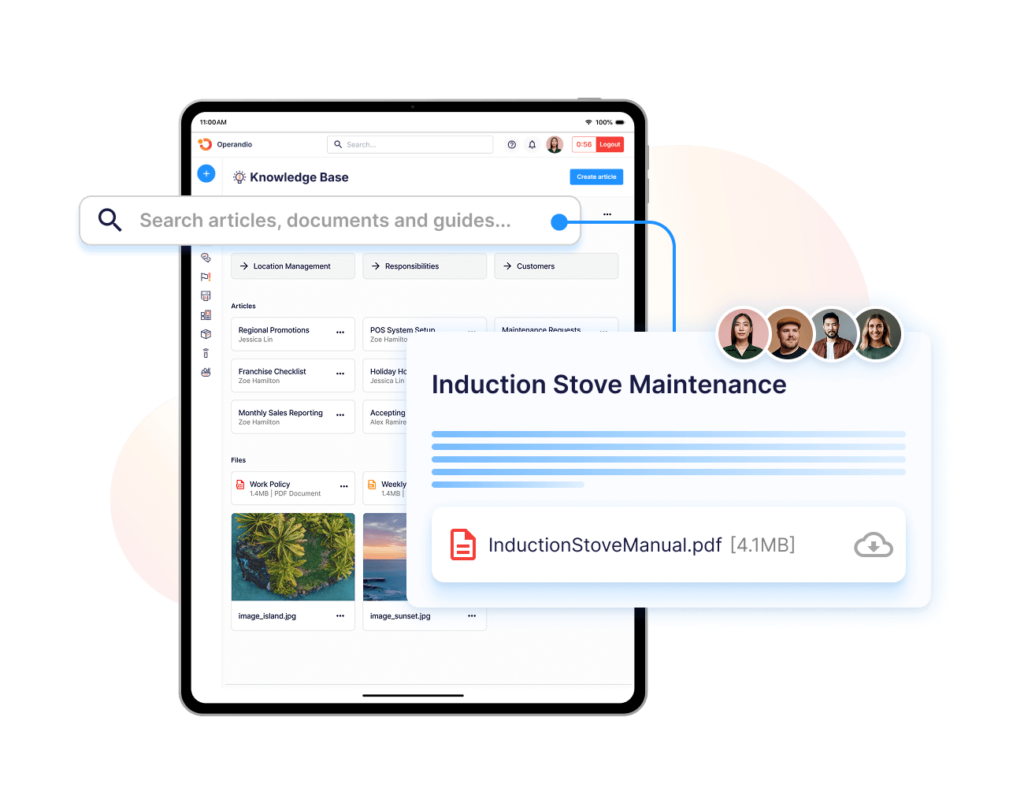
Frontline communication does not always begin with a new message. Employees often need to find an existing procedure, policy, brand standard, or answer while they are already working.
Operandio’s Knowledge & Document Management provides a centralized library for SOPs, policies, training materials, reference documents, and other operational knowledge.
Content can be controlled by role, location, or franchisee, so employees see information relevant to their work rather than searching through a company-wide document dump. Version control helps ensure locations use the latest approved process, while keyword, category, department, and location search makes specific guidance easier to retrieve.
AI-powered search can also summarize documents or surface relevant instructions from the knowledge base.
For frontline teams, this reduces dependence on messaging a manager every time they need to confirm a procedure during a shift.
Communication That Leads to Tasks and Training
Some frontline updates require more than acknowledgment.
A new food-safety procedure may require training. A promotional rollout may require a checklist. A policy change may need employees to read an SOP and complete a related action.
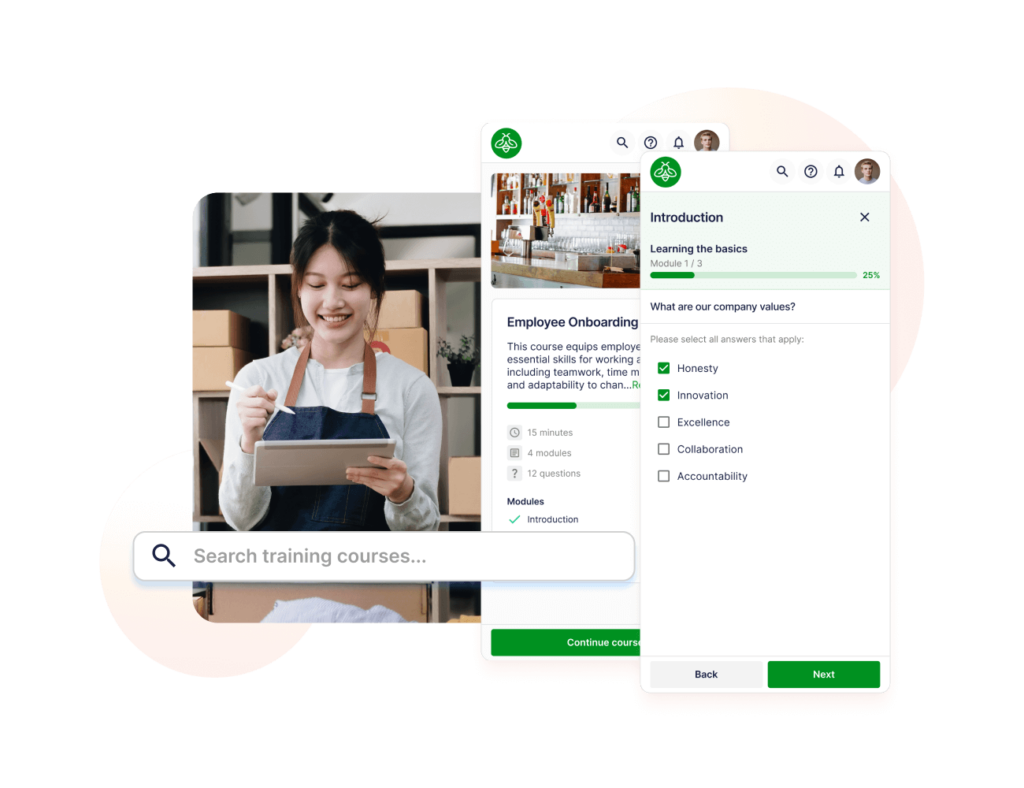
Operandio connects communication directly with those next steps. Announcements can link employees to relevant SOPs, checklists, or training modules so the action sits alongside the message that explains why it is required.
Its Task Management tools add owners, deadlines, reminders, and escalation to operational work, while the LMS Learning Hub lets businesses assign role-based courses, monitor completion, and track certifications.
This makes Operandio particularly useful when communication needs to change frontline behavior rather than simply distribute information.
Pricing
| Plan | Pricing |
|---|---|
| All tiers | Custom |
Operandio uses modular pricing based on the number of locations, users, and the modules selected.
Where Operandio Shines
- Connects communication with execution: Updates can lead employees directly to the SOP, checklist, training, or other action required next instead of leaving the message isolated in a feed.
- Gives head office multi-location control: Teams can target communication by location, role, brand, region, or team and track whether critical messages were acknowledged.
- Fits frontline working environments: Employees can access communication and operational resources through mobile or shared devices rather than depending on desks, laptops, or individual company email accounts.
Where Operandio Falls Short
- More platform than teams needing simple chat require: Businesses that only need direct messaging, group chat, or push-to-talk voice may prefer a narrower communication tool.
- Requires a structured rollout: Multi-location permissions, audiences, knowledge, training, and operational workflows need to be configured around the organization before teams get the full value from the platform.
Customer Reviews
“Operandio has transformed our franchise operations by replacing paper systems with a seamless, automated platform that ensures consistency, enhances communication, and simplifies compliance across 70+ locations,” says Kris K., State Manager, Cold Rock Ice Creamery.
“For any business looking for an all-in-one platform that handles compliance, safety, reporting, and team communication, Operandio is the way to go,” says Paul Brownrigg, Operations and Compliance Manager, BOUNCE Inc.
Who Operandio Is Best For
- Franchise and multi-unit businesses: Organizations that need head office to target communication across locations while keeping standards and operational follow-up consistent.
- Restaurants and hospitality groups: Restaurant management and hotel operations teams that need frontline updates connected to procedures, training, checklists, and daily execution.
- Retail and other deskless workforces: Retail brands that need employees to access updates and operational knowledge during the shift through mobile or shared devices.
Ready to give Operandio a spin? Contact us to get a custom quote based on your team size and operational requirements.
2. Zello: Best For Real-Time Push-To-Talk Coordination
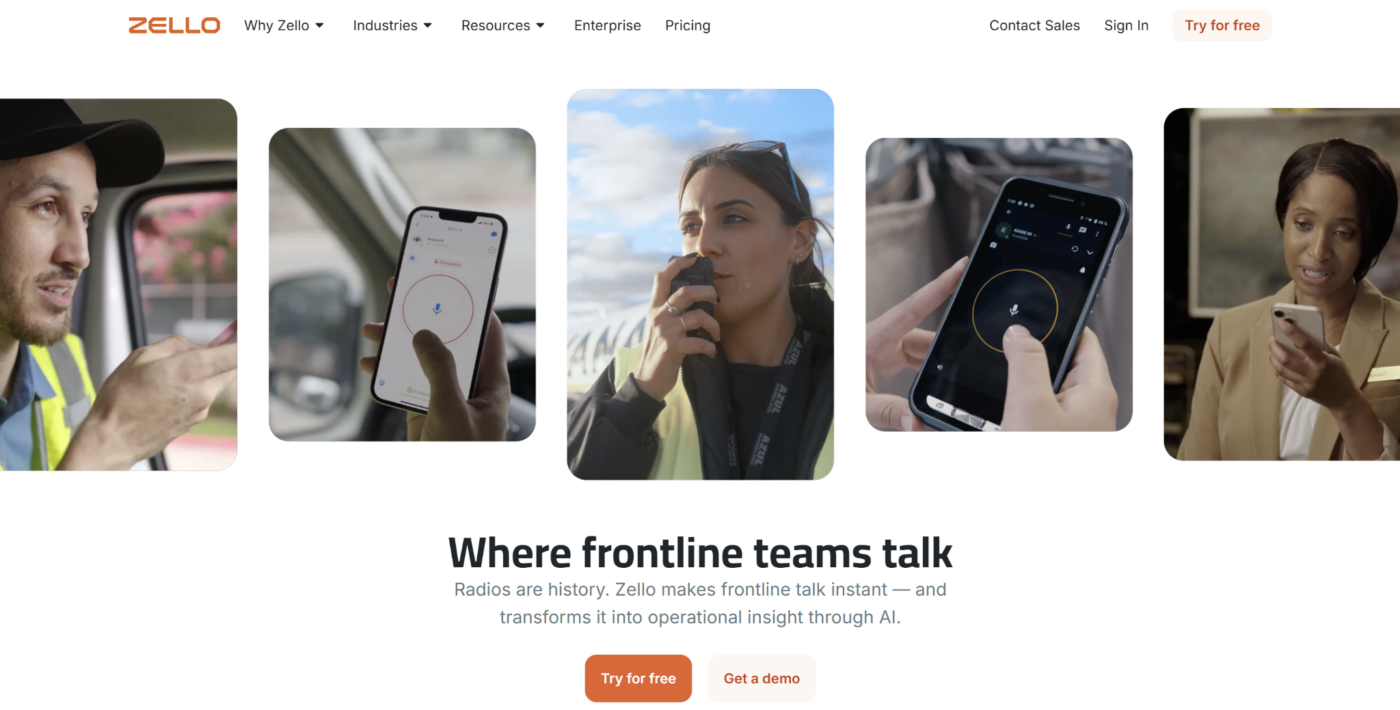
Zello is a push-to-talk platform built for frontline teams that need immediate voice communication while working. It turns smartphones, tablets, computers, and supported rugged devices into internet-connected walkie-talkies, making it particularly useful for transportation, hospitality, field service, retail, and emergency-response teams.
Key Features
- Instant push-to-talk communication: Zello lets employees speak instantly with an individual or channel over Wi-Fi or cellular networks. Teams can combine live voice with text, photos, and message history, giving employees a faster alternative to typing when their hands or attention are occupied.
- Emergency and location tools: Emergency alerts can send recorded audio and the employee’s location to a designated channel. Location tools also help dispatchers or supervisors understand where mobile workers are operating.
- AI and communication intelligence: Zello Plus adds AI-assisted features for frontline communication, including translation and other tools designed to make voice communication easier to interpret across distributed teams.
Pricing
| Plan | Pricing |
|---|---|
| Core | $6.80/user/month, billed annually |
| Plus | $12.75/user/month, billed annually |
| Enterprise | Custom |
Where Zello Shines
- Fast voice-first communication: Employees can coordinate immediately without stopping to type messages or return to a workstation.
- Strong fit for mobile and field teams: Location tools, emergency alerts, message history, and support across several device types suit teams working away from desks.
Where Zello Falls Short
- Narrower asynchronous communication: Zello is strongest when employees need to talk now. It provides less depth for structured company announcements, SOP libraries, learning, or acknowledgment campaigns.
- Depends on network connectivity: Performance can be affected when employees move through weak Wi-Fi or cellular coverage.
Customer Reviews
“The implementation was really easy, and the management console gave us many options to give the stores access to managing their own part of Zello.” – Tobias R.
“It would be very important to develop reporting capabilities in Zello and provide the option to download reports. Additionally, it would be highly beneficial if the desktop app could save conversations for a longer period of time” – Alejandro G.
Who Zello Is Best For
- Field, logistics, and mobile workforces: Teams that need rapid voice coordination across vehicles, job sites, venues, or large facilities.
- Operations with radio-style workflows: Businesses replacing or extending traditional two-way radio communication through smartphones and connected devices.
3. Staffbase: Best For Enterprise Internal Communication
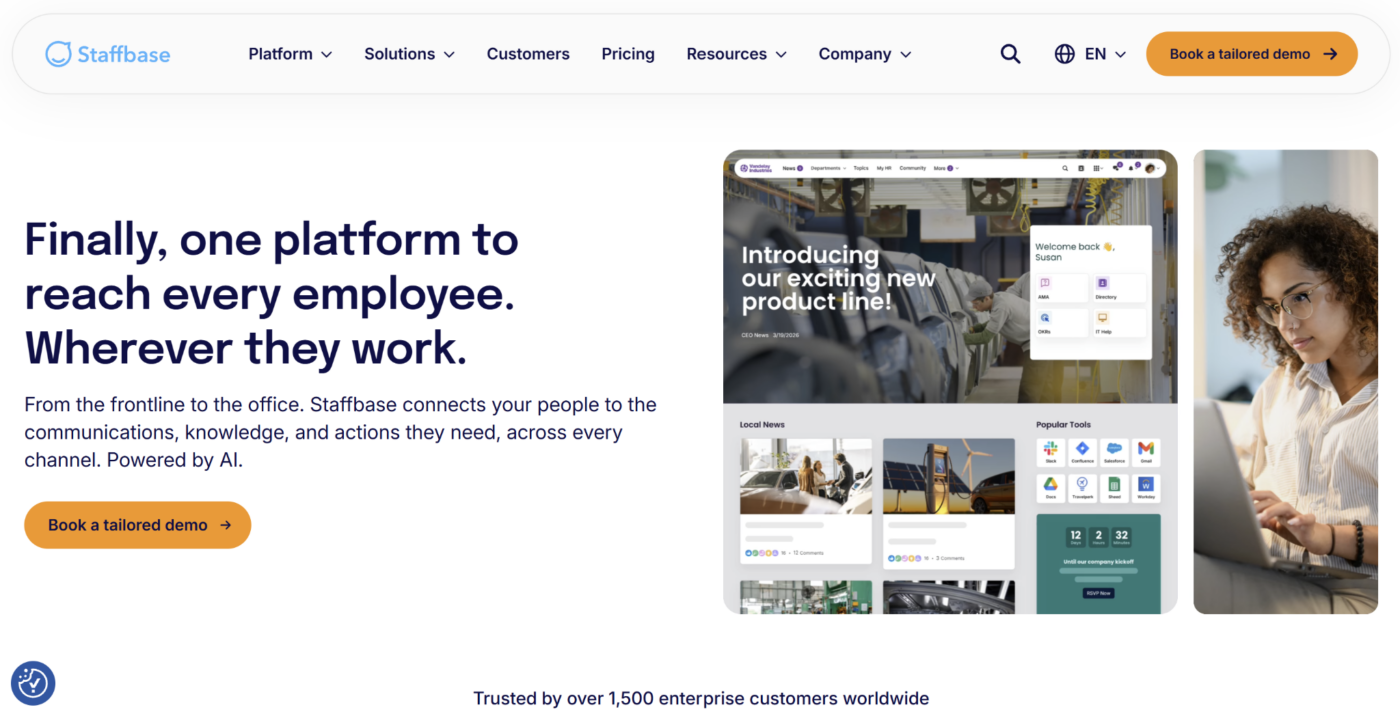
Staffbase is an employee experience and internal communications platform designed for large, distributed organizations. It combines a branded employee app with publishing, intranet, email, analytics, personalization, and enterprise governance.
Its frontline offering is particularly relevant when a communications team needs to reach both desk-based and deskless employees through a coordinated company-wide communication program.
Key Features
- Branded employee app and personalized frontline experience: It gives employees a branded mobile destination for company news, resources, services, and communication. Content can be personalized by role, location, or other profile data.
- Multichannel publishing and audience targeting: It lets communications teams publish across channels such as the employee app, intranet, email, SMS, and connected workplace systems. Audience targeting helps large organizations send relevant information to specific employee groups.
- Analytics and enterprise governance: Staffbase provides communication analytics across areas such as news, pages, users, search, campaigns, email, and other content. Enterprise deployments can also support regional administration, different brands or subsidiaries, HRIS integrations, and broader governance requirements.
Pricing
| Plan | Pricing |
|---|---|
| Frontline Workforce | Pricing available on request |
| Whole Workforce | Pricing available on request |
| Enterprise Configuration | Pricing available on request |
Where Staffbase Shines
- Built for communications teams at enterprise scale: Publishing, personalization, analytics, governance, and multiple communication channels sit inside one platform.
- Strong mixed-workforce coverage: Organizations can build experiences for frontline and office employees without forcing every user into the same access model.
Where Staffbase Falls Short
- Requires more implementation than lightweight tools: Its breadth, governance options, and enterprise configuration may be excessive for a small organization that mainly needs team messaging.
- Customization can require more work: Some users report that deeper page, design, or administrative customization is less intuitive than the core publishing experience.
Customer Reviews
“It’s very modern, user friendly on the backend and the Navigator and search feature is great.” – Alanna H.
“From time to time, we had difficulties finding certain settings when setting up individual pages, as they were, in our opinion, somewhat “hidden”. Some functions or changes can only be implemented with the help of customer support.” – Serkan A.
Who Staffbase Is Best For
- Large enterprises with dedicated internal communications teams: Organizations managing communication across regions, business units, channels, and large employee populations.
- Businesses with mixed desk and frontline workforces: Companies that want one governed communication environment while tailoring delivery to different employee groups.
4. Beekeeper: Best For Mobile Communication With Deskless Teams
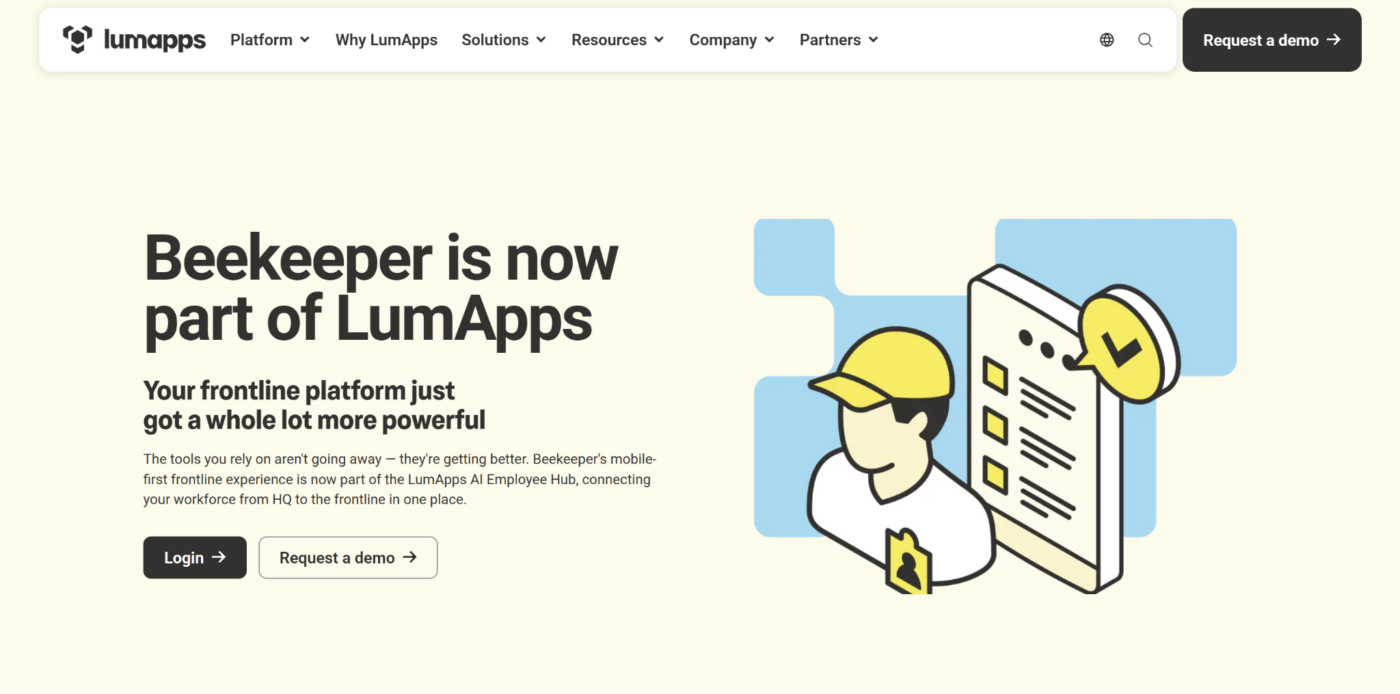
Beekeeper is a mobile-first frontline platform designed for employees who do not work at desks or rely on corporate email. It is now part of LumApps, but the Beekeeper frontline experience remains available while the companies build a broader unified employee hub.
The platform combines communication, knowledge, workflows, forms, training, and other frontline resources in one mobile environment.
Key Features
- Targeted frontline communication: Organizations can send updates to employees based on role, shift, location, or other relevant groups.
- Knowledge and frontline workflows: Beekeeper provides employees with access to information and operational resources alongside communications. Teams can use digital checklists, forms, incident reports, task assignments, and connected workflows from mobile devices.
- Engagement, learning, and frontline analytics: The platform supports training, onboarding, employee engagement, and analytics around communication reach, adoption, task completion, and workforce activity.
Pricing
| Plan | Pricing |
|---|---|
| Beekeeper Frontline Platform | Pricing available on request |
Where Beekeeper Shines
- Designed specifically for deskless employees: Mobile access and the lack of a corporate-email requirement make it practical for shift-based workforces.
- Combines communication with everyday resources: Teams can access communication, knowledge, workflows, and learning from the same frontline environment.
Where Beekeeper Falls Short
- Requires employees to adopt another dedicated app: Organizations that primarily want to communicate through existing SMS, email, or Microsoft channels may prefer a different approach.
- Product packaging is evolving: Beekeeper is becoming part of the wider LumApps employee hub, so buyers should confirm the current package and roadmap that applies to their deployment.
Customer Reviews
“Beekeeper does a great job replacing scattered emails and group texts with a single, organized communication hub—especially useful for frontline and deskless workers.” – Ryan P
“The desktop version in the chat feature does not have as many options as the mobile version.“ – Ann L
Who Beekeeper Is Best For
- Deskless and shift-based organizations: Businesses that need a mobile-first employee hub for workers in stores, hotels, factories, field teams, or similar environments.
- Organizations combining communication with frontline workflows: Teams that want updates, knowledge, forms, learning, and daily work available in one employee app.
5. Connecteam: Best For Small Frontline Businesses
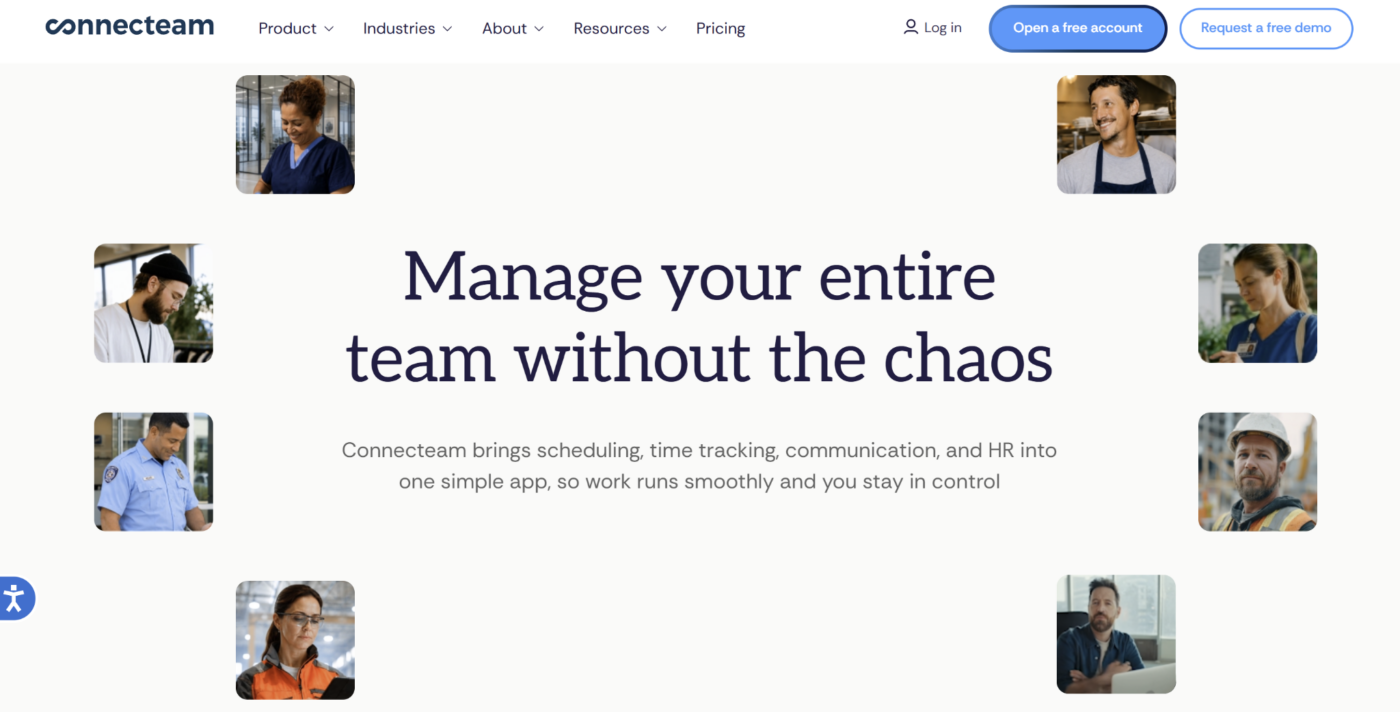
Connecteam is an all-in-one workforce platform for deskless teams. Its Communication Hub combines chat, company updates, surveys, events, employee directories, and a knowledge base, while separate Operations and HR hubs add scheduling, time tracking, forms, training, and other workforce tools.
Its published pricing and free small-business option make it particularly accessible to smaller organizations.
Key Features
- Chat and company updates: Connecteam supports one-to-one, group, and broadcast communication through mobile and desktop apps.
- Surveys, events, and knowledge: The Communication Hub includes employee surveys, company events, a directory, and a knowledge base. It serves as a central place to distribute policies, gather feedback, share resources, and keep employee information accessible without maintaining several separate communication apps.
- Communication connected to workforce management: Connecteam’s broader value comes from combining communication with scheduling, time tracking, forms, courses, onboarding, and other workforce-management capabilities.
Pricing
| Plan | Pricing |
|---|---|
| Small Business Plan | Free for eligible teams with fewer than 11 employees |
| Basic | $29/month, billed annually, for the first 30 users |
| Advanced | $49/month, billed annually, for the first 30 users |
| Expert | $99/month, billed annually, for the first 30 users |
| Enterprise | Custom |
Where Connecteam Shines
- Strong value for small businesses: A free small-business option and transparent paid tiers make it easier to adopt without an enterprise sales process.
- Combines communication with workforce tools: Businesses can manage chat, updates, schedules, time tracking, training, and other employee workflows within the same wider platform.
Where Connecteam Falls Short
- The feature set can become overwhelming: Teams adopting several hubs may face a learning curve because the platform covers considerably more than communication.
- Some useful controls require higher plans: Advanced privacy, scheduling of communications, read-confirmation options, APIs, and other capabilities depend on the selected tier.
Customer Reviews
“Connecteam is reliable and simplifies our day-to-day activities, making a noticeable difference in our work efficiency” – Kurt B.
“While Connecteam is very useful, it can feel a bit limited if you need advanced reporting or complex integrations. Some features take time to set up properly, especially the first time.” – Vakula C.
Who Connecteam Is Best For
- Small and growing frontline businesses: Teams that want communication alongside scheduling, time tracking, and basic workforce management.
- Businesses consolidating several lightweight tools: Organizations that would rather add capabilities inside one platform than maintain separate apps for chat, schedules, surveys, knowledge, and training.
6. WorkJam: Best For Retail And Grocery Workforce Coordination
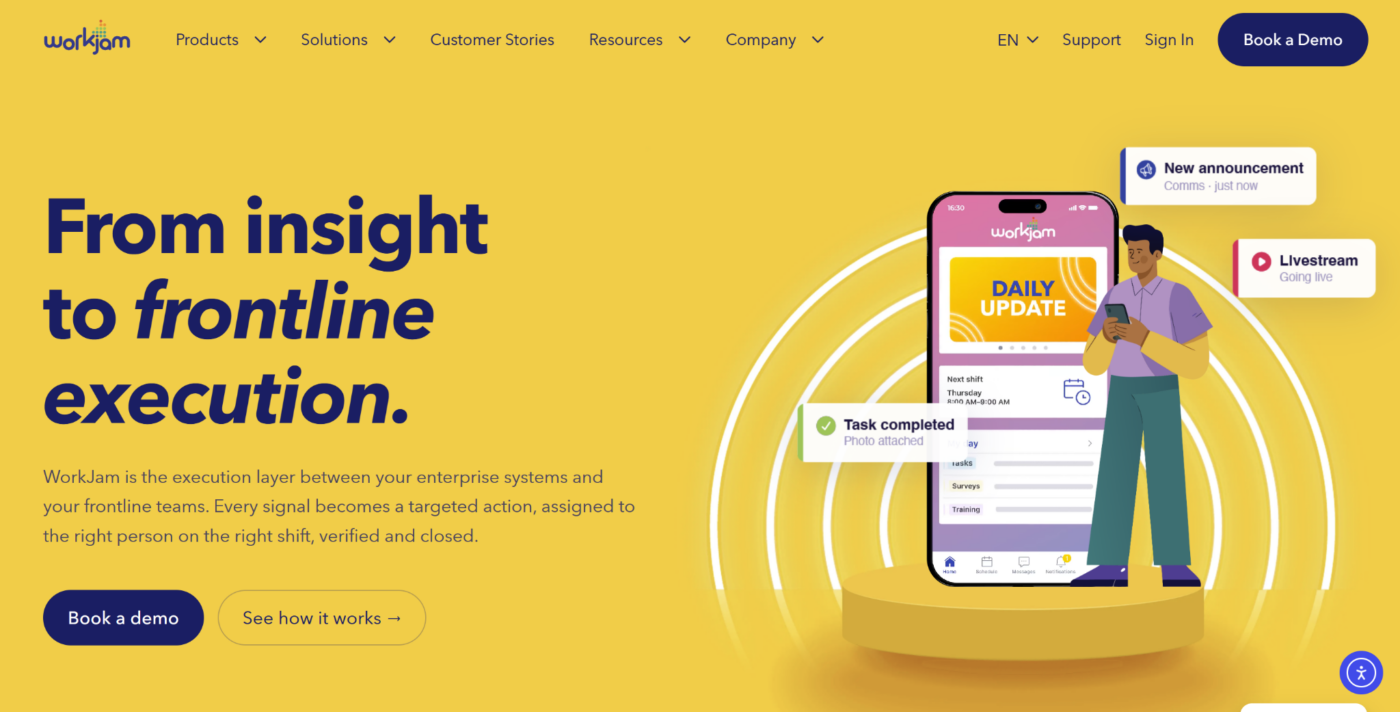
WorkJam combines frontline communication with workforce-management tools for distributed teams in retail, grocery, hospitality, manufacturing, and similar environments.
Its communication layer supports targeted channels, automatic translation, announcements, recognition, surveys, and a knowledge center. Higher packages can add tasks, audits, forms, scheduling, and training, letting organizations connect communication with wider workforce activity.
WorkJam Frontline Connect Essential starts at $799 per month when billed annually for up to 500 users. It is a strong fit for organizations that want communication and workforce coordination in one platform rather than a standalone messaging tool.
7. Workvivo: Best For Employee Engagement And Culture
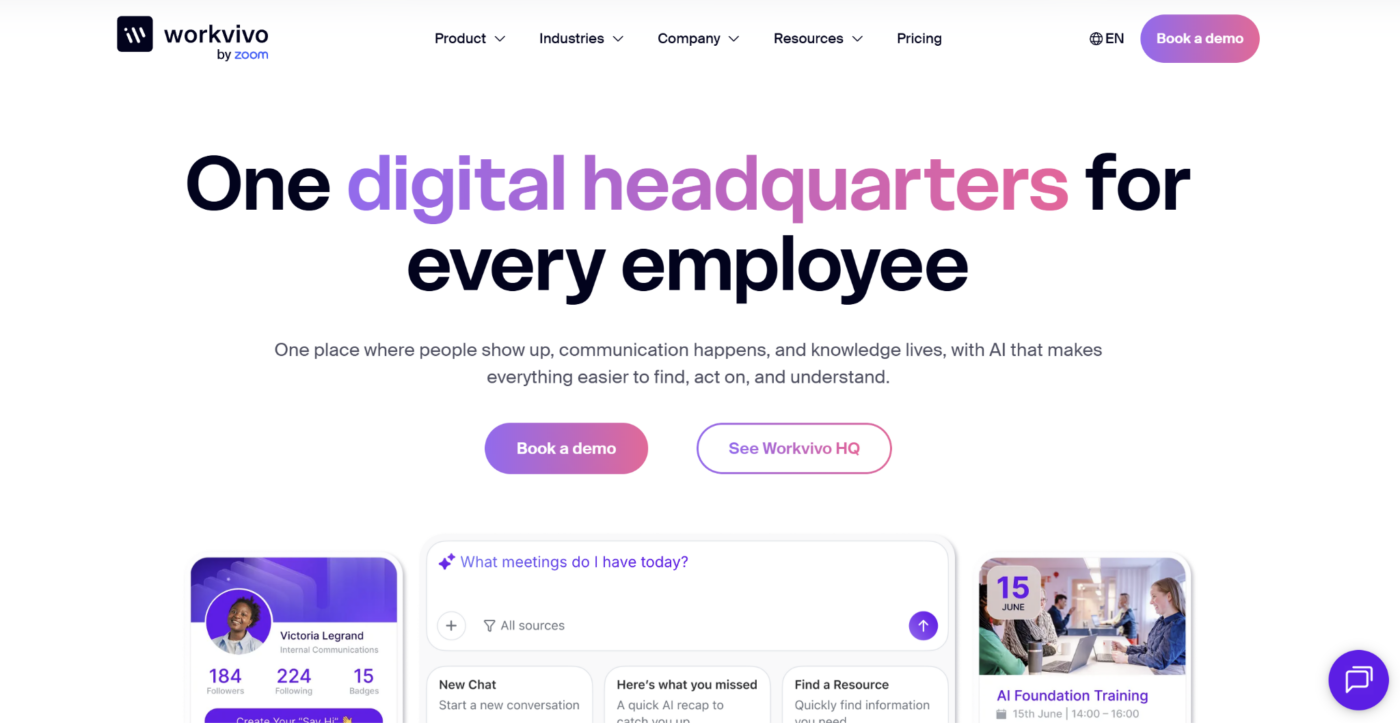
Workvivo is an employee experience platform focused on internal communication, engagement, recognition, culture, and employee listening.
Its core Workvivo HQ product combines company updates, campaigns, newsletters, employee profiles, knowledge, communication analytics, and mobile access. Organizations can also add deeper employee-listening tools through Workvivo Seer.
Workvivo is a fine choice when the goal is to build participation and culture across office and frontline populations rather than manage operational tasks. Pricing is available on request and depends on the number of licenses, organizational requirements, and selected add-ons. Workvivo does not currently offer a free trial.
8. Microsoft Teams Frontline: Best For Microsoft 365 Organizations
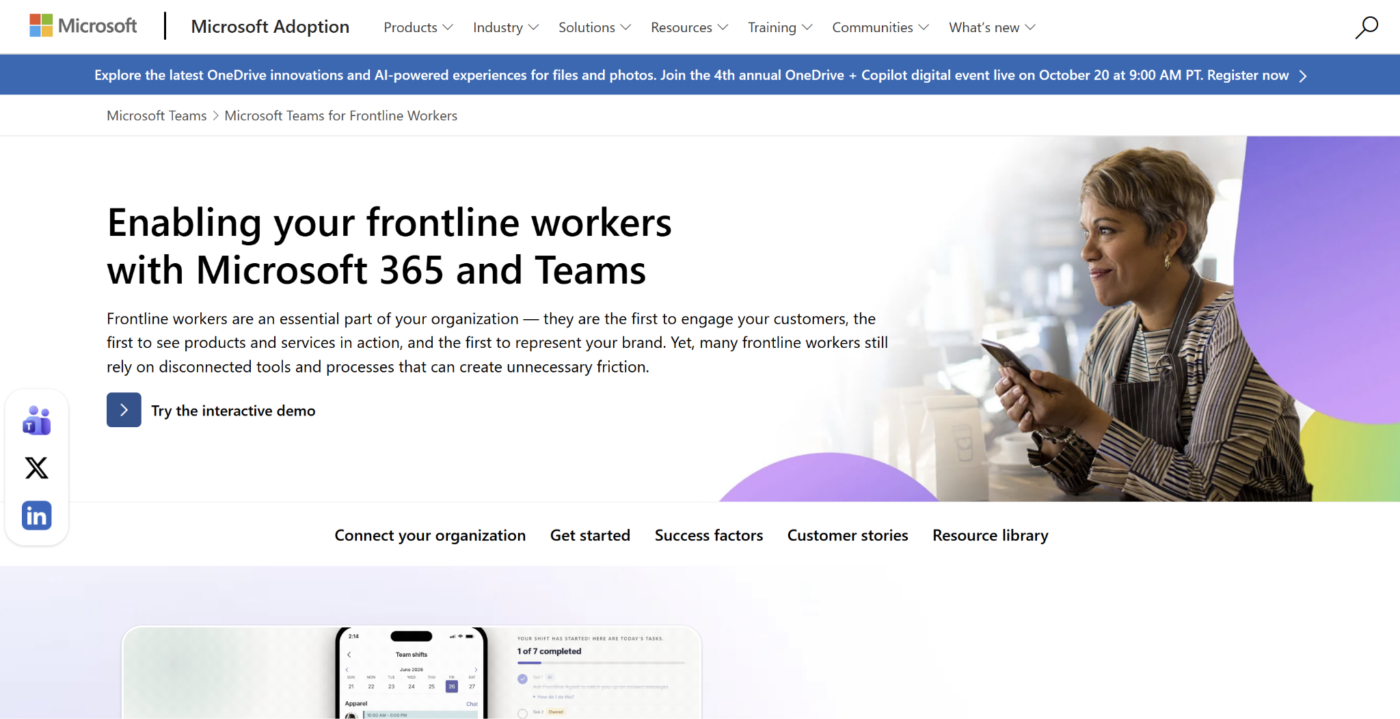
Microsoft 365 Frontline gives organizations already using Microsoft’s ecosystem a lower-cost way to connect frontline employees.
Microsoft 365 F1 includes Teams for chat, calls, meetings, and collaboration alongside foundational identity, cloud storage, and web or mobile access to selected Microsoft tools. Organizations can also build frontline workflows around services such as Shifts, SharePoint, Lists, and other Microsoft applications.
F1 currently costs $3 per user per month with an annual commitment in the U.S. It is most attractive when Microsoft identities and tools are already established across the business, reducing the need to introduce another communication ecosystem.
9. YOOBIC: Best For Training-Led Frontline Communication
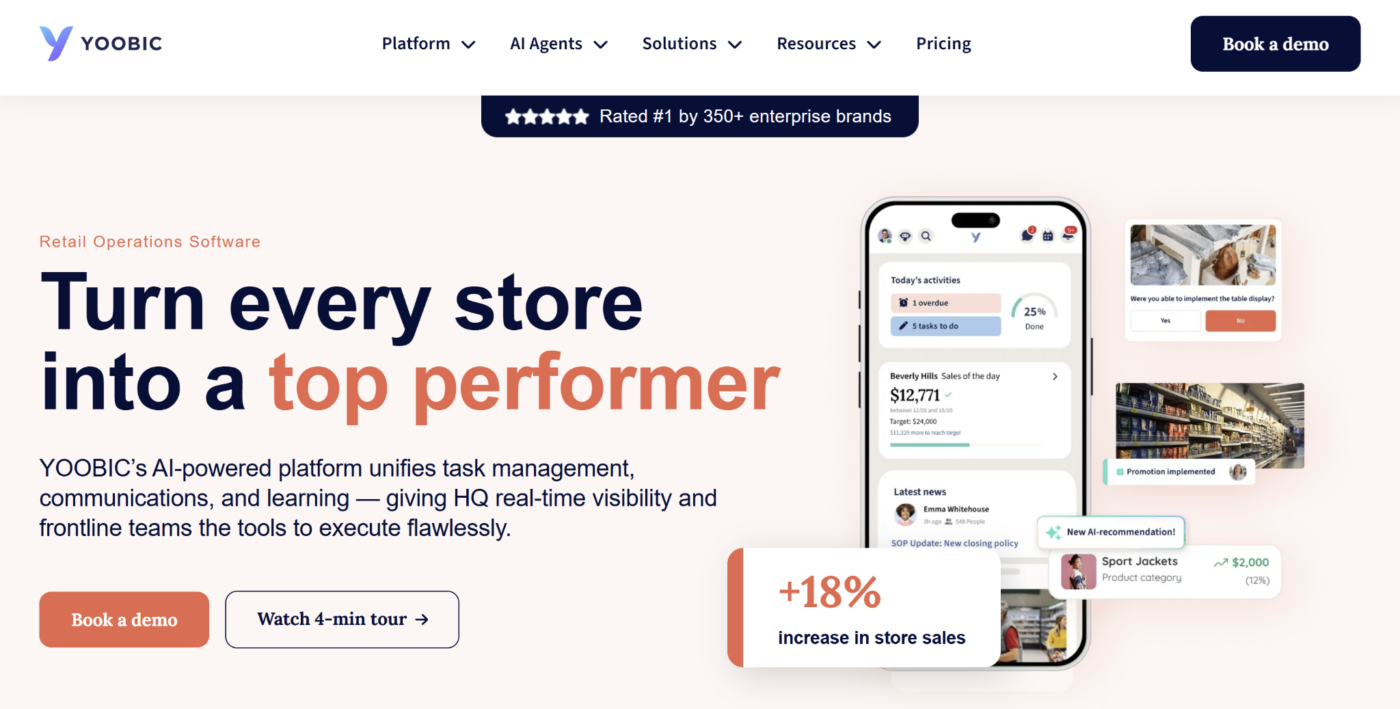
YOOBIC combines frontline communication with task management, mobile learning, and retail operations.
Its modular platform lets businesses select Communications, Learning, Task Management, and AI capabilities according to their requirements. Teams can use newsfeeds and messaging alongside microlearning, operational tasks, store visits, visual-merchandising workflows, and reporting.
This makes YOOBIC highly relevant to retail, grocery, restaurants, and other distributed operations where communication often needs to reinforce training or store execution. Pricing is available on request and is based on the number of users or locations and the modules selected.
10. ChangeEngine: Best For Multichannel Frontline Campaigns
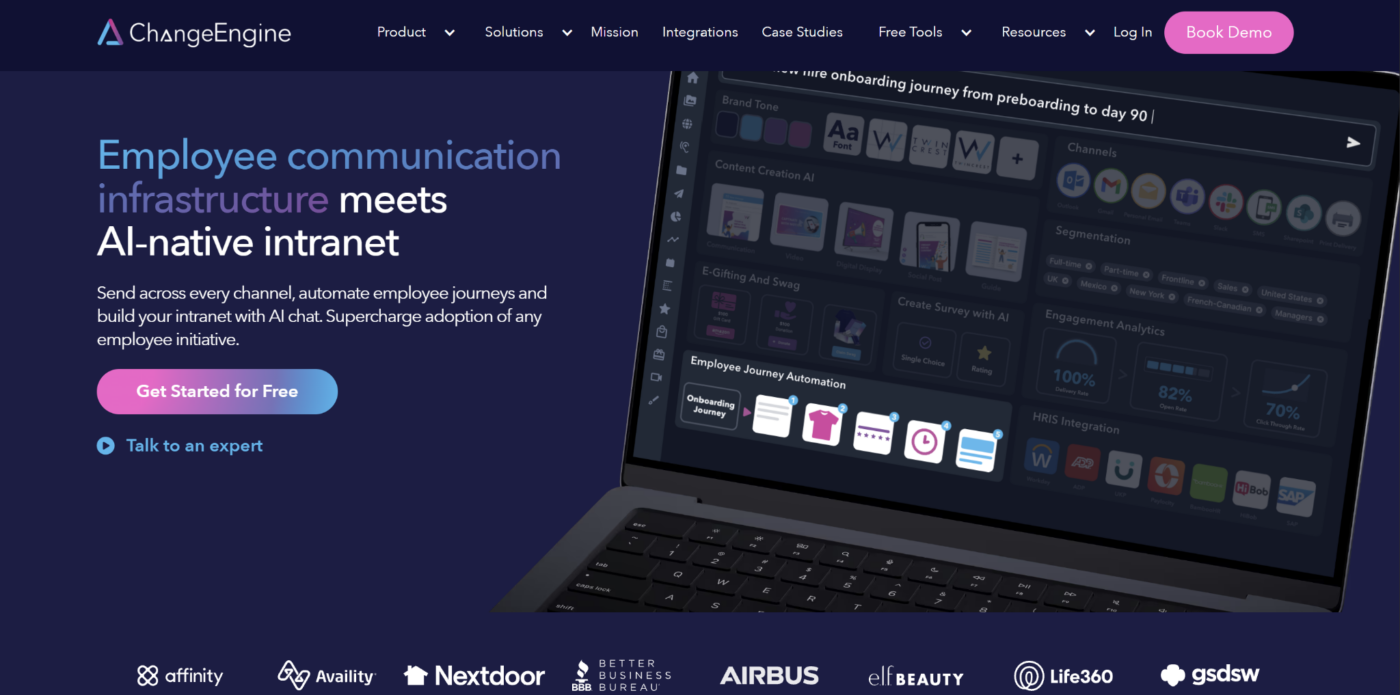
ChangeEngine takes a different approach to frontline communication by reaching employees through channels they already use rather than requiring another dedicated employee app.
Communications teams can distribute coordinated content through SMS, email, Microsoft Teams, Slack, SharePoint, and print. HR-triggered journeys can also automate communication around onboarding, role changes, and other employee lifecycle events.
This works well for organizations with a mix of frontline and desk-based employees that need consistent multichannel campaigns. ChangeEngine is less suited to businesses looking for shift scheduling, task execution, or a social employee hub. Pricing is available on request.
How To Choose A Frontline Worker Communication Platform
Start with the communication problem rather than the longest feature list. A platform built for urgent voice coordination serves a different purpose from one designed for policy updates, knowledge, or multi-location operational execution.
1. Decide Whether You Need Broadcast Communication Or Real-Time Coordination
First, identify whether employees mainly need information sent to them or need to communicate with each other immediately.
Broadcast communication covers policy changes, operating updates, campaigns, acknowledgments, and company news. Real-time coordination covers urgent voice, direct messaging, incident response, and shift-level conversations.
Zello is stronger when teams need immediate push-to-talk coordination. Operandio is better suited to structured operational communication where an update may need to be acknowledged or followed by a procedure, task, or training activity.
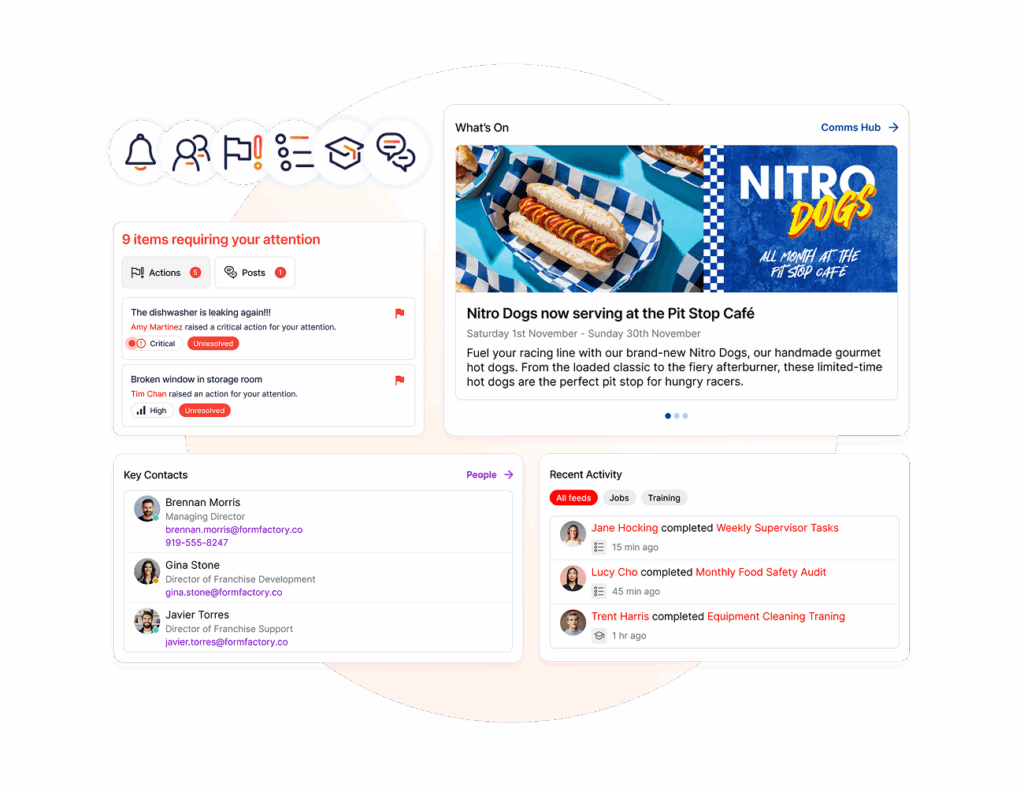
Separating these use cases early prevents you from comparing platforms that solve fundamentally different problems.
2. Check How Frontline Employees Will Access The Platform
Frontline employees may not have corporate email addresses, laptops, or individual work devices.
Before choosing a platform, map how people actually work:
- Personal smartphones
- Shared tablets
- Rugged devices
- Store or venue computers
- Poor-connectivity environments
- Existing Microsoft or Google identities
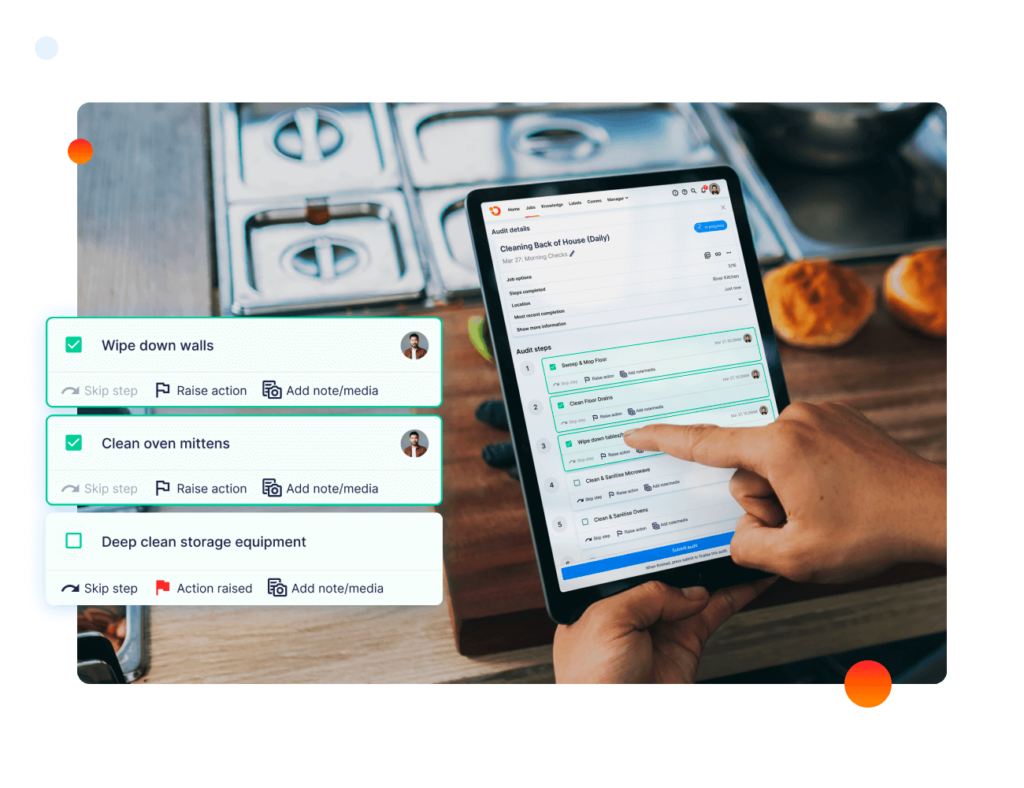
Also consider whether employees are permitted to use personal devices and whether offline functionality is required.
Your broader approach to managing frontline employees should make access easy without weakening individual accountability. Operandio supports both mobile and shared-device workflows, giving teams another option when personal-device adoption is unrealistic.
3. Look For Targeting And Acknowledgment Controls
Sending every message to every employee creates noise and makes important updates easier to ignore.
Look for targeting by:
- Role
- Location
- Region
- Brand
- Team
- Employee group
Then check what happens after delivery. Read receipts show whether a message was opened, while required acknowledgments provide a clearer record for policy, safety, or compliance-related communication.
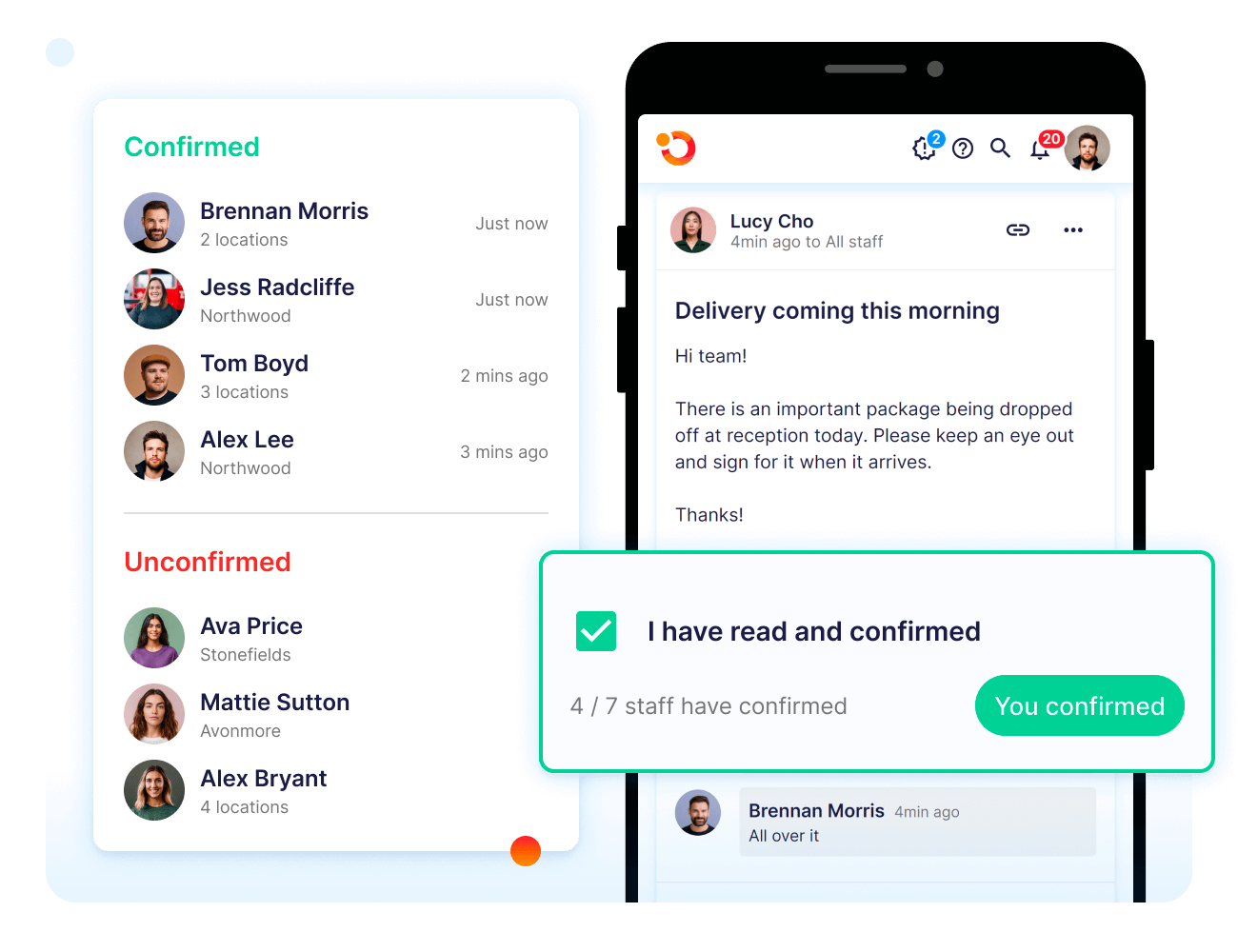
For franchise and multi-unit teams, strong franchise communication should let head office reach the right audience without relying on every local manager to relay the message manually. Operandio supports targeted communication and acknowledgment tracking across locations.
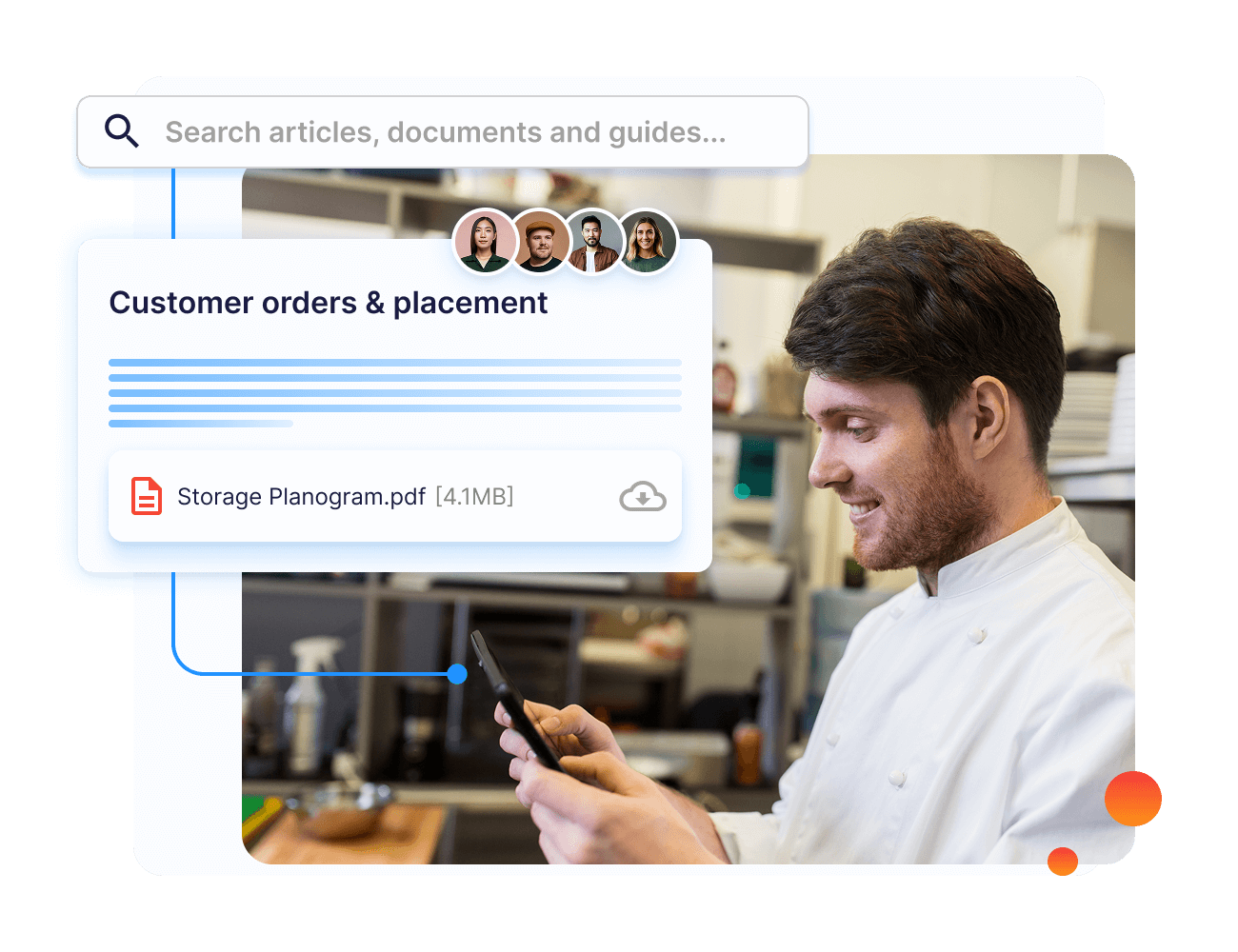
4. Check Whether Employees Can Find Information Later
A communication platform should not make employees scroll through old messages every time they need an answer.
Check whether important information can live in a searchable, structured knowledge source with:
- Current SOPs
- Policies
- Guides
- Version control
- Categories
- Role- or location-based access
- Mobile availability
Chat and announcement feeds work well for timely updates, but lasting operational information needs a reliable home.
Operandio combines frontline communication with a centralized knowledge library, so teams can receive an update and later return to the approved procedure or reference material without relying on an old message.
5. Decide Whether Communication Needs To Trigger Action
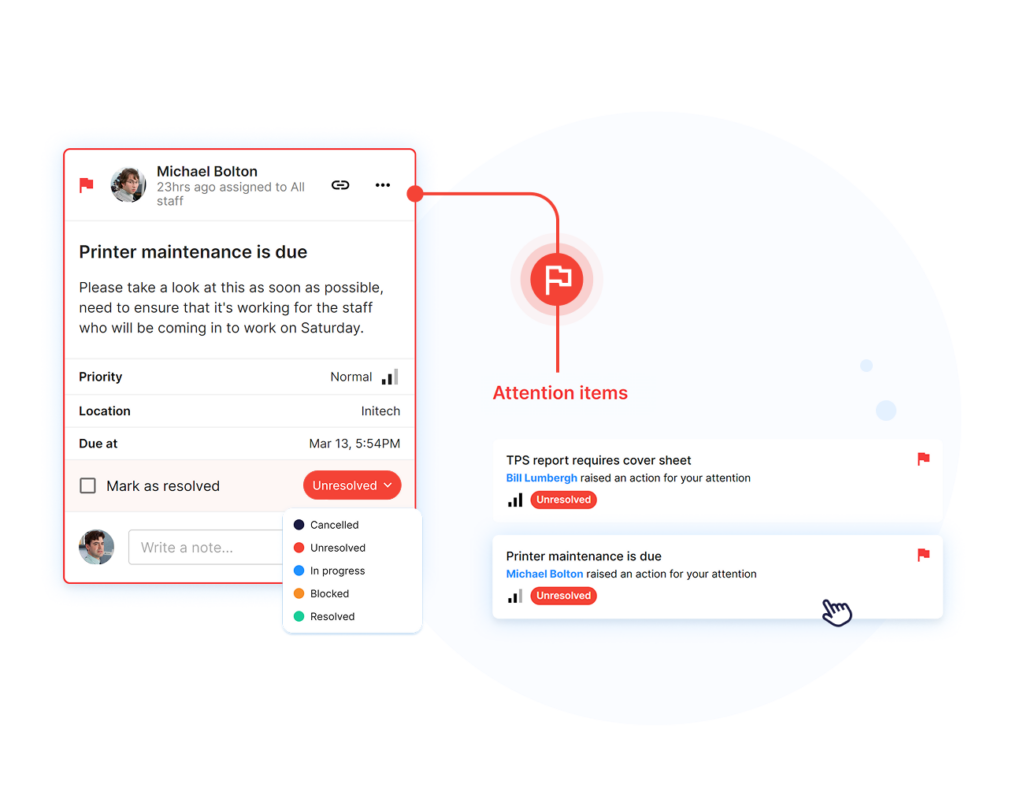
Some messages are informational. Others require employees to do something.
Before selecting a platform, ask whether an announcement may need the recipient to:
- Complete a checklist
- Review an SOP
- Take training
- Confirm a policy
- Submit evidence
- Finish an assigned task
If action regularly follows communication, evaluate whether the platform connects those steps or leaves managers to coordinate them manually across different systems.
Operandio links communications with operational resources, tasks, and learning, giving frontline teams a clear next step after receiving the update.
6. Compare Analytics, Governance, And Multi-Location Controls
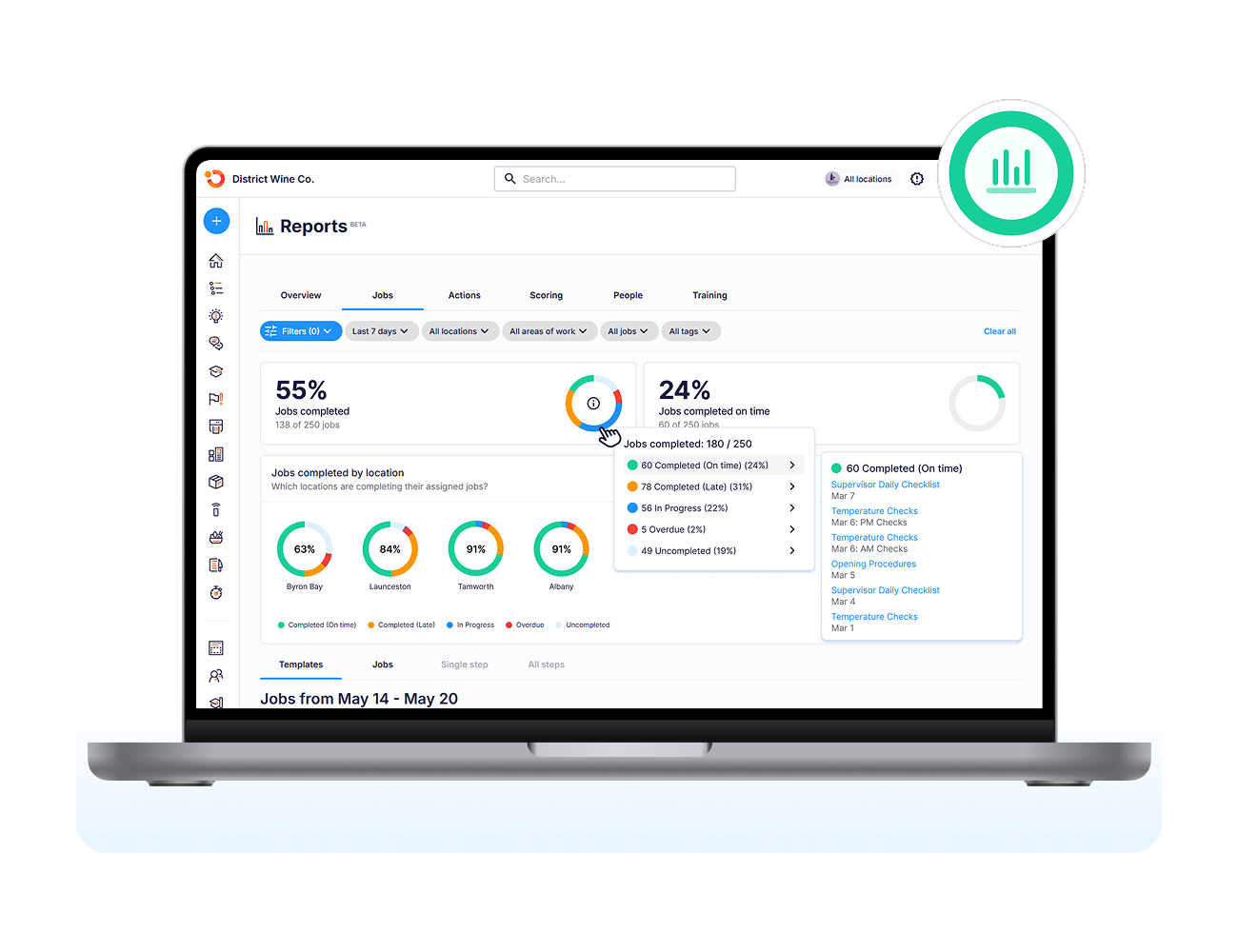
Basic read counts are useful, but larger organizations need to know whether communication is reaching the correct parts of the network.
Evaluate reporting around:
- Reach and readership
- Acknowledgment
- Engagement by location or role
- Campaign performance
- Platform adoption
- Outstanding confirmations
For distributed businesses, also assess permissions, regional administration, content approval, brand controls, and reporting hierarchy.
Good franchise analytics should make it easier to identify where communication is landing and where follow-up is required. Operandio provides network-level communication visibility while controlling content and access by role, region, brand, and location.
Deliver Communication Where Work Happens With Operandio
Frontline communication works best when employees receive the right information in a format they can access and understand what to do next.
Operandio helps franchise and multi-unit businesses target communication by location, role, region, or brand while connecting updates with current SOPs, tasks, training, and acknowledgments. Head office can see whether critical information reached the intended teams without relying on individual managers to relay every message.
If your frontline communication is spread across group chats, email, shared drives, and disconnected apps, request a demo to see how Operandio brings communication and execution together.
FAQs
What is a frontline worker communication platform?
A frontline worker communication platform helps deskless employees receive company updates, messages, resources, and operational information through mobile or shared devices.
Can employers track my activity on communication platforms?
Sometimes. Employers may track message delivery, reads, acknowledgments, logins, or work activity depending on the platform and company policies.
What are the best internal communication platforms?
It depends. Operandio suits operational communication, Zello real-time voice, Staffbase enterprise communications, and Workvivo employee engagement and culture.