
- Platform
- Features
 Operations ExecutionStreamlined operations ensuring brand standards, accountability and efficiency
 Learning ManagementTrain, verify, and reward your workforce with mobile-first education
 Franchise & Multi-Unit ManagementCentralize oversight and streamline growth across your entire multi location network
 Digital Food SafetyAutomate compliance and monitor quality with real-time digital precision
 Asset ManagementOptimize equipment uptime through proactive maintenance and smart tracking
 Health & Safety Management (EHS)Mitigate workplace risks and streamline digital incident reporting and investigations
- Platform Essentials
 AI-Powered ToolsAutomate content, analyze trends, and provide instant answers
 IntegrationsUnify your enterprise tech stack with real-time data
 Powerful ReportingAlign leadership with role-based dashboards and deeper analytics
 IoT PlatformDetect anomalies and automate workflows with intelligent sensors
 Mobile & Shared Tablet AppsSecurely empower frontline teams with fast, offline-capable access
- Footer


 Not sure what you need?
Book in a call with the team
- Features
- Solutions
- By Industry
 RestaurantsQSR, fast food and multi-unit restaurants
 Hotels & ResortsHotels, resorts and extended stay hotels
 ChildcareEarly education, childcare, daycare and preschool
 EntertainmentTheme parks, family entertainment centers and play centers
 Fitness Centers & LeisureFitness centers, golf clubs, gyms and sports facilities
 RetailBig-box retailers, franchise stores and supermarkets
- By Use Case
- Operational ExcellenceStreamlined operations ensuring brand standards, accountability and efficiency
- Learning & DevelopmentTrain, verify, and reward your workforce with mobile-first education
- Franchise & Multi-Unit ManagementCentralize oversight and streamline growth across your entire multi location network
- Food Safety ComplianceAutomate compliance and monitor quality with real-time digital precision
- Asset Management & MaintenanceOptimize equipment uptime through proactive maintenance and smart tracking
- Health & Safety Management (EHS)Mitigate workplace risks and streamline digital incident reporting and investigations
- By Industry
- Resources

- Platform
- Features
- Operations ExecutionStreamlined operations ensuring brand standards, accountability and efficiency
- Learning ManagementTrain, verify, and reward your workforce with mobile-first education
- Franchise & Multi-Unit ManagementCentralize oversight and streamline growth across your entire multi location network
- Digital Food SafetyAutomate compliance and monitor quality with real-time digital precision
- Asset ManagementOptimize equipment uptime through proactive maintenance and smart tracking
- Health & Safety Management (EHS)Mitigate workplace risks and streamline digital incident reporting and investigations
- Platform Essentials
- AI-Powered ToolsAutomate content, analyze trends, and provide instant answers
- IntegrationsUnify your enterprise tech stack with real-time data
- Powerful ReportingAlign leadership with role-based dashboards and deeper analytics
- IoT PlatformDetect anomalies and automate workflows with intelligent sensors
- Mobile & Shared Tablet AppsSecurely empower frontline teams with fast, offline-capable access
- Footer
- Not sure what you need?
Book in a call with the team
- Features
- Solutions
- By Industry
- RestaurantsQSR, fast food and multi-unit restaurants
- Hotels & ResortsHotels, resorts and extended stay hotels
- ChildcareEarly education, childcare, daycare and preschool
- EntertainmentTheme parks, family entertainment centers and play centers
- Fitness Centers & LeisureFitness centers, golf clubs, gyms and sports facilities
- RetailBig-box retailers, franchise stores and supermarkets
- By Use Case
- Operational ExcellenceStreamlined operations ensuring brand standards, accountability and efficiency
- Learning & DevelopmentTrain, verify, and reward your workforce with mobile-first education
- Franchise & Multi-Unit ManagementCentralize oversight and streamline growth across your entire multi location network
- Food Safety ComplianceAutomate compliance and monitor quality with real-time digital precision
- Asset Management & MaintenanceOptimize equipment uptime through proactive maintenance and smart tracking
- Health & Safety Management (EHS)Mitigate workplace risks and streamline digital incident reporting and investigations
- By Industry
- Resources
Top 7 Task Management Software for Franchise Restaurants [2026]
Key Takeaways
- Operandio is best for multi-unit restaurant operators that need verified task execution across locations, with manager approvals, photo proof, and real-time compliance visibility.
- 7shifts and Connecteam work well for smaller or single-location teams where tasks support scheduling or basic staff coordination, but they fall short when it comes to cross-location accountability.
- Jolt and Trail are strong fits for QSR and food-safety-driven operations, especially where HACCP checklists, temperature logs, and timed compliance reminders are critical.
- Zenput and SafetyCulture suit enterprise or inspection-heavy teams whose primary focus include audits and brand enforcement at the cost of day-to-day shift execution simplicity.
One of your senior managers from a distant location sends a text saying, “daily checklist completed.”
You believe them. But you don’t actually know what that actually means. You have’t been to that location in months, even.
That’s where most franchise restaurants struggle. Tasks get assigned, but execution stays invisible. Checklists get checked. Problems show up later, during audits, breakdowns, or busy shifts.
Task management software closes that gap. It helps you see what’s getting done, by who, and when, across every shift and location.
This guide breaks down the best task management software for franchise restaurants, what each tool does well, where they fall short, and how to choose one that your teams will actually use during service.
Before we get into the details, let’s take a quick look at a comparison table of the top 7 task management software.
| Tool | Best For | Standout Feature | Starting Price |
| Operandio | Multi-franchise operations | Cross-location compliance dashboards | Custom pricing |
| 7shifts | Single-location scheduling + tasks | Labor cost forecasting | $39.99 CAD/month |
| Connecteam | Small restaurant groups (2-5 locations) | Easy mobile scheduling and time tracking with GPS check-ins | Paid from $29 |
| Jolt | Established QSR chains | Real-time monitoring | Custom pricing |
| Trail App | Daily ops + compliance | Task management checklist templates | from $38/site/month |
| Zenput | Enterprise restaurant brands (100+ locations) | District-level management tools | Custom pricing |
| SafetyCulture | Teams focused on inspections/audits | checklist templates | $24/user/month |
What is Restaurant Task Management Software?
Restaurant task management software replaces paper checklists with digital tools that assign tasks to specific employees, track completion in real time, and create accountability for shift-level execution.
For multi-unit operators, these platforms provide cross-location visibility so regional managers see task completion across all sites without visiting each location. This centralized oversight helps manage multiple restaurant operations consistently.
7 Best Restaurant Task Management Software: Quick Overview
Now, let’s see how each of the 7 task management software stands out.
Operandio: Best for Multi-Franchise Task Management
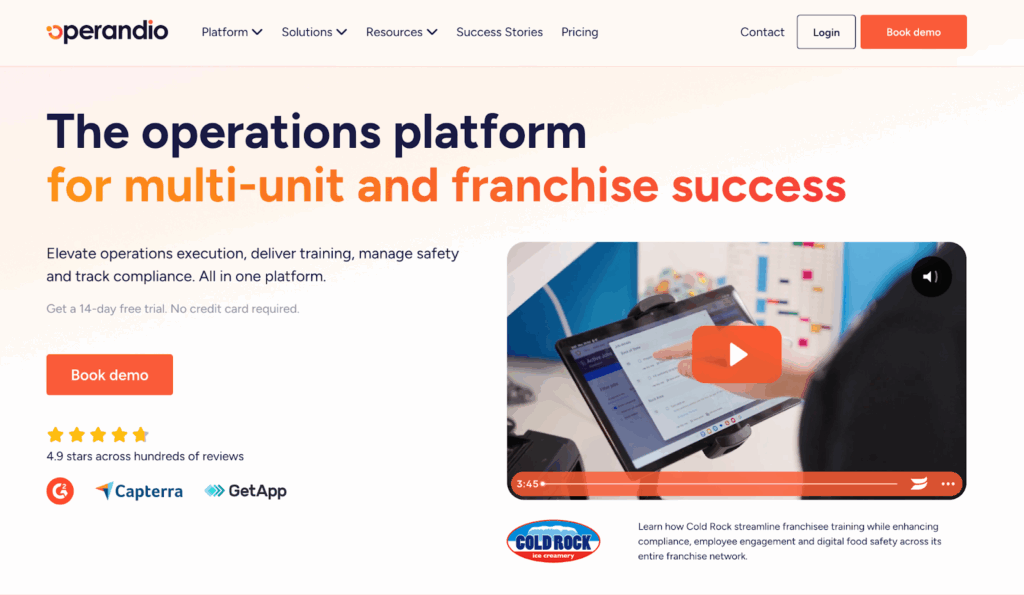
Operandio is a restaurant operations platform built for franchise and multi-unit operators who need consistent task execution across locations.
The platform combines task management with digital SOPs, training, audits, and food safety compliance tracking.
Key Features
Cross-Location Task Dashboards
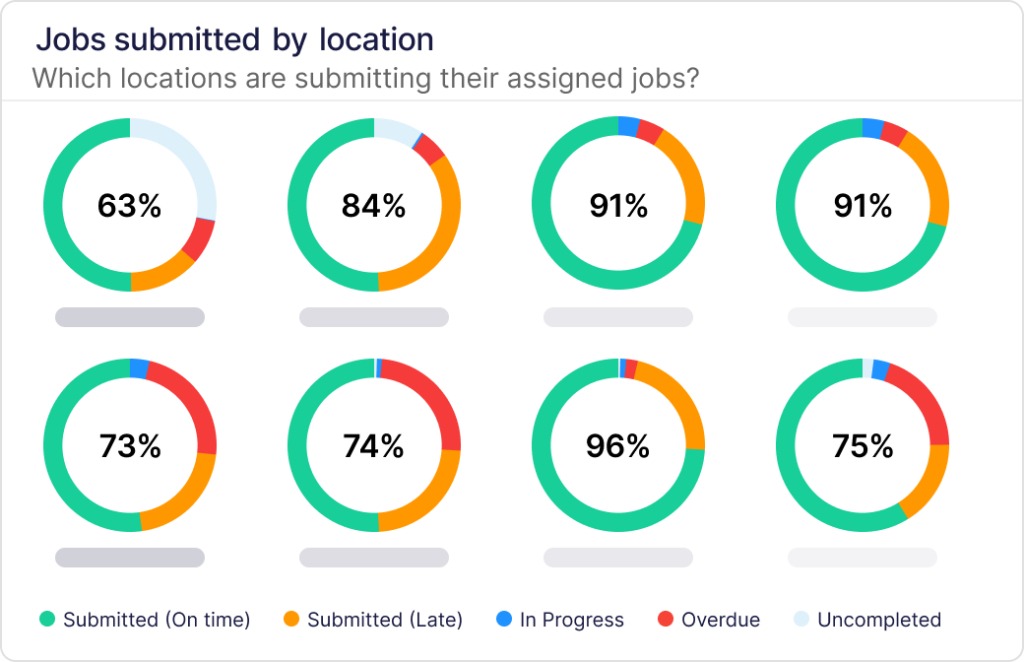
Helps you see which sites complete checklists on time and which miss steps. Compare night-shift and day-shift execution to improve operations.
Operandio’s operational reporting transforms data into insights.
Comprehensive Quality Assurance Compliance Suite
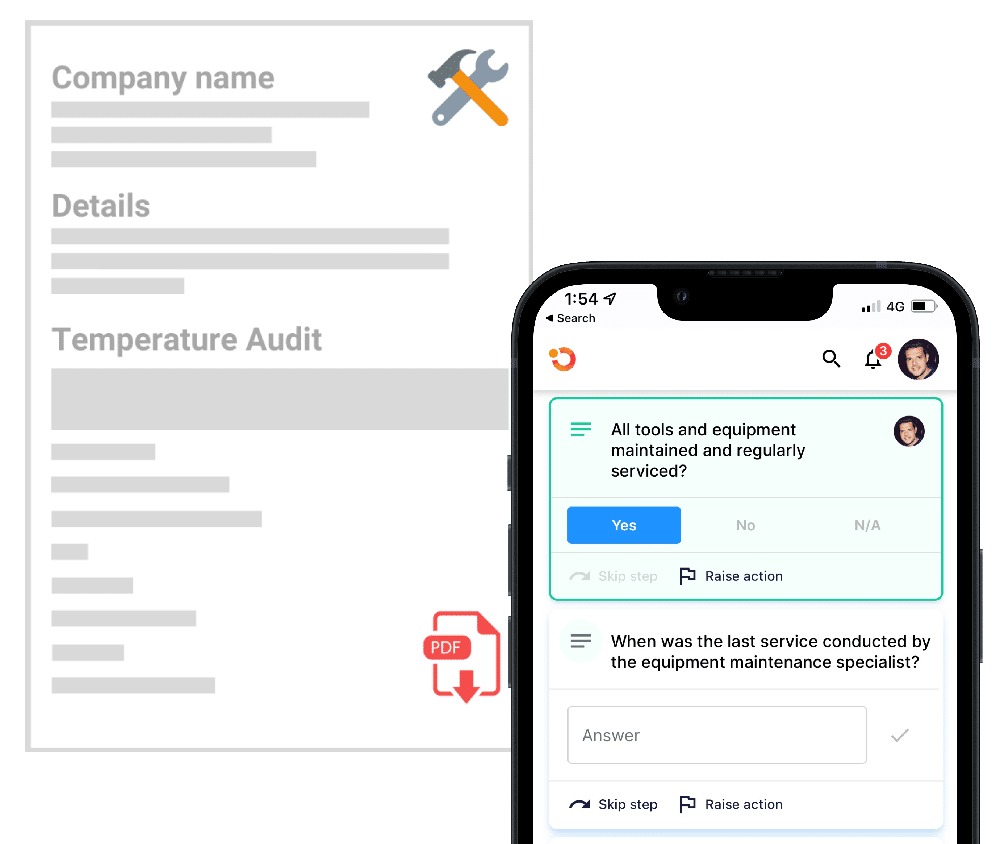
Digital forms and audit checklists simplify the process of conducting daily food safety checks, guaranteeing teams fulfil their responsibilities on time, every time.
Mobile-First Task Access
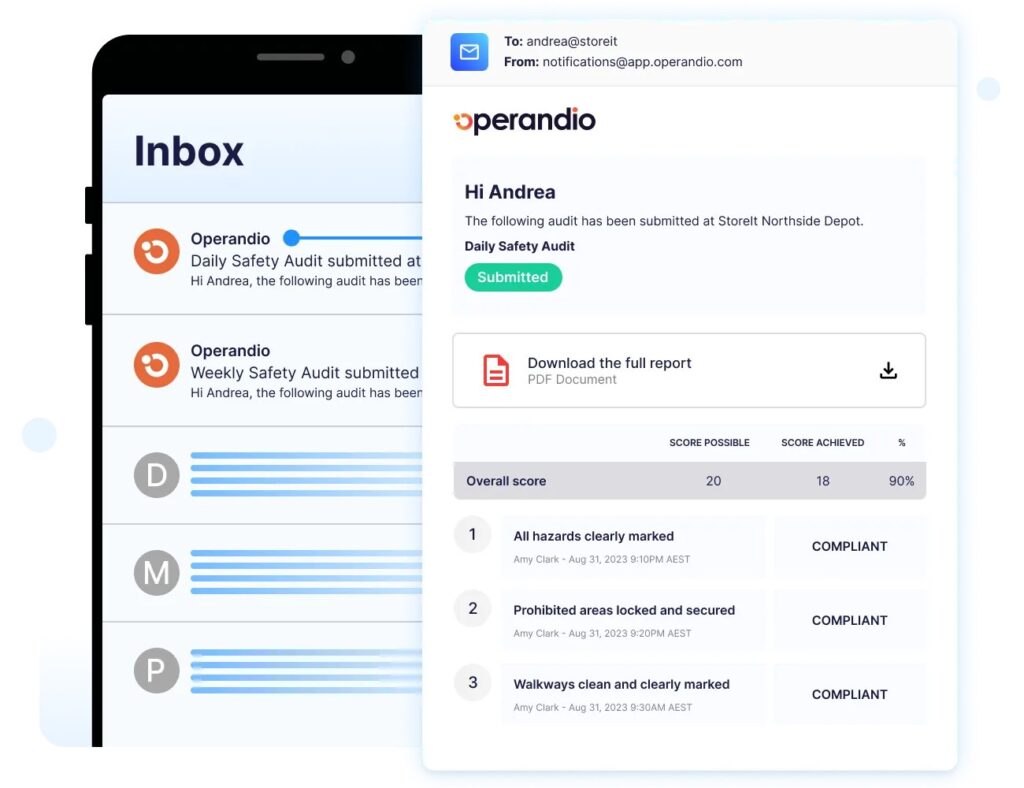
Staff access tasks on the phones they carry. Tasks can link to documented procedures with step-by-step instructions.
Automated Compliance Tracking
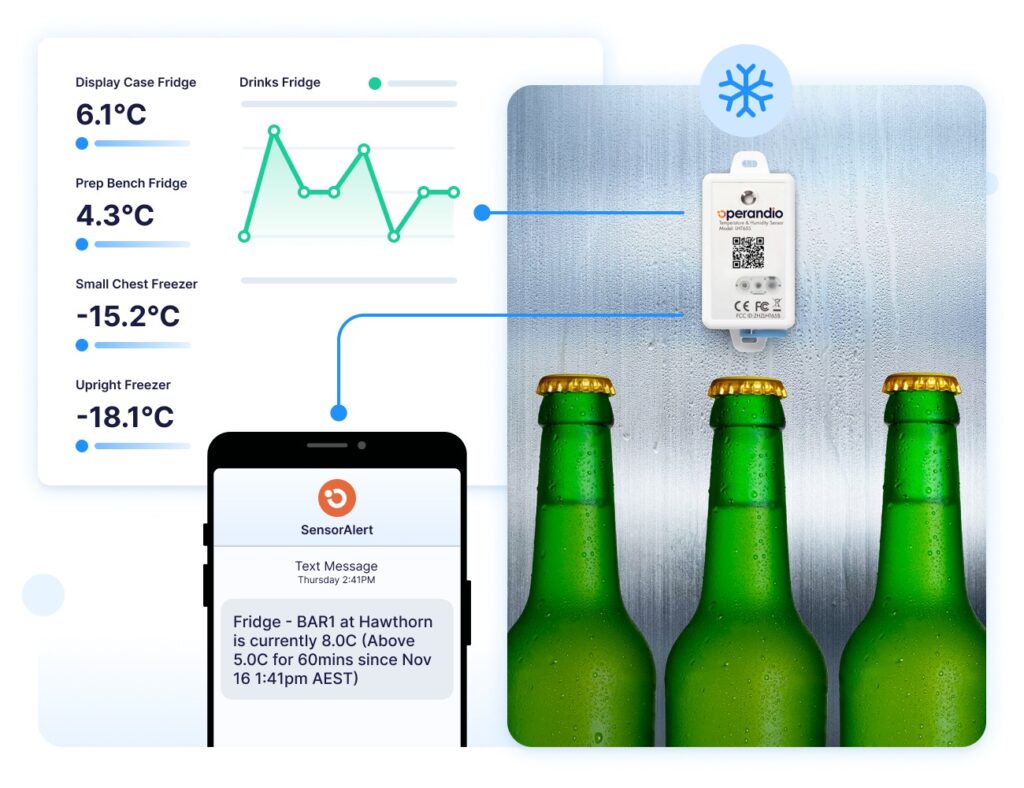
Operandio’s temperature monitoring alerts notify managers when readings exceed safe ranges. So common mistakes trigger a corrective action workflow with deadlines.
Team Communication
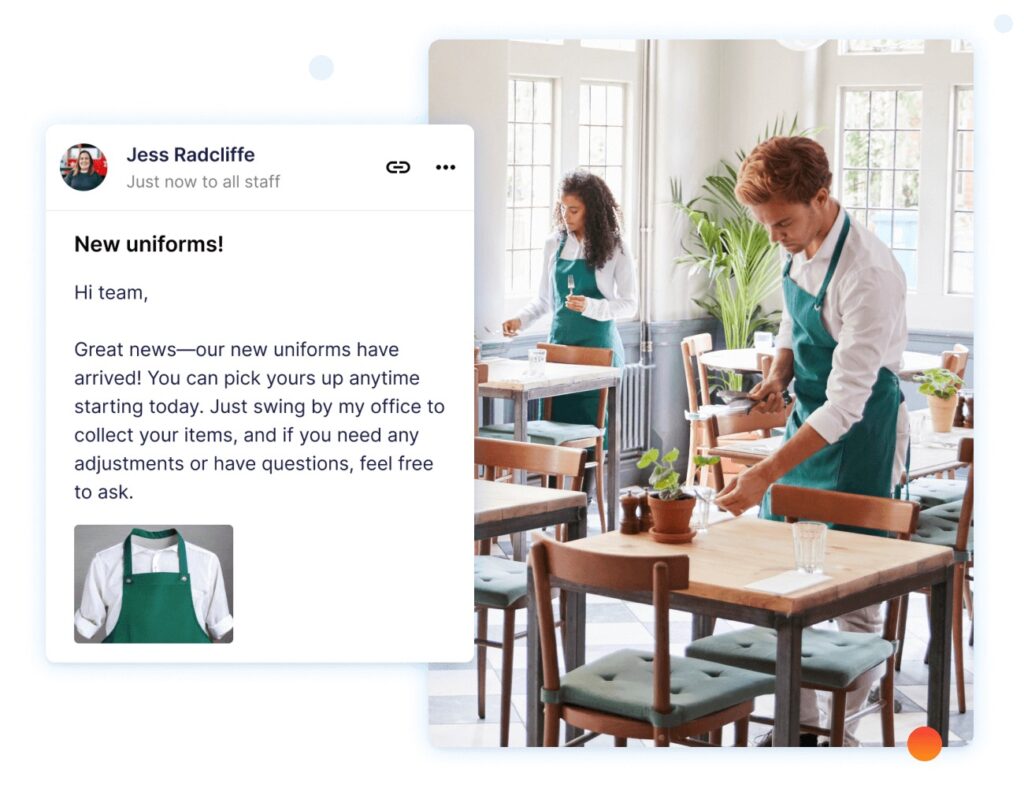
Built-in messaging connects to tasks. Employees flag issues directly. Integrates with training software to address recurring errors.
Pricing
Operandio offers flexible, custom pricing based on your locations, users, and modules. Book a demo.
Where Operandio Shines
- Workflow Automation: Automates recurring tasks like food safety checks, reducing time spent on manual tracking.
- Team Engagement: Built-in communication tools ensure that critical updates reach every employee promptly.
- Compliance and Safety: Operandio excels at helping businesses comply with food safety regulations through automated temperature monitoring and digital checklists.
- Franchise-specific features: Cross-location dashboards, brand standards enforcement, and location comparison reports address challenges single-location tools ignore.
- Manager accountability built in: Verification workflows, approval requirements, and exception reporting create responsibility beyond task assignment.
Where Operandio Falls Short
- Higher cost than basic tools: Enterprise-grade compliance infrastructure costs more than simple checklist apps. Single-location operators may not need cross-site dashboards.
- Requires manager engagement: Works best when managers actively review completions. Operations that can’t dedicate management time might not extract full value.
Customer Reviews
Here are quoted customer reviews from trusted review channels:
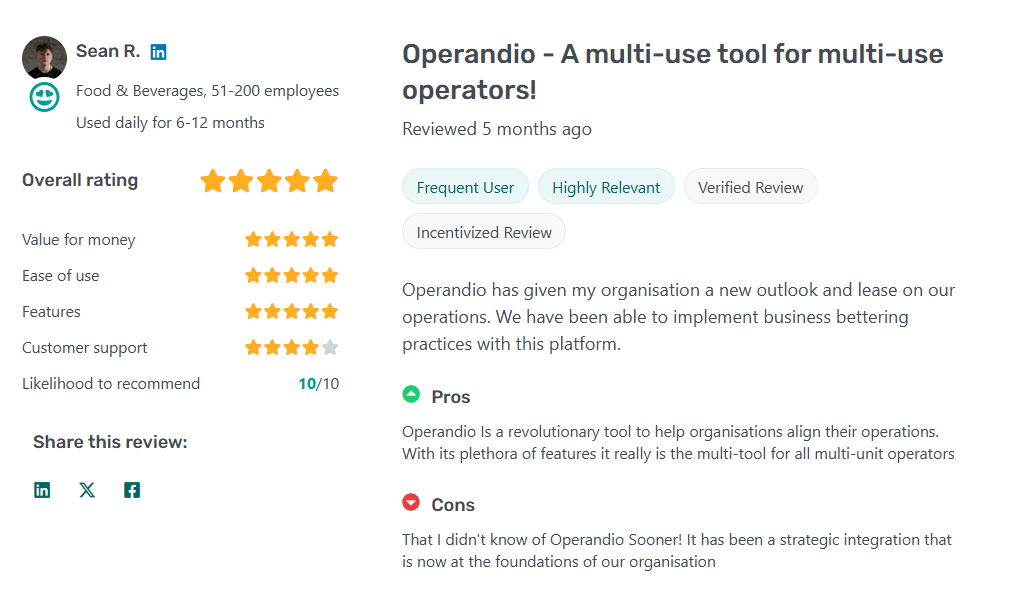
“Operandio has given my organisation a new outlook and lease on our operations. We have been able to implement business-bettering practices with this platform.” — Sean R.
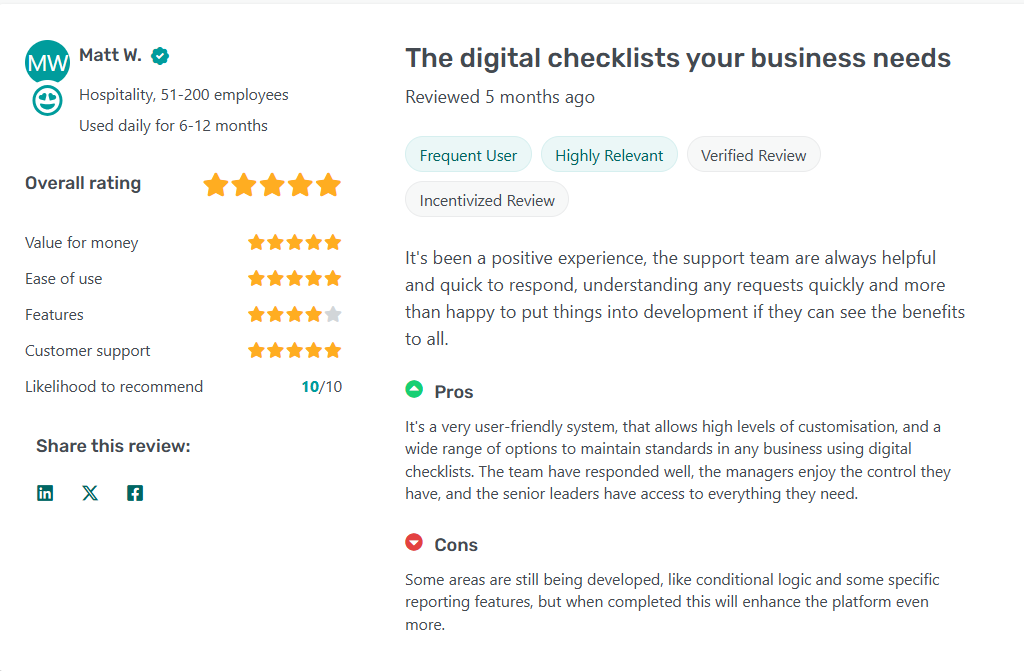
“It’s been a positive experience, the support team are always helpful and quick to respond, understanding any requests quickly and more than happy to put things into development if they can see the benefits to all.” — Matt W.
Who Operandio is Best For
- Multi-unit franchise operators: Need consistent execution across sites with centralized visibility into compliance performance.
- Regional managers: Require tools to verify task completion remotely without visiting every location daily.
- Growing restaurant groups: Expanding operations and need systems that scale while maintaining consistency.
See how Operandio helps franchise restaurants maintain operational excellence. Request for a quick demo.
7shifts: Best for Single-Location Scheduling and Tasks
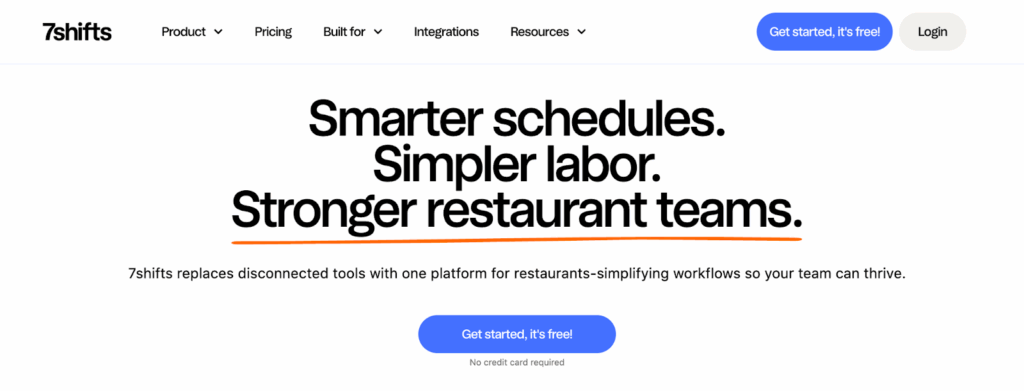
7shifts is an employee scheduling software with integrated task management. The platform excels at labor cost optimization and schedule creation, but task assignment is a complementary feature.
Key Features
- Labor cost forecasting: 7shifts predicts employee labor costs based on scheduled shifts and historical sales data. Helps managers stay within budget.
- Schedule-integrated tasks: Attach tasks directly to shifts so employees see what needs to be completed alongside their work.
- Team communication: Built-in chat and announcement features for shift-specific communication.
Pricing
| Plan | Monthly Price | Best For |
| Comp | Free | Single-location restaurants testing basic scheduling |
| Essentials | $39.99 CAD | Small teams needing scheduling + communication |
| Pro | $79.99 CAD | Busy restaurants needing compliance and time tracking |
| Premium | $134.99 CAD | Operators who want scheduling + tasks + advanced labor tools |
Where 7shifts Shines
- Scheduling focus: Best-in-class schedule creation tools with drag-and-drop interface and shift templates.
- Labor cost control: Real-time labor cost tracking helps managers make informed scheduling decisions.
Where 7shifts Falls Short
- Basic task management: No photo verification, limited checklist customization, minimal compliance tracking.
- Limited multi-location features: Cross-site dashboards exist, but aren’t as robust as platforms built for multi-unit operations.
Customer Reviews
Here are quoted customer reviews from trusted third-party review channels:
Positive: “It has been not only a valuable scheduling tool for our staff but a great communication tool for our teams to use.” — Brian B.
Negative: “Sometimes we run into issues when trying to re-onboard former employees and have to reach out to support to resolve the record.” — Brian B.
Who 7shifts is Best For
- Single-location restaurants: The primary need is scheduling, with basic task assignment as a secondary feature.
- Operators prioritizing labor cost control: Labor forecasting matters more than detailed task compliance tracking.
Connecteam: Best for Small Restaurant Groups
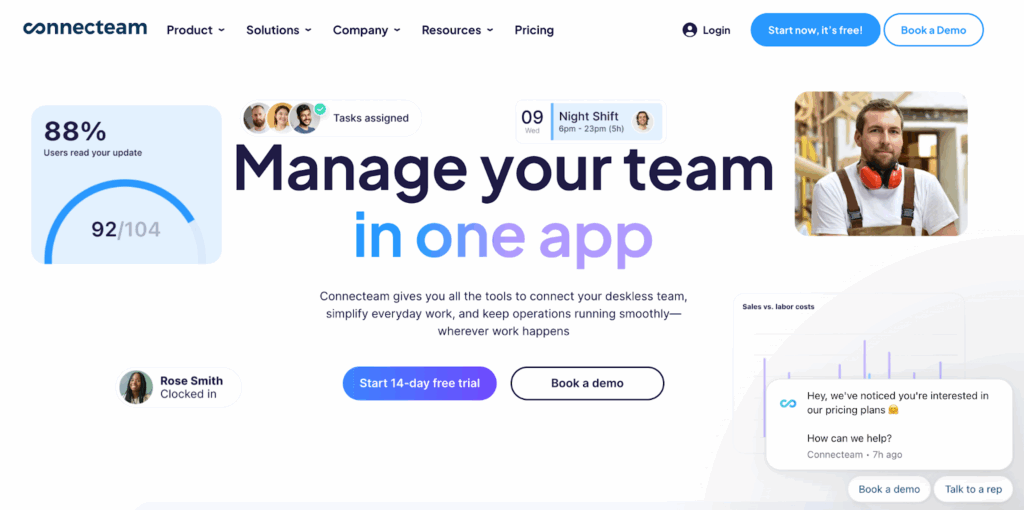
Connecteam is an all-in-one employee management software offering scheduling, time tracking, task management, training, and communication. The free plan for up to 10 users makes it accessible for small operations.
Key Features
- Operations: Centralized scheduling, task management, automated checklists, and live shift updates to keep daily tasks on track.
- Onboarding & Training: Mobile onboarding with built-in training modules and progress tracking.
- Engagement & Communication: In-app chat, announcements, and surveys to keep staff connected and aligned.
- Digital checklists: Create custom checklists with conditional logic. If the employee selects “No” for “Equipment clean?”, the system automatically prompts follow-up questions.
Pricing
Here’s a pricing table showing the pricing features for the ConnectTeam franchise manager.
| Plan | Price per month | Key features |
| Basic | $29 (for the first 30 users) + $0.5/user | Real-time clock in/out with GPS, Unlimited jobs, Payroll integration |
| Advanced | $49 (for the first 30 users) + | All Basic features + Full-time clock, Auto clock out, Up to 10 Geofences |
| Expert | $99 (for the first 30 users) + | All Advanced features + Sub-jobs, Shift attachments, Auto assign shifts |
| Enterprise | Custom quote | All Expert features + Unlimited time clocks/schedules, Unlimited auto-reports, Single Sign On (SSO), 2FA |
Where Connecteam Shines
- Free plan value: Permanent free access for up to 10 users with core features.
- All-in-one approach: Single platform handles scheduling, tasks, communication, and training.
Where Connecteam Falls Short
- Limited multi-location features: Cross-site visibility lacks the depth needed for large franchise operations.
Customer Reviews
ConnectTeam scores 4.7 on the G2 review channel (2,761 reviews).
Tracking location, communication and scheduling employees. Even our older non-tech employees have no issue with the app. It was easy to switch to using. Our staff appreciate the chat options. We use Connect Team for both companies daily.” — Beth B.
Who It’s Best For
- Small restaurants (under 10 employees): The free plan provides complete task management at no cost.
Jolt: Best for QSR Chains with Equipment Monitoring
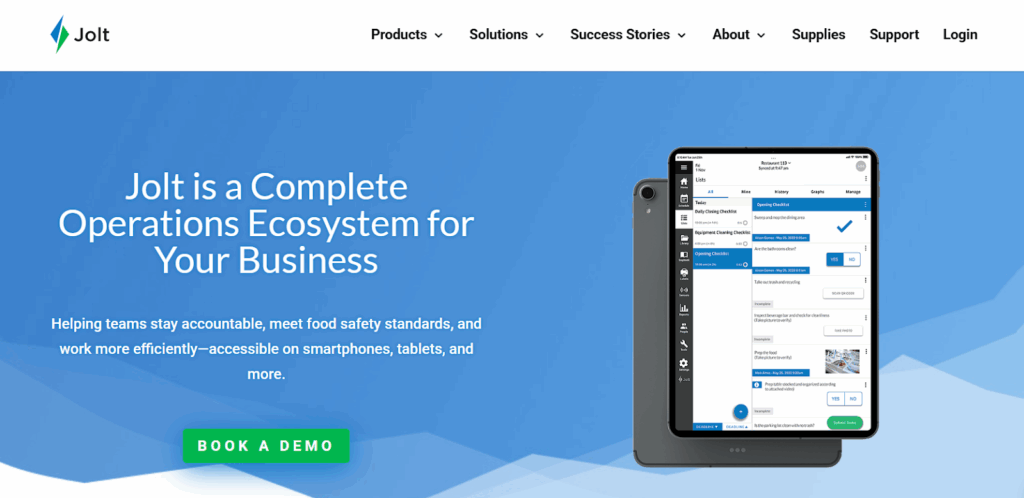
Jolt offers a robust training platform focused on food safety and operational checklists, and task management, making it a preferred choice for restaurants that prioritize compliance.
Key Features
- Task management: Jolt is built for QSR-style execution. It works best in fast-paced environments where tasks must occur at exact times.
- Automated temperature logs: Connect digital thermometers that auto-record readings. Eliminates manual checks while creating compliance records.
- Equipment maintenance schedules: Automated reminders for filter changes, deep cleaning, and preventive maintenance.
- Photo verification: Require photo uploads for task completion. Managers review submissions to verify execution.
Pricing
Jolt offers custom pricing.
Where Jolt Shines
- Compliance Focused: Strong emphasis on food safety and standards.
- Mobile Accessibility: Allows staff to access tools on the go.
Where Jolt Falls Short
- Limited Training Modules: Less comprehensive compared to dedicated LMS platforms.
- Integration Challenges: Additional tools may be required for full operational integration.
Customer Reviews
Positive: “Jolt has been so helpful in opening up a door to our inventory & accountability. We get to see through photos access to our store digitally, and that everything was done.” — Tyler J.
Negative: “The inability to add much data to each contact. Would be good if you could enter more details for staff members, such as the training they have completed, the certificates they have and so on.” — Shireen R.
Who Jolt is Best For
- QSR chains: Fast-food and fast-casual operations with standardized equipment across locations.
- Operators with complex equipment: Multiple fryers, ovens, refrigeration units requiring scheduled maintenance.
Compare the features, benefits, and support between Operandio vs. Jolt.
Other top task management software includes:
Trail: Best for UK-Based Hospitality Groups
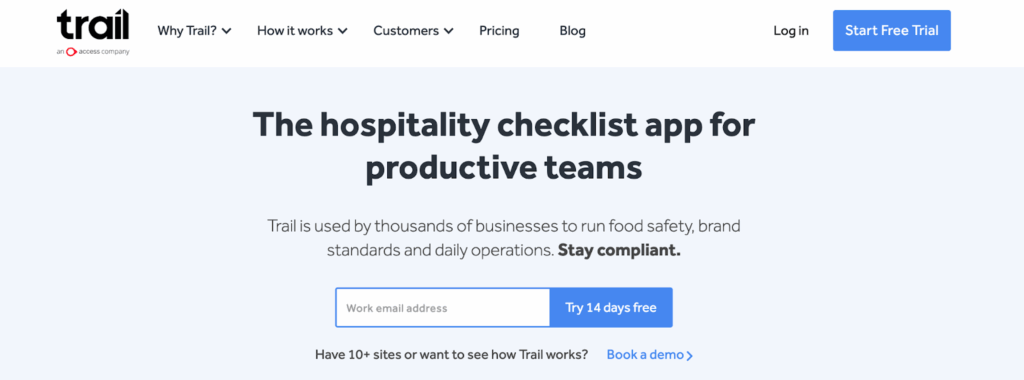
Trail is a task management and food safety software popular in the UK markets. Emphasizes HACCP compliance and allergen management.
Pre-built templates match European food safety regulations. Multi-site operators manage tasks across locations through centralized dashboards. Pricing starts at £38
per site/month.
Best for UK restaurant groups (5-20 locations), subject to HACCP requirements.
Zenput: Best for Enterprise Restaurant Brands
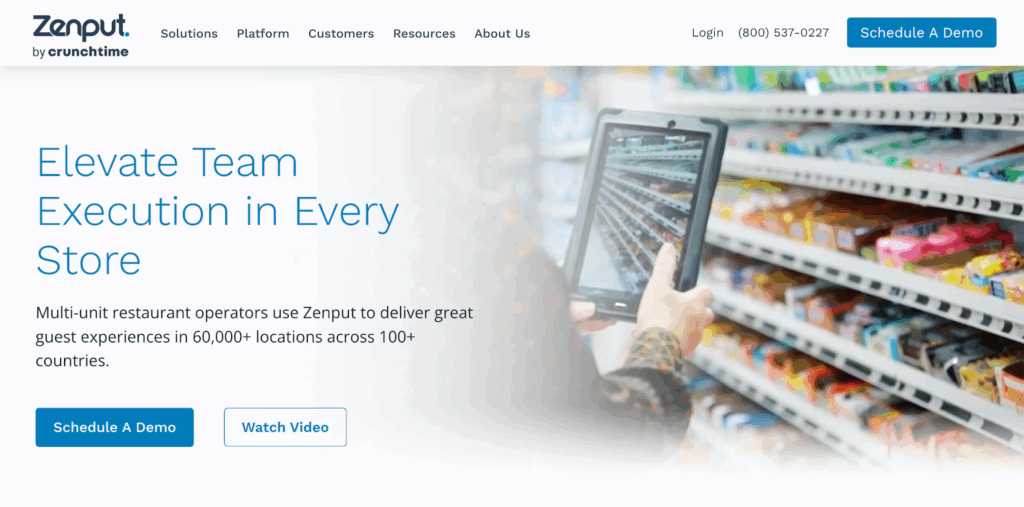
Zenput is a task-execution platform for large brands (100+ locations) focused on enforcing brand standards.
Multi-level hierarchy supports corporate, regional, and district-level management. Photo verification creates audit trails. Integrates with major POS and inventory systems. Custom pricing targets enterprise brands.
Compare the features, benefits, and support between Operandio vs Zenput.
SafetyCulture: Best for Inspection-Focused Operations
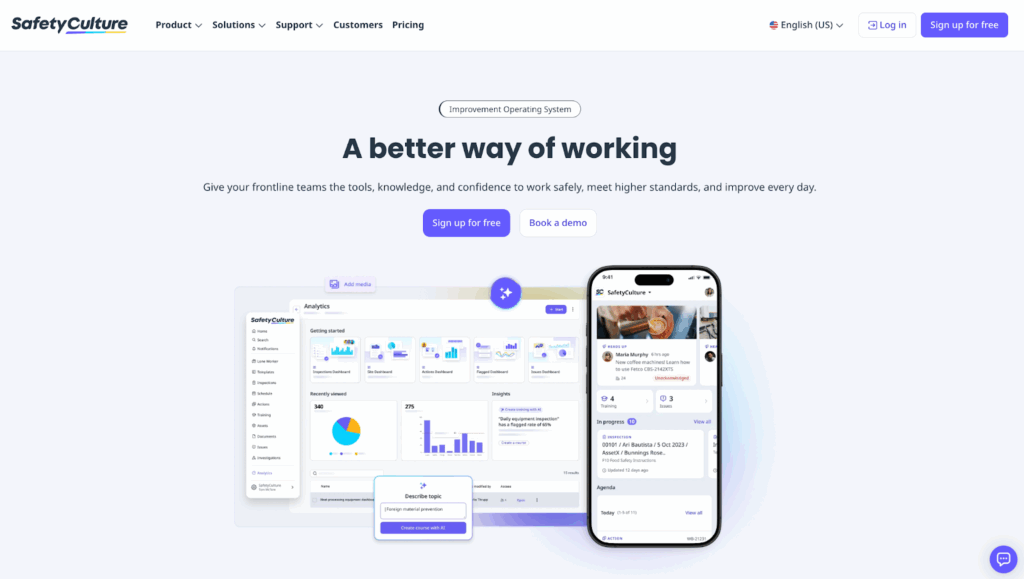
SafetyCulture is a quality control inspection and compliance tool that powers over 600 million checks each year across 30,000+ organisations.
The mobile-first app helps restaurants digitize inspections, track improvements, and share reports in real time, making compliance more consistent and collaborative.
It has a paid plan starting from ($24/user/month) add advanced reporting. Best for quality assurance teams.
How to Choose Restaurant Task Management Software
Match platforms to your operational complexity, number of locations, and compliance requirements.
Mobile Accessibility During Shifts
During busy work shifts, it becomes a hassle for employees to rely on desktop-only software. They can’t carry the monitor about while attending to your customer’s needs.
But Operandio’s mobile and tablet apps deliver tasks directly on the phones employees already carry.
Manager Accountability and Verification
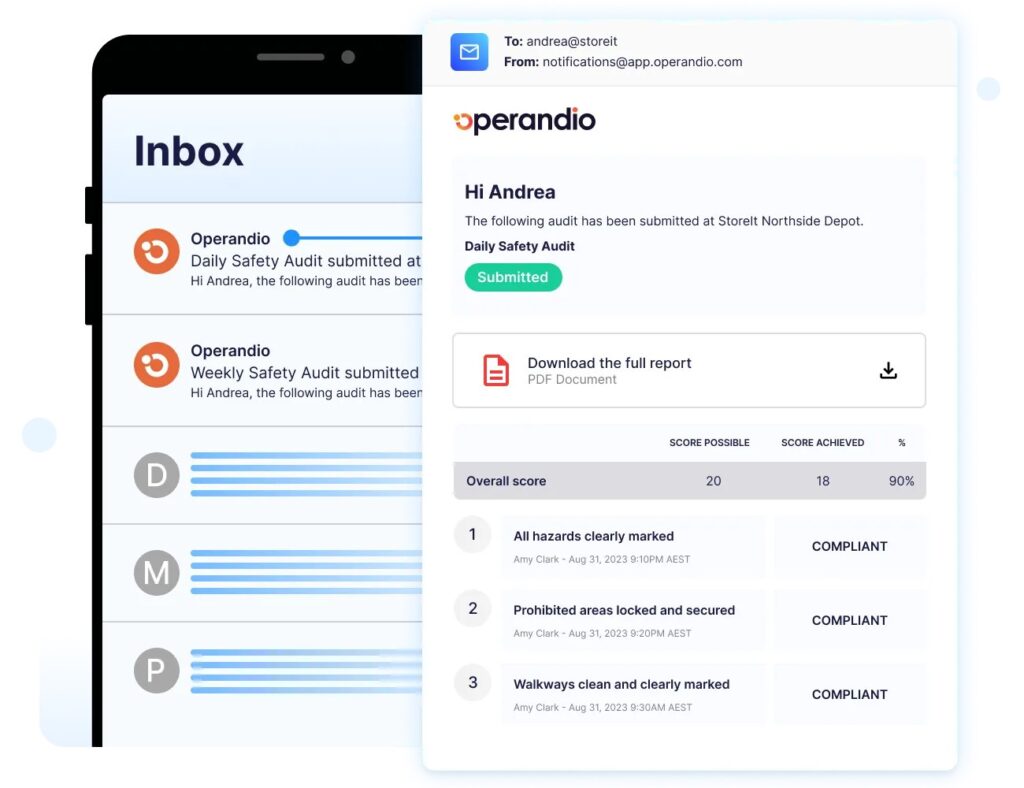
Assigning tasks doesn’t guarantee completion. Without verification, staff may check boxes without executing procedures or may not complete them correctly.
But with Operandio’s task management feature, you can hold staff accountable and ensure every task gets done well, not haphazardly.
Request a demo to see how Operandio can digitize your entire management workflows on one platform.
Cross-Location Visibility for Multi-Unit Operators
Your regional managers need s control. They need to see task completion across locations without having to visit each site daily. This reduces logistics costs and the risk of burnout.
Operandio’s dashboards let you view task completion across all locations on one screen.
Integration with Existing Systems
Your choice of platform should connect with POS, payroll, and inventory systems. Digitizing operations works best when systems share data automatically.
Compliance Audit Trails
Digital platforms create timestamped records showing who completed which tasks when. Look for exact completion time, employee accountability, manager verification, photo evidence, and location data.
Quality control and restaurant checklist apps with audit trails reduce the risk of violations.
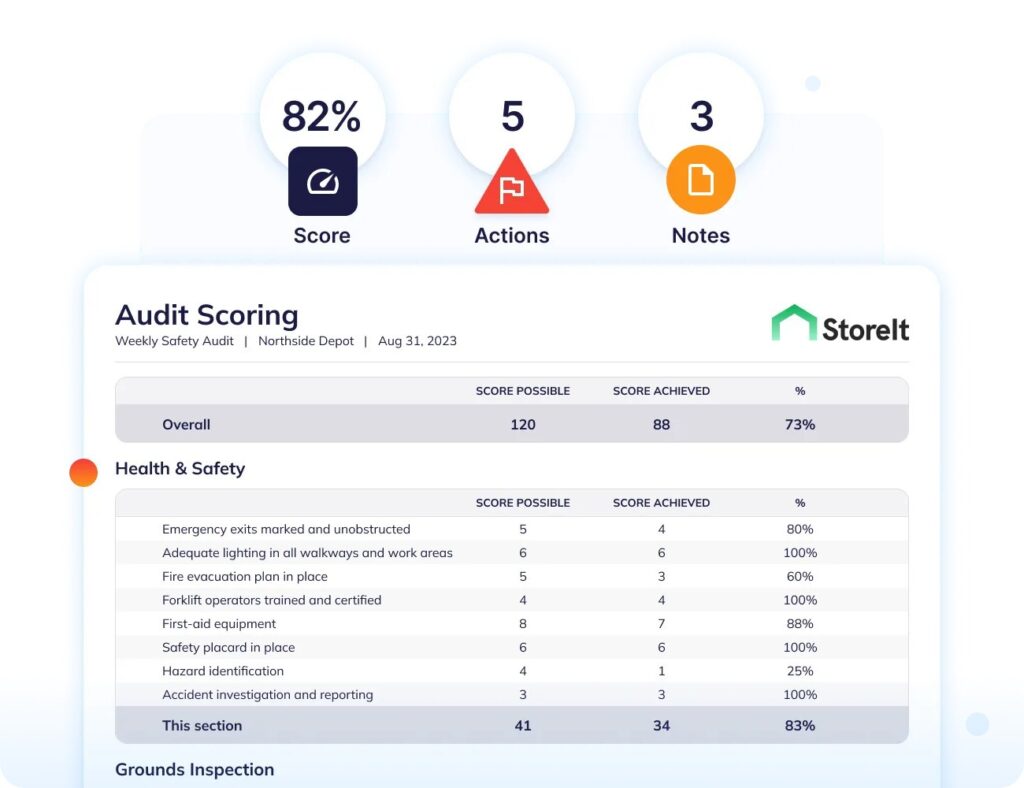
Manage Day-to-Day Processes Efficiently With Operandio
Single-location operators can succeed with basic checklist apps. Multi-unit franchise groups need platforms built for cross-location consistency, brand standards enforcement, and manager accountability.
Operandio addresses execution gaps that others ignore. Tasks get verified, not just assigned. Managers see real-time completion across locations.
Request a demo to see how Operandio helps franchise restaurants maintain operational excellence.