





Key Takeaways
- Choose Operandio if you run kitchens across an enterprise multi-unit or franchise network: best AI-powered kitchen management system for daily execution, digital food safety and frontline training, with timestamped proof at every location.
- Choose Restaurant365 if your books and your food cost live in separate systems: best back-office accounting platform for restaurant finance teams.
- Choose Crunchtime if food and labour cost variance is your biggest line item: best inventory, labour and kitchen display suite at chain scale.
- Choose Apicbase if a central kitchen supplies your outlets: best recipe and production planning system for commissary models.
- Choose MarketMan if supplier invoices drive your margins: best purchasing and COGS tool for growing groups.
There are two types of kitchen management software: one controls food cost through inventory, recipes, purchasing and invoices, and the other controls execution, like prep checklists, temperature logs, cleaning routines and staff training.
Multi-unit operators need both, so here’s our comparison of nine options you can consider in 2026.
What is a Kitchen Management System?
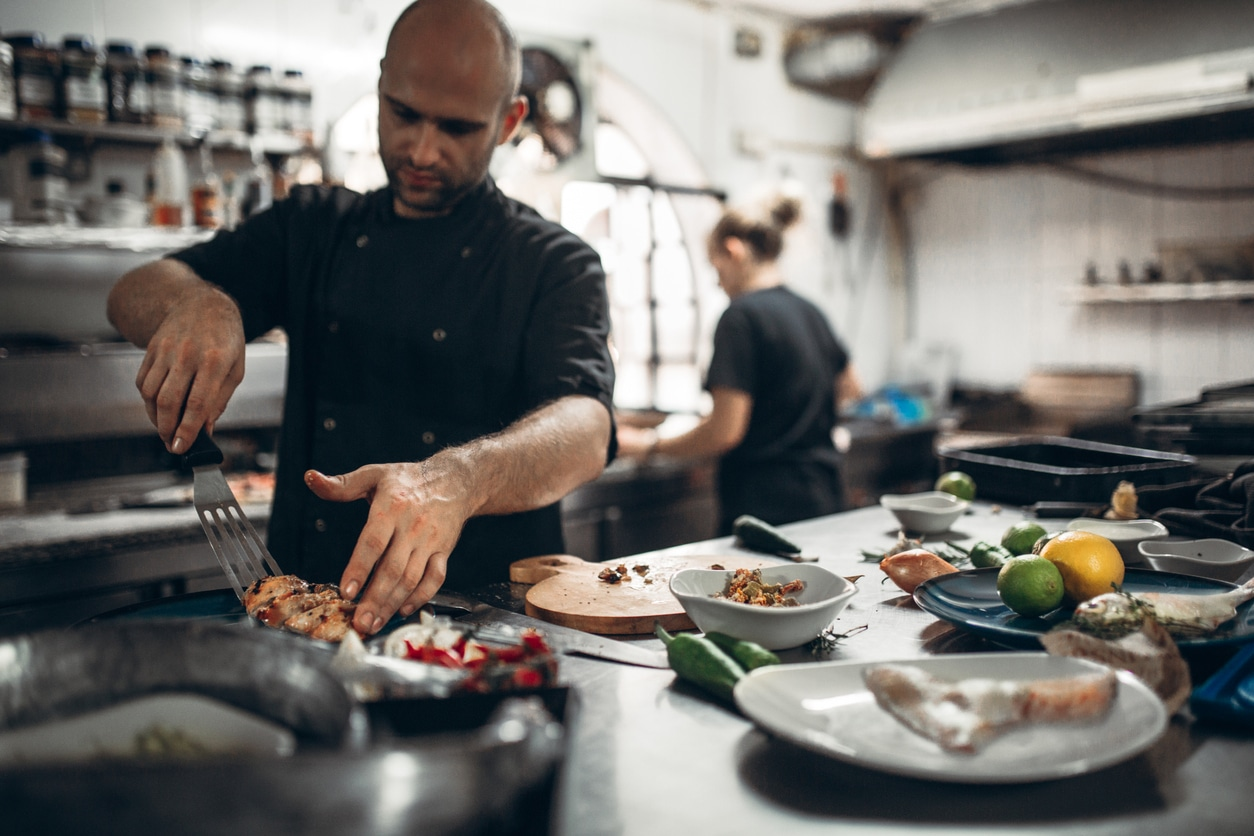
A kitchen management system runs back-of-house work across one or more sites. It covers recipes and costing, stock counts, supplier ordering, food safety records and the daily routines your team follows on shift.
In 2026, the category has widened. While older tools focused almost entirely on purchasing and food cost, newer platforms now also cover kitchen compliance requirements, temperature logging, allergen labelling and staff training.
9 Best Kitchen Management Software: A Quick Overview
| Software | Best For | Stand Out Feature |
|---|---|---|
| Operandio | AI-powered operations for enterprise multi-unit restaurants and franchises | Task management and reporting, food labeling, wireless sensors, Bluetooth probes, corrective actions and a built-in LMS in one platform |
| Restaurant365 | Restaurant accounting and back-office control | An AI engine built on the full restaurant P&L |
| Crunchtime | Food and labour cost variance at chain scale | Product-level actual vs theoretical food cost, plus a KDS |
| Apicbase | Central production kitchens | Internal ordering with batch traceability from CPU to outlet |
| MarketMan | Purchasing and invoice-led cost control | Unlimited invoice scanning with supplier price alerts |
| Kitchen CUT | Allergen, nutrition and CO2 labelling | Allergen data flowing through to labels and digital menus |
| SynergySuite | Modular back office for mid-size chains | Modules bought individually, priced per location |
| BlueCart | Multi-supplier ordering and sourcing | Endless Aisle marketplace with 2% cash back |
| ChefMod | Chef-led independent purchasing | Group purchasing backed by a human services team |
1. Operandio: Best for Enterprise Multi-Unit Restaurants and Franchises
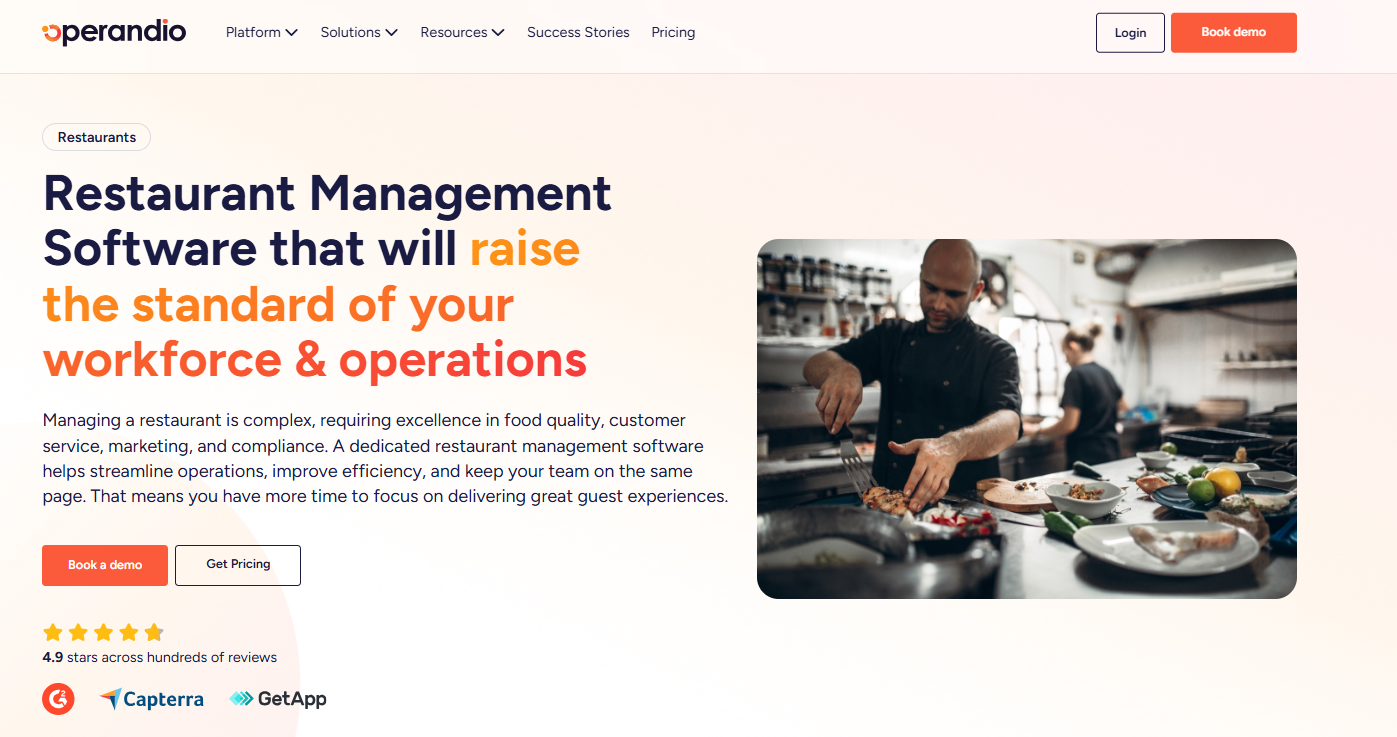
Operandio is an AI-powered operations platform for frontline teams. It centralizes daily execution, food safety, training, compliance, and team communication in one system, and runs across restaurants, hotels, entertainment venues, retail, healthcare, and childcare.
Operandio Key Features
For restaurants, Operandio has these daily operations features:
Task Management
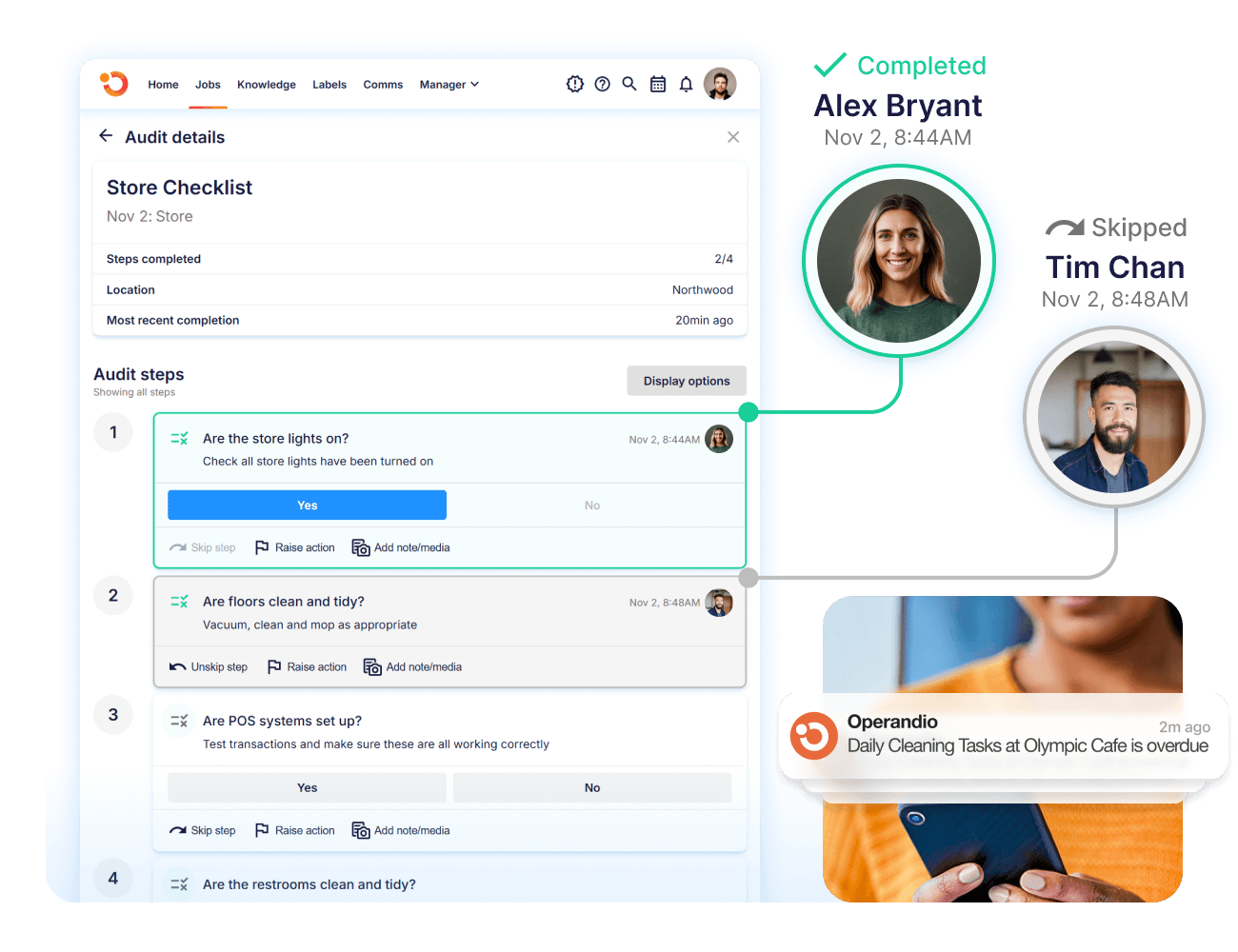
You get reliable restaurant task management through digital forms and checklists. These cover daily food safety checks, opening and closing routines, prep lists and cleaning schedules.
You set recurring schedules on a daily, weekly, monthly or yearly basis, with start and due times attached to each one. Staff see the jobs they owe that day and when each is due. Managers see completion rates by location rather than chasing confirmations at the end of the shift. Every completed task carries a name and a timestamp, which is what an auditor asks for.
Here’s a free restaurant opening-and-closing checklist you can replicate.
Automated Food Prep Labelling System
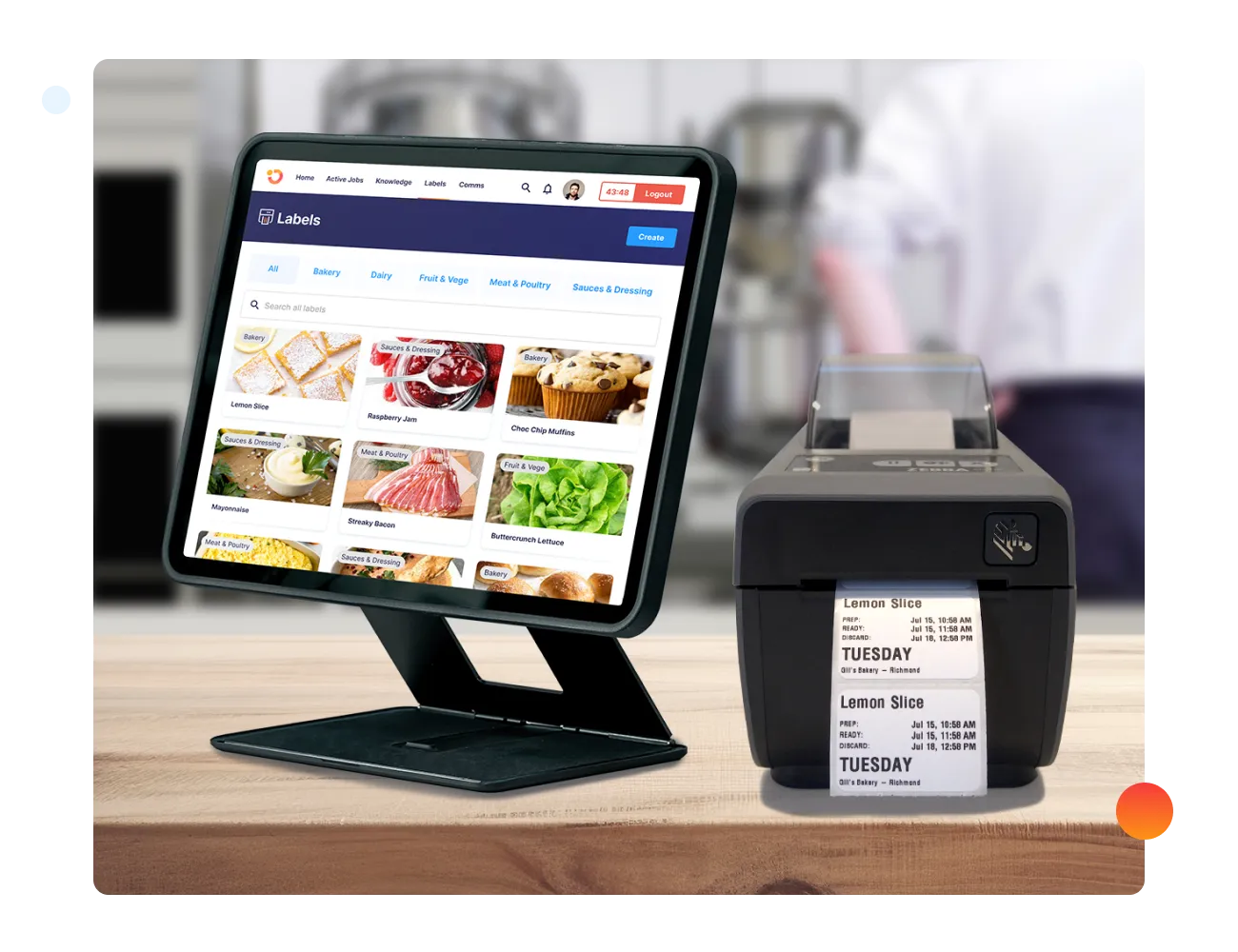
The digital prep labels replace handwritten stickers. The food labeling system generates expiry dates from your own product rules, so date coding stops depending on whoever picked up the marker.
For groups running the same menu across dozens of sites, labelling consistency is also a brand standards issue.
Here’s more on streamlining and ensuring compliance with food labelling, plus how prep labelling works in a commercial kitchen.
Automated Wireless Temperature Monitoring
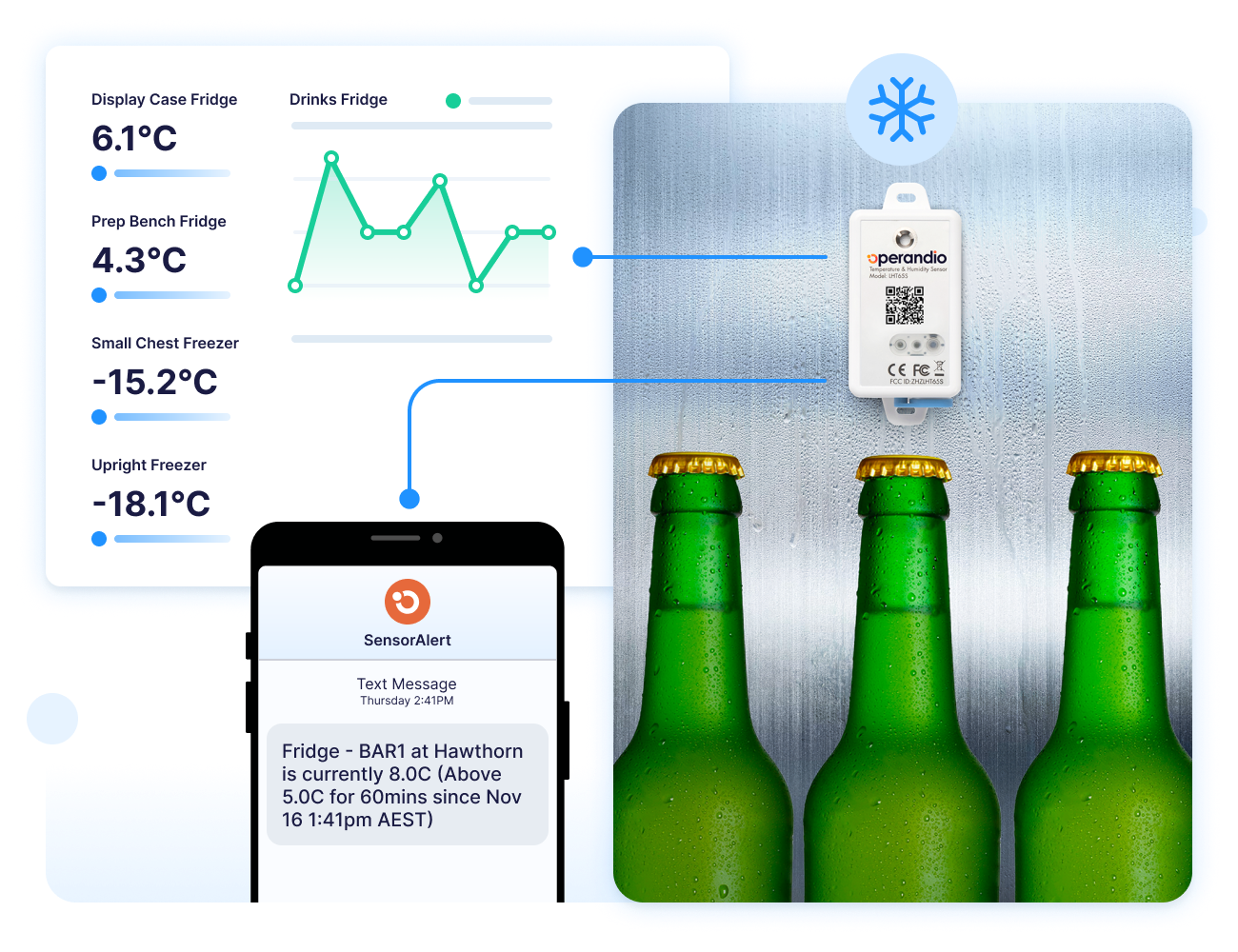
Smart wireless sensors record temperature and humidity across fridges, freezers and hot-hold units 24/7. Readings flow into the Operandio dashboard without anyone walking the line with a clipboard.
Then, alerts fire by SMS the moment a reading deviates from range, and they keep working during a power failure. The logs build into a digital food safety record by site, ready for inspection. Groups running paper logs plus separate sensor hardware bring both into one trail.
Assign Corrective Actions
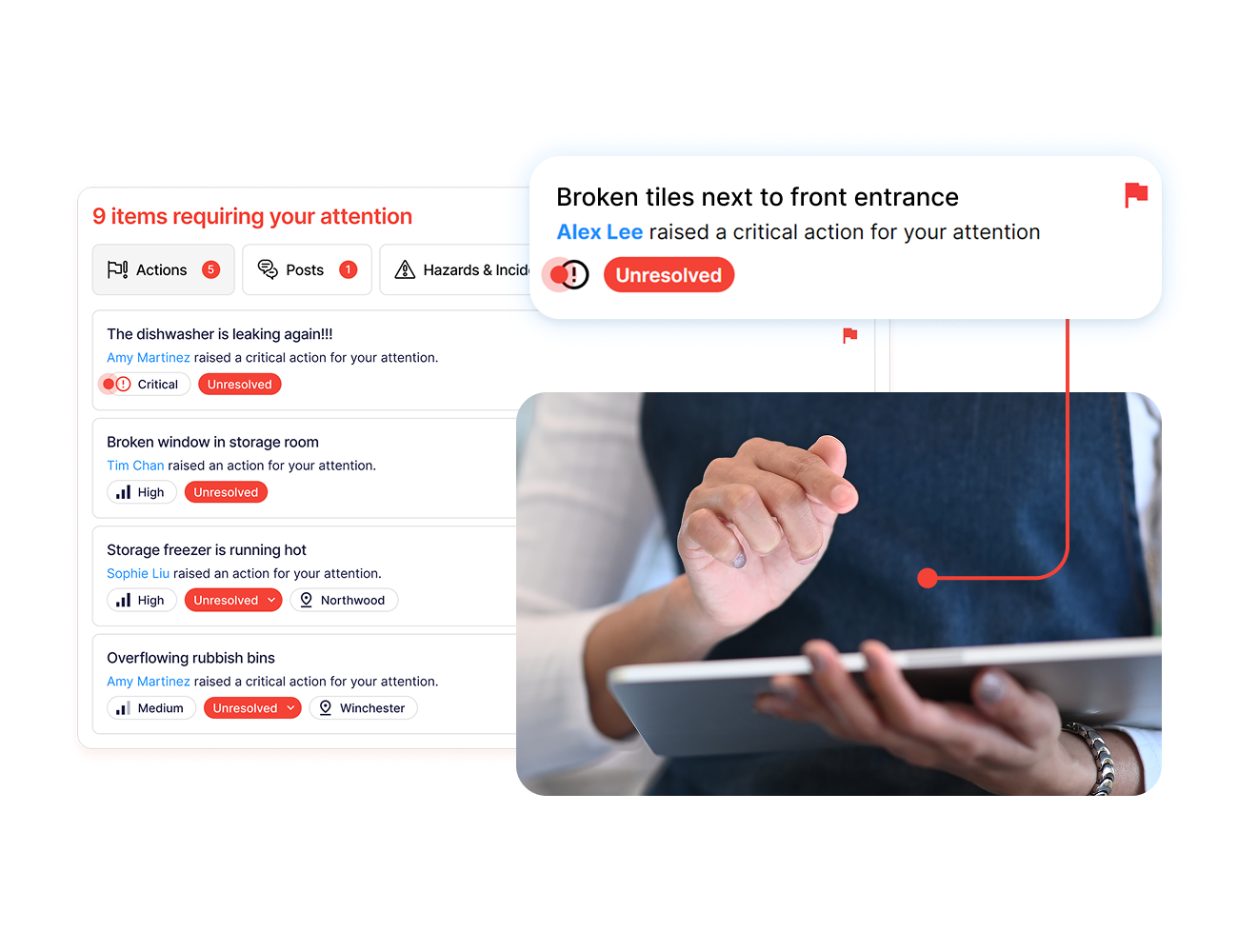
Staff can report an issue from the floor, and the platform notifies the right people immediately, with a corrective action attached. Ownership is explicit, so nobody assumes someone else logged it.
Each action carries an assignee and a due date, and HQ tracks where actions are being raised and whether they closed. Patterns surface fast when the same fault repeats at the same site.
Learning Management System
Operandio’s food safety training modules are included in the subscription, and you can build custom courses for your own procedures using the frontline LMS. Courses are built for mixed-ability teams, which matters in kitchens with high turnover and multiple first languages.
Change a procedure and the SOP, the lesson, and the task update together. Completion and certification tracking show by person and location.
Operandio Intelligence sits behind it: AI drafts SOPs, checklists, and quizzes from a prompt, turns long documents into structured courses, and translates content for multilingual teams.
More on the AI tools inside the platform.
Operandio Pricing
| Plan | Price |
|---|---|
| All tiers | Custom |
Pricing is based on the number of locations or users, plus the modules you select. A paid 30-60 day pilot is available after a product demo. Explore pricing.
Where Operandio Shines
- Bluetooth probe integration: staff record food temps with a Bluetooth probe and the reading populates the food safety system instantly, which removes transcription errors from manual checks.
- Mobile and shared tablet access: teams work from the mobile app or a shared kiosk tablet using a personal 4-digit PIN, so every completion ties to a named person on a device the whole shift uses.
- Multi-location reporting: role-based dashboards compare performance and compliance across sites, and AI insights feed BI tools including Power BI and Tableau.
- Audits and inspections that enforce brand standards: digital brand audits capture photo evidence at site level, and AI photo evaluations compare what staff submit against your gold-standard reference images.
- Centralised communication: announcements and operational updates publish to specific roles, regions or brands, with read acknowledgments tracked.
Where Operandio Falls Short
- No recipe costing or inventory valuation: Operandio doesn’t calculate plate costs or actual versus theoretical variance. Groups that need food cost accounting run it alongside an inventory platform.
- Built for networks, not single kitchens: the multi-brand structure, regional permissions, and role hierarchies add setup work a one-site restaurant won’t use.
Operandio Customer reviews
The recurring theme is audit time. Mauro O., Head of Operations at The Abacus Dining Group, says reporting access saves verifiers at least an hour during onsite visits.
“If you haven’t incorporated Operandio into your operations, you’re overlooking a valuable tool. The reporting access has been a game-changer for our verifiers, saving them at least an hour during onsite visits.”
Kris K., a State Manager at Cold Rock, credits it with replacing paper systems across 70+ locations.
“Operandio has transformed our franchise operations by replacing paper systems with a seamless, automated platform that ensures consistency, enhances communication, and simplifies compliance across 70+ locations.”
Who Operandio Is Best For
- Enterprise multi-unit restaurant groups: built for QSR and multi-unit restaurants managing consistency as unit count climbs.
- Franchisors enforcing brand standards: franchise and multi-unit management tools give HQ visibility into franchisee execution between site visits.
- Hotel, venue and large-format catering operations: operators in hotels and resorts run it across multiple outlets under one roof, each with different menus and risk profiles.
Ready to book a demo or talk to someone? Here’s how to contact Operandio.
2. Restaurant365: Best for Restaurant Accounting and Back-Office Control
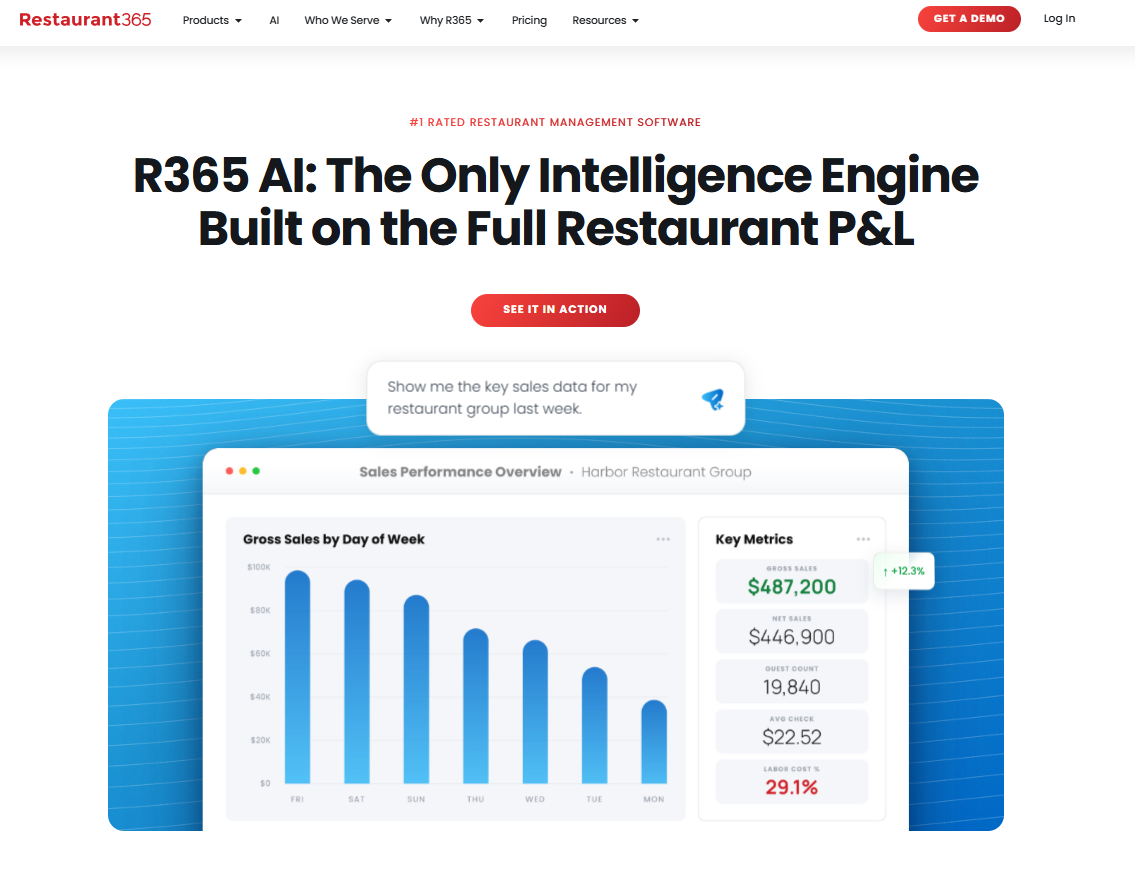
Restaurant365 is an accounting-first back office. Inventory and purchasing feed a restaurant-specific general ledger, and R365 AI is trained on the full P&L, connecting what was sold, what it cost and what you made.
Key Features
- Restaurant-Specific General Ledger: accounting, AP automation and bank reconciliation are native rather than bolted onto a third-party ledger.
- Inventory Tied To Costing: stock counts, recipes, prep plans and actual versus theoretical costing feed the same data set the accountants use.
- R365 AI: surfaces variances before the period closes and drives purchasing and scheduling recommendations from live P&L data.
- Workforce and Payroll: scheduling, sales forecasting, task management, employee training, and payroll sit alongside the books.
Pricing
| Plan | Price |
|---|---|
| All tiers | Custom |
Where Restaurant365 Shines
- Financial depth: budgeting, fixed assets, custom financial reporting, and multi-entity rollups are built for operators with controllers.
- Integration breadth: direct connections to major POS systems, banks, vendors, and payroll reduce manual data movement.
Where Restaurant365 Falls Short
- No food safety hardware layer: temperature sensors, Bluetooth probes and prep labelling aren’t part of the platform, so HACCP logging stays on paper or in a second system.
- Steep learning curve: Some G2 reviewers say there can be a big learning curve at first, simply because there are so many things to learn and do with the product
Customer Reviews
Eddie G shares, “I like Restaurant365 for its detailed reporting and accurate inventory management. The reporting features are excellent, offering a wide array of reports and the ability to report on different areas of the company.”
“Some things that don’t work as well right now are the payroll integrations. When we first got on board with Restaurant365, we were told that it would be a seamless operation between payroll and Restaurant365, and it hasn’t quite worked out that way. It needs more integrations and continuing to grow that side of the platform,” shares Kayla T.
Who Restaurant365 Is Best For
- Operators with an in-house finance team: the accounting depth returns value when a controller works it weekly.
- Accounting firms serving restaurant clients: R365 sells a dedicated tier for bookkeepers and CPAs.
- Groups consolidating separate accounting and inventory tools: the value sits in the single ledger.
3. Crunchtime: Best for Food and Labour Cost Variance at Chain Scale
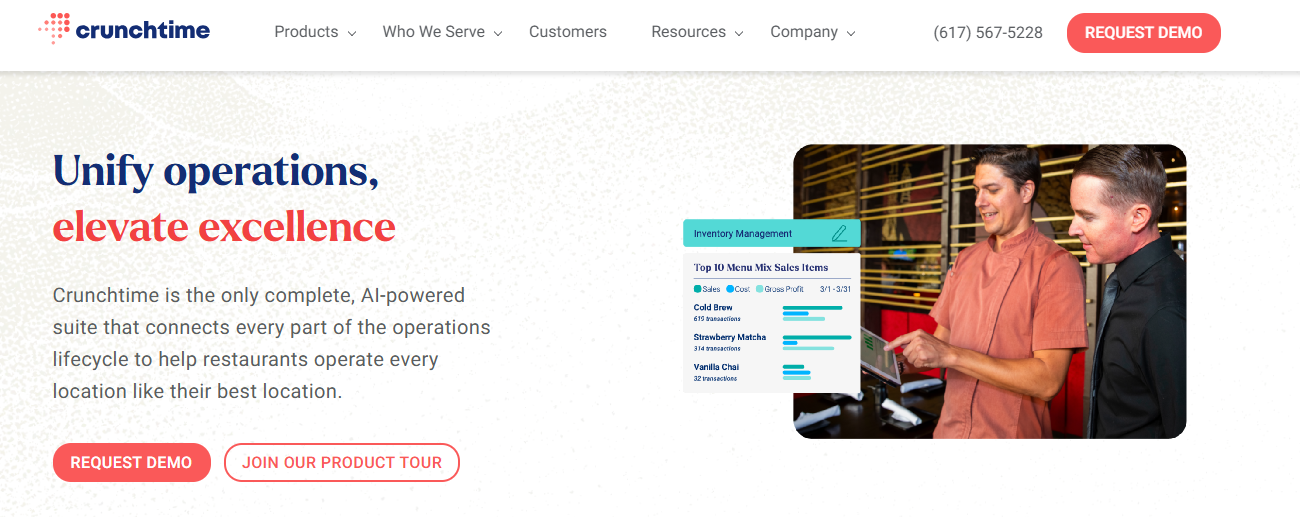
Crunchtime is a cost and profitability suite that powers restaurant brands, with products that pull inventory, labour, and the kitchen display system.
Key Features
- AI Forecasting and Purchasing: automated sales forecasting drives ordering, prep quantities, and predictive vendor purchasing.
- Kitchen Display System: Crunchtime Kitchen routes and paces tickets dynamically across stations, with bin management forecasting what to cook and when.
Pricing
| Plan | Price |
|---|---|
| All tiers | Custom |
Where Crunchtime Shines
- Product-Level Cost Variance: actual versus theoretical food cost drills down to individual products rather than category totals.
- Labour Cost Management: proprietary forecasting builds schedules automatically against expected sales, with local labour rules applied per site.
Where Crunchtime Falls Short
- The suite is assembled from acquisitions: Ops Execution is the former Zenput, the kitchen display system is the rebranded ConnectSmart from QSR Automations, and Squadle sits alongside them. Each carries its own login, which shows in day-to-day use.
- Cross-store reporting is awkward: a reviewer noted it stays “cumbersome to access each store individually” without global reporting or export.
Customer Reviews
“Reliable and easy to use. I rarely have to reach out to their support team, but when I do, I’m always taken care of in a timely manner,” says this reviewer on G2.
Stephanie H adds, “I think there are too many steps and it’s tedious to do simple actions. The reporting has way too many categories could just be simplified.”
Who Crunchtime Is Best For
- High-volume kitchens with ticket time problems: the KDS is a category leader in its own right.
- Operators with dedicated ops analysts: the reporting depth suits a team that works it daily.
4. Apicbase: Best for Central Production Kitchens
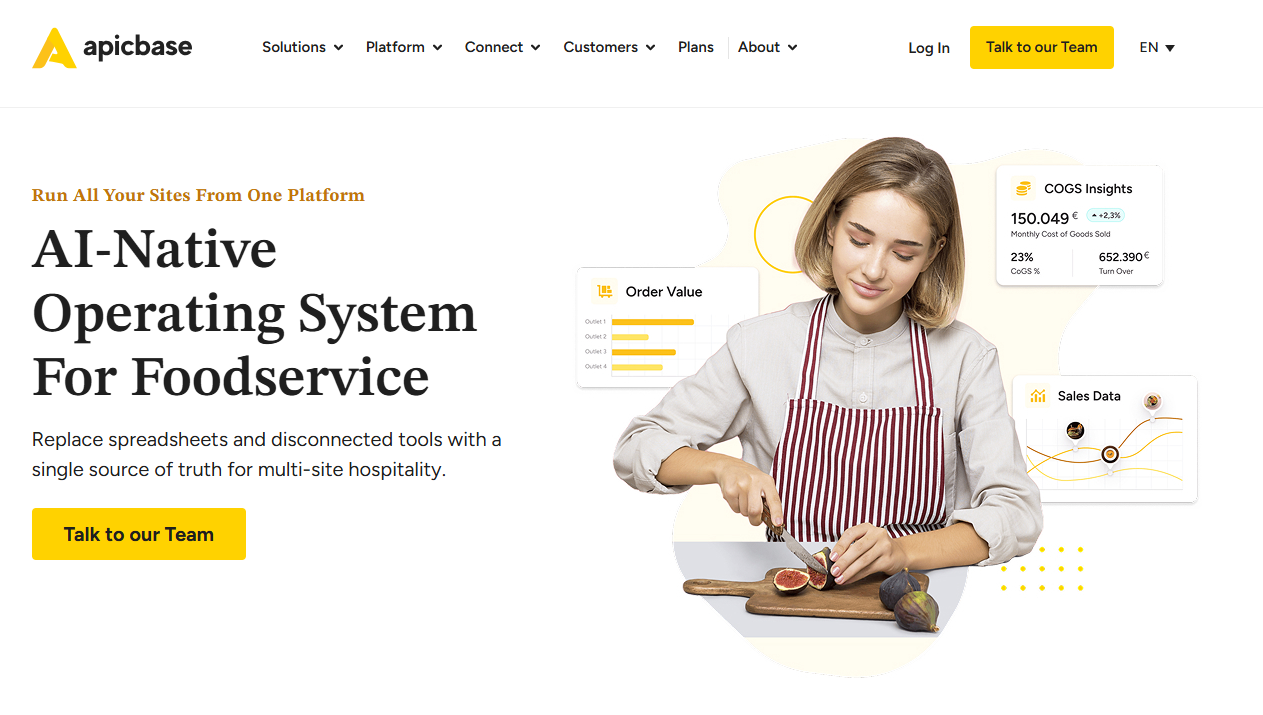
Apicbase treats the recipe as the master record. Menu engineering, costing, allergens, procurement, HACCP, and production planning all reference the same ingredient database, which suits groups feeding outlets from a central kitchen.
Key Features
- Central Production Unit Module: outlets place internal orders against the central kitchen, with batch traceability across production runs.
- Menu Engineering: recipes carry live supplier prices, allergen data and nutritional information in one record, pushed out to displays, apps and websites.
- HACCP and Task Management: critical control points are scheduled, monitored and recorded, with audit reports ready on demand.
- Carbon Tracking: Scope 3 purchase analysis and CO2 tracking sit alongside the cost modules.
Pricing
| Plan | Price |
|---|---|
| Growth | Custom |
| Professional | Custom |
| Enterprise | Custom |
Where Apicbase Shines
- Central kitchen modelling: internal ordering and batch traceability are handled natively, which most inventory tools skip.
- Platform maturity: SOC 2 Type 2 compliance, 99.99% uptime, an open API and an MCP endpoint for querying your own data.
Where Apicbase Falls Short
- Not built for single sites: the Growth plan starts at five outlets.
- No training or frontline LMS: staff onboarding and certification tracking sit outside the platform.
- Database build comes first: the ingredient and recipe library is a project in its own right before reporting becomes useful.
Customer Reviews
“Well customisability, deep integration, many many and I say again many features and overall the general approach to the stock features.” Panayiotis G.
On Capterra, Francesco A says, “Complicated to set up, bugs and connection problems within suppliers and POS.”
Who Apicbase Is Best For
- Groups running a commissary or central production kitchen: the platform’s core use case.
- Hotel and catering groups with complex menus: allergen, nutrition and carbon data at recipe level reduces manual compliance work.
5. MarketMan: Best for Purchasing and Invoice-Led Cost Control
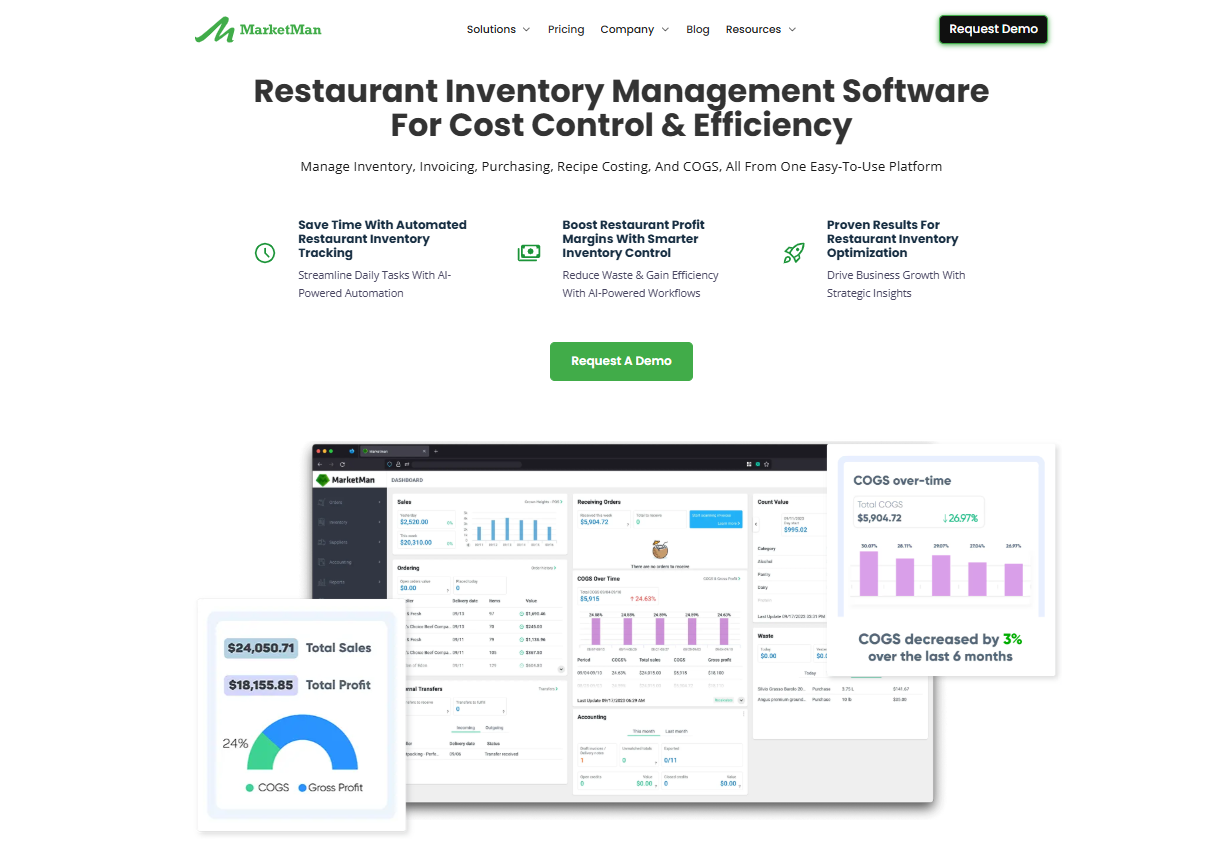
MarketMan sits between your suppliers and your books. It serves restaurants across 55 countries and has processed more than 10 million invoices, with unusually deep distributor integrations behind it.
Key Features
- Unlimited Invoice Scanning: photograph a delivery invoice and MarketMan updates items and quantities received without manual entry.
- Supplier Integrations: direct connections to major distributors including Sysco, US Foods and Performance Food Group.
- Digital Cookbook: ingredients, portions, cooking instructions and images per menu item, printable and usable for staff training.
- Smart Ordering: predictive analytics forecast demand and generate order suggestions against current stock.
Pricing
| Plan | Price |
|---|---|
| Starter | $199 per location/month |
| Growth | $249 per location/month |
| Enterprise | Custom quote |
Where MarketMan Shines
- Fast onboarding: Most restaurants are fully onboarded within 24 to 48 hours with no hardware to install, which is unusual in this category.
- Cloud kitchen management software: MarketMan offers cloud inventory management in real time, thus helping reduce waste and theft
Where MarketMan Falls Short
- Purchasing only: no food safety logging, no audits, no training, no task execution.
- Premium add-ons: MarketMan can get expensive for restaurants that need extra features such as Vendor EDI Integration, AI Ordering, or Order By Recipe
Customer Reviews
“Strong inventory and purchasing tools that help reduce waste and tighten control over food cost.Powerful recipe costing with automatic updates when supplier prices change. Cloud‑based access and reporting that make it easier to manage multiple locations and view performance,” shares Dhinesh E.
“Trying to cancel MarketMan was like jumping through flaming hoops. They pulled the classic move of referencing “contract terms” and a required 60-day notice — which I tried to provide.” Jon D.
Who MarketMan Is Best For
- Groups where supplier pricing drives margin: the price alert system is the core value.
- Chains already using major broadline distributors: the integrations do more work here.
6. Kitchen CUT: Best for Allergen, Nutrition and Menu Compliance
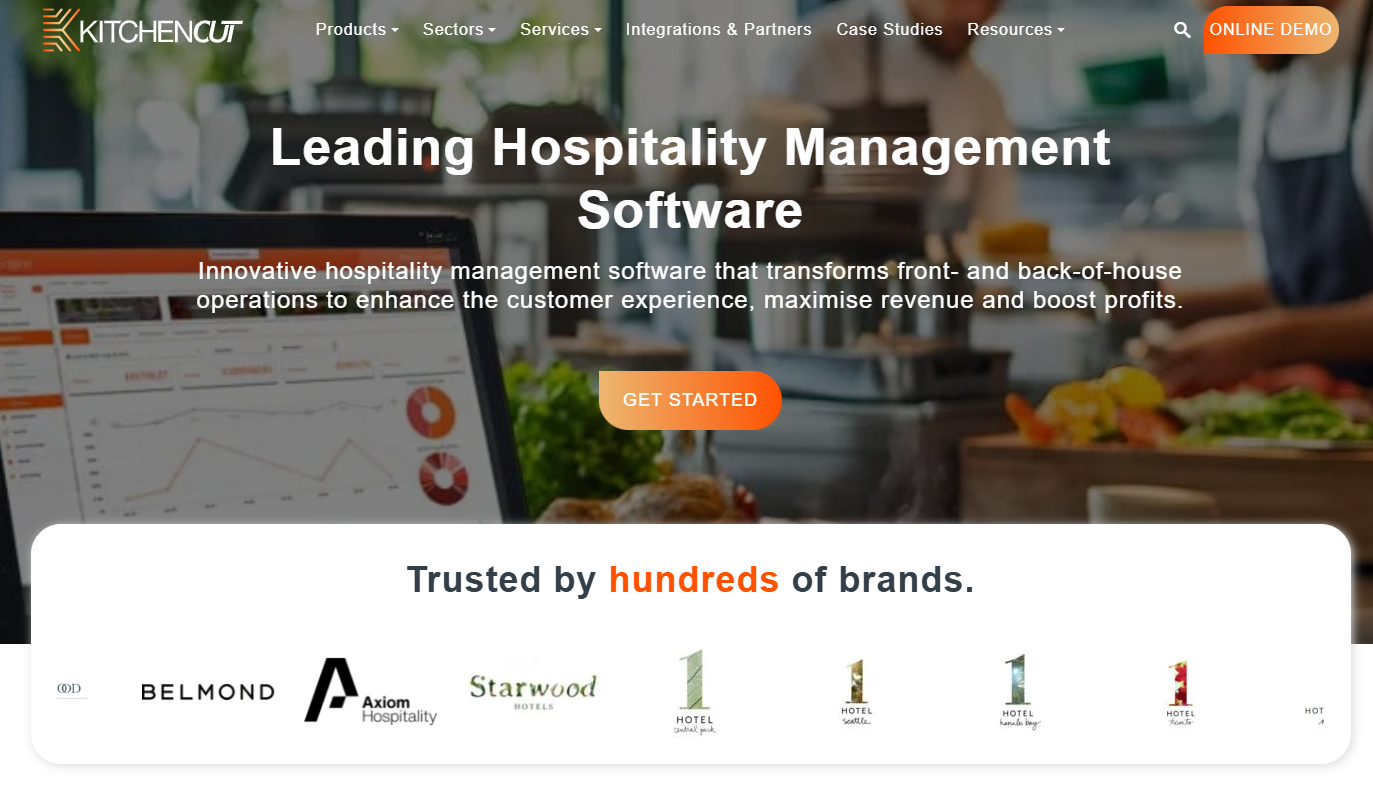
Kitchen CUT is a UK-built F&B platform for hotels, pubs, leisure venues and restaurant groups. It was built by chefs, and the compliance side is where it goes deepest.
Core features include:
- Allergen, nutrition and CO2 labeling: data flows from the recipe through to physical labels, digital menus and guest-facing displays, so one ingredient change updates everywhere at once.
- Menu engineering: live margin alerts as costs move, with GP reporting per dish.
- Stock, procurement and waste: inventory, multi-supplier ordering and waste tracking across sites.
- CPU and buffet modules: central production and buffet consumption analysis.
Pricing is quote-based, and KC Lite covers single-site businesses with a 14-day free trial.
While Kitchen CUT claims up to 80% less back-of-house admin, there’s no temperature logging, task scheduling, or staff training layer.
7. SynergySuite: Best for Modular Back-Office Buying
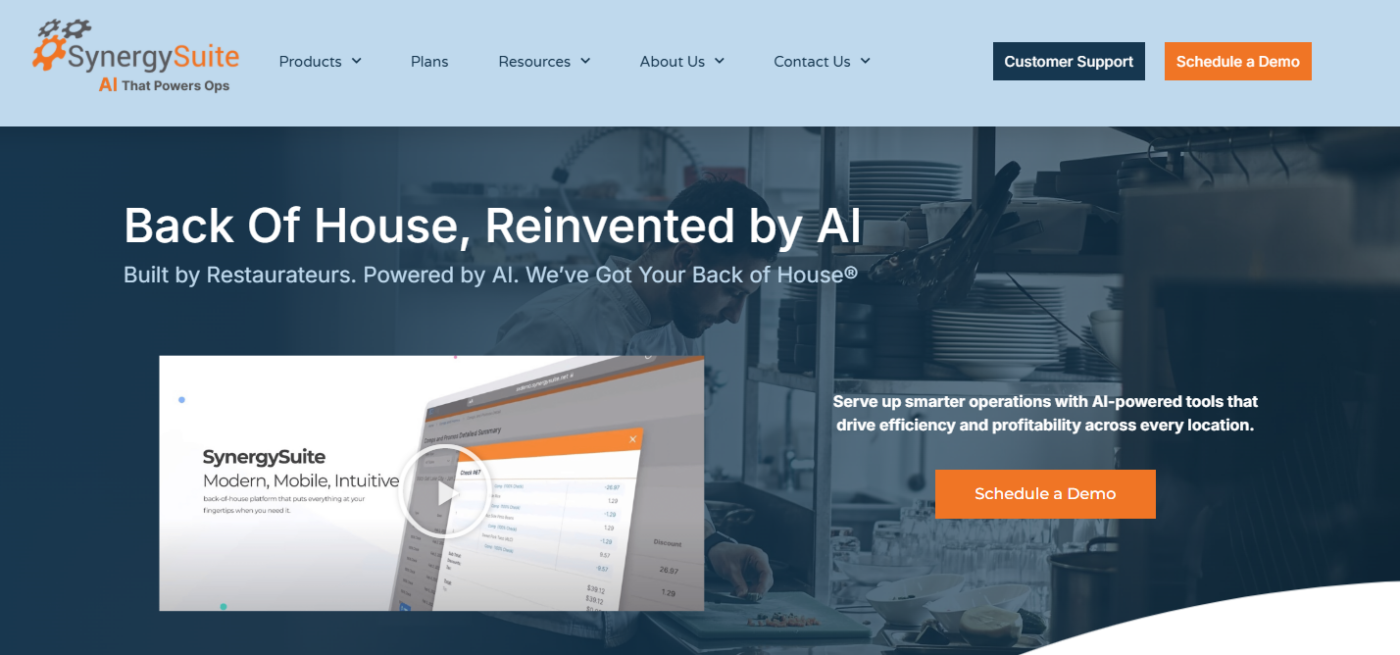
SynergySuite sells its back office module by module, so you buy inventory now and labour later. You get:
- Inventory and purchasing: counts, par levels, supplier ordering and recipe costing.
- Food safety: HACCP checklists and compliance logging.
- Labor: scheduling, forecasting and HR.
- Cash management and BI: reconciliation plus cross-site reporting.
Pricing runs per location per month based on the modules you use, plus a one-time implementation cost covering configuration and training.
Still, daily kitchen routines and corrective actions are thinner here than in a dedicated execution platform.
8. BlueCart: Best for Multi-Supplier Ordering and Sourcing
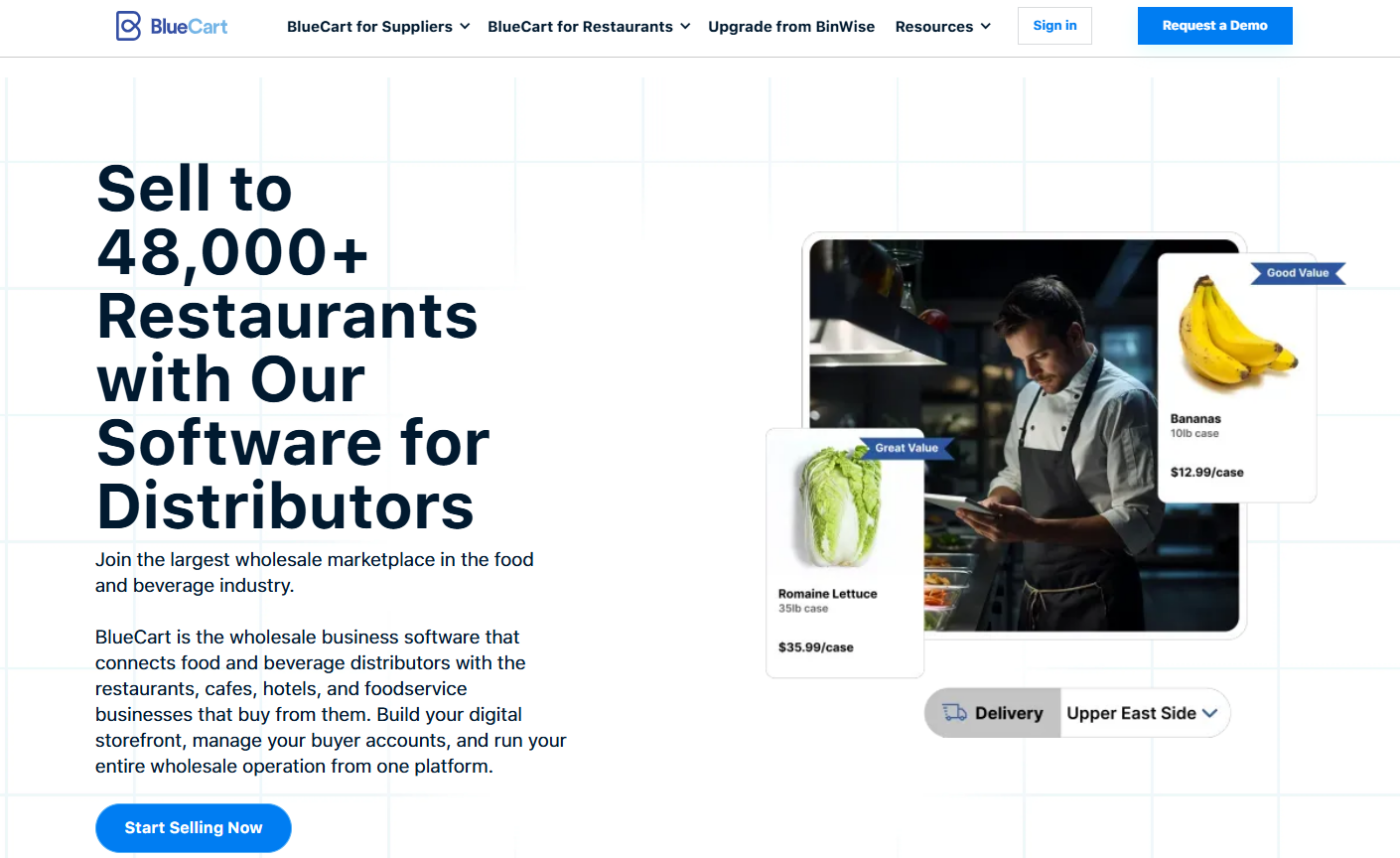
BlueCart is a B2B marketplace first and a back office second. The buyer-side app is free for restaurants, with revenue coming from paid supplier and distributor plans.
What you get:
- Endless Aisle marketplace: browse verified wholesale vendors filtered by delivery area, compare pricing side by side, and earn 2% cash back on eligible orders.
- Ordering and receiving: place orders across all vendors from one account and reconcile invoices against purchase orders.
- Inventory and food costing: basic stock tracking and plate costing modules, plus BinWise for bar inventory.
It’s not a full back office and has no accounting or general ledger integration. The fit is operators moving off phone and email ordering, rather than groups needing multi-site reporting.
9. ChefMod: Best for Chef-Led Independent Purchasing
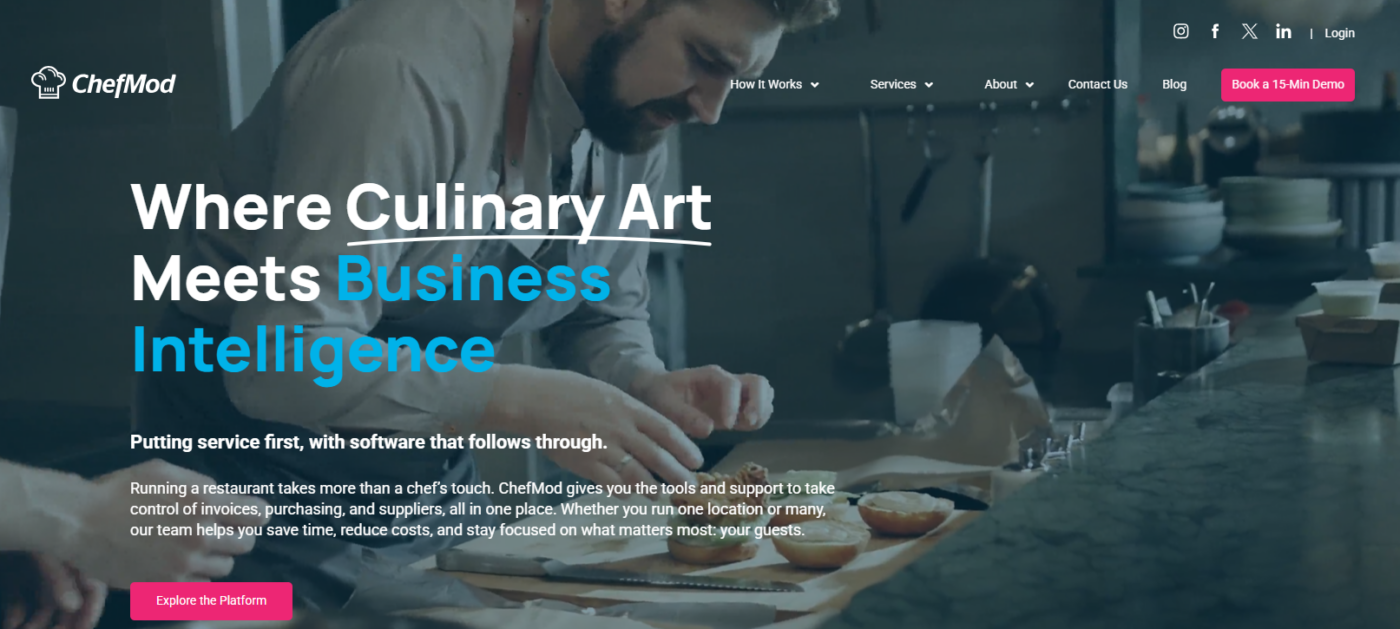
ChefMod pairs software with a human services team, which is the unusual part. Dedicated staff handle the admin most platforms hand back to you.
The platform covers:
- Managed services: invoice digitisation, real-time price audits and invoice entry done by ChefMod staff.
- Procurement and group purchasing: negotiated deals, product specs and a Price Watchdog that flags supplier changes.
- AP automation: three-way matching, instant invoice search and expense mapping.
- Recipe management: nested batch recipe layers, ingredient conversion and nutritional data.
Pricing is fully custom, with integrations narrower than enterprise procurement suites, and it isn’t designed for large chains needing self-serve scale.
How to Choose a Kitchen Management Software
The World Resources Institute reports that restaurants and hotels investing in waste reduction programmes can see up to a 14-fold return.
Kitchen management software is where most operators start, because par levels, recipe costing and prep labelling produce the data those programmes run on. Here’s how to pick the best software:
Cost Control Versus Execution Control
Cost problems and execution problems need different platforms. Recipe costing and inventory tools address portioning, price movement and waste. Execution platforms address whether daily routines get completed and recorded across sites.
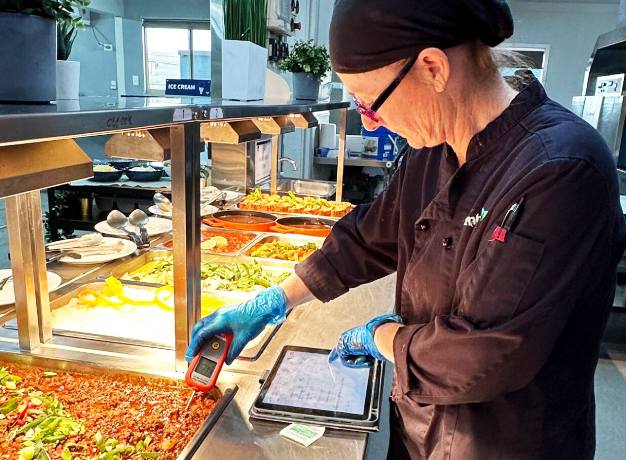
Operandio covers the execution side: recurring tasks, digital food safety records, audits and corrective actions with proof attached to every completion.
Learn more about Operandio’s Operations Execution model.
The Evidence the System Produces
Audit-ready records carry timestamps, photo capture, and individual logins on shared devices, which ties each completion to a person and a time.
Corrective action handling completes that record, moving a failed check into an assigned task with a due date.
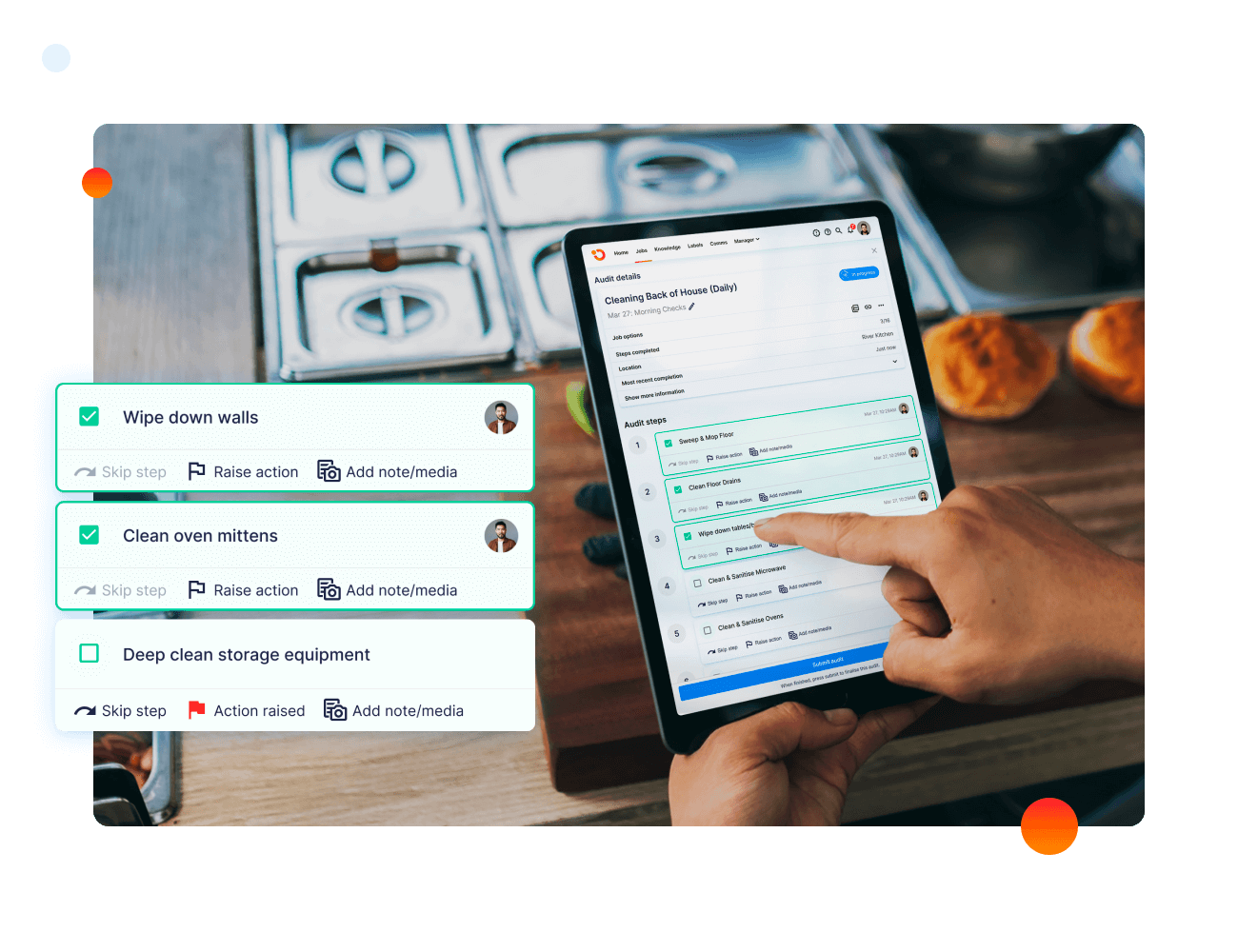
Operandio generates those corrective actions automatically from failed checks and audits. The audit trail covers hygiene standards and brand standards by site and staff member.
Scaling Capabilities
Scaling breaks software in two places. The first is structure: a system built for one kitchen assumes one set of SOPs, one manager, one report. Add sites, and you need content that varies by region or brand, and reporting that rolls up without opening each store.
The second is permissions. Franchisees run their own businesses, so they need their own materials and their own data, without seeing another franchisee’s.
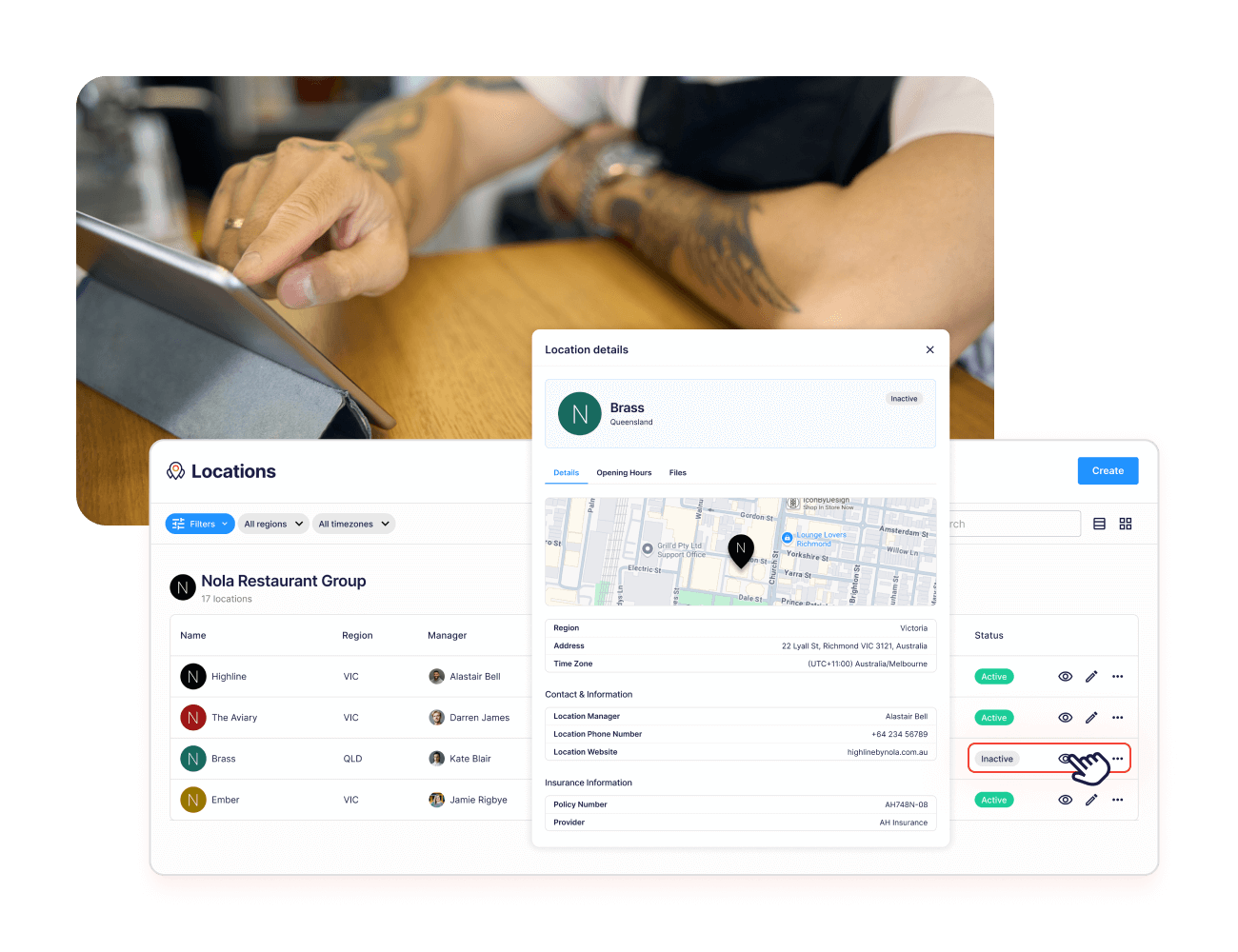
Operandio handles both. Content scopes by role, region, or brand; a network dashboard rolls every site into one view, and Location Launchpad runs the checklist for opening a new site. It’s built for franchise and multi-unit operations, from mid-size groups to enterprise networks.
Staff Training
Training happens on the floor, between covers, on whatever device is nearest. Look for mobile-first delivery, then check what visibility sits above it: who completed which course, who holds which certification, and when those expire.
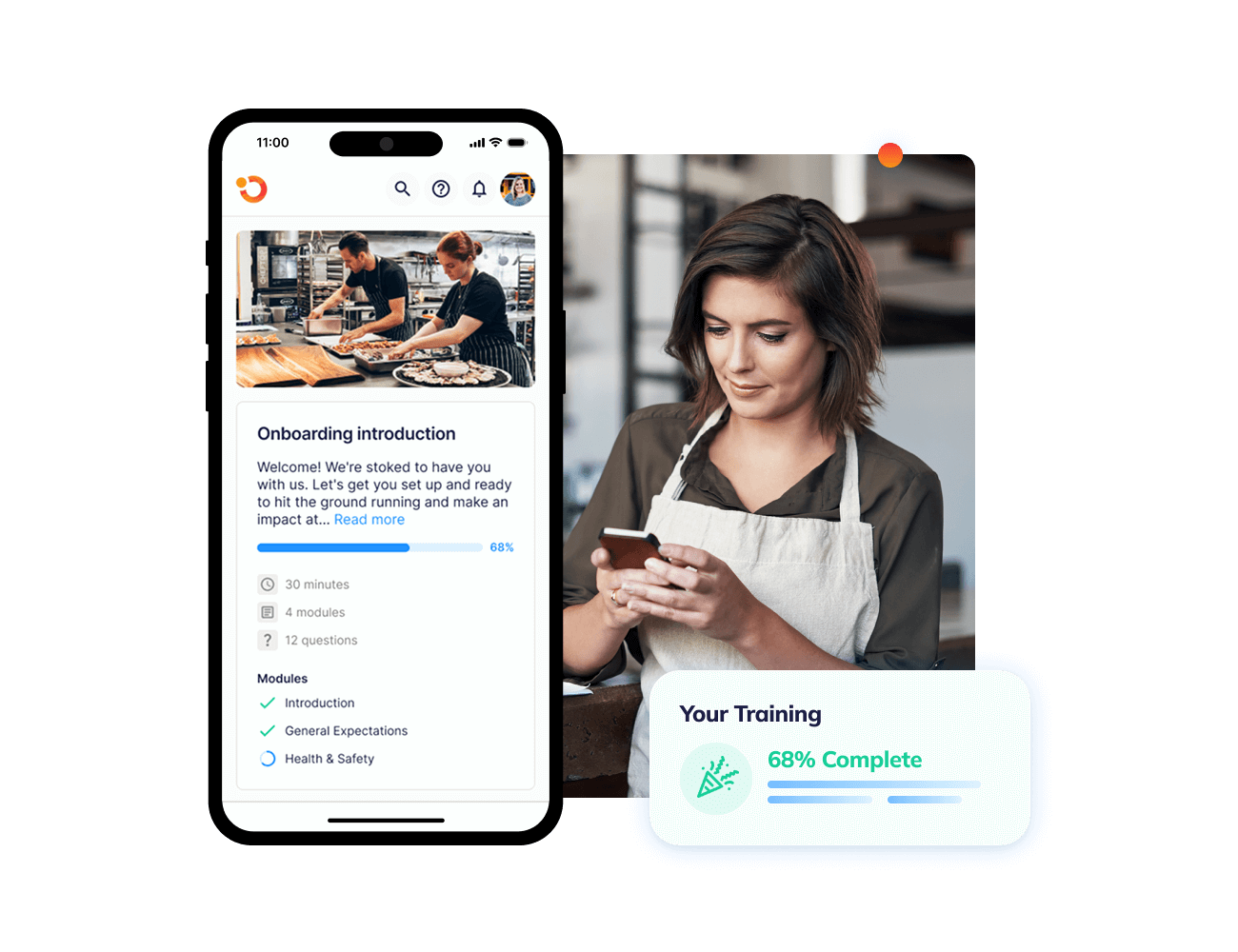
Operandio ships a mobile-first LMS with food safety modules included in the subscription. AI turns existing documents into courses and quizzes, and completion tracking shows by person and location.
Here’s more on Operandio’s AI-powered course builder if you’re ready to start training your kitchen staff today.
Food Safety Coverage
Compliance runs wider than temperature logs. Check for allergen data, prep labelling, cooking and cooling checks, and whether the platform handles incidents and hazards alongside food safety.
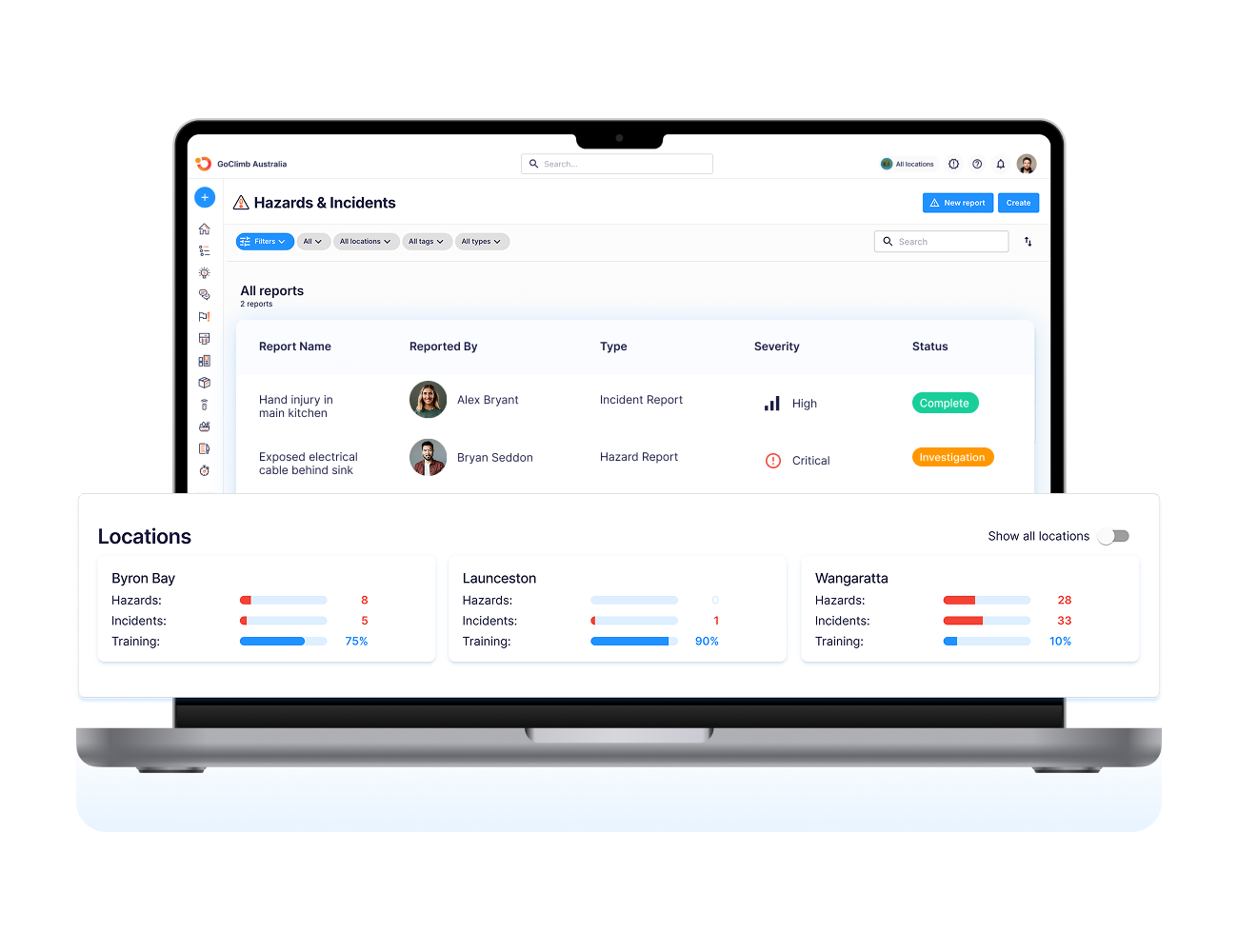
Operandio covers food safety compliance through sensors, Bluetooth probes, prep labels and inspections, with failed checks generating corrective actions automatically. Health and safety management sits in the same platform for incident reporting and risk controls.
Maintain Consistent Food Quality Across Every Location With Operandio
Food quality drifts when the prep list gets skipped, the fridge check gets logged from memory, or a new starter was never shown the spec. Costing platforms won’t catch any of that. They tell you what the kitchen spent, not whether the work happened.
Operandio holds the standard in place. Prep tasks, temperature logs, prep labels, and training run on schedule at every site, and each completion carries a name and a timestamp. Failed checks raise corrective actions automatically.
If food cost is your biggest gap, start with MarketMan or Apicbase instead. If consistency is, book an Operandio demo or explore the operations platform.
FAQs
1. How does kitchen management software work?
It centralizes back-of-house data. Recipes, stock, supplier orders, temperature logs, and daily tasks feed one system, usually syncing with your POS.
2. Is a kitchen display system (KDS) the same as kitchen management software?
No. A KDS routes live orders to prep stations during service. Kitchen management software like Operandio handles inventory, compliance, and daily execution behind it.
3. What is the difference between kitchen management software and restaurant management software?
Scope. Kitchen management covers back-of-house only. Restaurant management adds front-of-house functions like POS, reservations, and payroll.
4. Can kitchen management software replace paper food safety logs?
Yes. Digital records and automated temperature monitoring replace manual checks, giving head office real-time visibility rather than a folder in the back office.