




Key Takeaways
- Policies set the rules; procedures set the steps: A policy states what your restaurant expects. The procedure tells each role how to deliver it on every shift, at every location.
- Six areas cover most restaurants: Health and safety, employee conduct, reservations and seating, payments, alcohol service, and legal requirements.
- Specific, written policies hold up: Vague or verbal-only rules are where compliance slips, and the gap grows with each location you add.
- Enforcement needs a system: Operandio ties each policy to recurring tasks and audits, so area managers can see which locations followed it.
Running a restaurant without clear policies and procedures is like trying to cook without a recipe: things might come together eventually, but not without wasted time, confusion, and a few preventable fires (literal or otherwise!).
This guide breaks down the essential restaurant policies and procedures you need to run a smoother, safer, and more consistent operation. From staff conduct and customer service to food safety compliance, training, and legal compliance, we’ll show you how to set clear standards your team can actually follow, and how tools like Operandio make implementation effortless.
What Are Restaurant Policies and Procedures?
Restaurant policies and procedures are the foundation for consistent, compliant, and high-performing restaurant management.
Policies outline your expectations. They’re the rules and standards that guide decisions and behaviour.
Procedures, on the other hand, explain exactly how tasks should be carried out to meet those expectations.
Together, they turn your goals into daily action, whether that’s delivering great customer service, maintaining food safety, or managing restaurant staff effectively. Without clear policies and procedures, teams are left guessing; which leads to mistakes, inefficiencies, and risk.
6 Types of Restaurant Policies and Procedures
Having the right policies and procedures in place creates consistency, protects your team, and delivers a reliable customer experience. From staff conduct to food safety, these six categories cover the essential systems every restaurant needs to operate smoothly and stay compliant.
1. Health and Safety Procedures
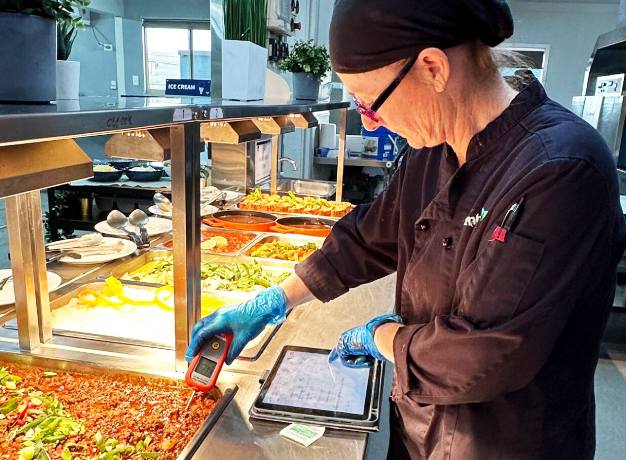
Build health and safety procedures around HACCP (Hazard Analysis Critical Control Point), a system for finding where food safety hazards occur and controlling them at those points.
The Food and Drug Administration’s HACCP guidelines set out seven principles, starting with hazard analysis and ending with record-keeping. Your local rules come from the FDA Food Code, a model code that state and local agencies adopt for their own regulations.
Map your written food safety plan to the version your health department enforces.
Food Safety
Procedures should be in place to ensure that all food served in the restaurant is safe to eat. This includes guidelines for food handling, storage, cooking, and serving.
Staff should be trained on proper food handling practices, such as washing hands frequently, using gloves and hairnets, and ensuring that food is cooked to the appropriate temperature.
Hygiene and Illness Reporting
The restaurant should have policies in place to ensure that staff maintain high levels of personal hygiene. This includes guidelines for hand washing, using clean utensils and equipment, and wearing appropriate clothing. Staff should also be trained on how to recognize and respond to signs of illness.
Cleaning and Sanitizing
Specify what gets cleaned, how often, with which chemical, and who signs off. Your restaurant cleaning procedures should name a task owner for every shift.
Allergen Management
Procedures should be in place to manage allergens and prevent cross-contamination. This includes guidelines for identifying allergens in menu items, handling and storing allergenic ingredients separately, and communicating allergen information to customers.
Emergency Procedures
The restaurant should have procedures in place for responding to emergencies such as fires, floods, or medical emergencies. Staff should be trained on how to respond to different types of emergencies, and it should be regularly reviewed and updated.
Workplace Safety
Procedures should be in place to ensure that the workplace is safe for employees. This includes safety guidelines for lifting heavy objects, using equipment safely, and preventing slips, trips, and falls.
2. Employee Policies and Procedures
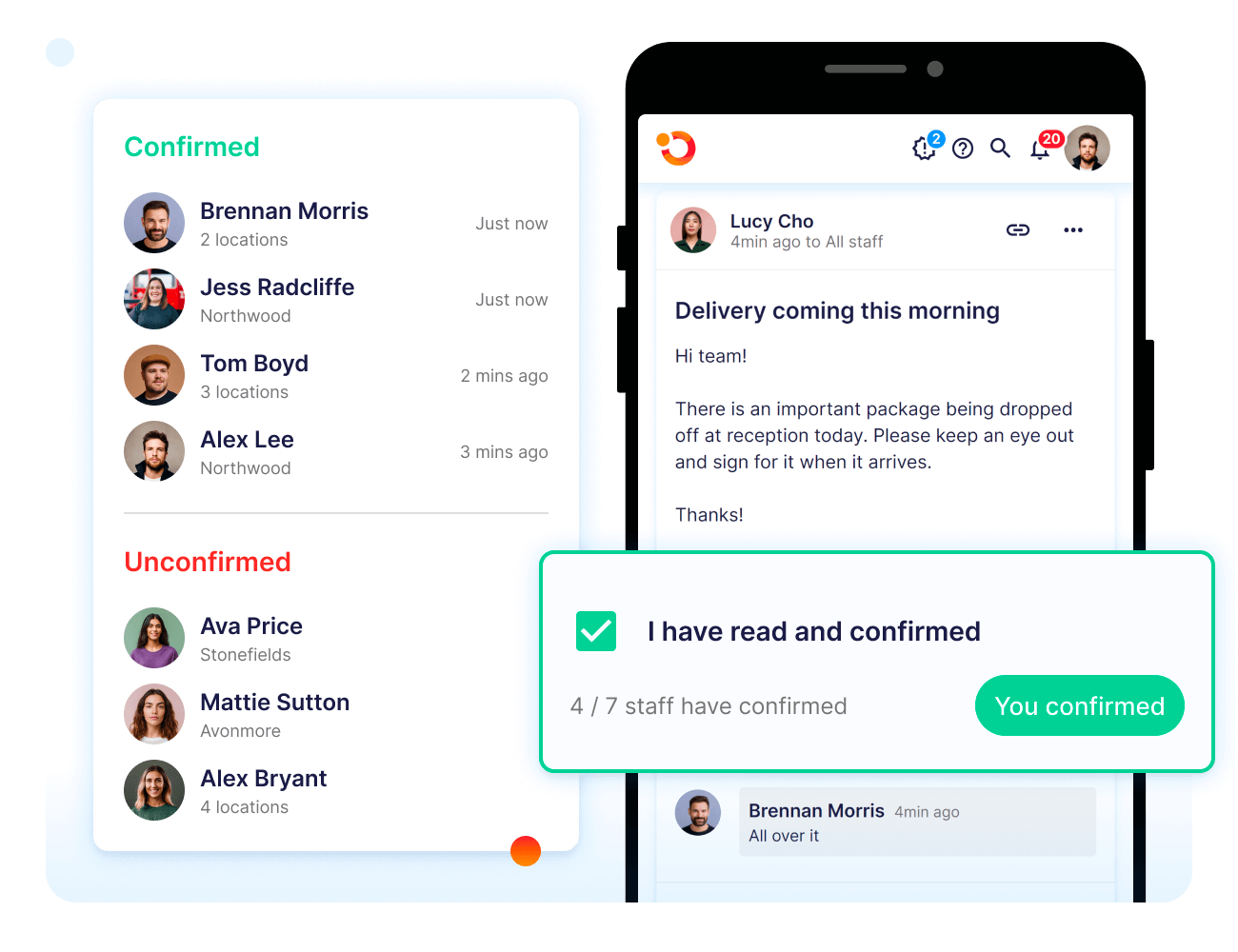
Employee policies set expectations for behavior, communication, and guest service. Most restaurants publish them as a restaurant employee handbook. New hires learn your standards there, and it’s what you point to when a rule gets broken.
A restaurant policy for employees works best when each rule names its consequence.
Dress Code
A dress code policy should outline the appropriate attire for employees, including guidelines for uniforms, hair, and personal grooming. The dress code should be enforced consistently to ensure that all employees present a professional appearance.
Employee Conduct and Discipline
A policy on employee conduct should outline the expectations for behaviour in the workplace, including guidelines for communication, respect, and conflict resolution.
The policy should also outline the consequences for violating the policy, which may include verbal or written warnings, suspension, or termination.
Communication Protocols
A communication policy should outline the appropriate channels for communication in the workplace, including guidelines for email, phone, and in-person communication. The policy should also outline the expectations for timeliness and professionalism in communication.
Customer Service Policies
Customer service policies are critical to ensuring a positive customer experience in a restaurant. These policies provide guidelines for employees on how to interact with customers and handle a variety of situations that may arise. Below are some of the key areas that customer service policies should address:
- Greeting customers: A customer service policy should outline the expectations for how employees should greet customers. This may include guidelines for using a friendly and welcoming tone, making eye contact, and introducing oneself.
- Handling complaints: A policy for handling customer complaints should provide guidelines for how to handle situations where a customer is unhappy with their experience. This may include steps for listening to the customer’s concerns, offering solutions to address the issue, and following up to ensure that the customer is satisfied.
- Accommodating special requests: A policy for accommodating special requests should provide guidelines for how to handle requests for dietary restrictions, special seating arrangements, or other requests that may require special attention. This may include guidelines for how to communicate with the kitchen and other staff to ensure that the request is accommodated.
3. Reservation and Seating Policies

Seating policies protect table turns at peak and set terms guests accept before they book. Seating rules fall under disability law, too. The Justice Department’s Americans with Disabilities Act (ADA) Title III manual calls it a violation to seat guests with visible disabilities in a restaurant’s least desirable areas.
Reservation Policies
Restaurants should establish clear policies for making and cancelling reservations. This may include requiring credit card information for reservations, enforcing cancellation policies to discourage no-shows, and limiting the size of groups that can be accommodated.
Handling No-Shows
To discourage no-shows, restaurants may implement policies such as requiring a deposit or prepayment for reservations, or charging a fee for no-shows. However, it is also important to handle no-shows with empathy and professionalism, as there may be legitimate reasons for a customer not showing up.
Managing Wait Times
Restaurants should have clear policies for managing wait times, such as providing accurate wait time estimates to customers, offering seating options such as a bar or waiting area, and providing updates on wait times.
Many restaurant apps for owners now include built-in tools to manage reservations, track no-shows, and communicate wait times to guests in real time, streamlining the entire front-of-house experience.
Accommodating Large Groups
Restaurants should establish policies for accommodating large groups, such as requiring a deposit or pre-order for large parties, designating a specific area of the restaurant for large groups, and having a point person to coordinate with the group leader.
Having a clear daily opening checklist can help ensure staff is prepared for reservation blocks, large parties, and expected peak times.
4. Payment and Check-Out Procedures
Smooth, secure payment processes leave a lasting impression. These policies help ensure accuracy at the register, prevent fraud, and streamline service for guests and staff alike.
Billing customers
- Ensure that customers receive an accurate and itemised bill.
- This may include policies for handling split checks or adding gratuity to large groups.
Handling cash and credit card payments
- Establish procedures for handling cash and credit card payments, such as reconciling the cash register, balancing the cash drawer, and verifying credit card transactions.
- Using tools to automate restaurant billing and payment processes, such as POS integrations or digital tipping systems, can reduce manual errors, speed up service, and simplify end-of-day reconciliations.
Managing tips
- Implement clear policies for managing tips, such as distributing tips fairly among staff, reporting tips accurately for tax purposes, and ensuring compliance with local laws and regulations.
5. Alcohol Service Policies
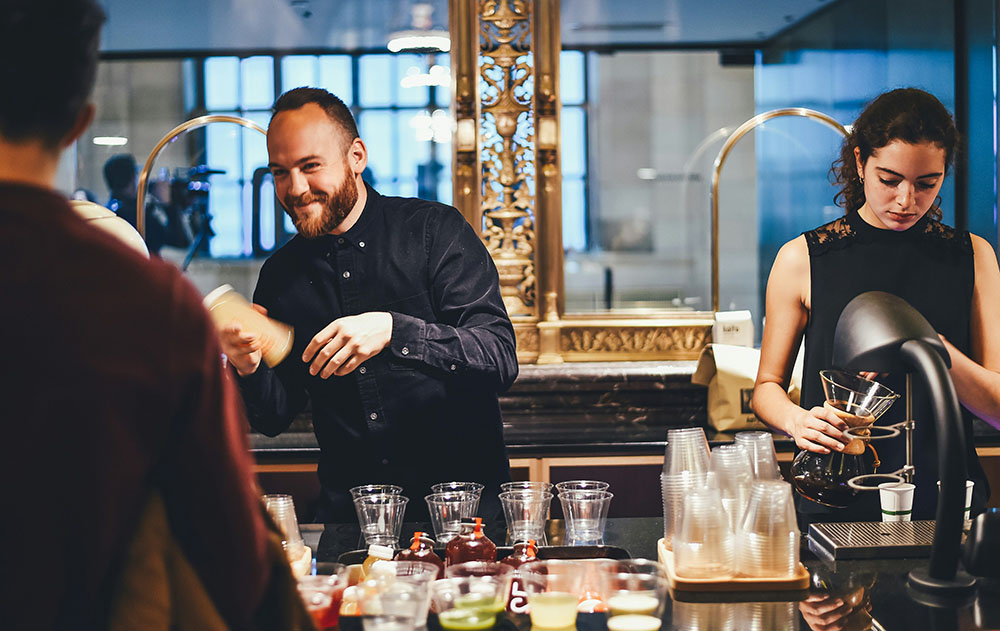
Alcohol policies protect guests, and they protect the license you need to keep serving. Map them to your state’s liquor license requirements and document them as part of your broader restaurant standards.
ID checking
Implement policies and procedures for checking IDs to verify that customers are of legal drinking age. Staff should be trained on how to properly check IDs, what forms of identification are acceptable, and how to handle situations where a customer does not have valid identification.
Monitoring customer behaviour
Train staff to monitor customers for signs of intoxication or impairment, and to stop serving alcohol to customers who appear to be intoxicated. Staff should also be trained on how to handle difficult or confrontational customers.
Limiting alcohol service
Establish policies for limiting alcohol service, such as limiting the number of drinks served per customer, prohibiting shots or doubles, or stopping alcohol service at a certain time.
Offering alternative beverages
Offer a variety of non-alcoholic beverages, such as mocktails, to customers who may not wish to consume alcohol.
Server Training and Compliance
Certify servers through a responsible beverage service program.
According to the National Institute on Alcohol Abuse and Alcoholism’s Alcohol Policy Information System, some states mandate this training. Others reward it with liability insurance discounts or a defense in dram shop lawsuits, in which third parties bring over alcohol served to a minor or intoxicated guest.
6. Legal and Regulatory Requirements
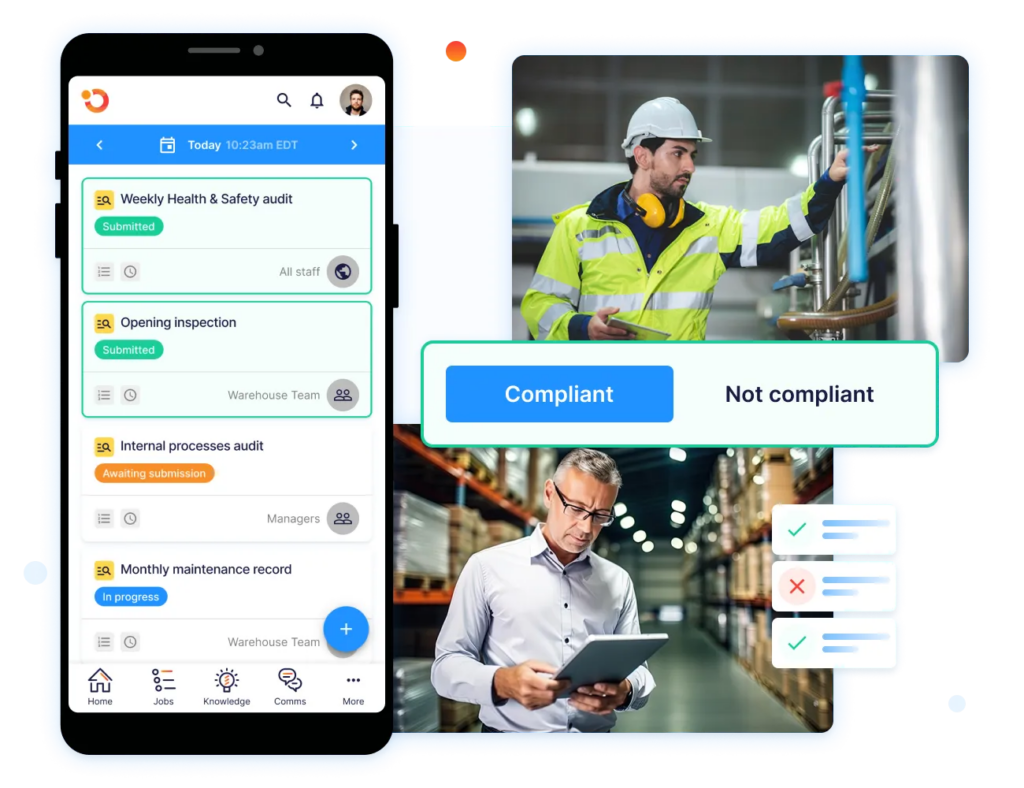
Legal requirements are policies you do not write from scratch. For U.S. restaurants, four rule sets shape most of them. Translate each applicable rule into named responsibilities, records, and review dates, then account for stricter state or local requirements.
Fair Labor Standards Act (FLSA)
The FLSA sets federal minimum wage, overtime, and recordkeeping rules.
Your policy should explain how employees record all hours worked, report timekeeping errors, and receive overtime pay. It should also document tip-credit practices and identify where state or local wage rules exceed the federal baseline.
ADA Title III
Title III of the ADA lists restaurants as public accommodations and requires equal access to their goods and services.
Your policy should cover reasonable modifications, service animals, effective communication, and accessible seating. It should also name who handles accommodation requests so employees do not apply blanket rules that unlawfully exclude guests.
OSHA Workplace Safety Standards
The Occupational Safety and Health Administration’s restaurant safety eTool directs kitchens to machine-guarding requirements and notes federal child-labor restrictions on hazardous equipment.
Your policy should specify who may operate or clean each machine, require guards to remain in place, and prevent employees under 18 from using restricted slicers, grinders, and mixers.
Health Department Licensing
Restaurant oversight is typically handled by state and local agencies, according to the FDA’s 2024 Food Code adoption report. However, adoption varies, and 46 state agencies in 36 states use one of the three most recent editions.
Maintain location-specific policies that identify the enforced edition, required permits, renewal owners, and inspection records.
Operandio’s food safety inspection software can keep that evidence accessible for each location.
Why Are Restaurant Policies and Procedures Important?
In a CDC review of 800 restaurant and retail food outbreaks, about 40% of those with an identified contributing factor involved an ill or infectious worker. The same report cites research linking written policies to smaller outbreaks than verbal ones.
Specific policies give staff a rule they can act on mid-rush, and guests get the same experience at every visit. For multi-unit operators, they hold a standard at sites you can’t visit every week. The completion record shows whether each location met it. Enforcement is also how a food safety culture takes hold, because staff follow the standards that get checked.
Did you know? Only 23% of managers at outbreak establishments said their ill-worker policy listed all five symptoms the FDA Food Code requires workers to report: vomiting, diarrhea, jaundice, sore throat with fever, and a lesion with pus.
Common Mistakes to Avoid When Creating Policies
Even well-meaning procedures can fall flat if they’re unclear, outdated, or poorly implemented. Here are some common pitfalls to watch out for when building or updating your restaurant policies and procedures:
- Vague wording: “Tell a manager if you’re sick” can’t be enforced consistently. Name the symptoms, the exclusion rule, and who approves a return to work.
- Outdated standards: A manual written against an older code edition or last year’s wage rates puts every location out of step at once.
- No frontline input: Procedures written without the people who do the work miss the steps that break under pressure.
- Paper-only access: A binder in the office won’t help a new hire mid-shift. Keep food safety steps in a mobile food safety app staff can open at the station.
- No review cycle: Give every policy an owner and a review date, and revisit it when menus, equipment, or laws change.
- Signing instead of training: A handbook signature proves receipt. Understanding comes from pairing each policy with a module in your restaurant training manual, and franchisors should build that into the franchise onboarding process.
- Thin storage and allergen rules: These get skipped because they feel obvious. A walk-in cooler storage chart posted at the door settles most arguments.
- No proof of completion: A procedure with no record looks the same to an inspector as one that never happened.
Tools to Implement Restaurant Policies and Procedures
Software closes the gap between a written procedure and proof it happened. The three tools below start from different places. Match that starting point to your biggest policy risk, whether it’s your food safety management system or brand audits across franchise stores.
| Tool | Best for | Key strength | Where it falls short |
|---|---|---|---|
| Operandio | Multi-unit and franchise groups, including mixed-format portfolios | Policy library, tasks, AI-powered training, and audits on one platform | More scope than a single site needs |
| Jolt (SmartSense by Digi) | Restaurants prioritizing food safety and shift execution | Restaurant-specific tasks, temperature records, labelling, and workforce tools | Operators needing broader franchise and learning workflows should compare the full product scope |
| Crunchtime Ops Execution (formerly Zenput) | Restaurant and convenience brands managing execution across locations | Store tasks, audits, food safety checks, maintenance requests, and network visibility | Franchise recruitment, location launches, and broader learning may require adjacent systems |
1. Operandio: Best for Multi-Unit Restaurants and Franchises Standardizing Policy Execution
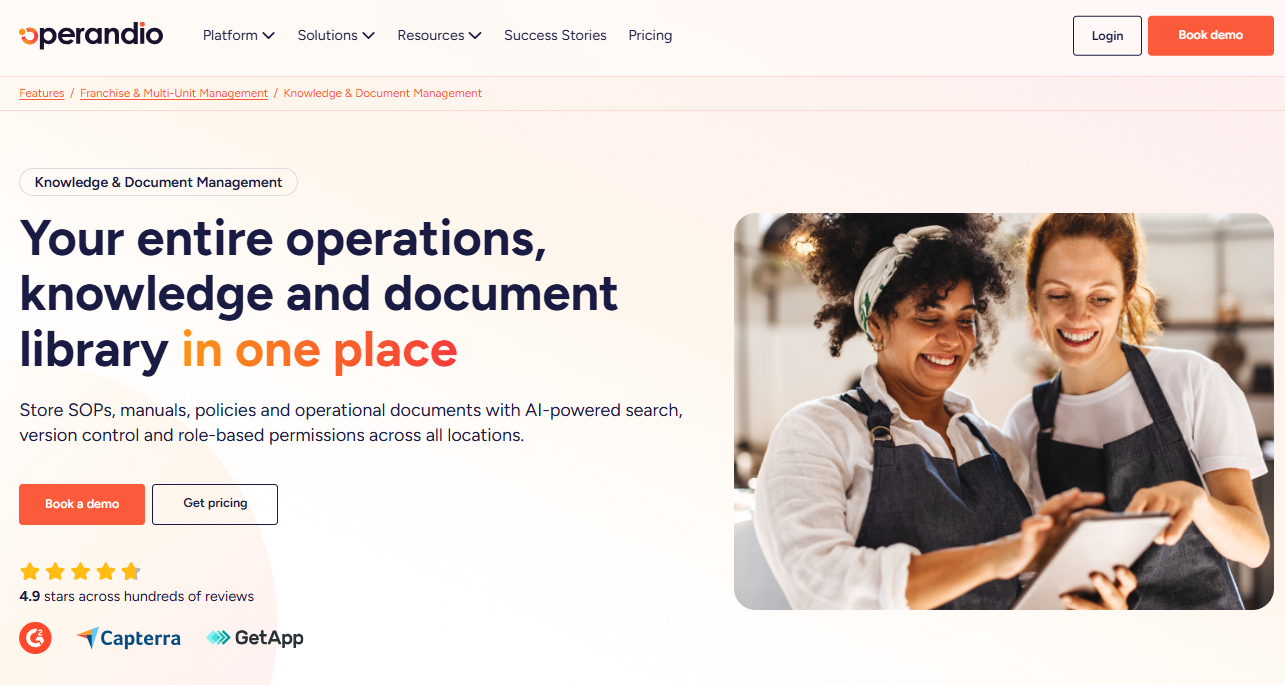
Operandio is AI-powered restaurant management software for multi-unit and franchise brands. It gives the head office one enterprise frontline management and training system for controlling how policies move from approved documents into day-to-day practice.
Operandio Key Features
- Knowledge & Document Management: Store your policy manual, standard operating procedures (SOPs), and brand guidelines with version control, so each location sees only the latest approved version. Role-based permissions keep manager-only policies restricted.
- Task Management & Checklists: Turn each procedure into recurring tasks scheduled by shift, with completion tracked per location.
- AI Course Builder: Build training modules with AI and deliver them through Operandio’s mobile-first learning management system (LMS), so staff train on the policies they’re expected to follow.
- Inspections & Audits: Audit each site against your written standards, and route failed items into Corrective Actions assigned to the person responsible.
Where Operandio Shines
- Remote visibility: Brand-wide rankings and audit histories show which locations are drifting, so field teams coach where it’s needed.
- One codebase: Operations, food safety, LMS, and multi-unit modules are built in-house on a single platform, so an updated policy isn’t re-entered across separate tools.
- Launch-ready standards: Location LaunchPad automates opening workflows, so a new site starts on your current manual.
Where Operandio Falls Short
- Pricing takes a conversation: Pricing is modular, based on locations or users plus the modules you choose, and requires a quote. Operandio offers a pilot rather than a free trial.
- More platform than one site needs: A single café that only wants opening and closing lists won’t use most modules.
Operandio Customer Reviews
Operandio holds a 4.9 out of 5 rating across 22 Capterra reviews.
Morgane M calls Operandio: “Great Help for Streamlined Operations”.
Super Chix, a quick-service brand with 60+ US locations, moved time-and-temperature logs and food labels into Operandio and reports improved health department scores. Lance Nebeker, Assistant Director of Operations, says remote data “gives our managers a lot more time to do their tasks instead of micromanaging the team.”
Who Operandio Is Best For
- Multi-unit restaurant groups: Best where one policy has to hold across many sites and shifts.
- Franchisors: Best for brands carrying standards from franchisee selection through opening day.
- Operators replacing paper logs: Best for groups moving temperature logs, labels, and audits off paper at every site.
2. Jolt: Best for Food Safety Procedures and Shift Execution
Jolt is restaurant operations software delivered through SmartSense ONE. It fits teams whose procedures depend heavily on kitchen conditions, time-sensitive food-safety controls, and consistent execution during each shift.
Jolt Key Features
- Jolt Lists: Task lists with built-in accountability features for opening, closing, and shift routines.
- Sensors and probes: Remote temperature monitoring that alerts staff when readings leave range, plus digital probe logs.
- Scheduling and time clock: Drag-and-drop crew scheduling and remote tracking of clock-ins.
- Information Library: A central hub for training material and store content.
Where Jolt Shines
- Kitchen-floor coverage: Jolt’s labeling system brings policy execution into food preparation itself. Teams can produce consistent date-code labels without relying on handwriting or asking each location to maintain its own label formats.
- Connected equipment response: SmartSense ONE can place monitoring and service workflows around the same assets. When the relevant modules are included, restaurants can move from an equipment alert to investigation and maintenance without keeping a separate manual record.
Where Jolt Falls Short
- Training depth: Training runs through the Information Library, a content hub. If you need course pathways, certificates, or practical skill sign-offs, confirm scope in a demo.
- Product transition: Jolt is being unified with SmartSense’s platform under SmartSense ONE, so check which modules and apps a new contract covers.
Jolt Customer Reviews
“What I liked most about Jolt is how it streamlines operations with easy-to-use scheduling, task management, and accountability tools, helping teams stay organized and efficient in real time.” Nikki C.
A G2 reviewer shares, “Customer service is poor. I signed trusting that their food prep labeling service would work— it doesn’t.”
Who Jolt Is Best For
- Teams combining workforce and kitchen tools: Operators that want scheduling, time tracking, operational lists, temperature hardware, and labeling from the same vendor rather than a full enterprise LMS and franchise-management platform.
For a wider comparison, see the Jolt alternatives roundup.
3. Crunchtime Ops Execution: Best for Audit-Led Execution Across Large Restaurant Networks
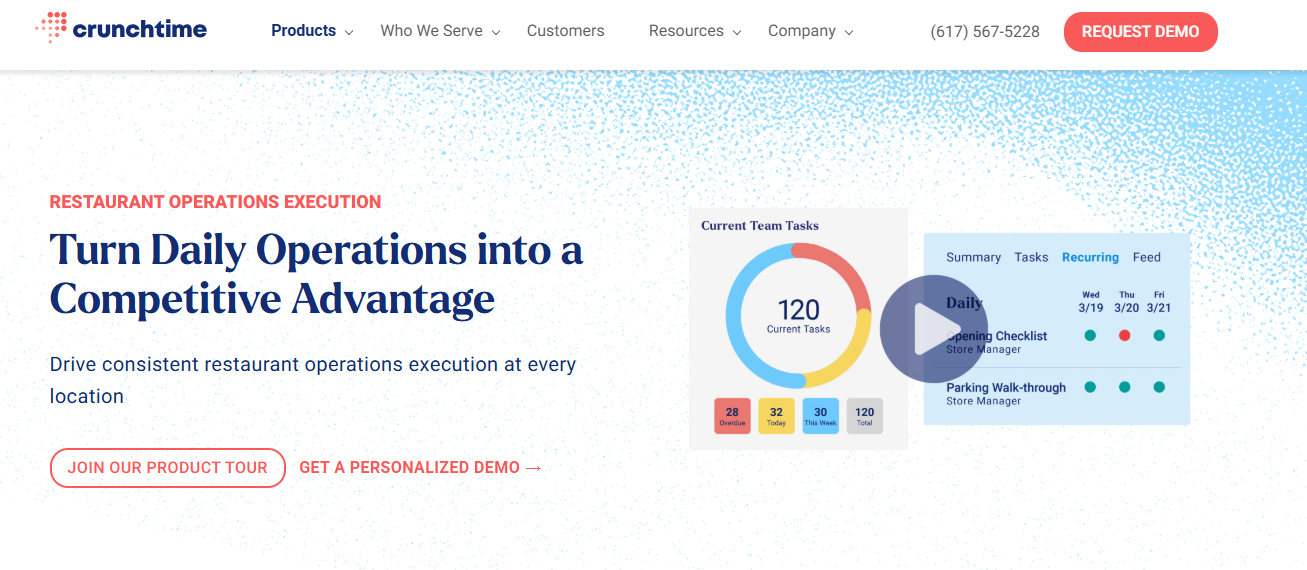
Crunchtime Ops Execution, formerly Zenput, is operations execution software for restaurant and convenience brands that need corporate standards applied consistently across complex location networks.
Crunchtime Ops Execution Key Features
- Task and audit automation: Line checks, opening checklists, audits, and food safety processes, with incomplete work flagged for follow-up.
- Food safety hardware: Bluetooth temperature probes, automatic temperature monitoring, and food labeling.
- AI photo validation: Flags submitted photos that are blurry, show the wrong thing, or miss brand standards.
- Location attributes: Assign projects by store traits such as a drive-thru or patio.
Where Crunchtime Ops Execution Shines
- Franchise hierarchies: The platform supports multi-brand and franchised structures, allowing corporate teams to distribute standard procedures while retaining the location and hierarchy controls needed by individual franchise groups.
- Regulator-ready Records: Operational leaders can retrieve location records for selected dates, including completed work and audit histories. That makes it easier to show a health department or another third party what was checked and when.
Where Crunchtime Ops Execution Falls Short
- Training sold separately: Learning and development, scheduling, and inventory are separate Crunchtime products, so policy training sits outside Ops Execution unless you buy both.
- Two-vertical focus: Crunchtime positions Ops Execution for restaurants and convenience stores, which narrows fit for groups that also run hotels or entertainment venues.
For cost context, see our Zenput pricing breakdown.
Crunchtime Ops Execution Customer Reviews
“The platform has added new feature that makes completing tasks easier and with less back-office time, that allows managers to be more present on the floor and less time in an office.” Coleton V.
“The cost is still a bit much per user, so we still have a shared account for each location. Also, it has been down a lot lately.” Jason M.
Who Crunchtime Ops Execution Is Best For
- Brands already using Crunchtime for inventory or labor, and franchise systems pushing corporate SOPs to franchisee stores.
Simplify Restaurant Policies and Procedures With Operandio
Restaurant success doesn’t just come down to great food. It comes down to repeatable systems. When your team knows exactly what’s expected and how to follow through, you create consistency, reduce risk, and improve the overall guest experience.
From digital SOPs to health and safety inspection software, Operandio gives you the tools to turn your policies into action: across every shift, every site, and every team member.
Ready to make restaurant operations management easier? Book your free demo and start building a smarter, safer operation today.
FAQs
Is a Restaurant Policies and Procedures PDF Enough?
No. A PDF documents the rules, but it can’t assign tasks, track completion, or show which location missed a step.
Can One Policy Manual Cover Multiple Locations?
Yes. Keep one core manual for brand standards, then add location addenda for state wage rules, local health codes, and permits.
Should Restaurant Policies Be Translated for Staff?
Yes, if your team speaks more than one language. OSHA says workers have the right to safety training in a language they understand.
What’s the Difference Between an Employee Handbook and a Policy Manual?
Scope. A handbook covers employment terms and conduct. A policy and procedure manual adds operational steps like cleaning, cash handling, and food safety.
Do Restaurant Policies Need Legal Review?
Yes, for employment policies. Have an employment attorney check discipline, tip, and leave policies against your state’s laws before rollout.